
 142 4269
 142 4265
 142 4266
 142 4267
 142 4263
 142 4264
 142 4261
 142 4262
 142 4260
 142 4259
 142 4258
 142 4257
 142 4256
 142 4255
 142 4254
 142 4253
 142 4252
 142 4251
 142 4250
 142 4249
 142 4248
 142 4247
 142 4246
 142 4245
 142 4244
 142 4242
 142 4243
 142 4239
 142 4240
 142 4241
 142 4236
 142 4237
 142 4238
 142 4235
 142 4232
 142 4233
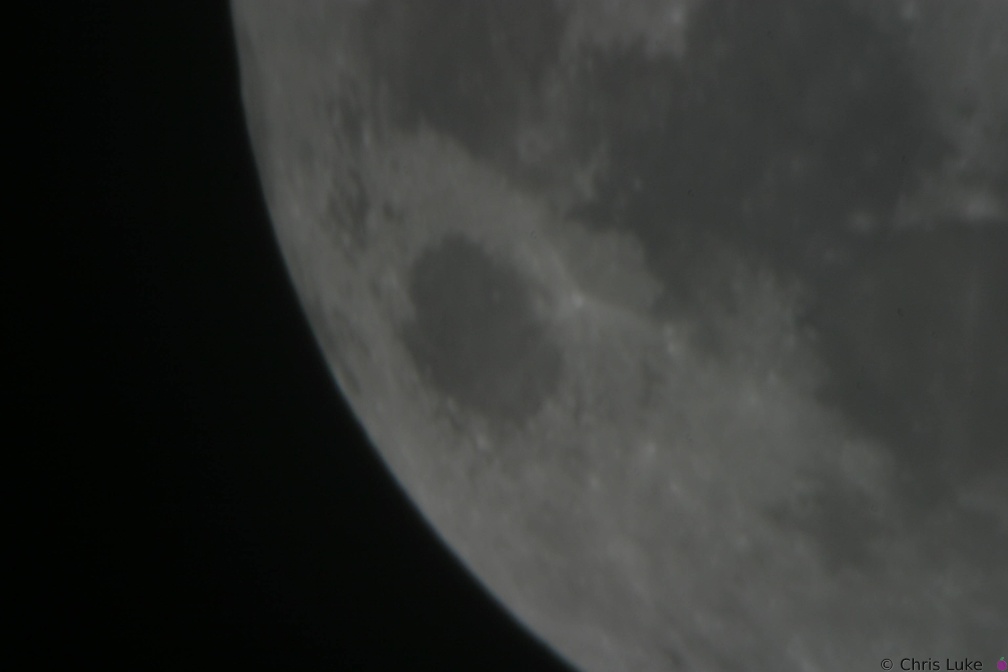 142 4234
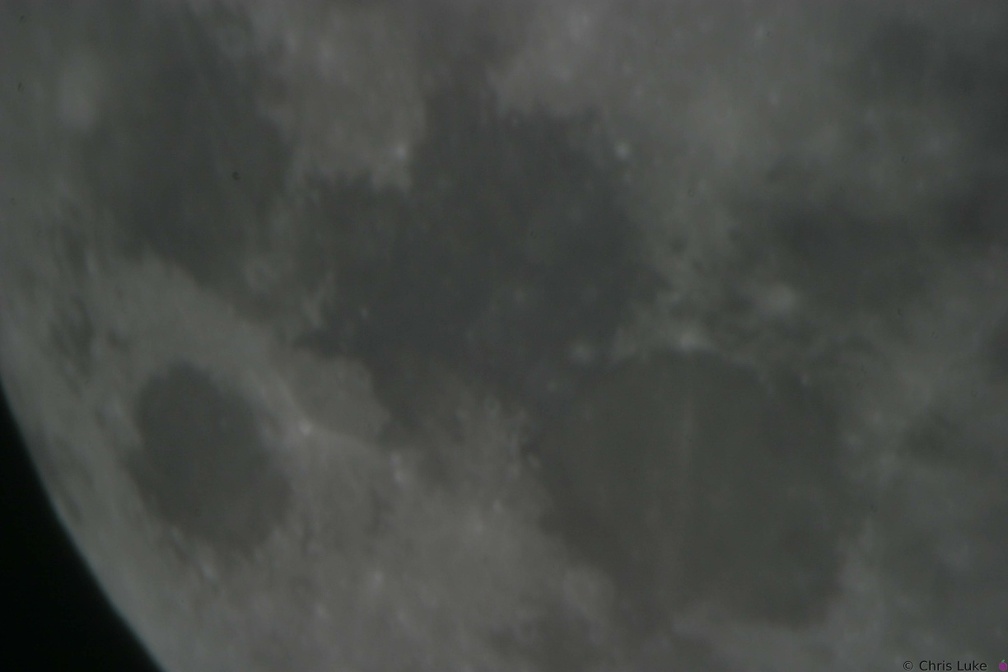 142 4231
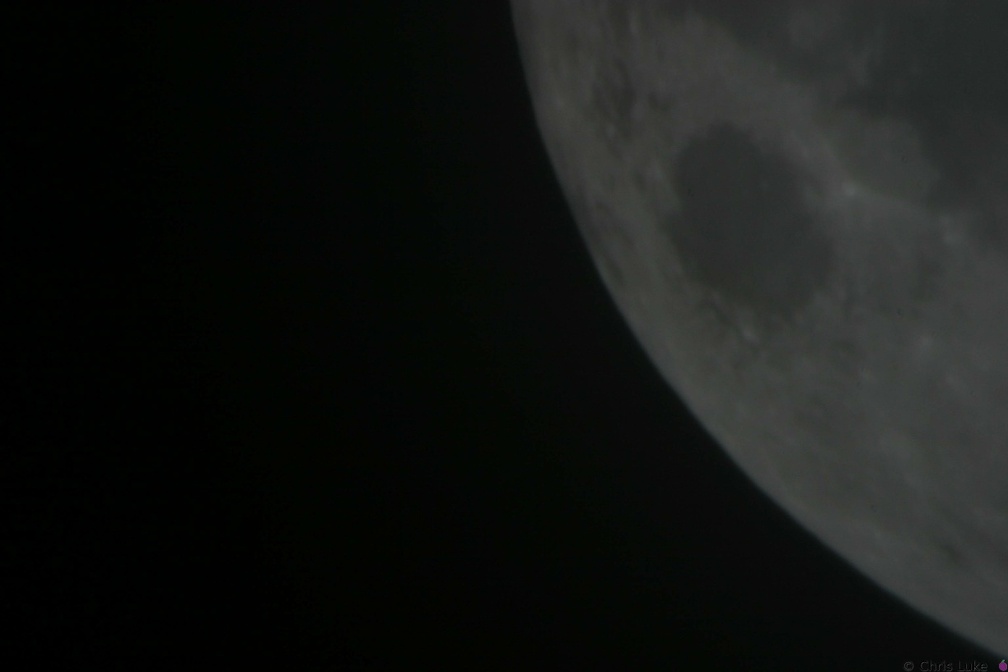 142 4229
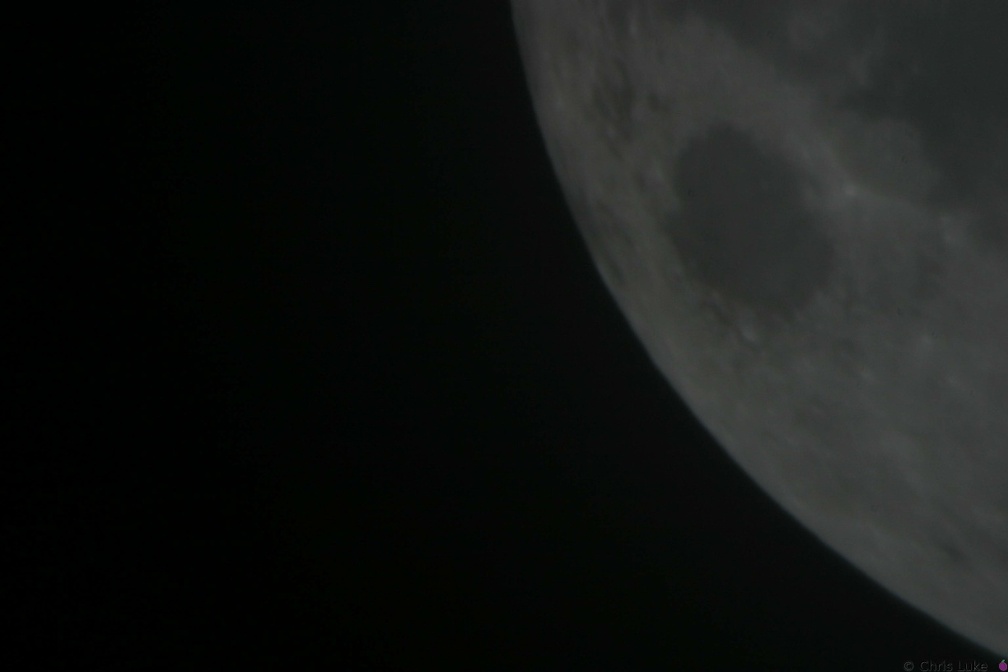 142 4230
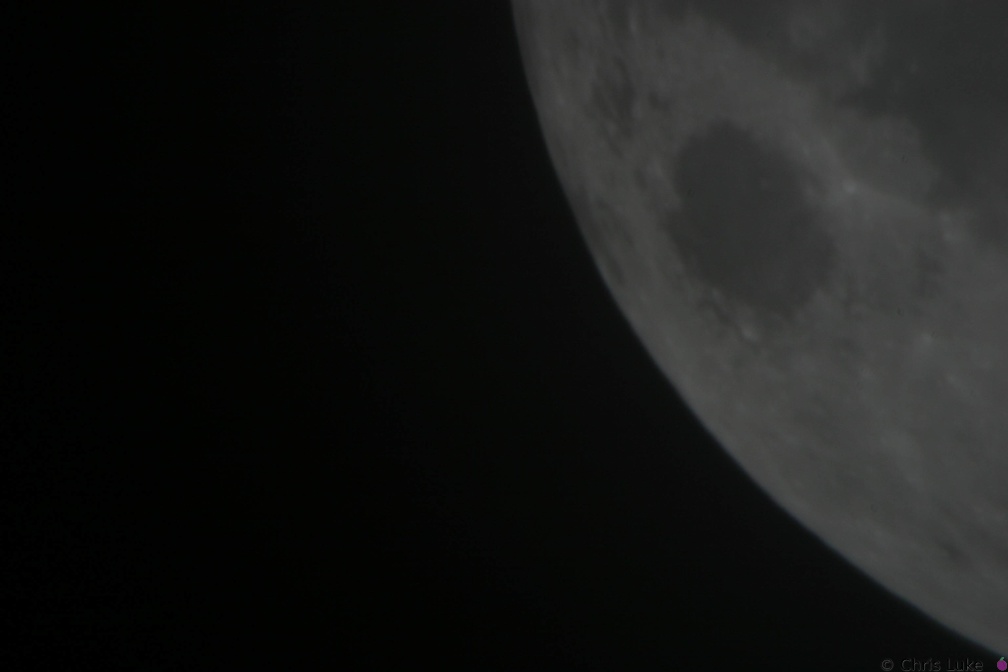 142 4226
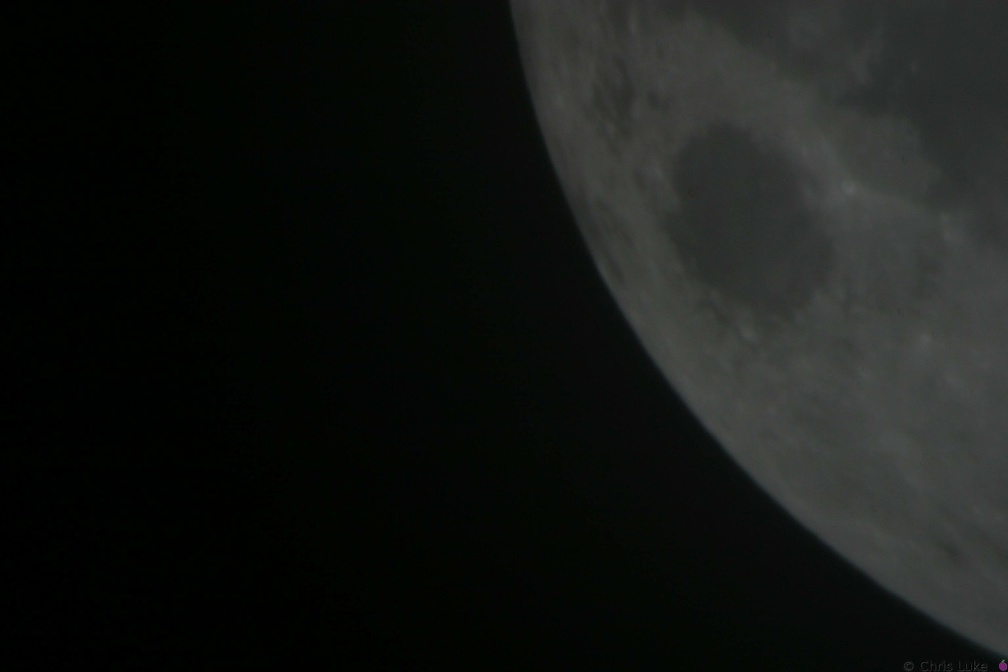 142 4227
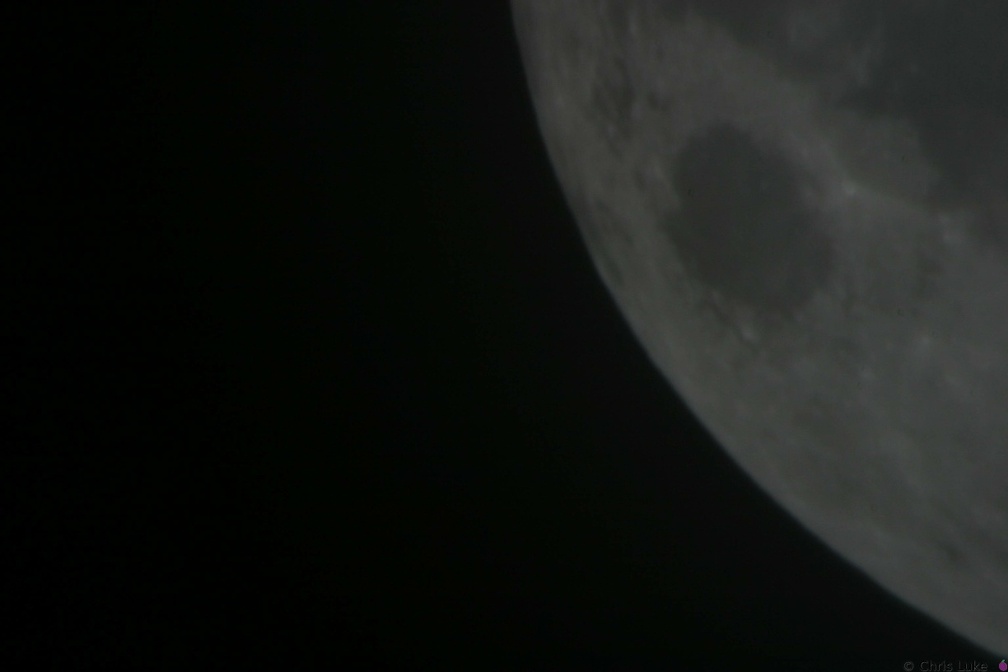 142 4228
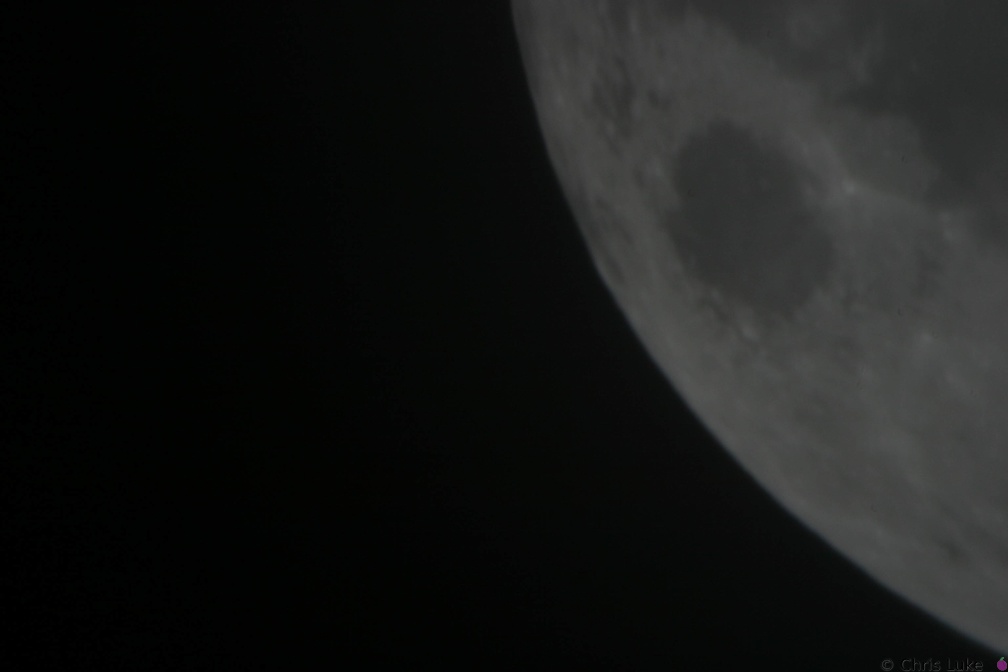 142 4223
 142 4224
 142 4225
 142 4222
 142 4221
 142 4220
 142 4219
 142 4218
 142 4217
 142 4216
 142 4215
 142 4214
 142 4213
 142 4212
 142 4211
 142 4210
 142 4209
 142 4208
 142 4207
 142 4206
 142 4205
 142 4204
 142 4203
 142 4202
 142 4201
 141 4200
 141 4199
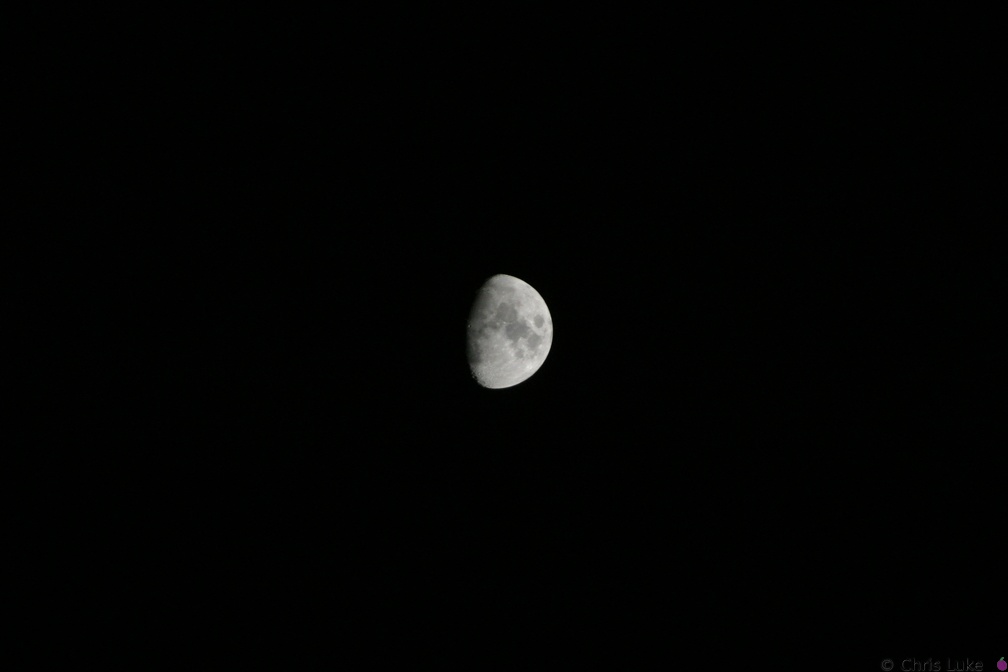 140 4033
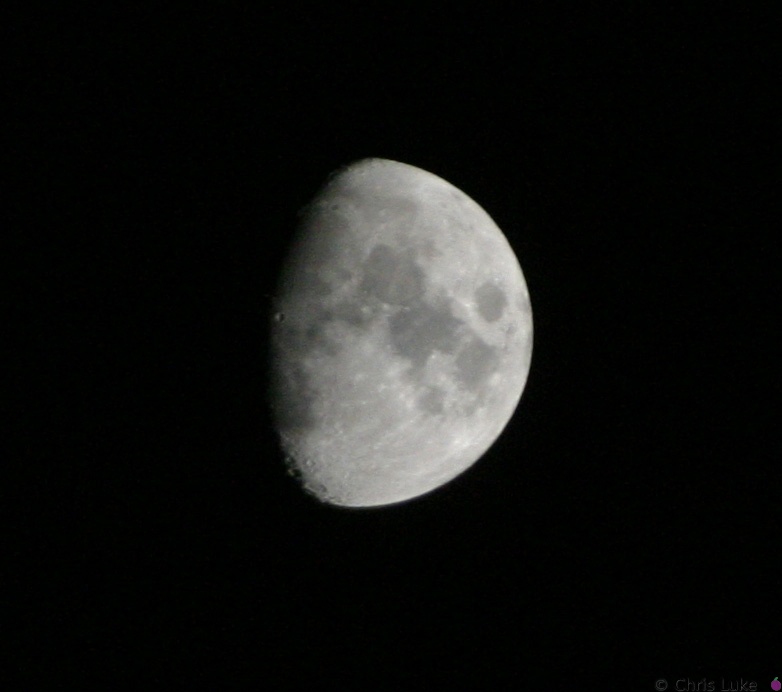 140 4033 crop
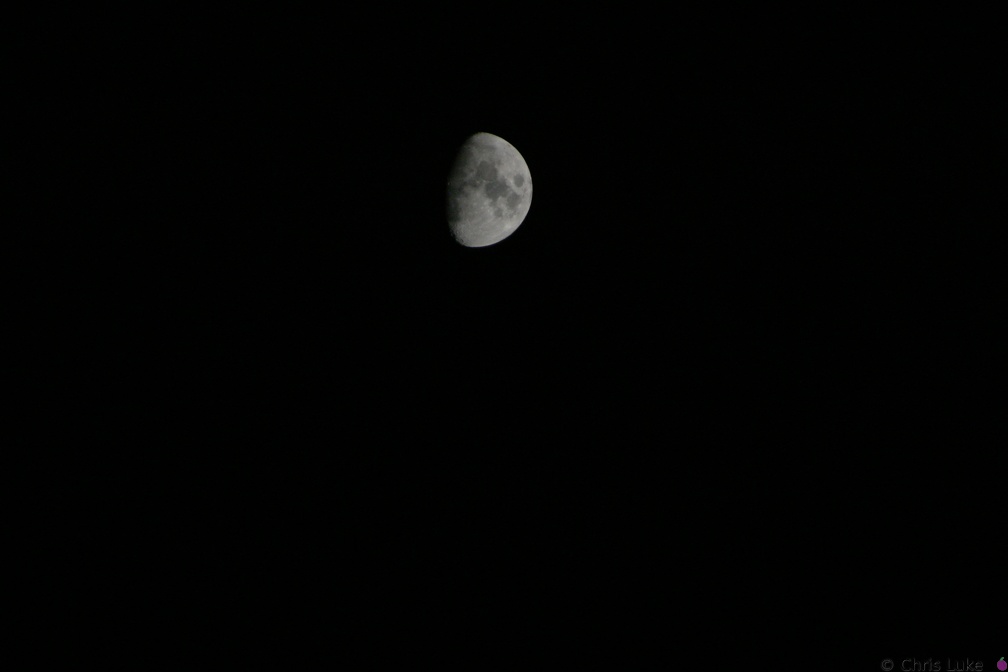 140 4032
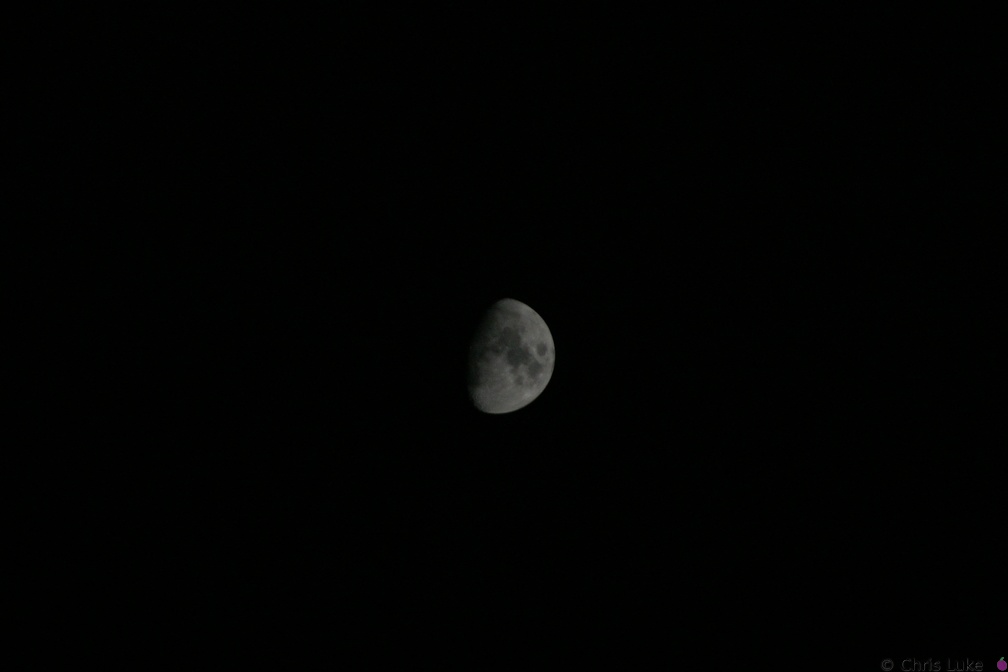 140 4031
 140 4030
 140 4029
 140 4022
 140 4021
 140 4007
 140 4006
 140 4005
 140 4002
 119 1939
 119 1937
 119 1933
 115 1505
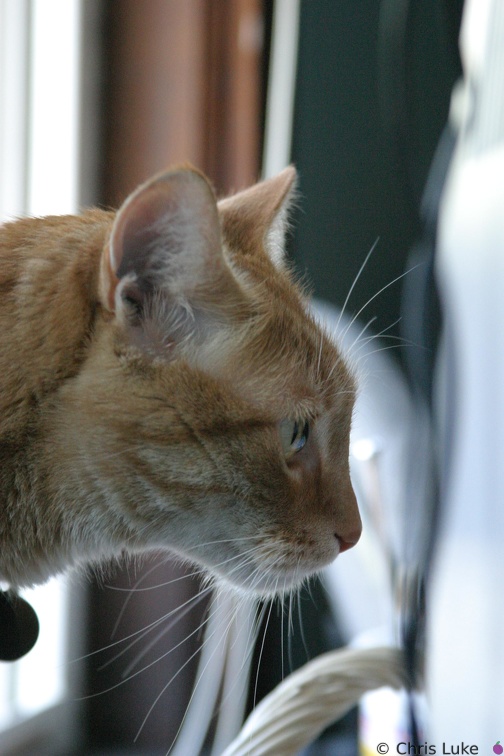 115 1503
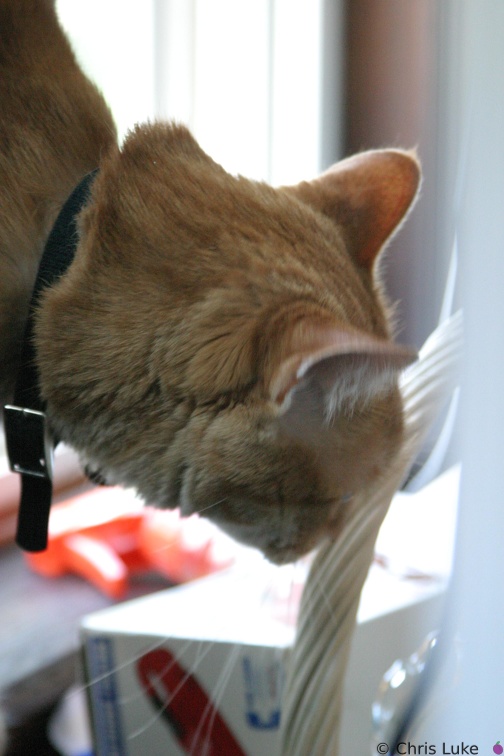 115 1502
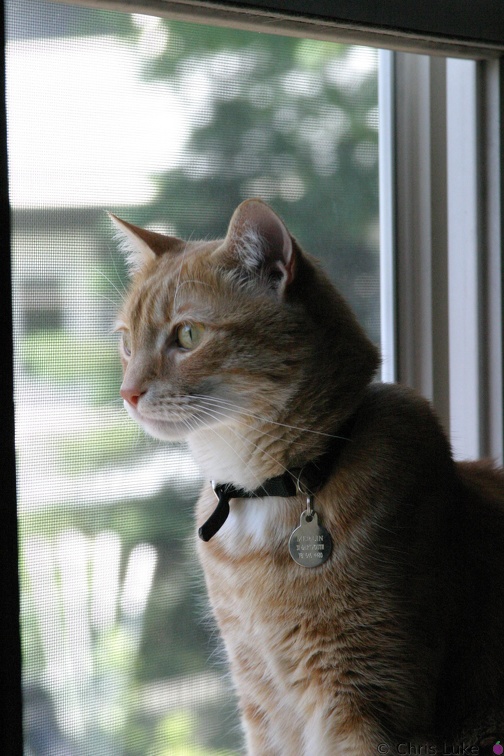 114 1500
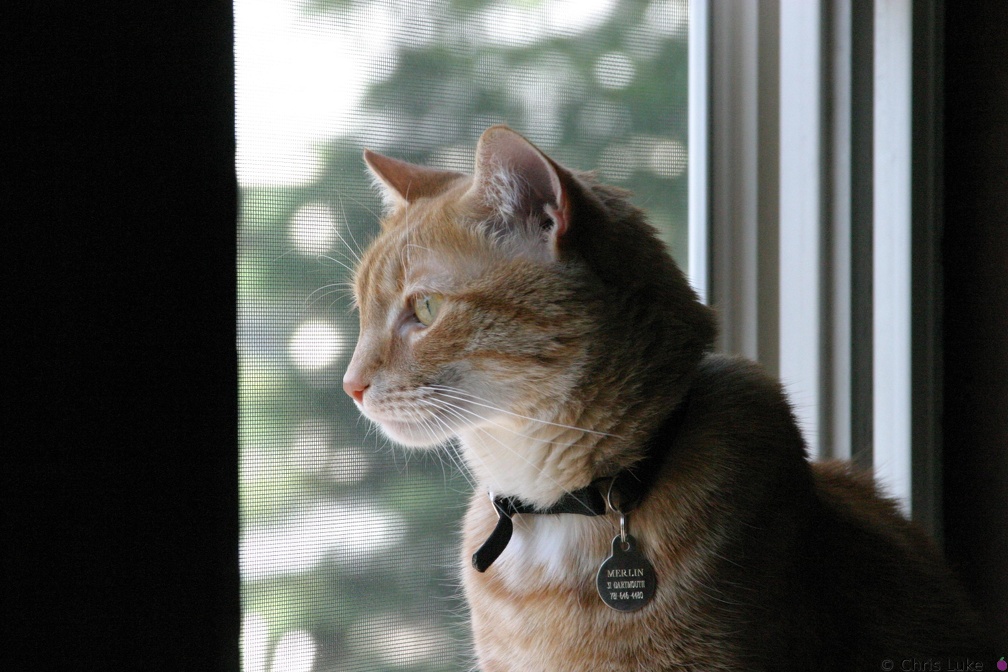 114 1499
 114 1496
 114 1495
 114 1494
 114 1493
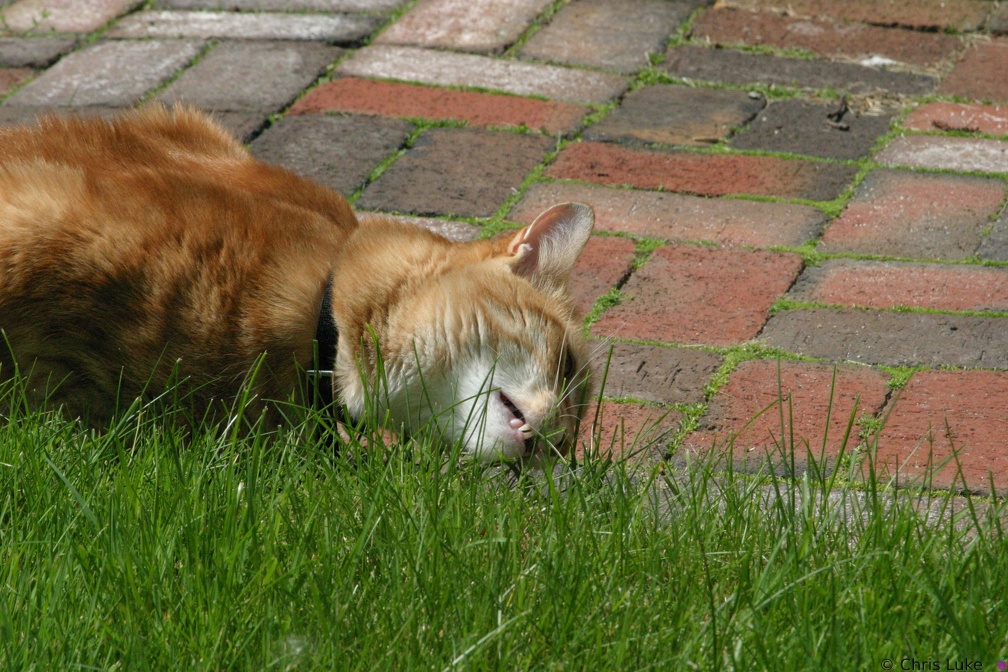 114 1492
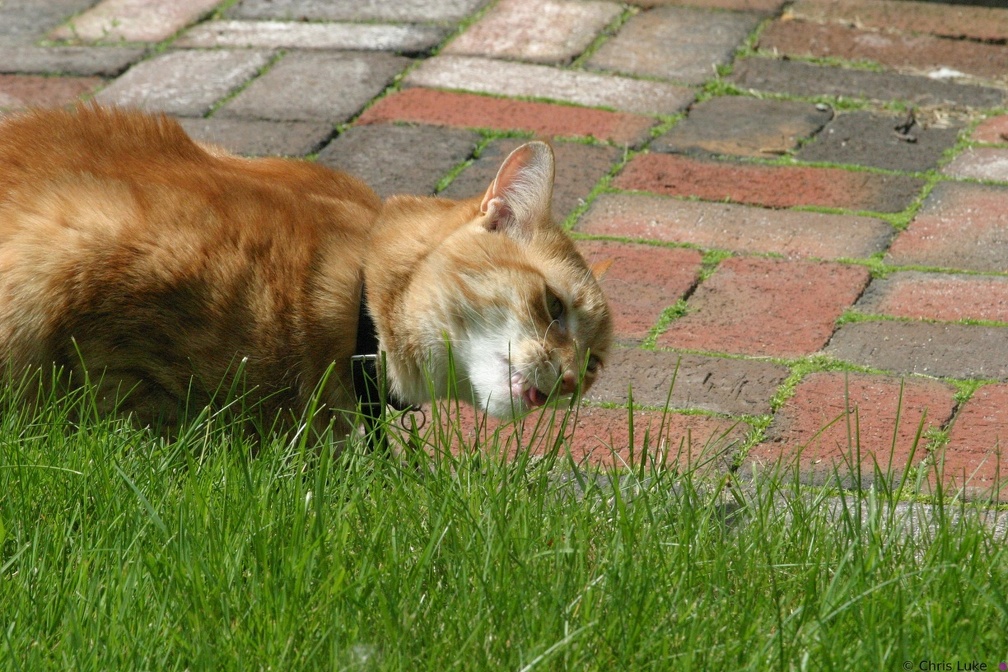 114 1491
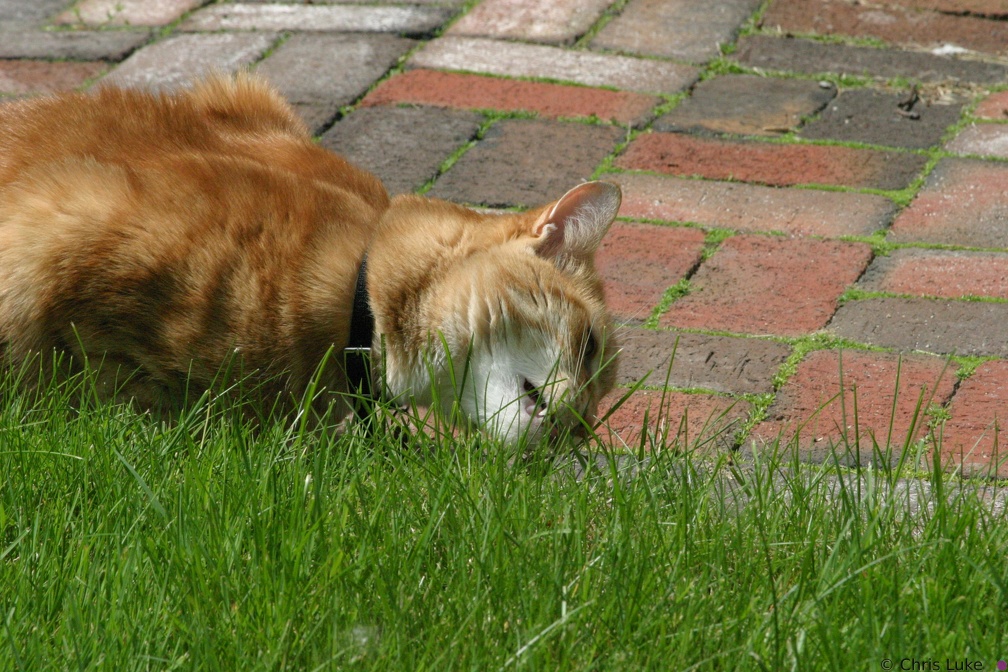 114 1490
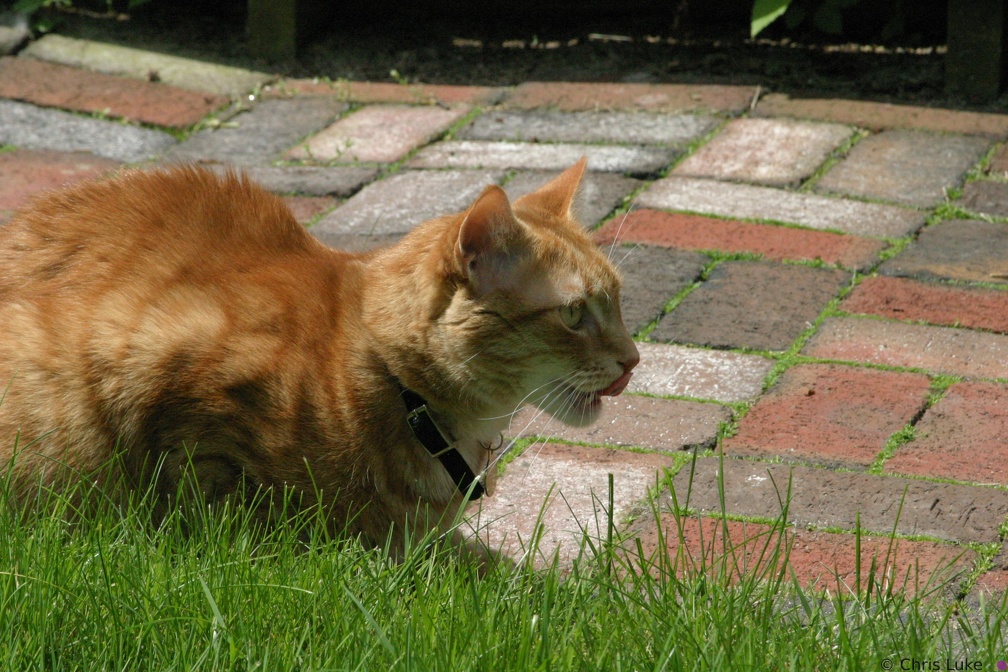 114 1489
 114 1488
 114 1487
 114 1486
 DSC00635
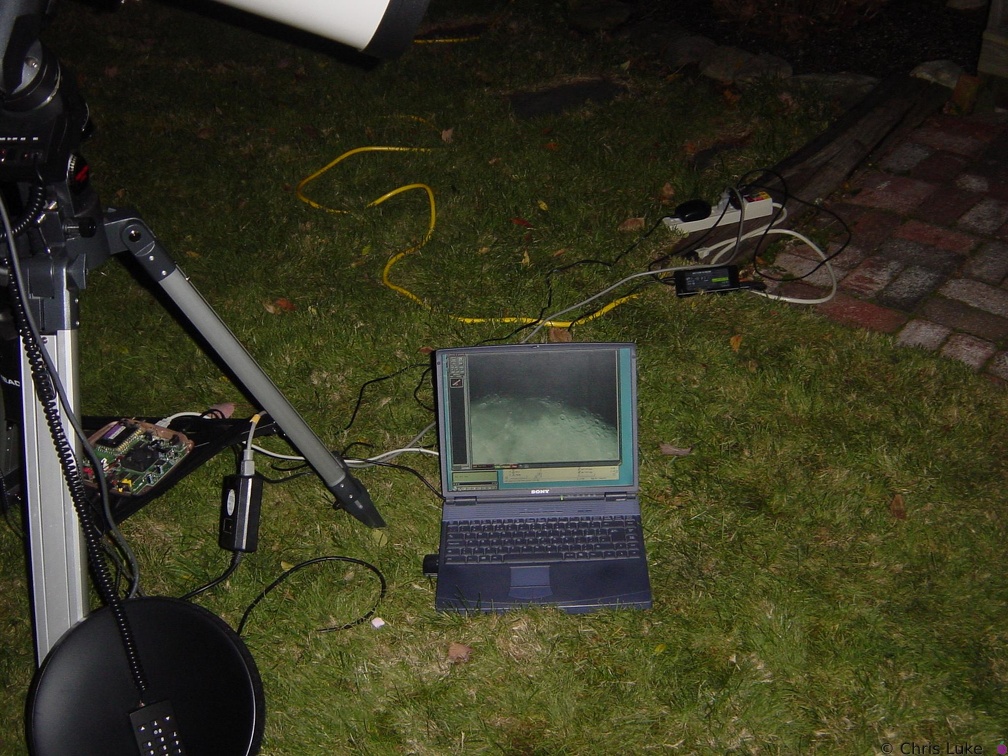
Laptop and stuff 2002-11-23 Again, notice the image of the Moon.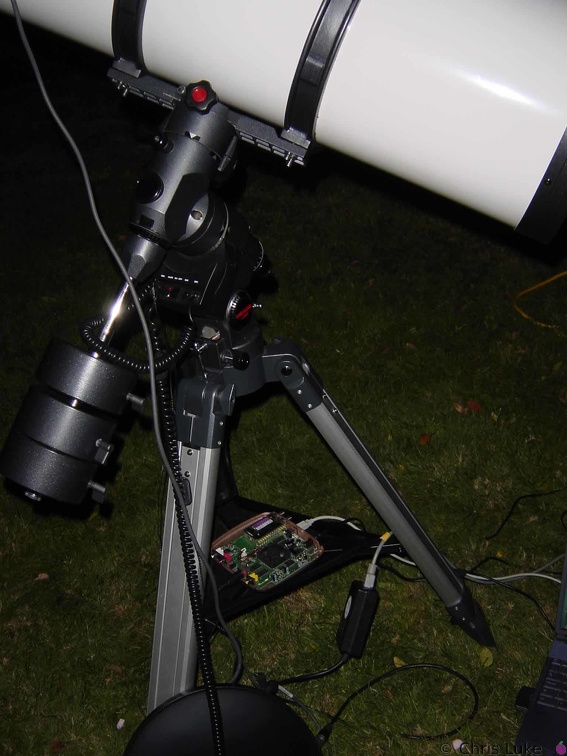 DSC00634
Gubbins under the 'scope, 2002-11-23 The Hauupage MPEG2 encoder (lid off, the fan was to noisy so it's disconnected) and other bits and pieces.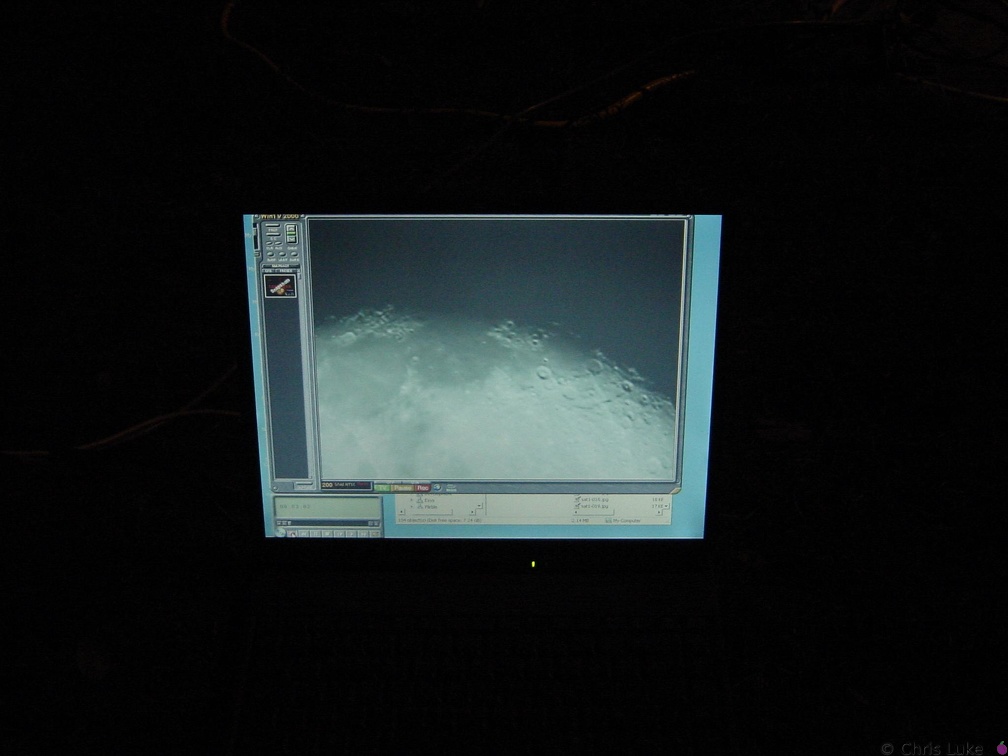 DSC00632
The Moon on my laptop 2002-11-23 This was a live image of the Moon, at the time.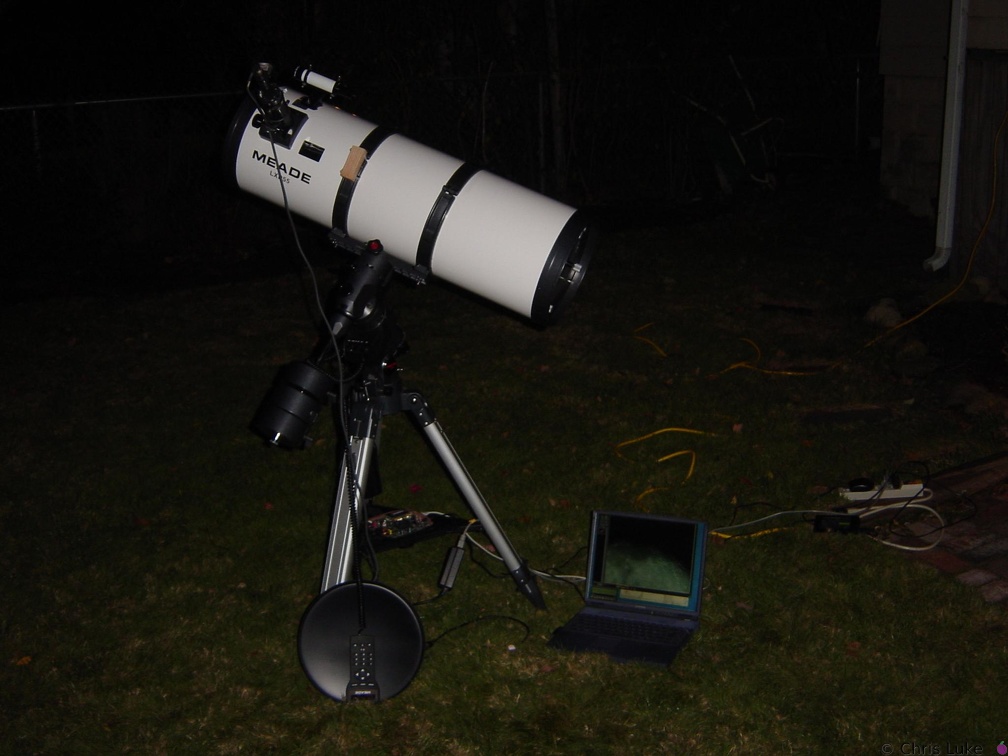 DSC00631
The Meade 10" and my laptop 2002-11-23 Notice the image of the Moon on the laptop screen and the XC-999 in the focuser..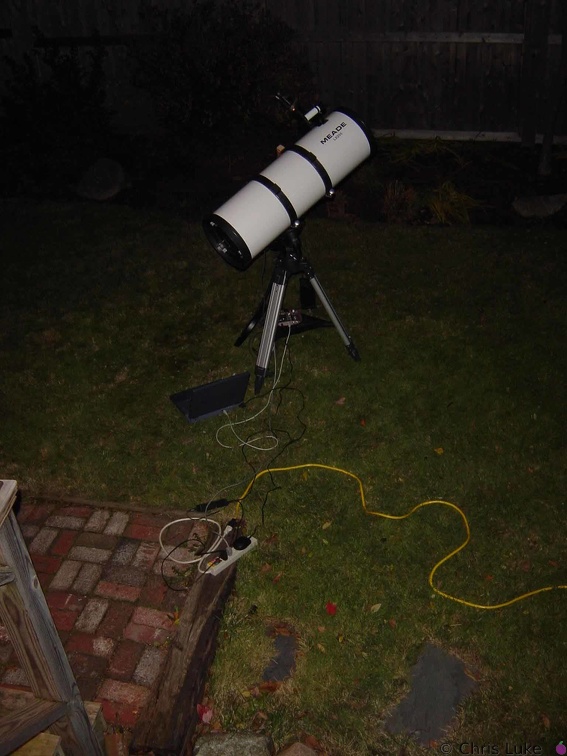 DSC00629
The meade 10" and gubbins 2002-11-23 The cables and stuff - it was a cold 0°C that night.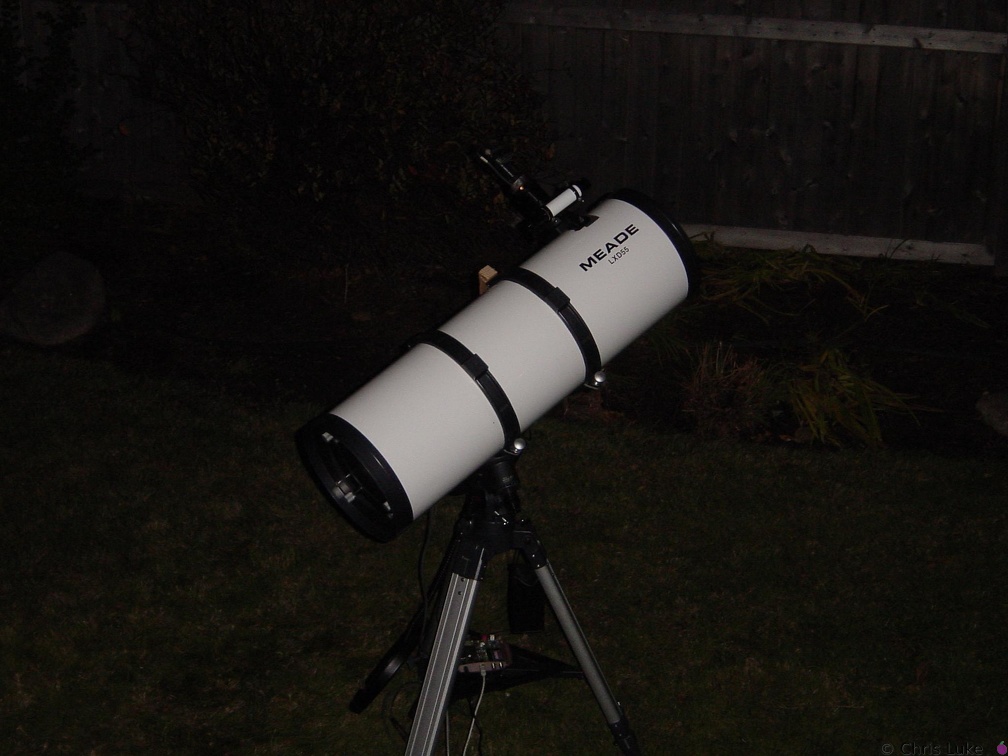
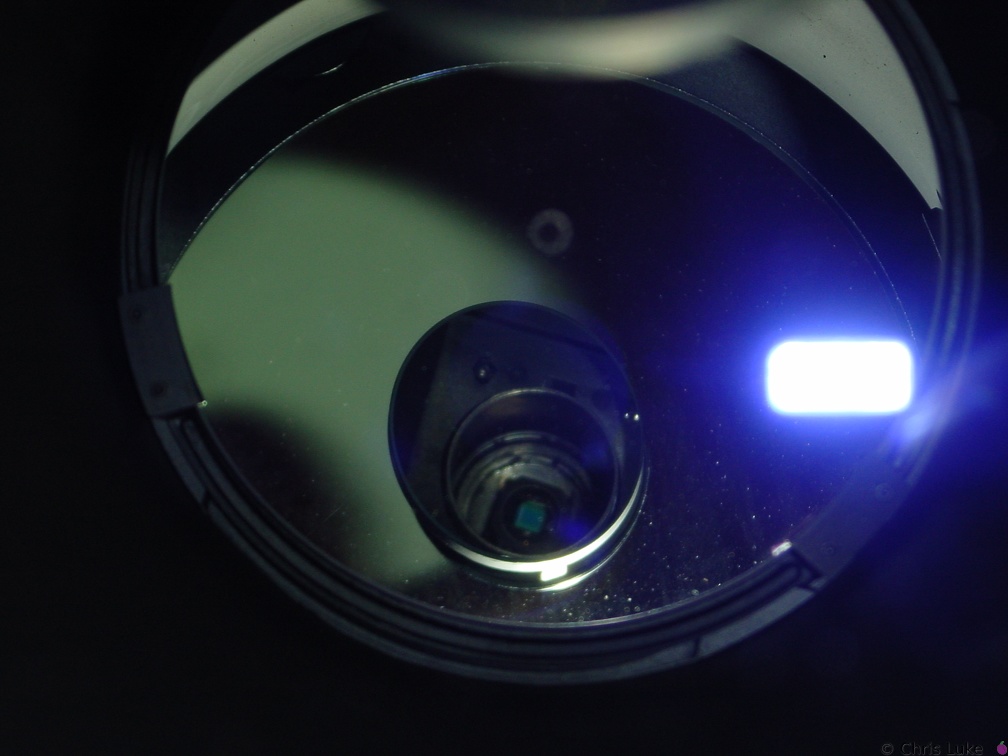 DSC00627
View of XC-999 CCD through the tube Image taken in front of the correcting lens of the 10" Newtonian with the CCD in place.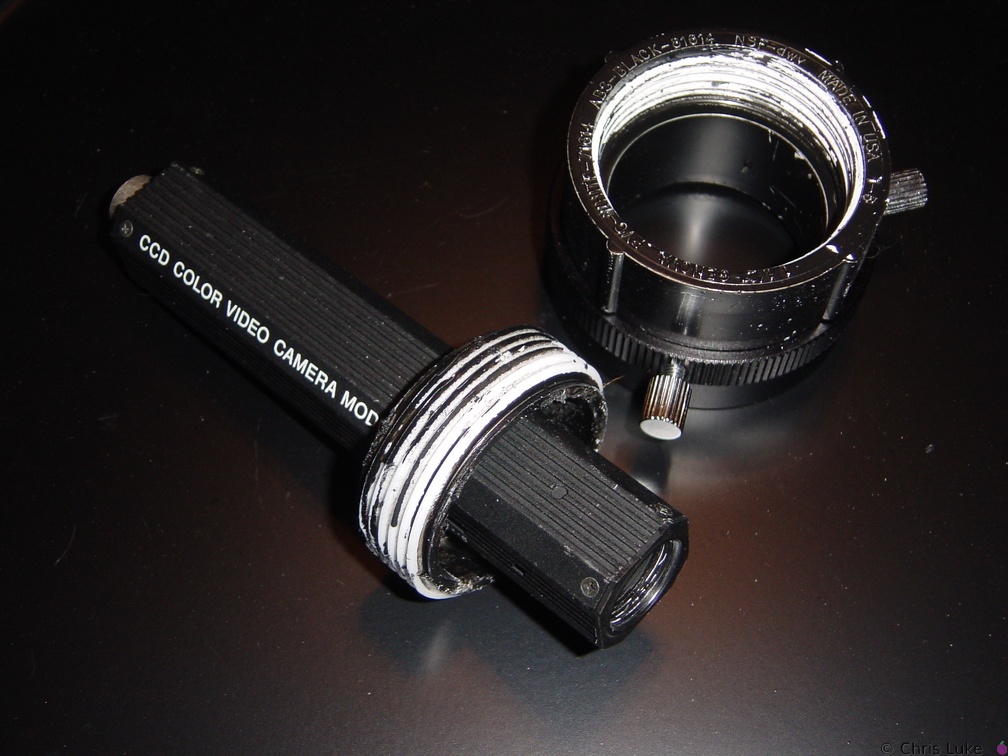 DSC00626
XC-999 CCD and the DIY mount The plumbing fitting is a two-piece plug, one part of which fits snufly into the 2" lens fitting.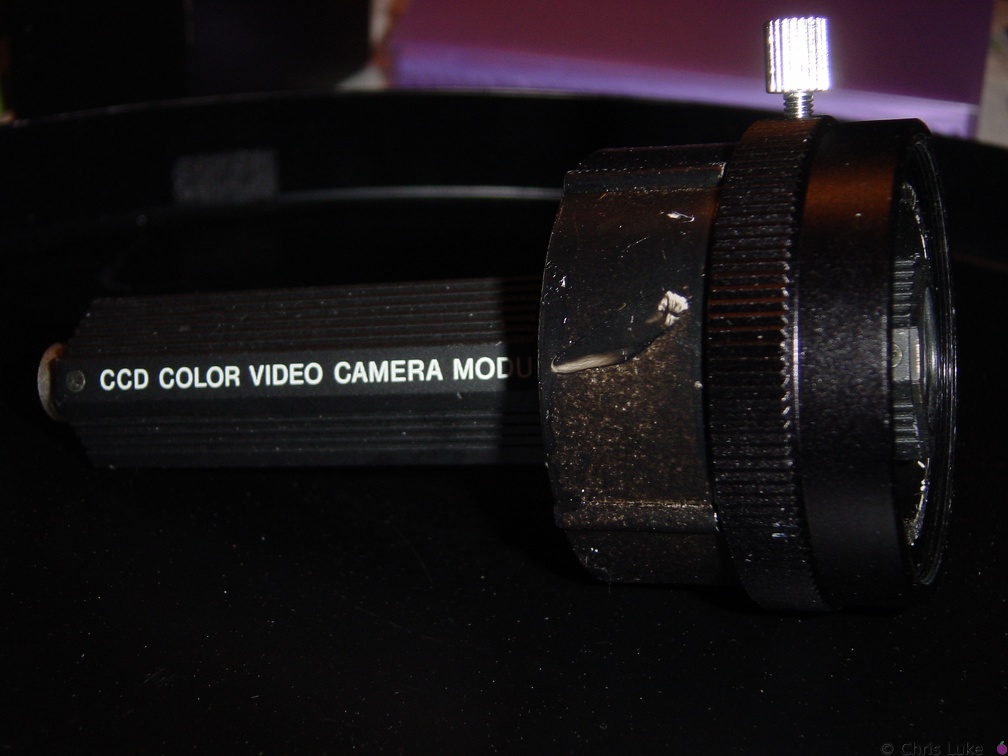 DSC00625
XC-999 CCD and the DIY mount The mount uses the 2" fitting for the Meade 10" Newt. and a 2" PVC "plug" normally used for plumbing applications.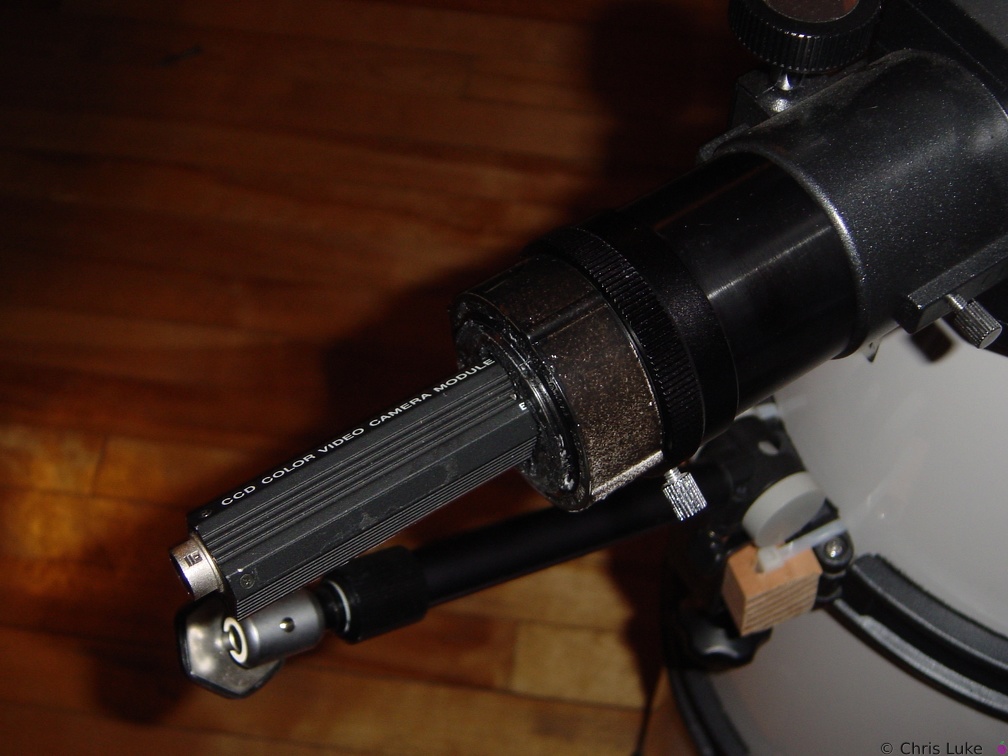 DSC00623
XC-999 CCD in home-made primary focus mount The XC-999 is a high-performance CCD colour video camera shown here attached to the 10" Newt. with a home-made mount.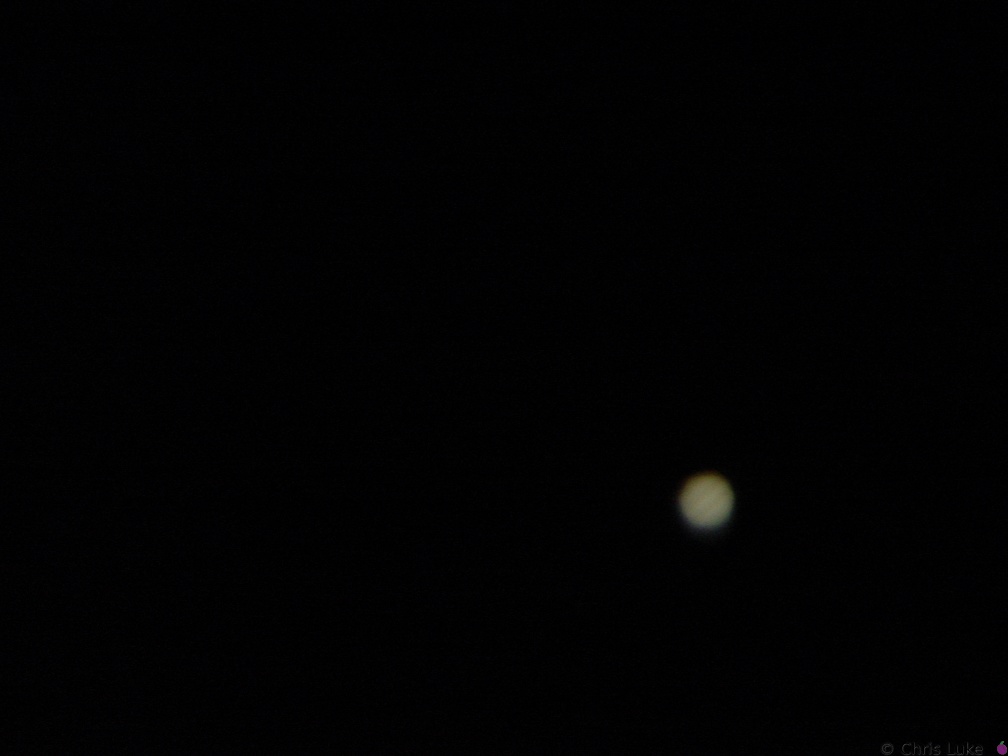 DSC00620
Jupiter Meade 10" Newtonian, Sony DSC-P1, TeleVue zoom @8mm.
Conditions were not good enough for my ordinary digital camera to see the satellites, though they were plainly visible with the human eye.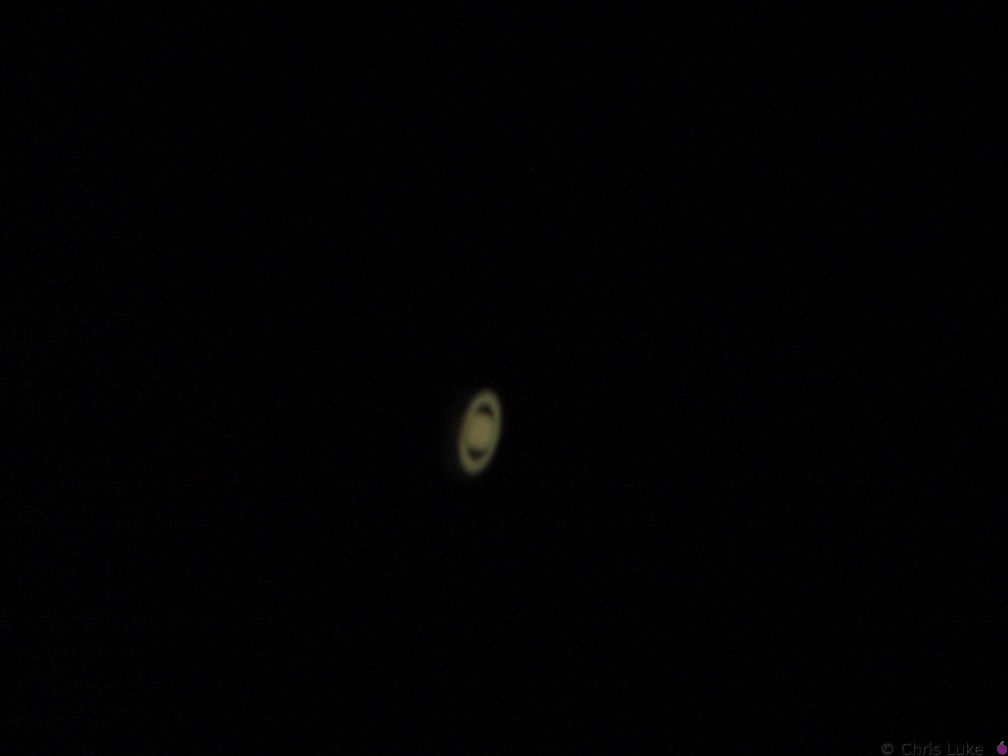 DSC00618
Saturn Meade 10" Newtonian, Sony DSC-P1, TeleVue zoom @8mm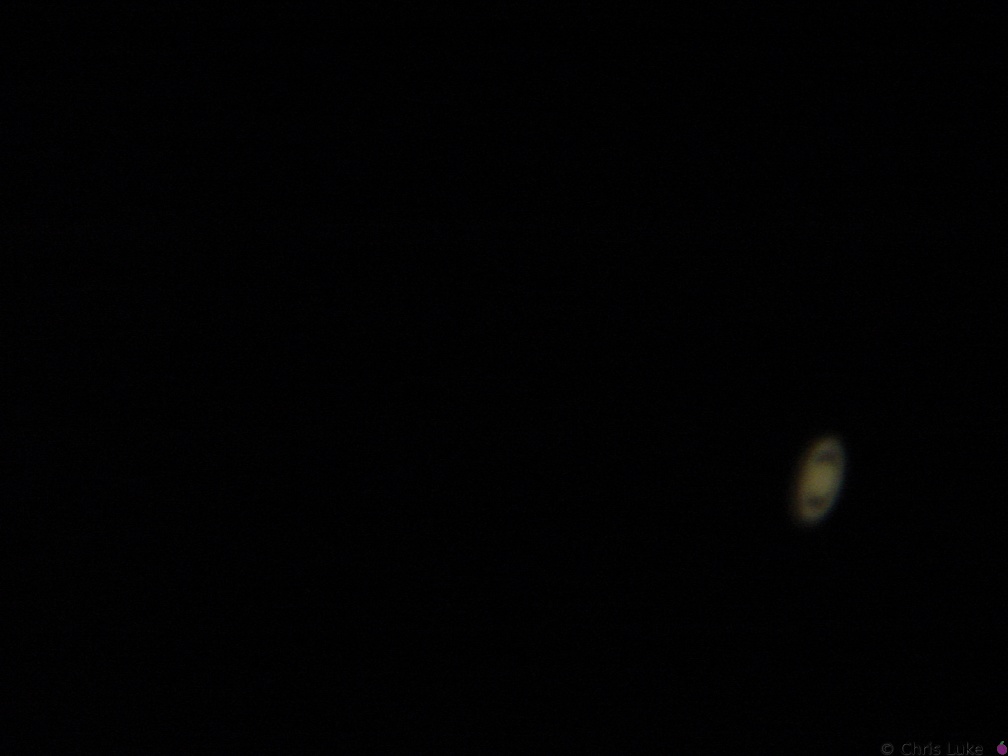 DSC00608
Saturn Meade 10" Newtonian, Sony DSC-P1, TeleVue zoom @8mm DSC00558
Saturn Meade 10" Newtonian, Sony DSC-P1, Meade Plossl 26mm DSC00553
Saturn Meade 10" Newtonian, Sony DSC-P1, Meade Plossl 26mm DSC00552
Saturn Meade 10" Newtonian, Sony DSC-P1, Meade Plossl 26mm DSC00551
Saturn Meade 10" Newtonian, Sony DSC-P1, Meade Plossl 26mm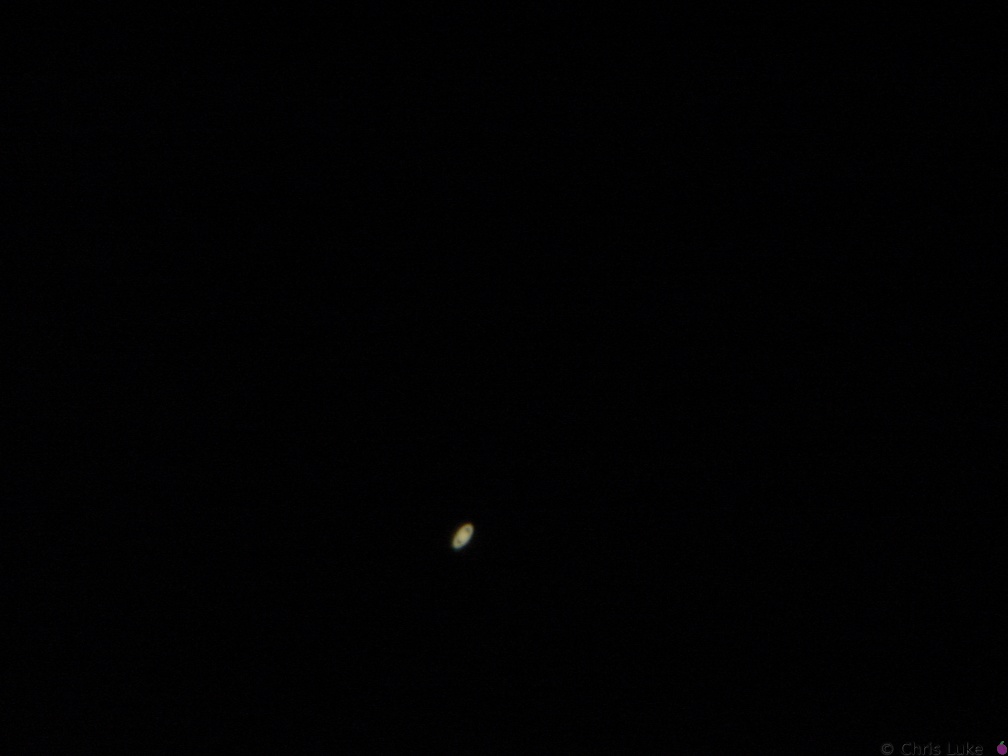 DSC00545
Saturn Meade 10" Newtonian, Sony DSC-P1, Meade Plossl 26mm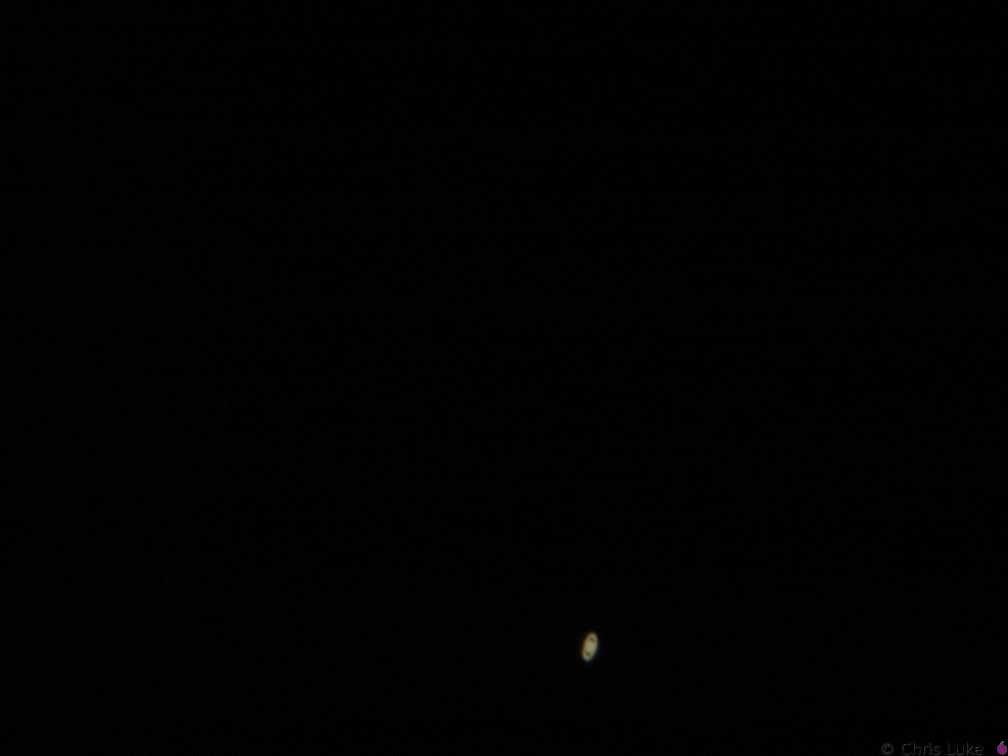 DSC00543
Saturn Meade 10" Newtonian, Sony DSC-P1, Meade Plossl 26mm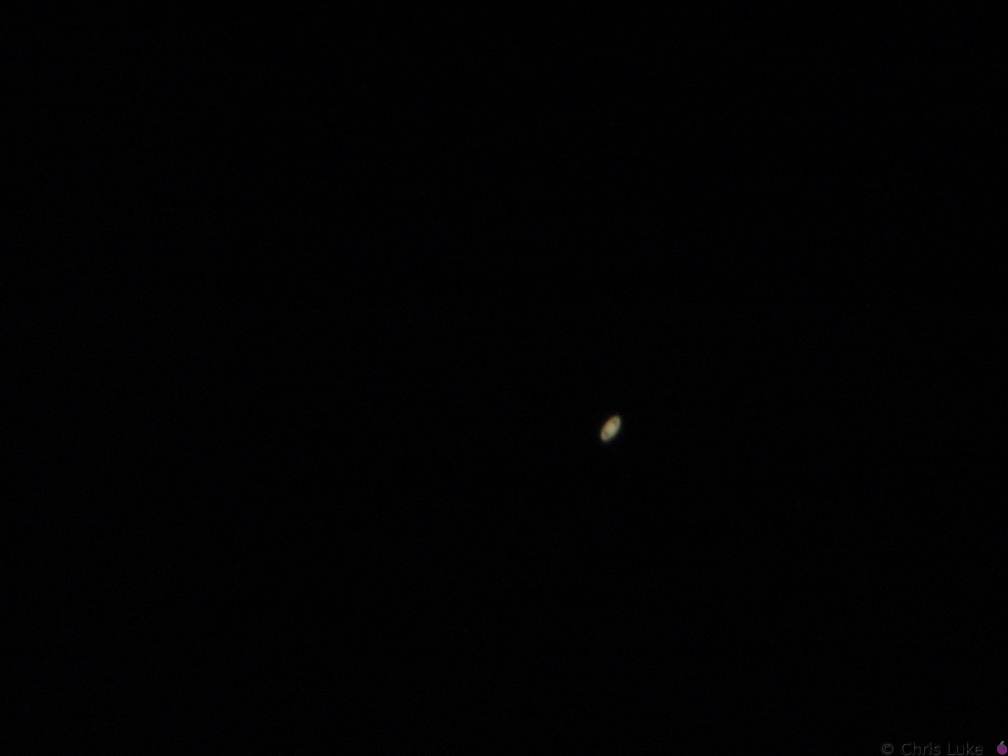 DSC00541
Saturn Meade 10" Newtonian, Sony DSC-P1, Meade Plossl 26mm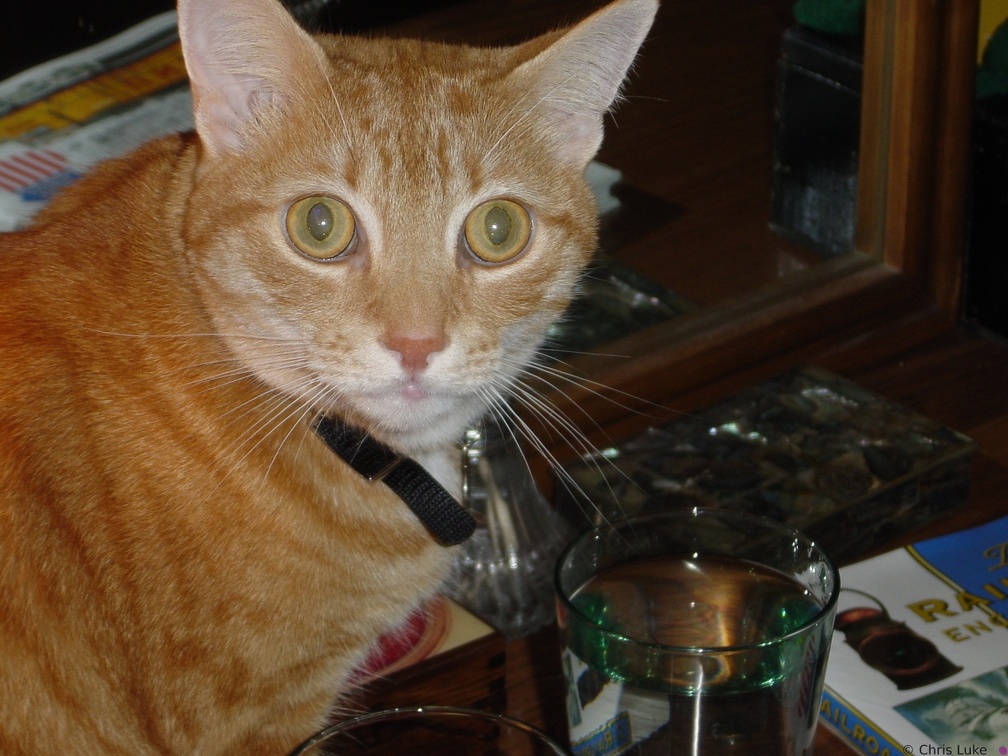 DSC00449
Who, me?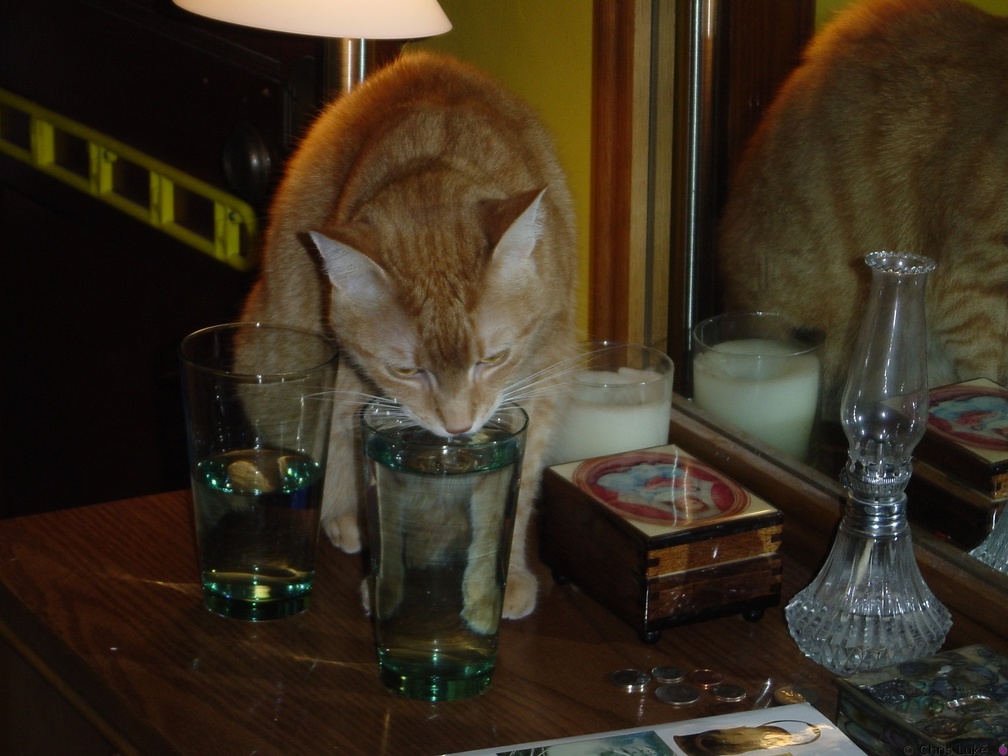 DSC00447
Caught in the act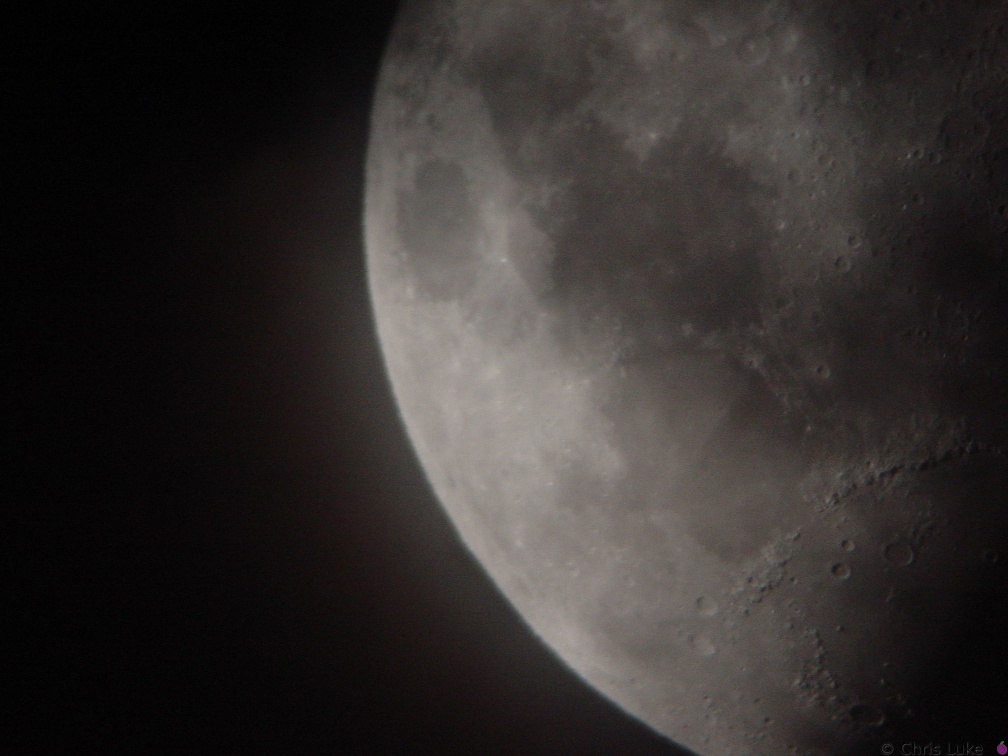 DSC00337
The Moon Meade 10" Newtonian, Sony DSC-P1, Meade Plossl 26mm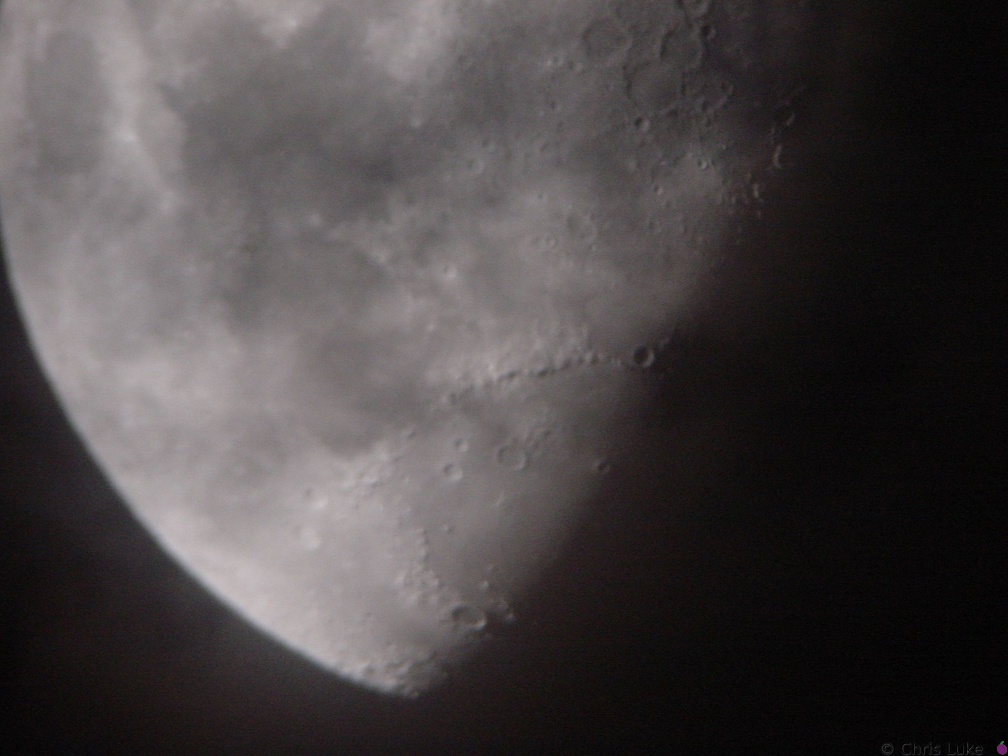 DSC00336
The Moon Meade 10" Newtonian, Sony DSC-P1, Meade Plossl 26mm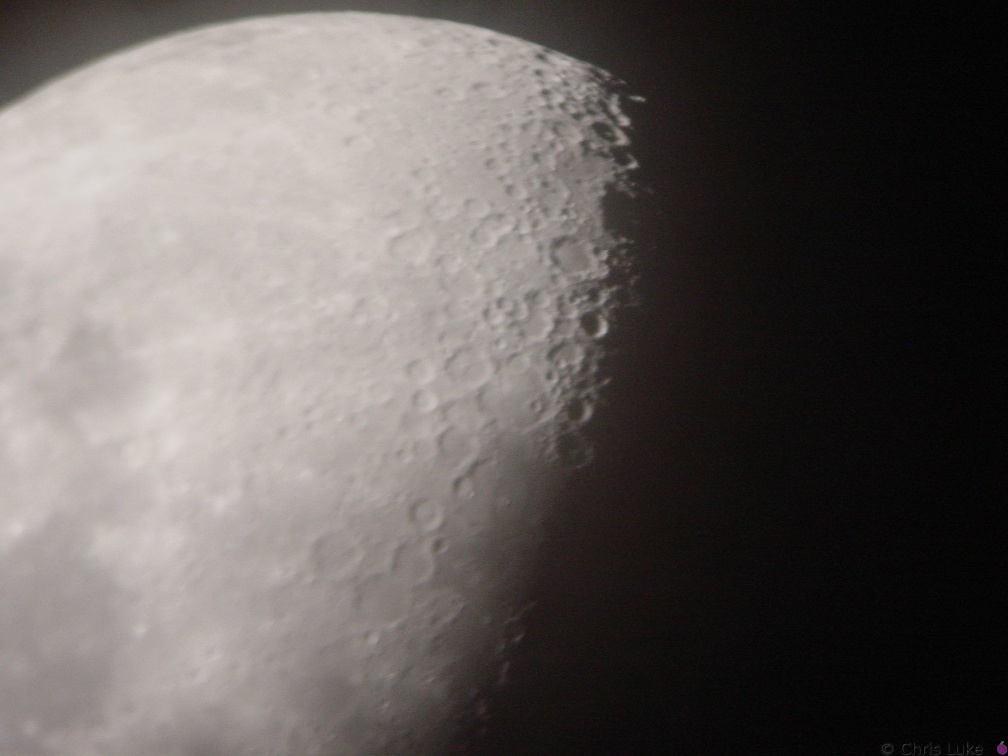 DSC00335
The Moon Meade 10" Newtonian, Sony DSC-P1, Meade Plossl 26mm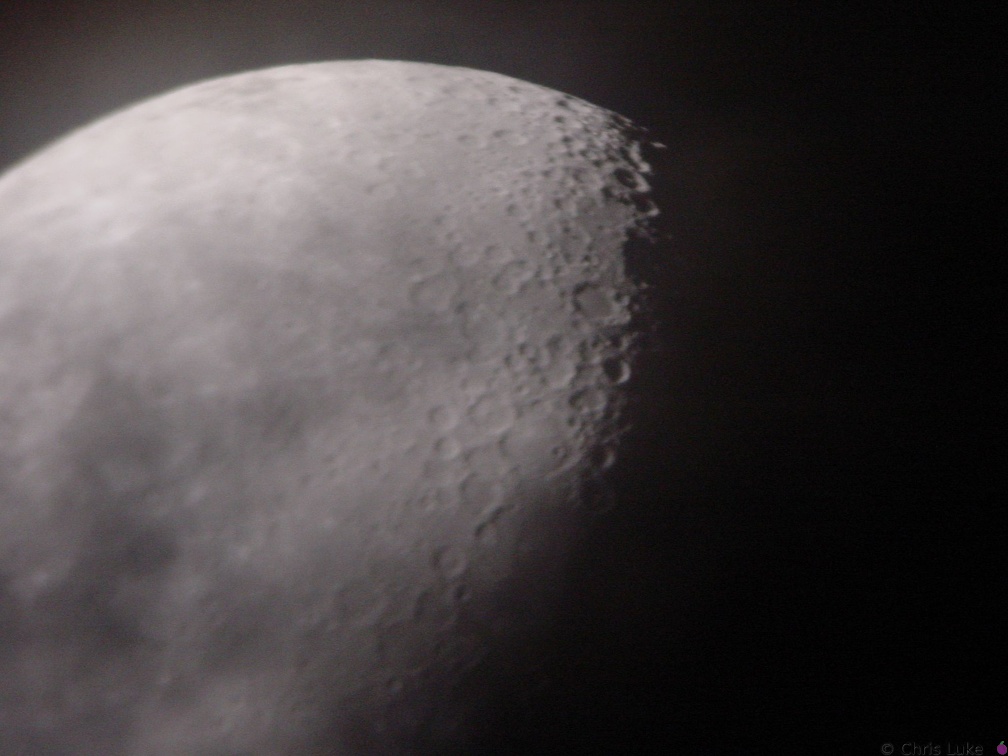 DSC00334
The Moon Meade 10" Newtonian, Sony DSC-P1, Meade Plossl 26mm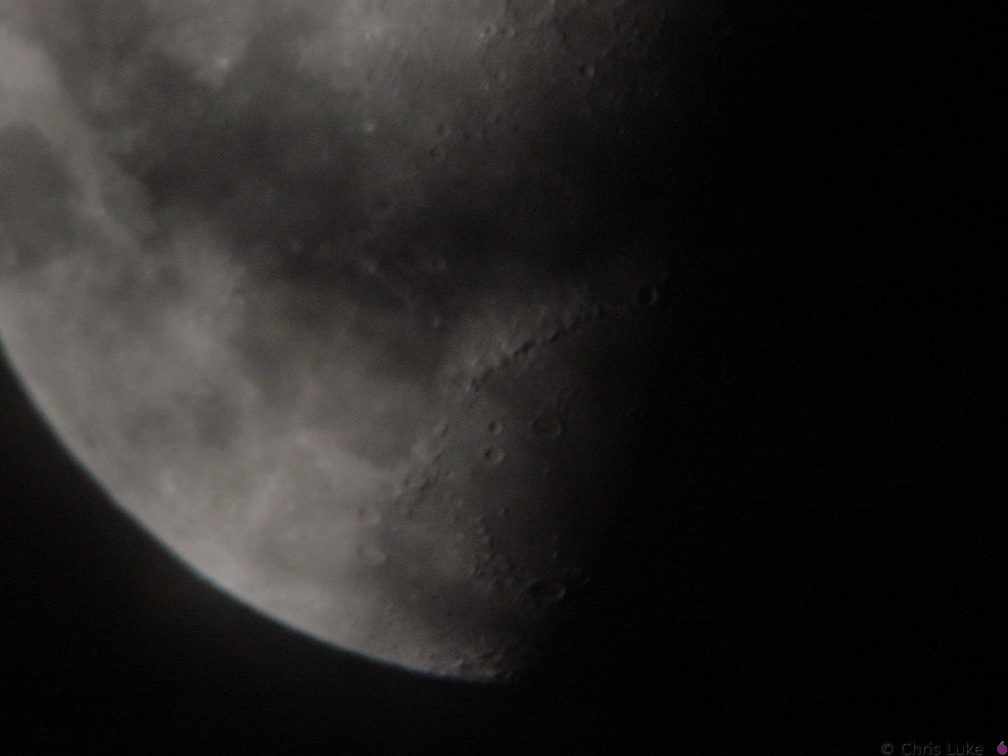 DSC00332
The Moon Meade 10" Newtonian, Sony DSC-P1, Meade Plossl 26mm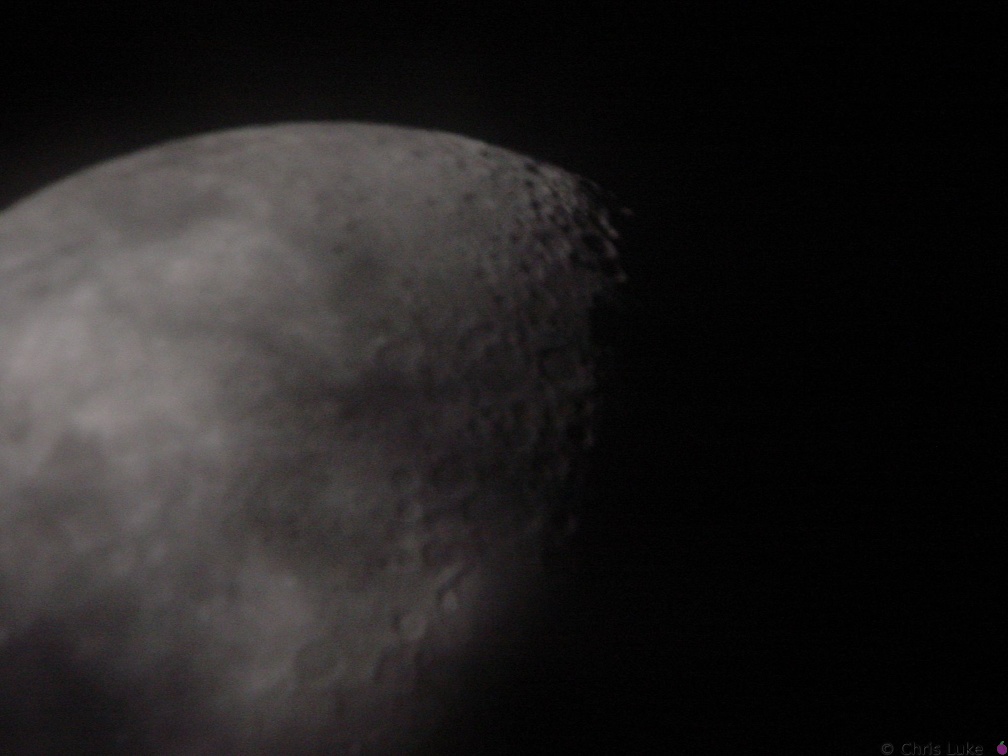 DSC00331
The Moon Meade 10" Newtonian, Sony DSC-P1, Meade Plossl 26mm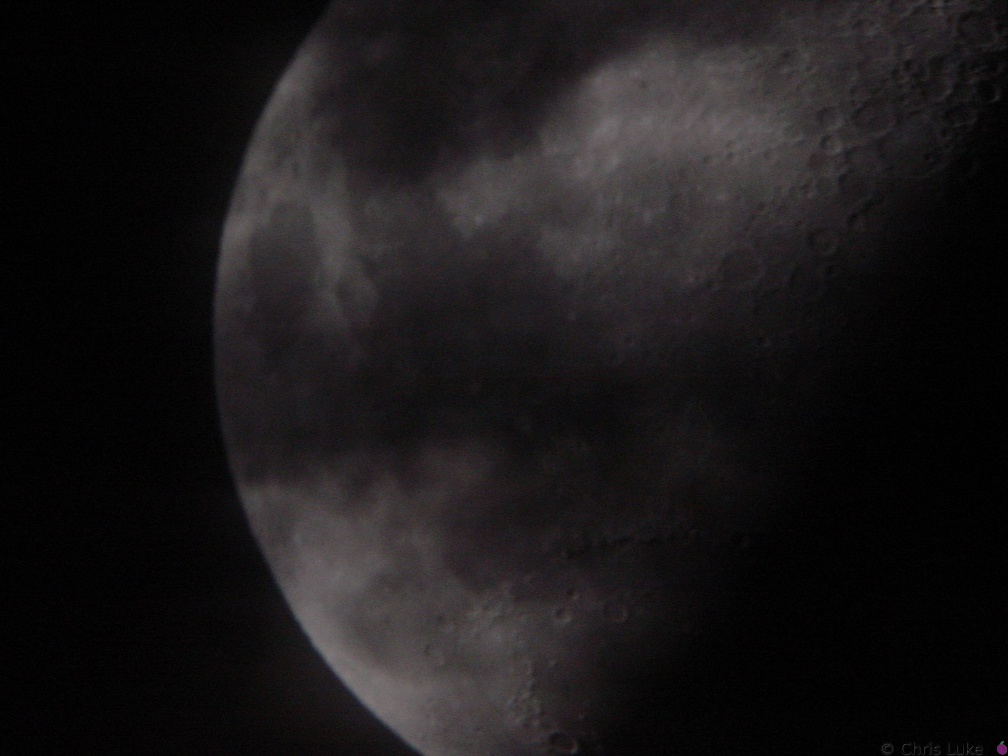 DSC00329
The Moon Meade 10" Newtonian, Sony DSC-P1, Meade Plossl 26mm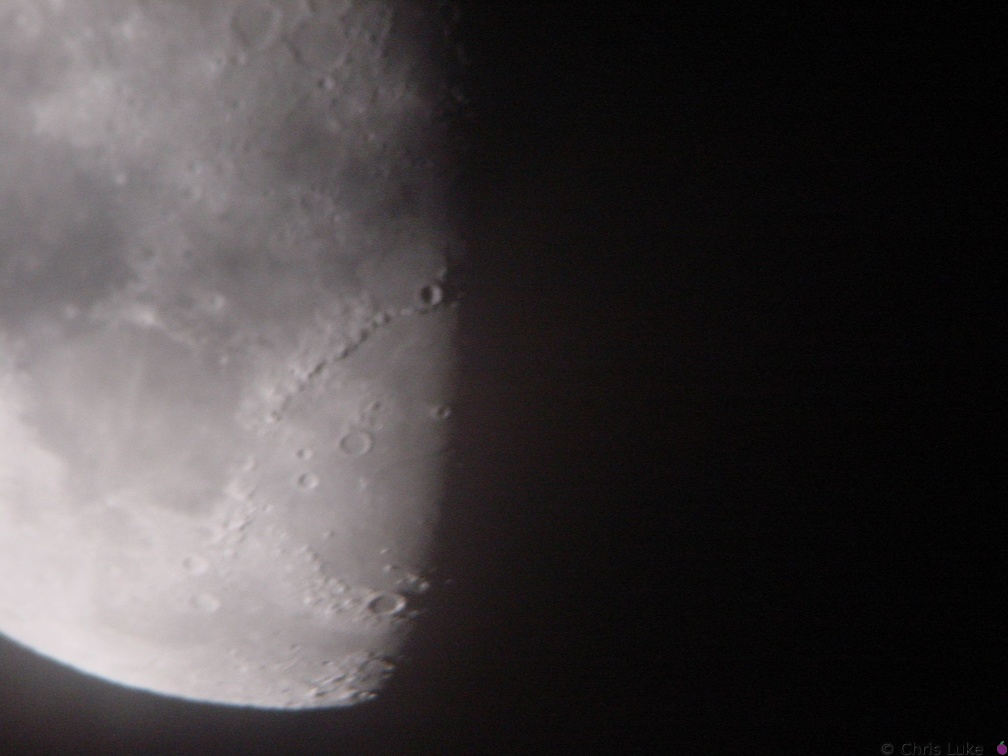 DSC00327
The Moon Meade 10" Newtonian, Sony DSC-P1, Meade Plossl 26mm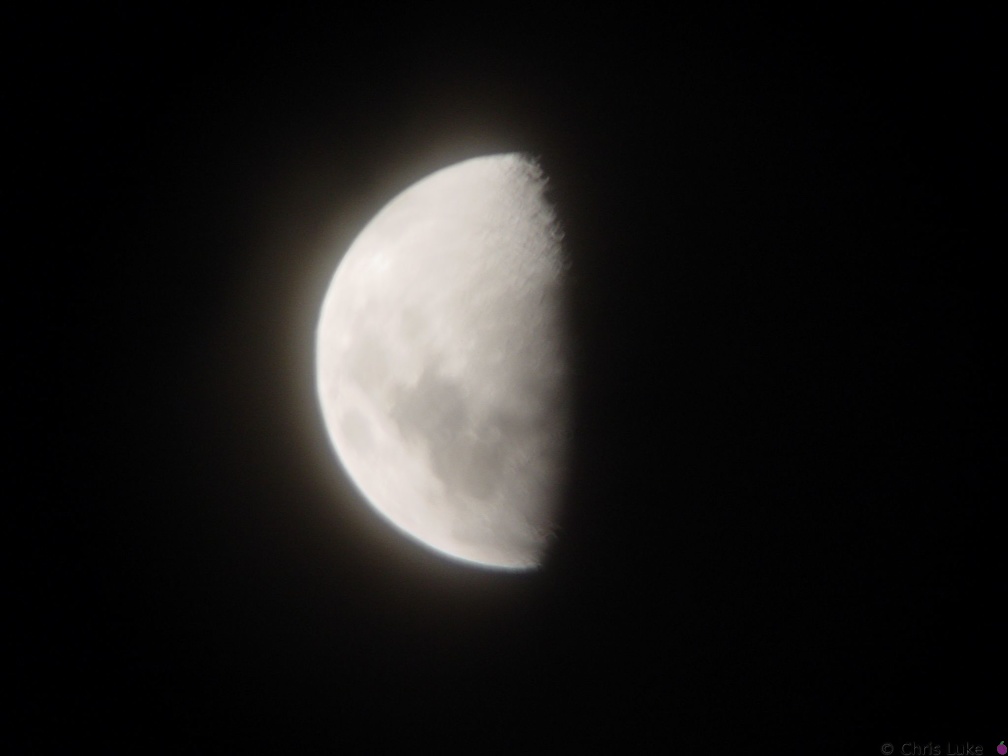 DSC00326
The Moon Meade 10" Newtonian, Sony DSC-P1, Meade Plossl 26mm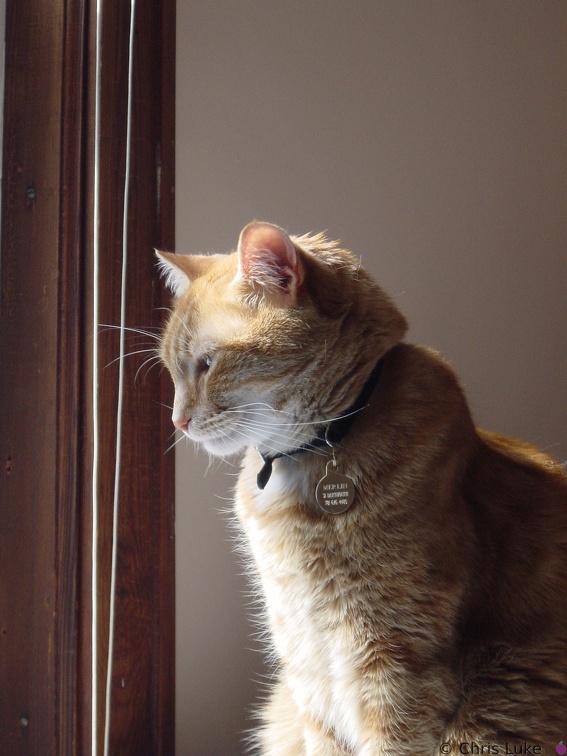 DSC00310
Merlin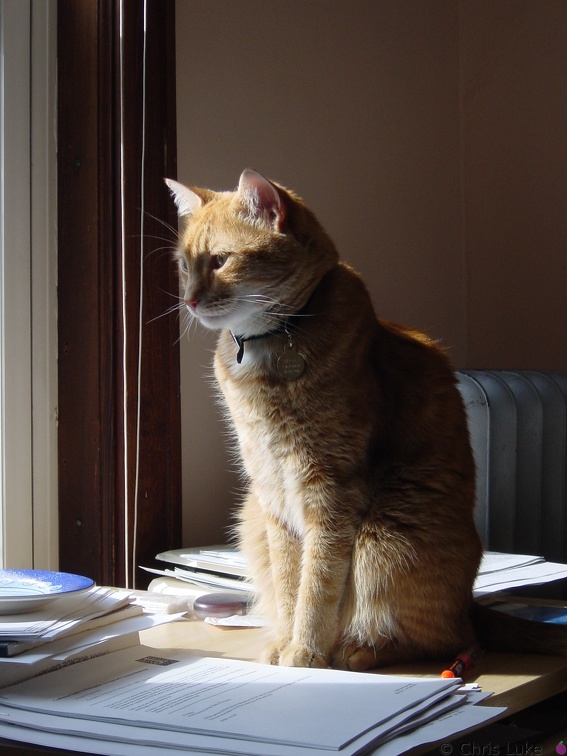 DSC00309
Sigh, it's tough, being a Cat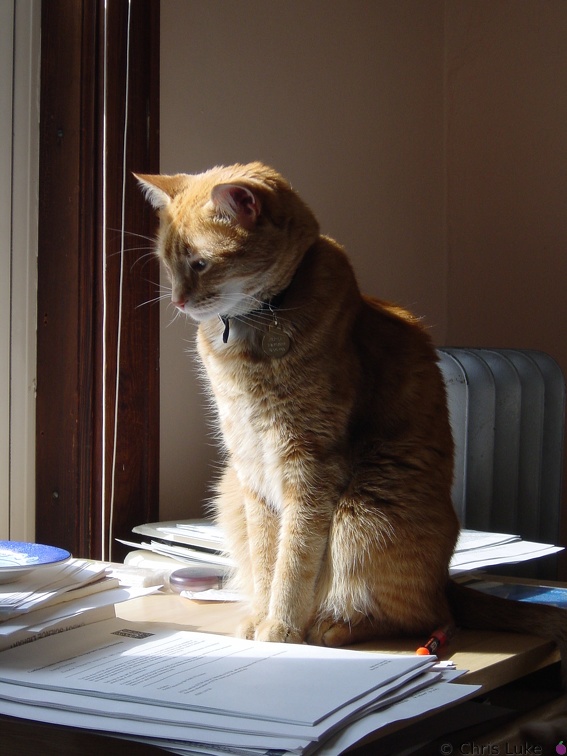 DSC00308
You're still doing it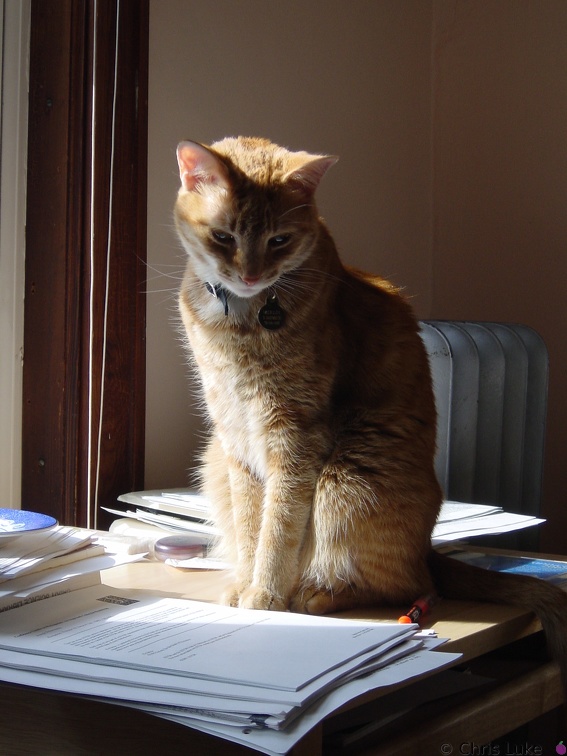 DSC00307
Stop looking at me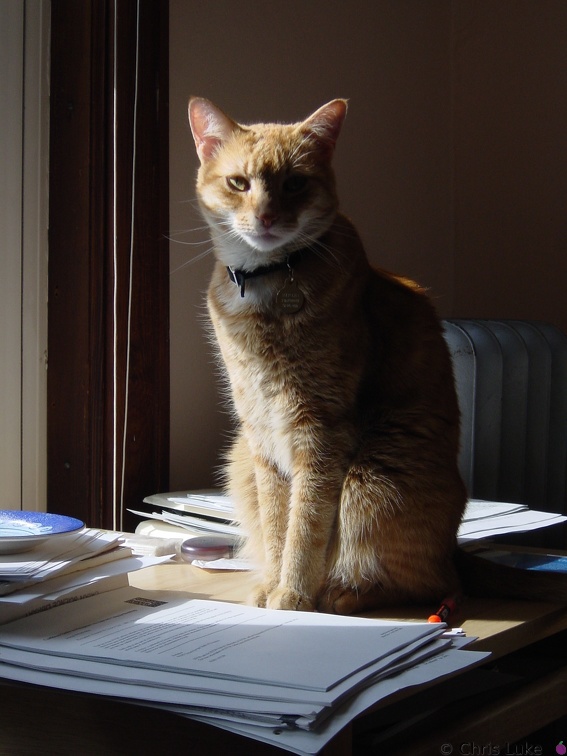 DSC00306
You're looking at me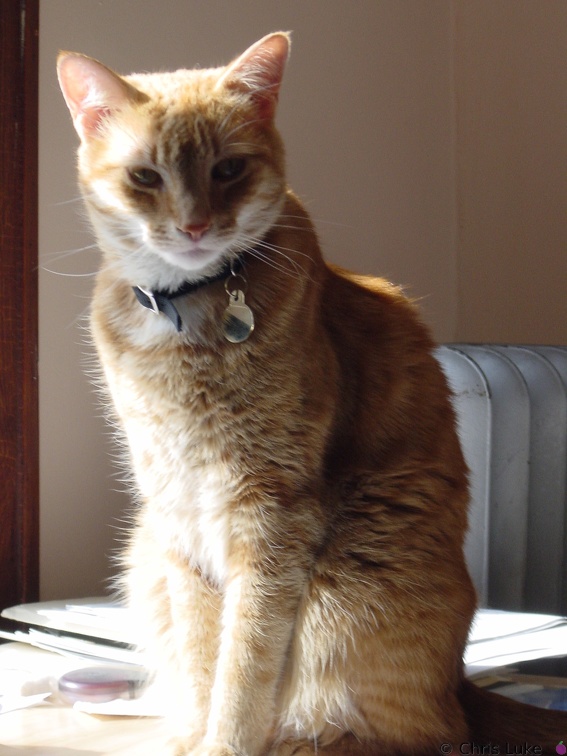 DSC00305
What do you want?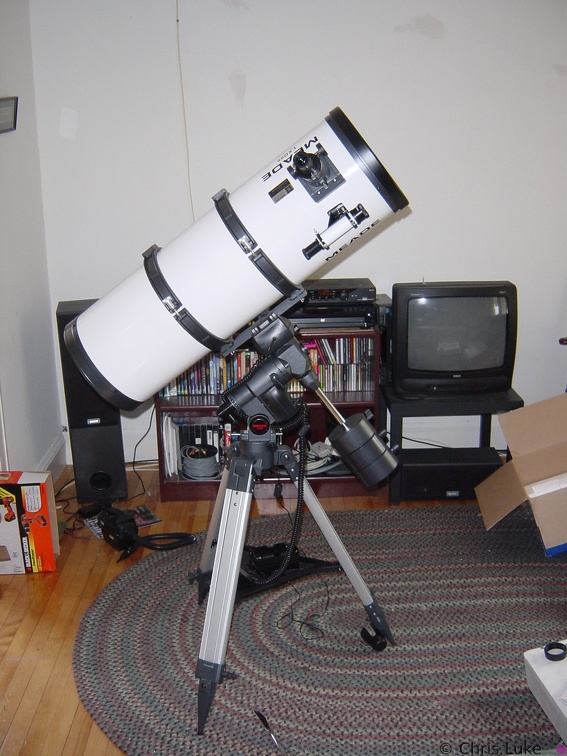 Meade LDX55 10inch Schidt-Newtonian
Meade LDX55 10" telescope The Meade LDX55 10" Schmidt-Newtonian reflecting telescope, setup in my living room (to make sure all the bits are there!)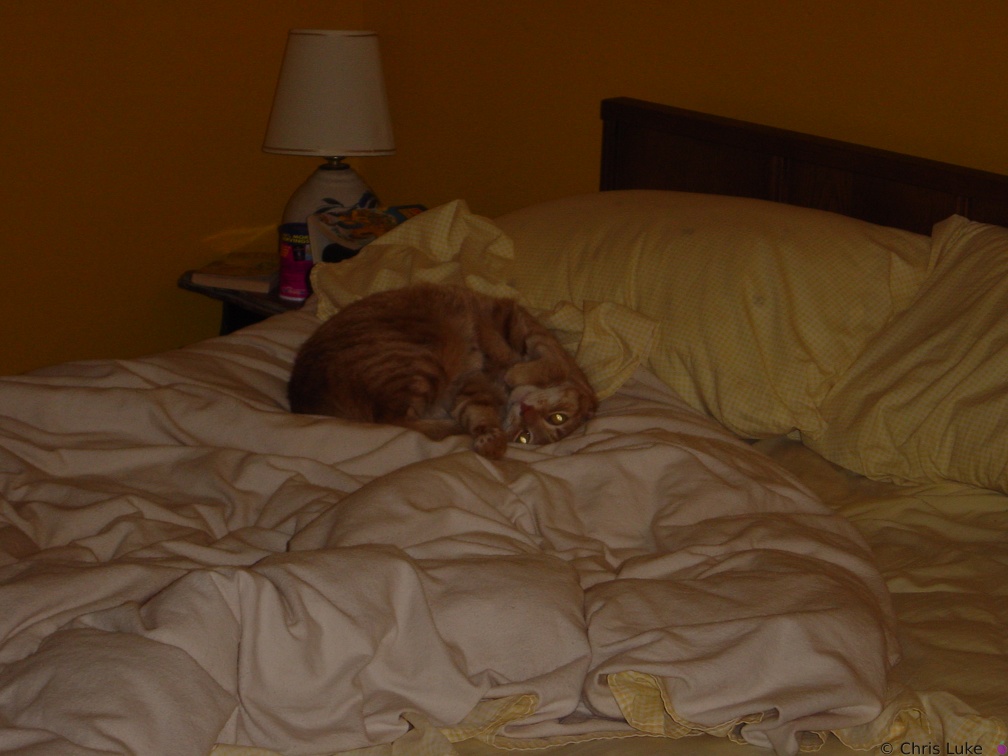 Merlin
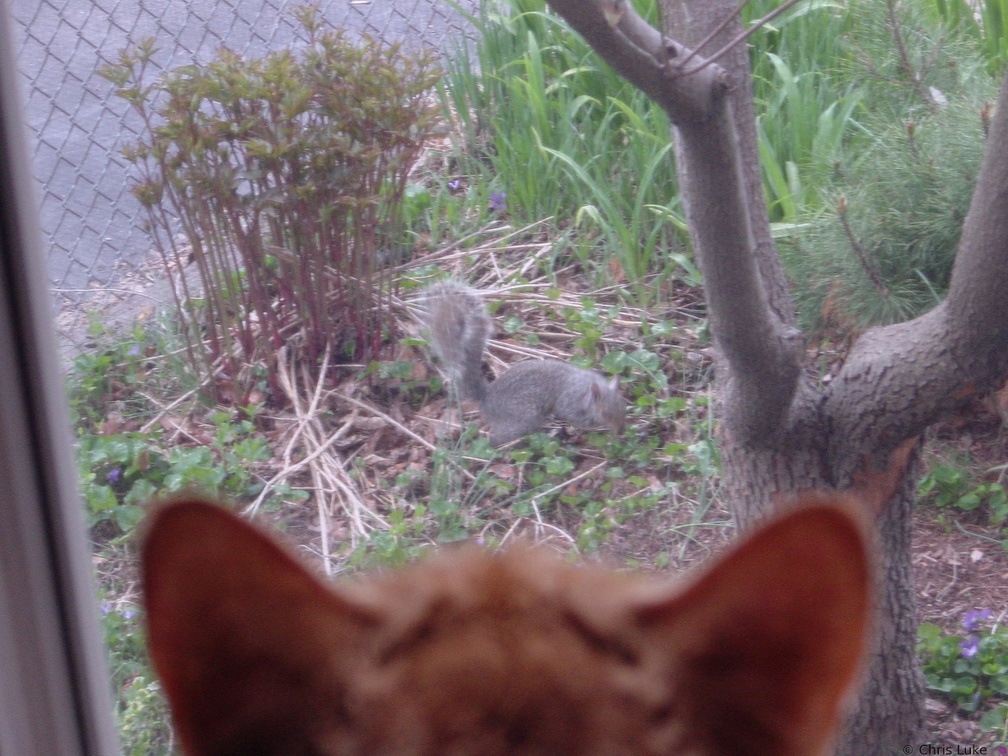 DSC00199
Merlin and the Squirrels again #2 2002-04-28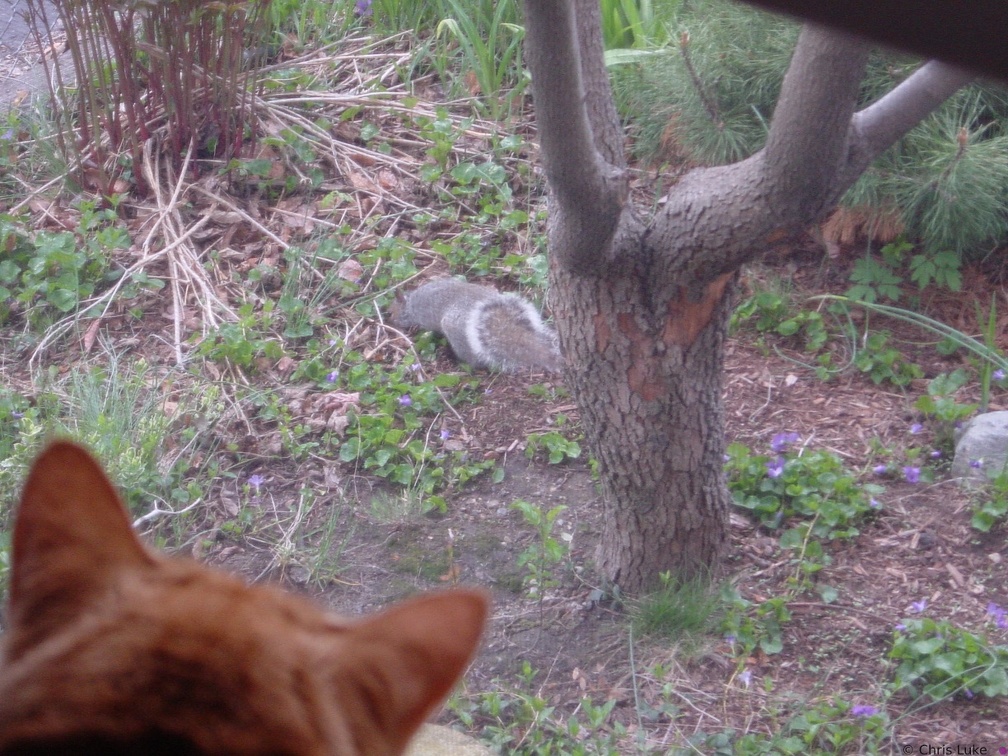 DSC00198
Merlin and the Squirrels again 2002-04-28 2015-01-26 013
 00 145 4544 RT16 rotated
 Jupiter-orientation
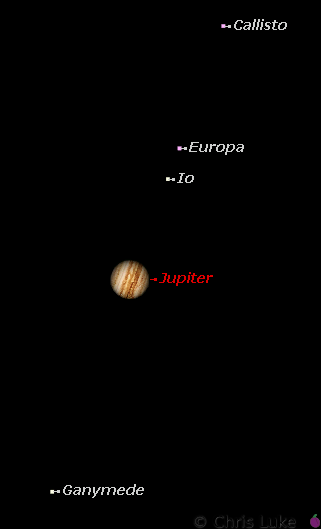
Jupiter and its satellites This image, taken from an astronomy program, shows the orientation of Jupiter and its satellites at the time of the photographed image shown.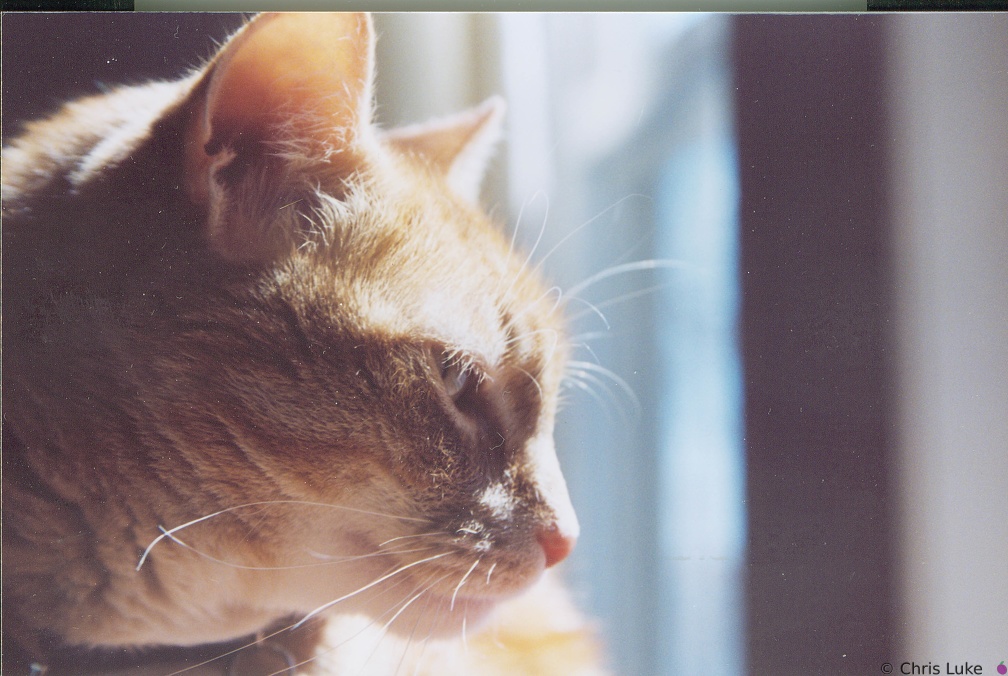 merlin-window
Merlin, looking through a window This image was taken with a Canon EOS 500N 35mm film camera and the resulting photograph scanned in with a Mikrotek 5700 scanner.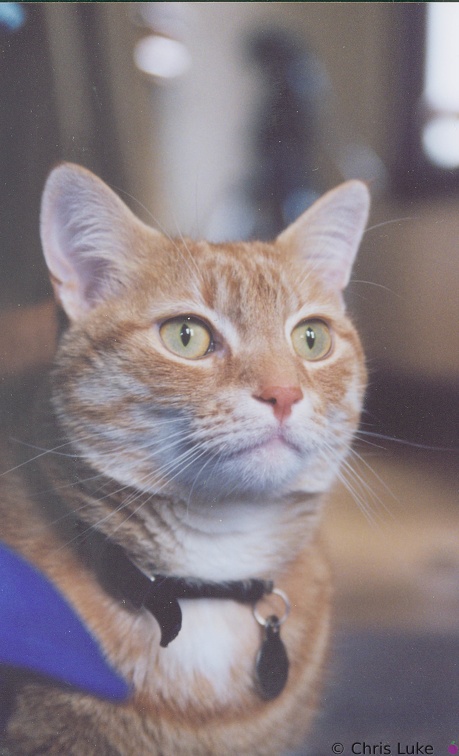 merlin cushions
Merlin, who else? This image was taken with a Canon EOS 500N 35mm film camera and the resulting photograph scanned in with a Mikrotek 5700 scanner.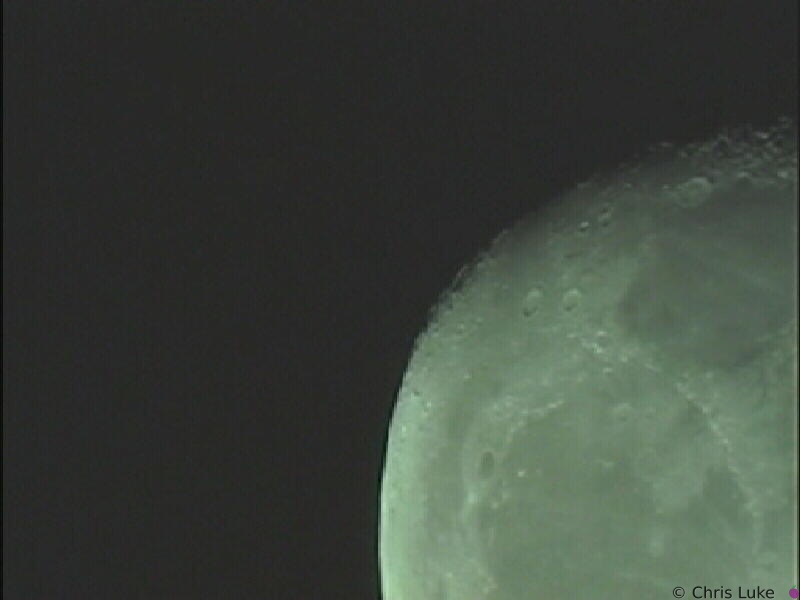 moon-1-0001
The Moon Meade 10" Newtonian, Sony XC-999, Prime focus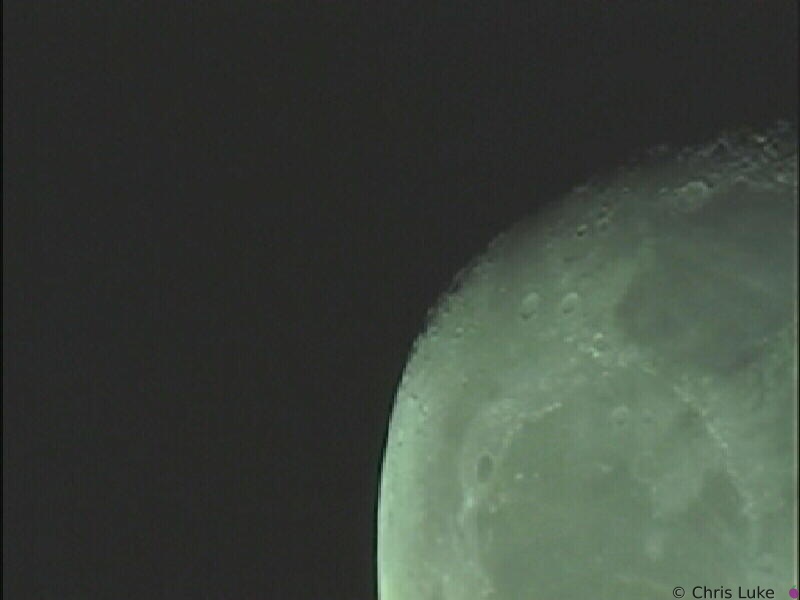 moon-1-0002
The Moon Meade 10" Newtonian, Sony XC-999, Prime focus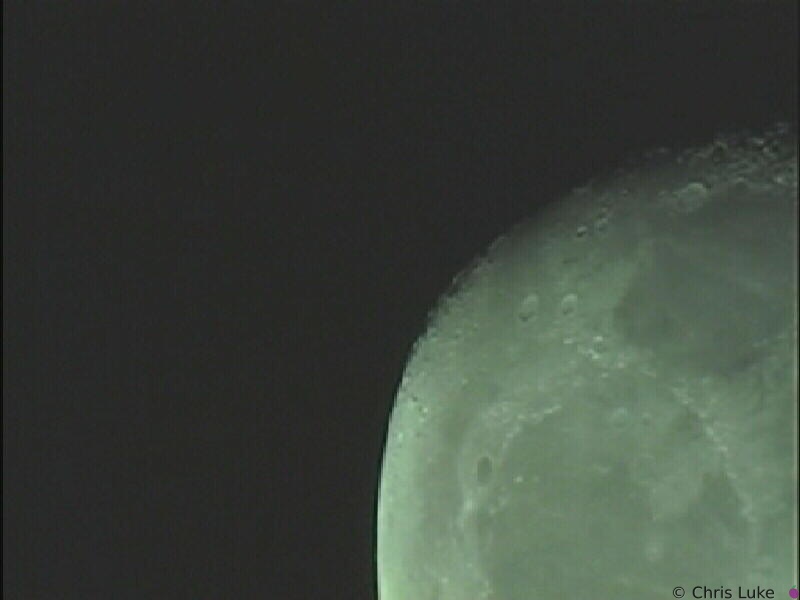 moon-1-0003
The Moon Meade 10" Newtonian, Sony XC-999, Prime focus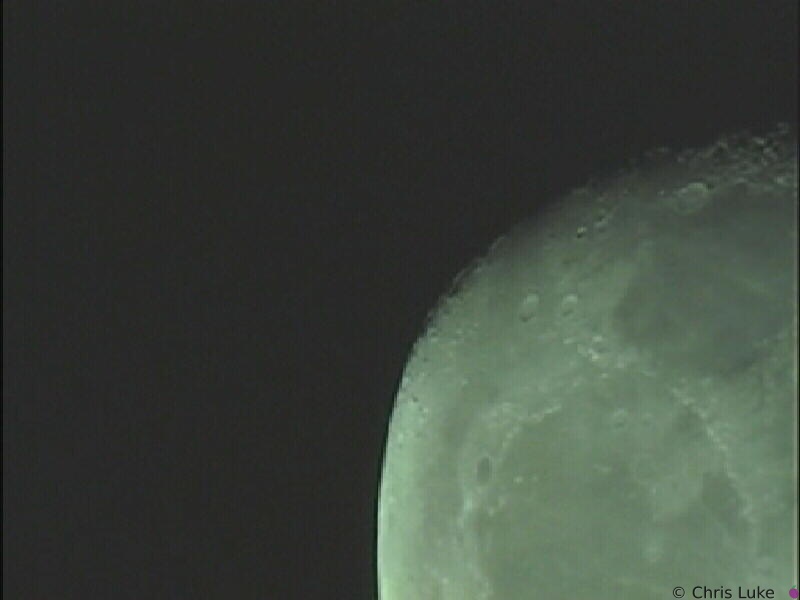 moon-1-0004
The Moon Meade 10" Newtonian, Sony XC-999, Prime focus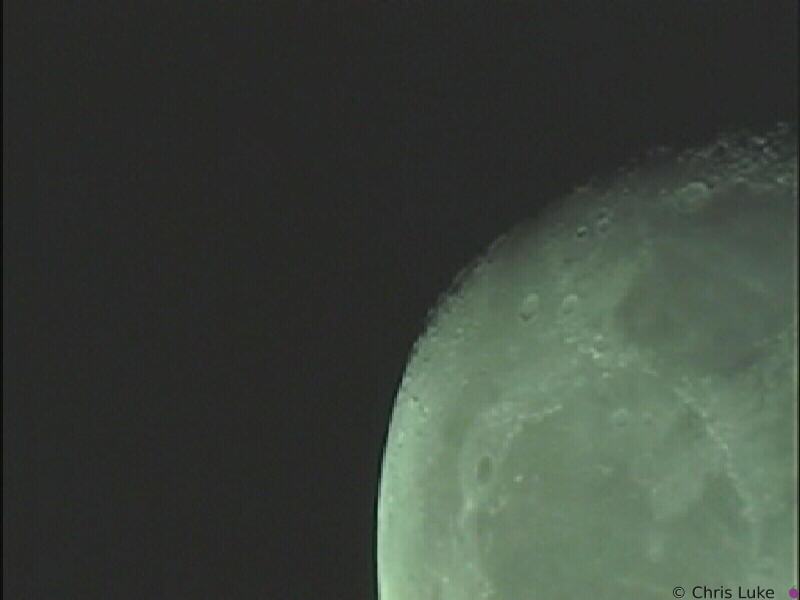 moon-1-0005
The Moon Meade 10" Newtonian, Sony XC-999, Prime focus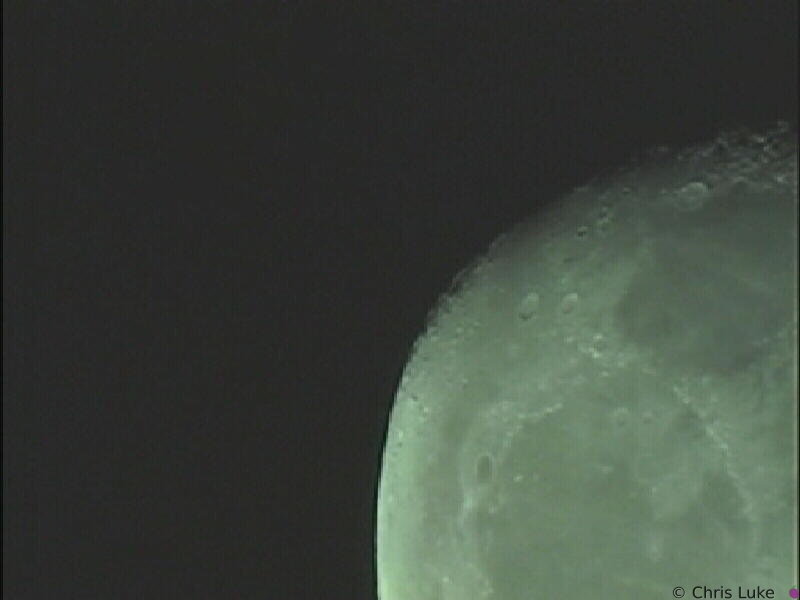 moon-1-0006
The Moon Meade 10" Newtonian, Sony XC-999, Prime focus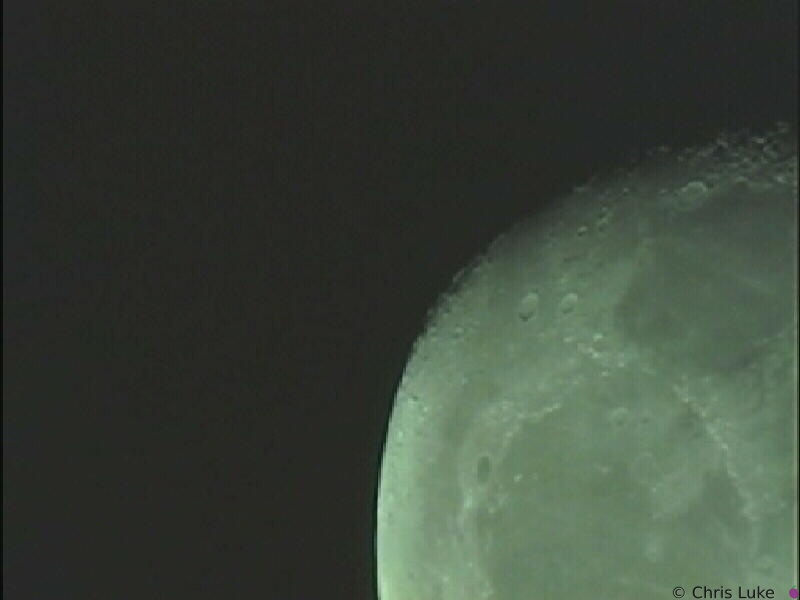 moon-1-0007
The Moon Meade 10" Newtonian, Sony XC-999, Prime focus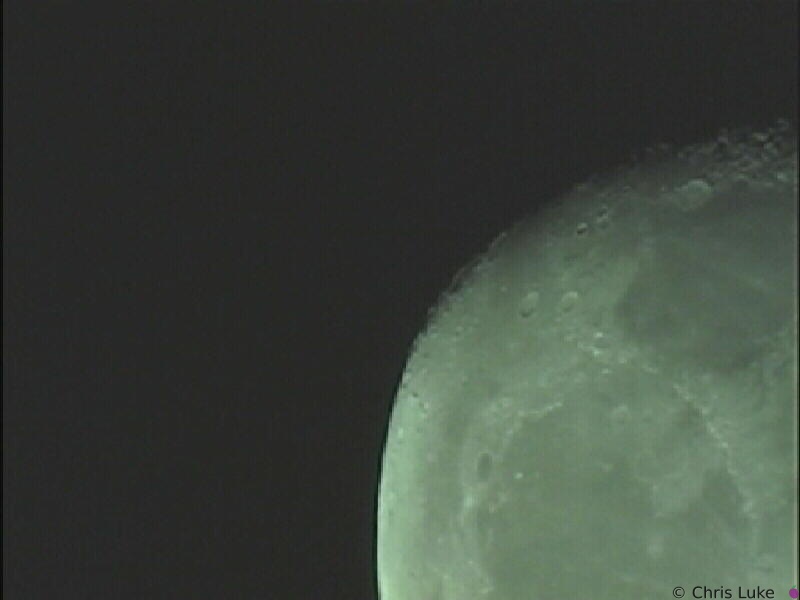 moon-1-0008
The Moon Meade 10" Newtonian, Sony XC-999, Prime focus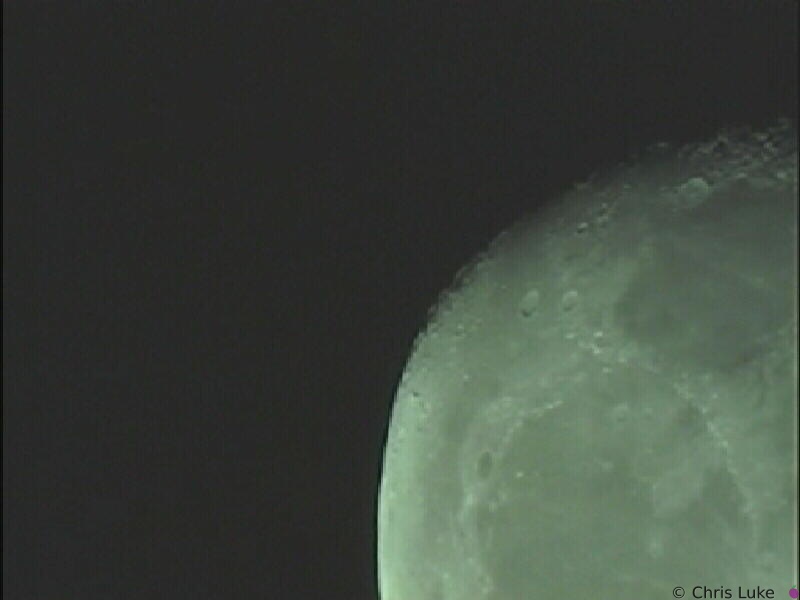 moon-1-0009
The Moon Meade 10" Newtonian, Sony XC-999, Prime focus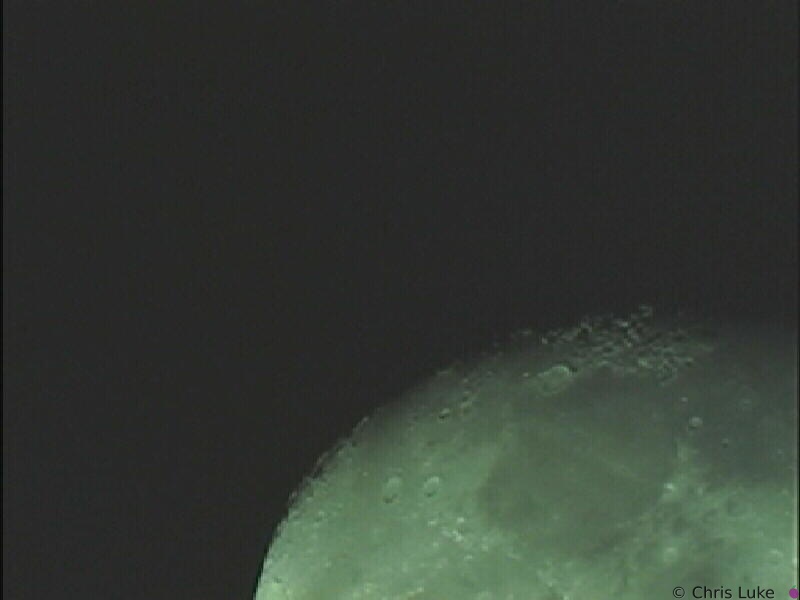 moon-1-0010
The Moon Meade 10" Newtonian, Sony XC-999, Prime focus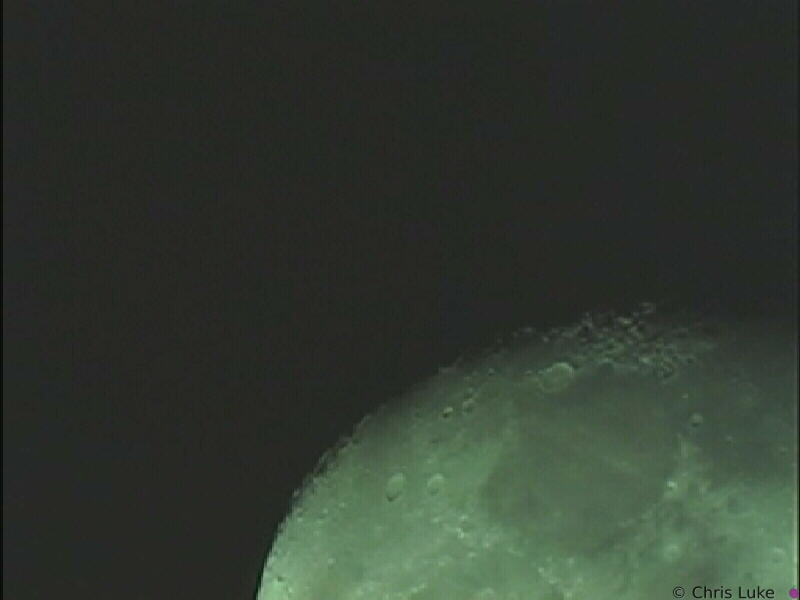 moon-1-0011
The Moon Meade 10" Newtonian, Sony XC-999, Prime focus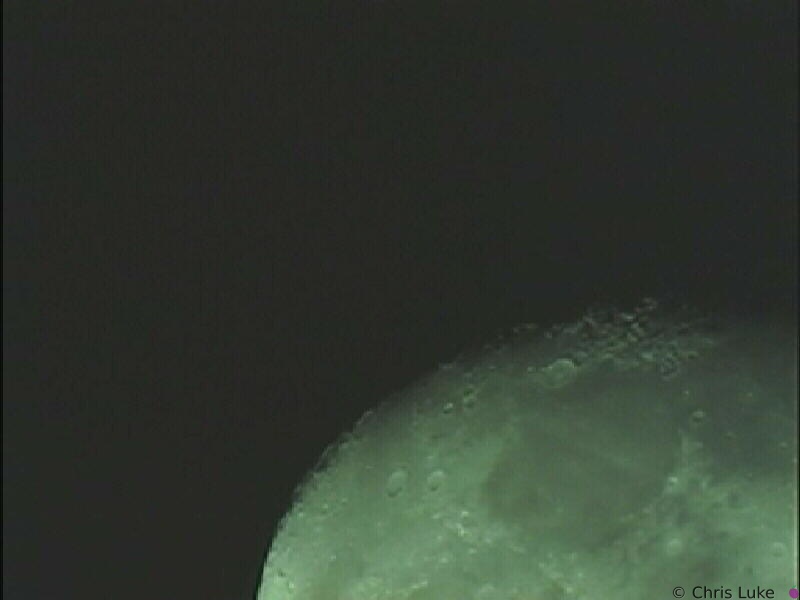 moon-1-0012
The Moon Meade 10" Newtonian, Sony XC-999, Prime focus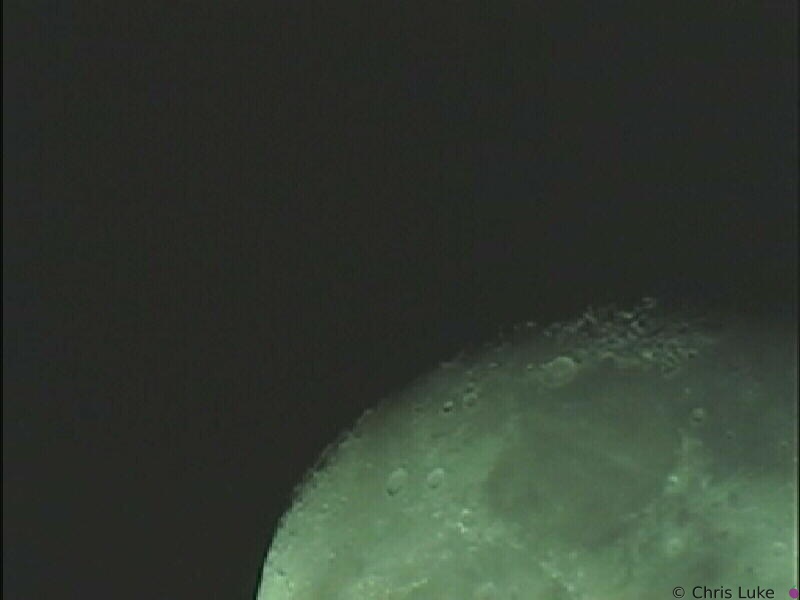 moon-1-0013
The Moon Meade 10" Newtonian, Sony XC-999, Prime focus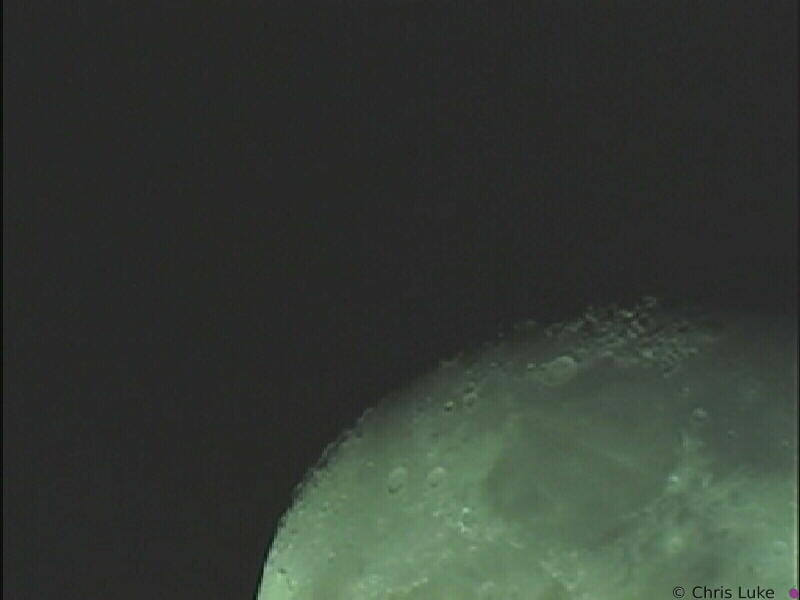 moon-1-0014
The Moon Meade 10" Newtonian, Sony XC-999, Prime focus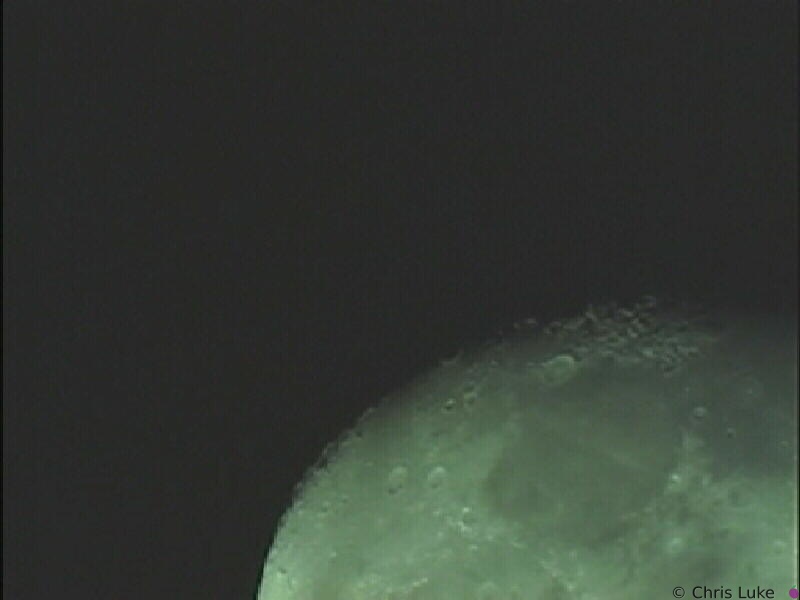 moon-1-0015
The Moon Meade 10" Newtonian, Sony XC-999, Prime focus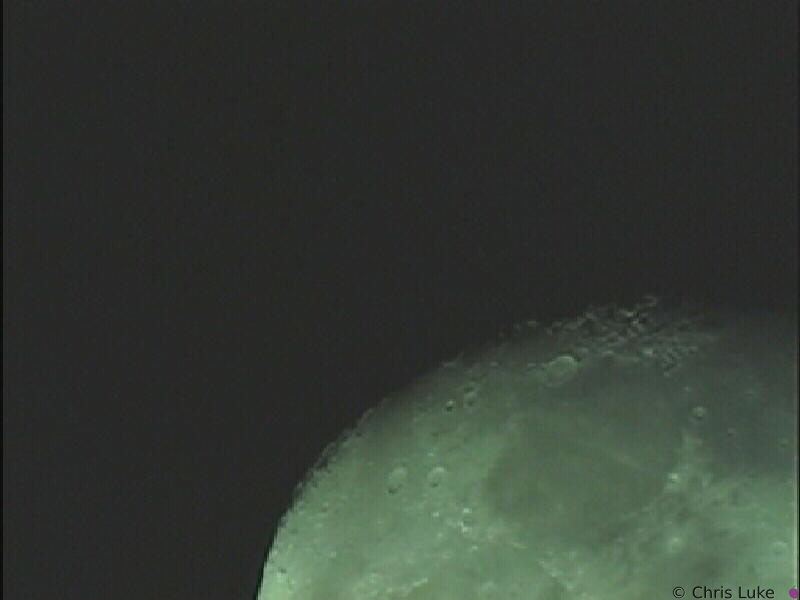 moon-1-0016
The Moon Meade 10" Newtonian, Sony XC-999, Prime focus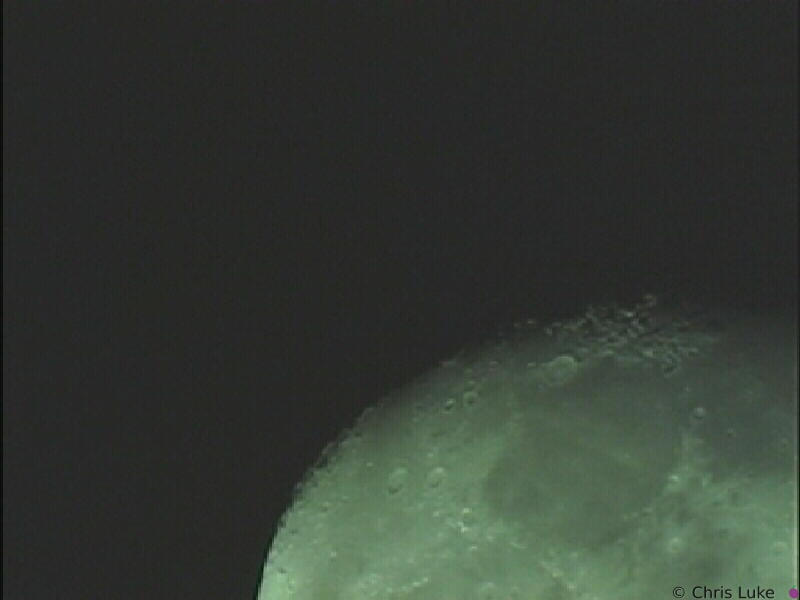 moon-1-0017
The Moon Meade 10" Newtonian, Sony XC-999, Prime focus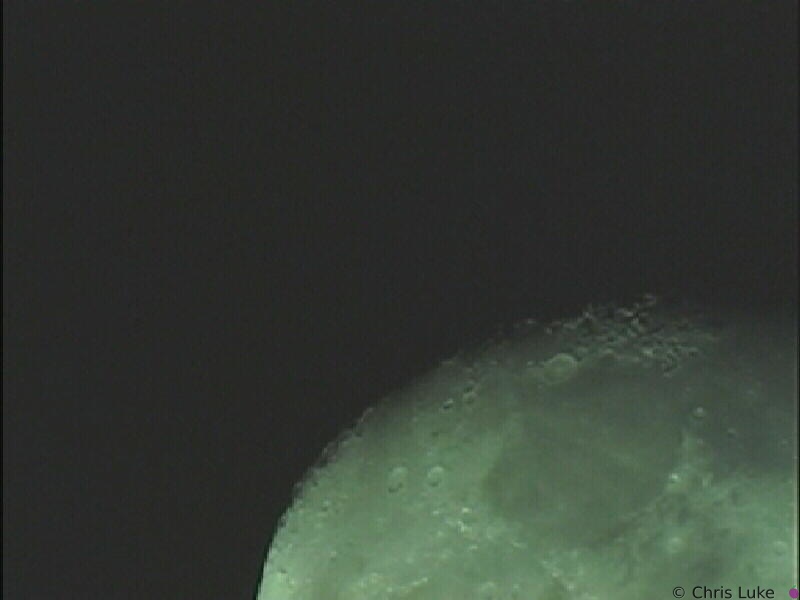 moon-1-0018
The Moon Meade 10" Newtonian, Sony XC-999, Prime focus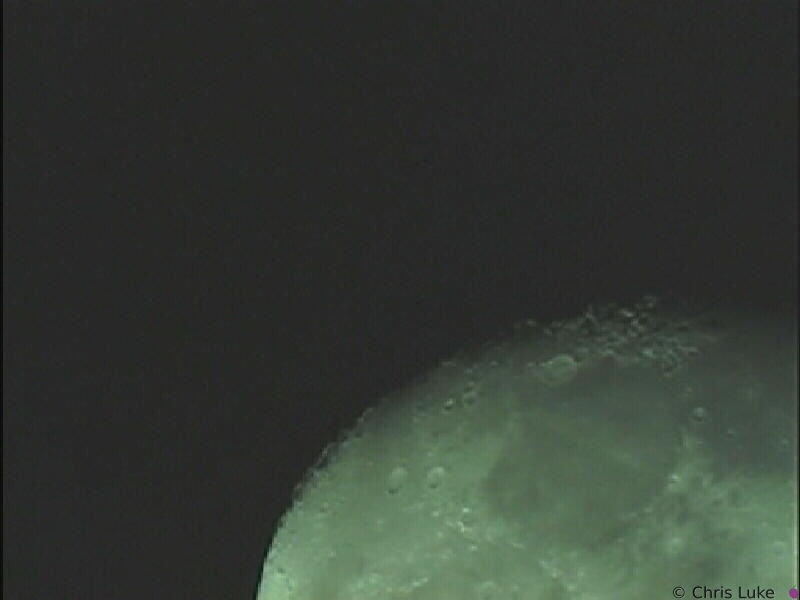 moon-1-0019
The Moon Meade 10" Newtonian, Sony XC-999, Prime focus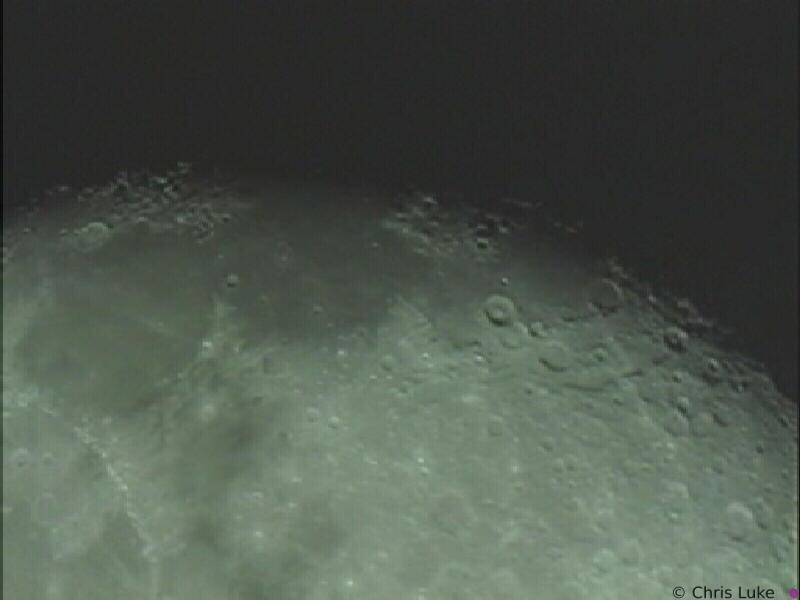 moon-1-0020
The Moon Meade 10" Newtonian, Sony XC-999, Prime focus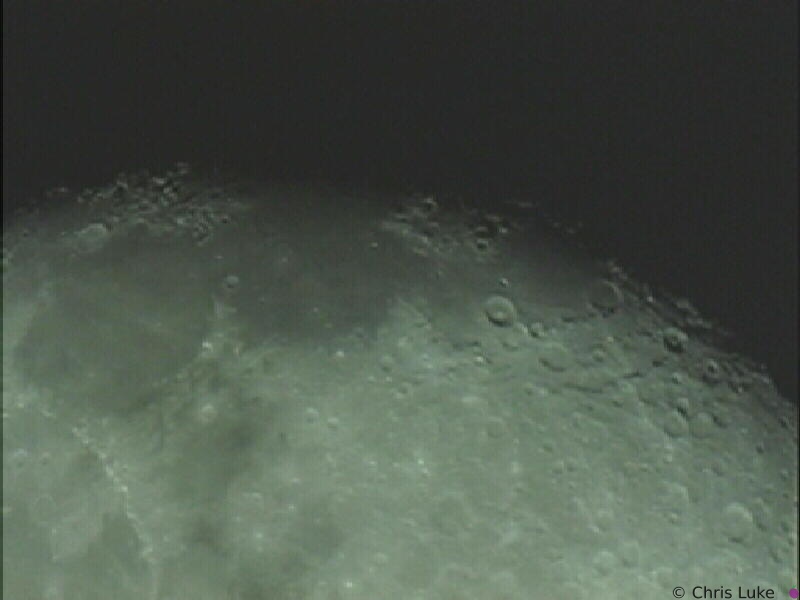 moon-1-0021
The Moon Meade 10" Newtonian, Sony XC-999, Prime focus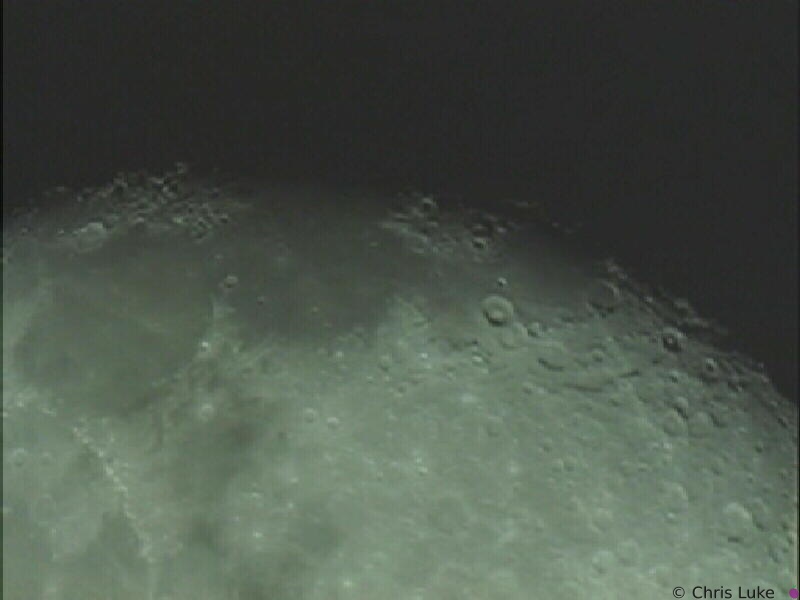 moon-1-0022
The Moon Meade 10" Newtonian, Sony XC-999, Prime focus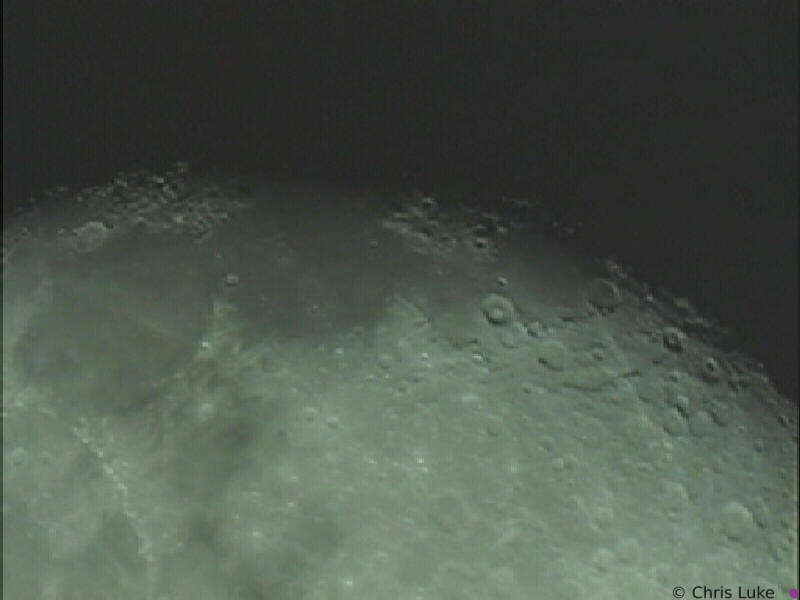 moon-1-0023
The Moon Meade 10" Newtonian, Sony XC-999, Prime focus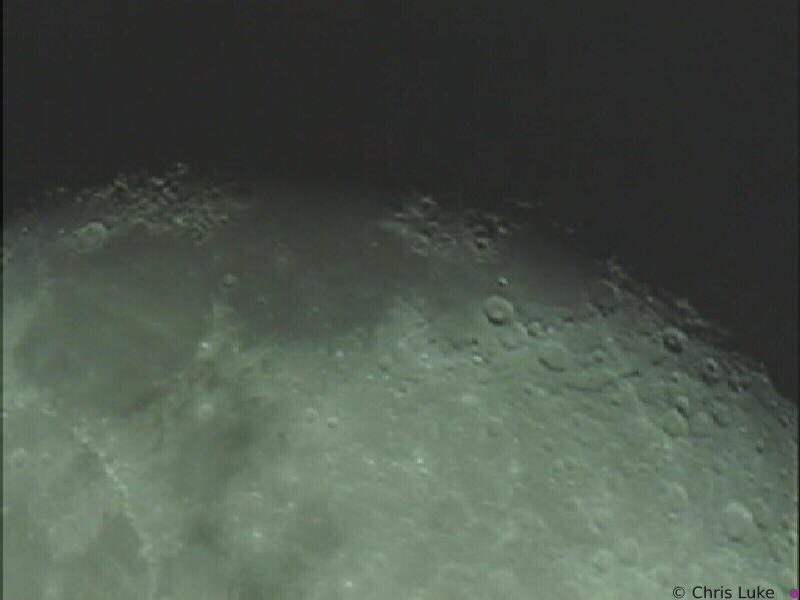 moon-1-0024
The Moon Meade 10" Newtonian, Sony XC-999, Prime focus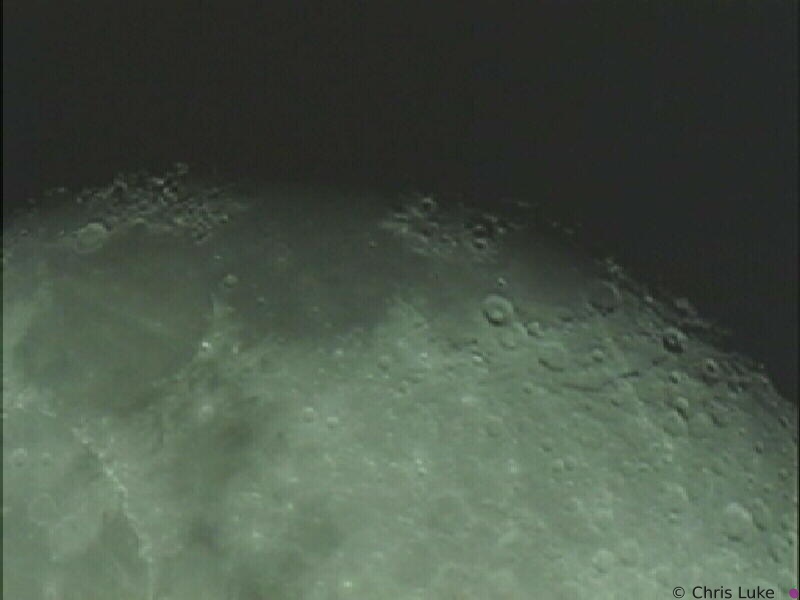 moon-1-0025
The Moon Meade 10" Newtonian, Sony XC-999, Prime focus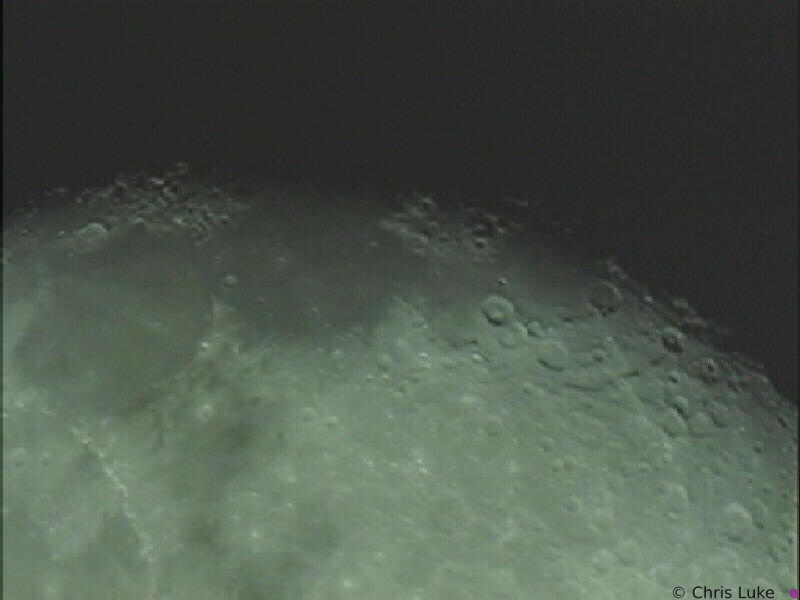 moon-1-0026
The Moon Meade 10" Newtonian, Sony XC-999, Prime focus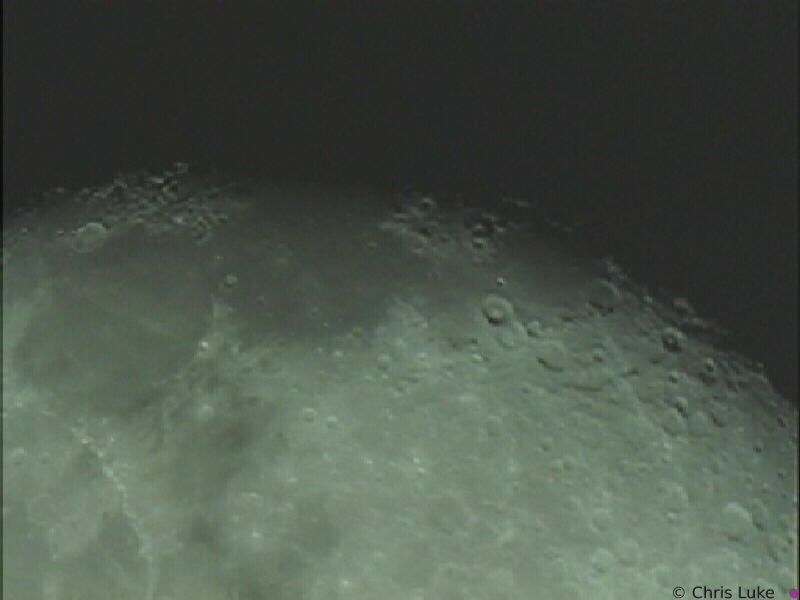 moon-1-0027
The Moon Meade 10" Newtonian, Sony XC-999, Prime focus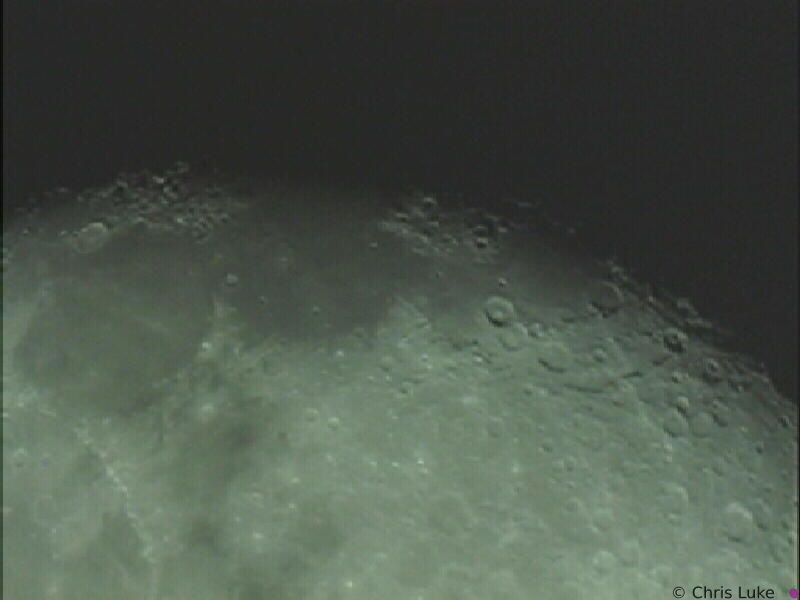 moon-1-0028
The Moon Meade 10" Newtonian, Sony XC-999, Prime focus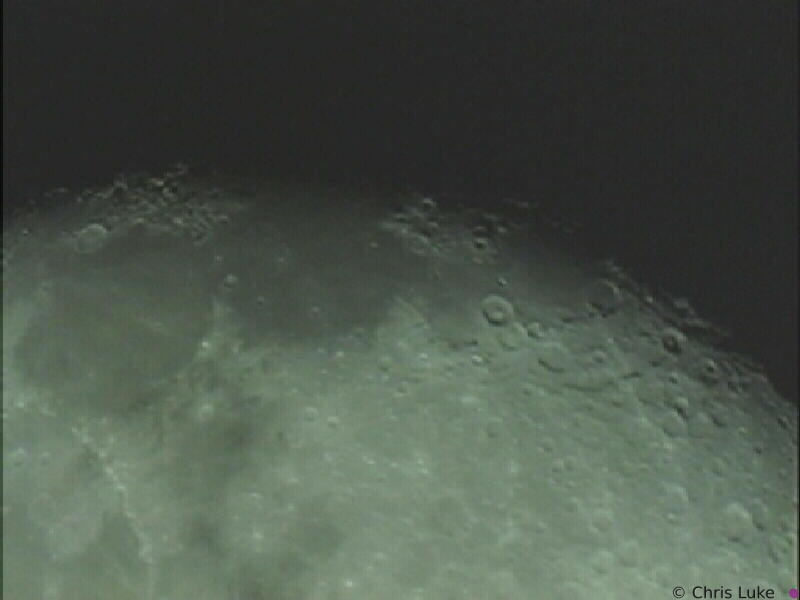 moon-1-0029
The Moon Meade 10" Newtonian, Sony XC-999, Prime focus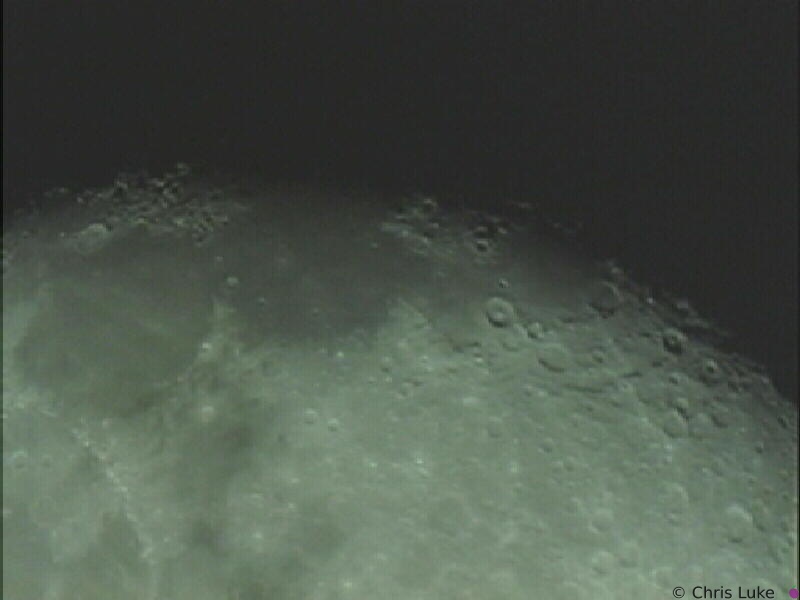 moon-1-0030
The Moon Meade 10" Newtonian, Sony XC-999, Prime focus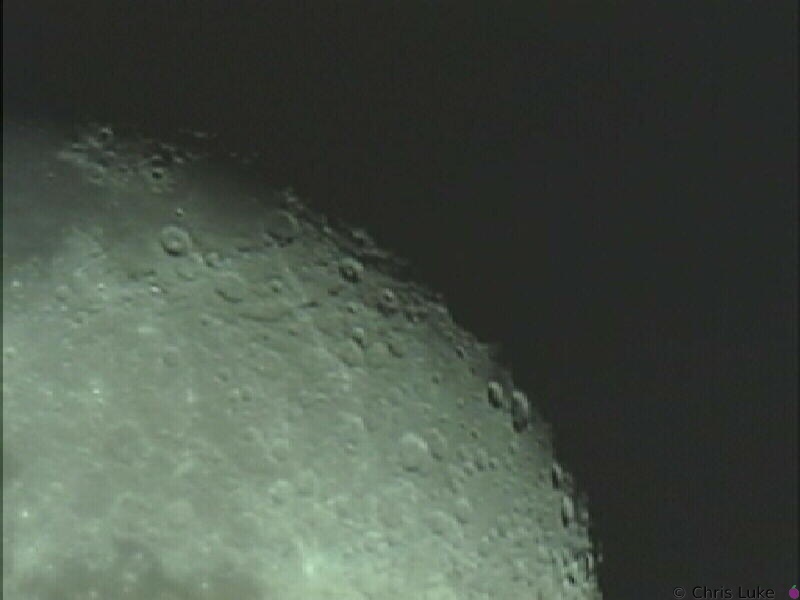 moon-2-01
The Moon Meade 10" Newtonian, Sony XC-999, Prime focus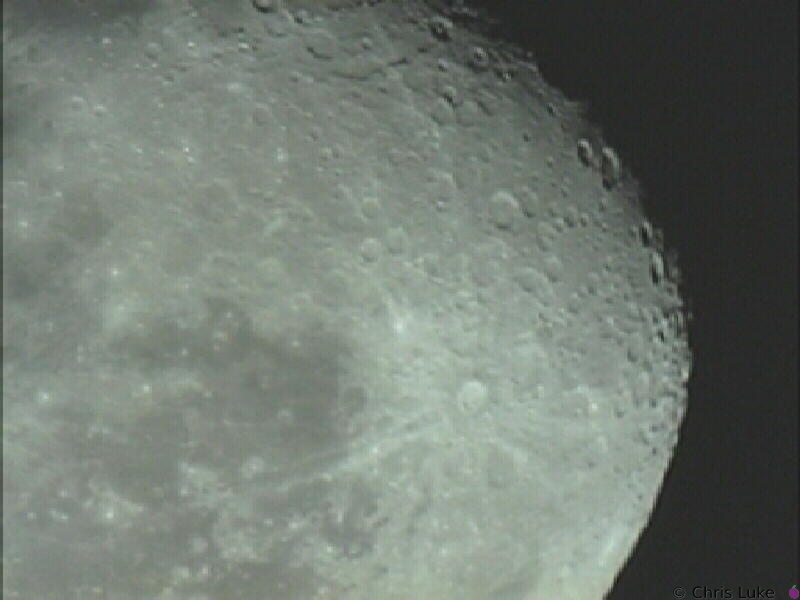 moon-2-02
The Moon Meade 10" Newtonian, Sony XC-999, Prime focus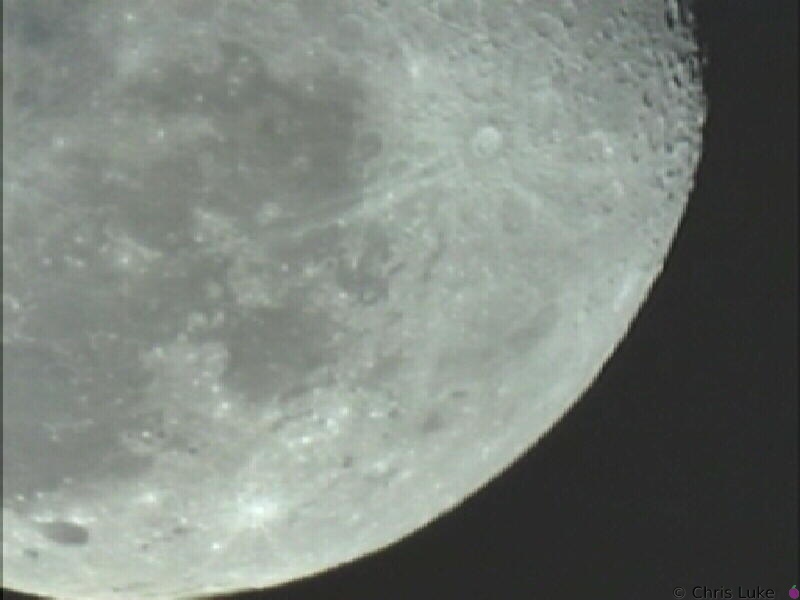 moon-2-03
The Moon Meade 10" Newtonian, Sony XC-999, Prime focus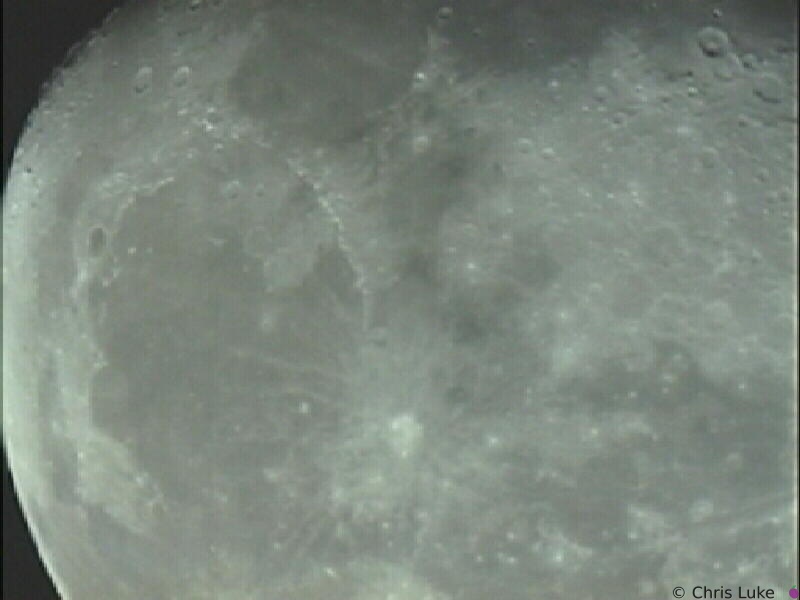 moon-2-04
The Moon Meade 10" Newtonian, Sony XC-999, Prime focus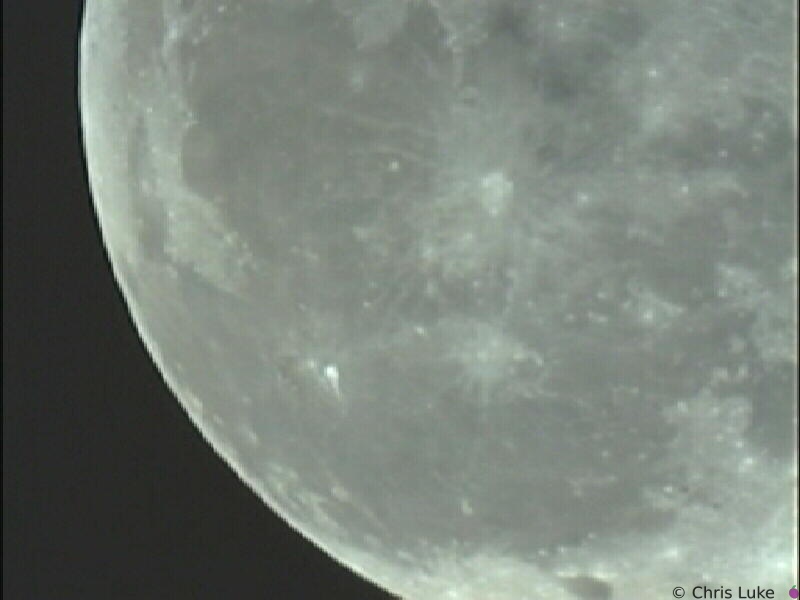 moon-2-05
The Moon Meade 10" Newtonian, Sony XC-999, Prime focus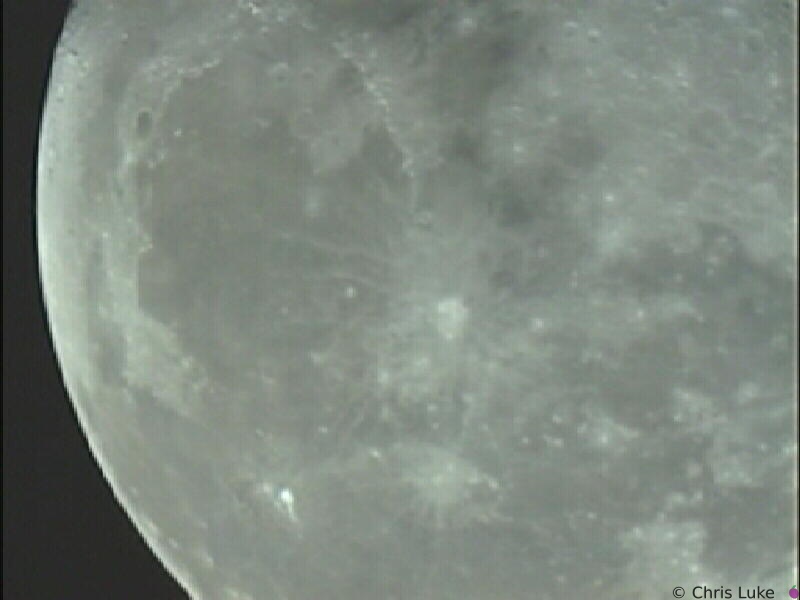 moon-2-06
The Moon Meade 10" Newtonian, Sony XC-999, Prime focus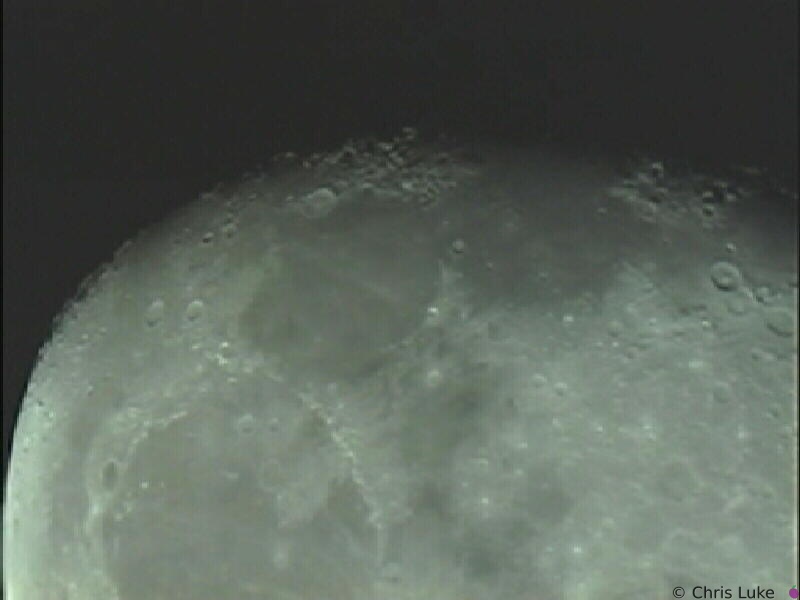 moon-2-07
The Moon Meade 10" Newtonian, Sony XC-999, Prime focus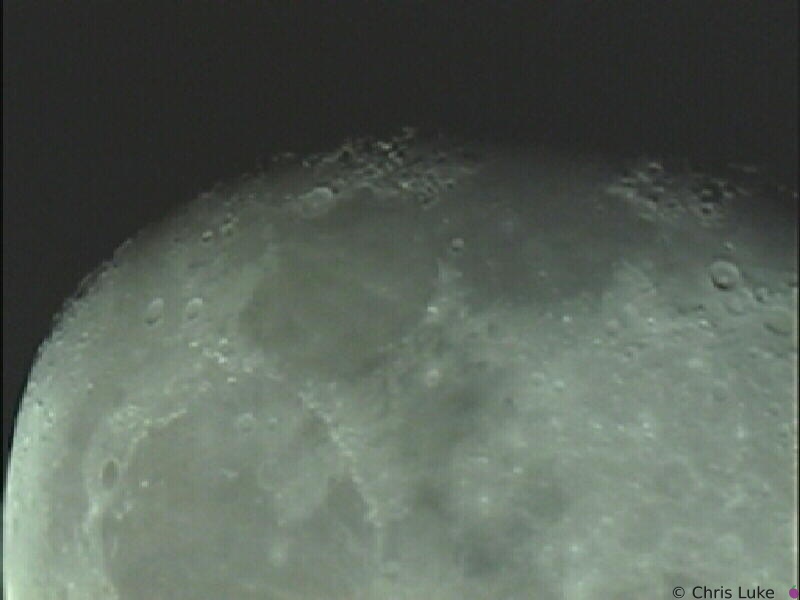 moon-2-08
The Moon Meade 10" Newtonian, Sony XC-999, Prime focus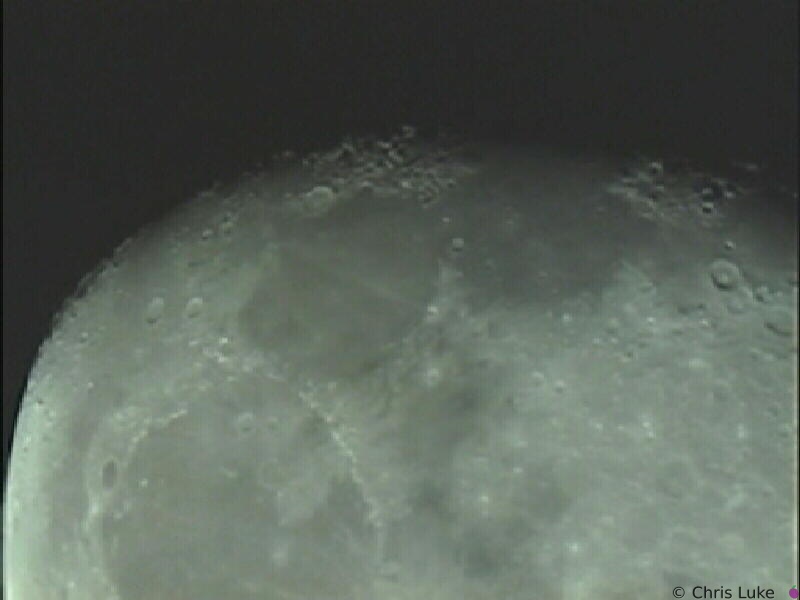 moon-2-09
The Moon Meade 10" Newtonian, Sony XC-999, Prime focus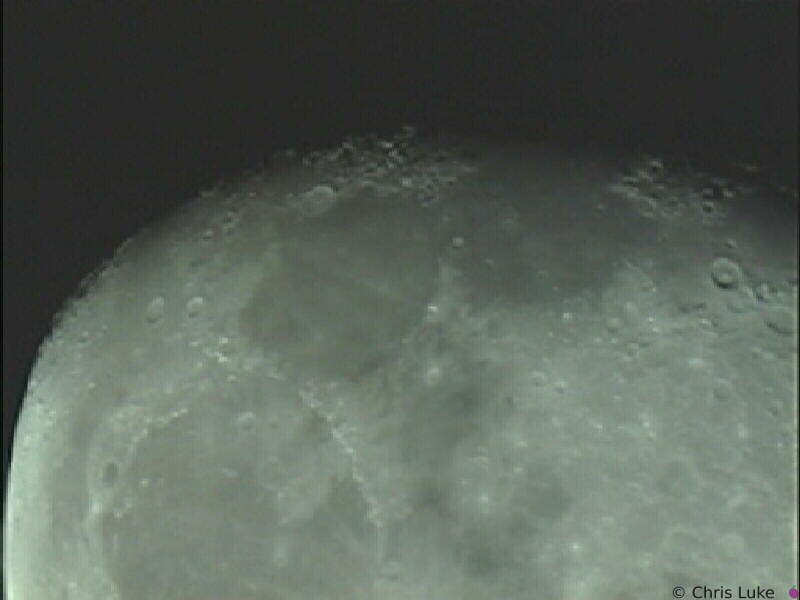 moon-2-10
The Moon Meade 10" Newtonian, Sony XC-999, Prime focus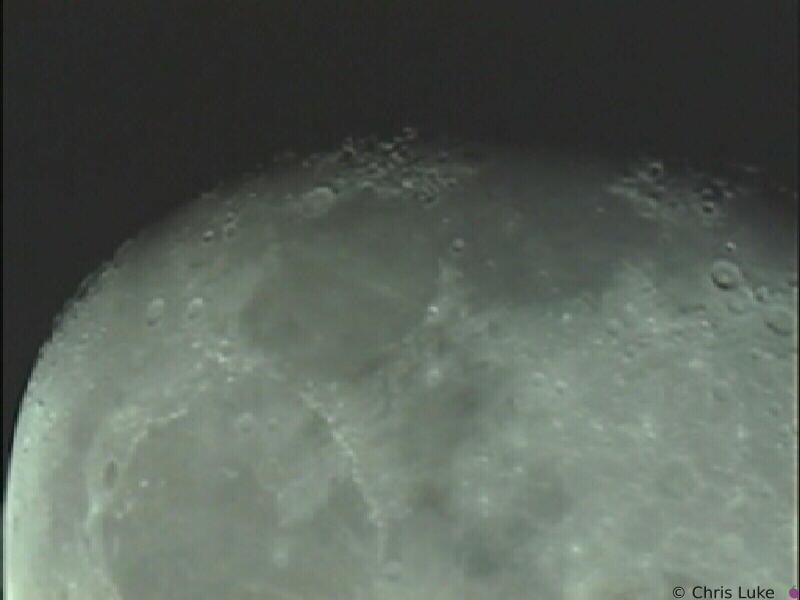 moon-2-11
The Moon Meade 10" Newtonian, Sony XC-999, Prime focus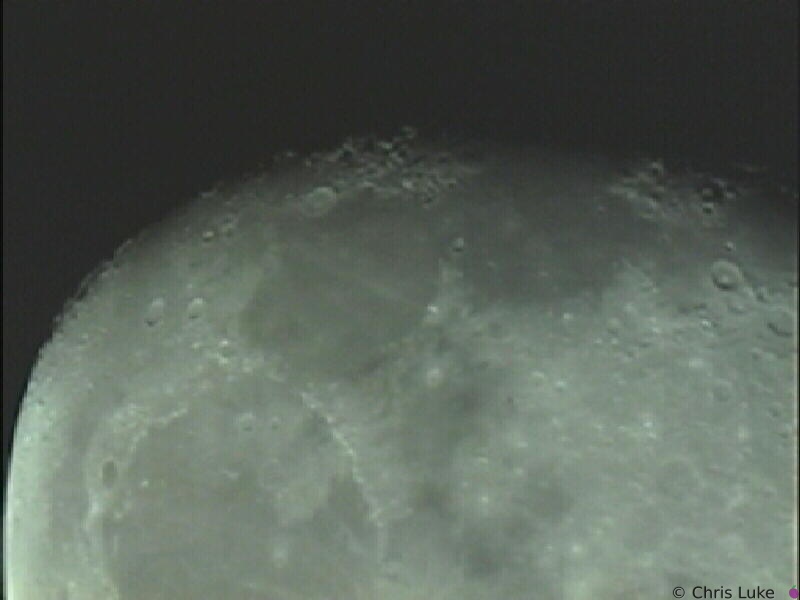 moon-2-12
The Moon Meade 10" Newtonian, Sony XC-999, Prime focus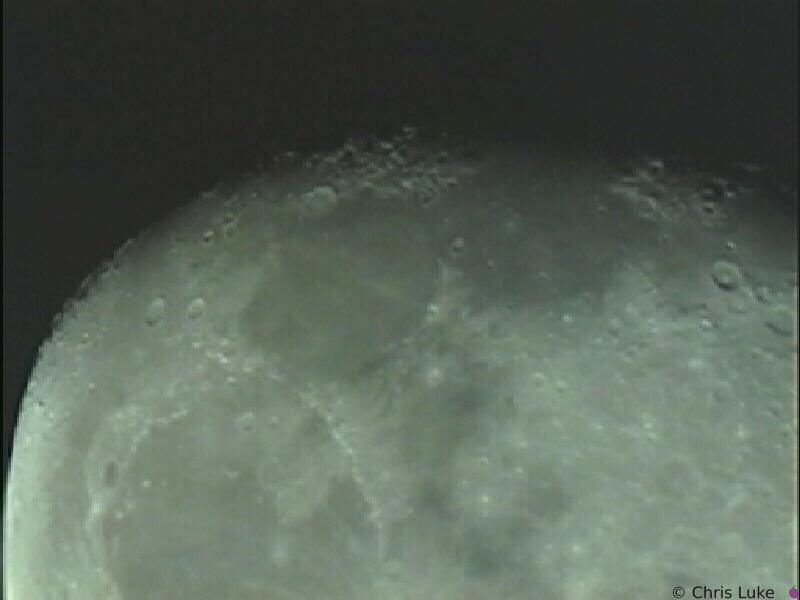 moon-2-13
The Moon Meade 10" Newtonian, Sony XC-999, Prime focus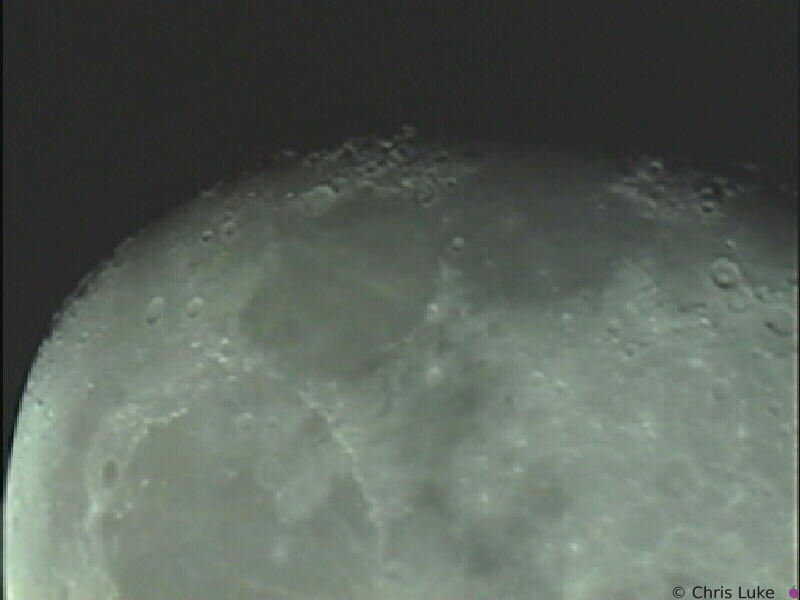 moon-2-14
The Moon Meade 10" Newtonian, Sony XC-999, Prime focus sat1-001
Saturn Meade 10" Newtonian, Sony XC-999, Prime focus sat1-002
Saturn Meade 10" Newtonian, Sony XC-999, Prime focus sat1-003
Saturn Meade 10" Newtonian, Sony XC-999, Prime focus sat1-004
Saturn Meade 10" Newtonian, Sony XC-999, Prime focus sat1-005
Saturn Meade 10" Newtonian, Sony XC-999, Prime focus sat1-006
Saturn Meade 10" Newtonian, Sony XC-999, Prime focus sat1-007
Saturn Meade 10" Newtonian, Sony XC-999, Prime focus sat1-008
Saturn Meade 10" Newtonian, Sony XC-999, Prime focus sat1-009
Saturn Meade 10" Newtonian, Sony XC-999, Prime focus sat1-010
Saturn Meade 10" Newtonian, Sony XC-999, Prime focus sat1-011
Saturn Meade 10" Newtonian, Sony XC-999, Prime focus sat1-012
Saturn Meade 10" Newtonian, Sony XC-999, Prime focus sat1-013
Saturn Meade 10" Newtonian, Sony XC-999, Prime focus sat1-014
Saturn Meade 10" Newtonian, Sony XC-999, Prime focus sat1-015
Saturn Meade 10" Newtonian, Sony XC-999, Prime focus sat1-016
Saturn Meade 10" Newtonian, Sony XC-999, Prime focus sat1-017
Saturn Meade 10" Newtonian, Sony XC-999, Prime focus sat1-018
Saturn Meade 10" Newtonian, Sony XC-999, Prime focus sat1-019
Saturn Meade 10" Newtonian, Sony XC-999, Prime focus sat1-020
Saturn Meade 10" Newtonian, Sony XC-999, Prime focus sat1-021
Saturn Meade 10" Newtonian, Sony XC-999, Prime focus sat1-022
Saturn Meade 10" Newtonian, Sony XC-999, Prime focus sat2-001
Saturn Meade 10" Newtonian, Sony XC-999, Prime focus sat2-002
Saturn Meade 10" Newtonian, Sony XC-999, Prime focus sat2-003
Saturn Meade 10" Newtonian, Sony XC-999, Prime focus sat2-004
Saturn Meade 10" Newtonian, Sony XC-999, Prime focus sat2-005
Saturn Meade 10" Newtonian, Sony XC-999, Prime focus sat2-006
Saturn Meade 10" Newtonian, Sony XC-999, Prime focus sat2-007
Saturn Meade 10" Newtonian, Sony XC-999, Prime focus sat2-008
Saturn Meade 10" Newtonian, Sony XC-999, Prime focus sat2-009
Saturn Meade 10" Newtonian, Sony XC-999, Prime focus sat2-010
Saturn Meade 10" Newtonian, Sony XC-999, Prime focus sat2-011
Saturn Meade 10" Newtonian, Sony XC-999, Prime focus sat2-012
Saturn Meade 10" Newtonian, Sony XC-999, Prime focus sat2-013
Saturn Meade 10" Newtonian, Sony XC-999, Prime focus sat2-014
Saturn Meade 10" Newtonian, Sony XC-999, Prime focus sat2-015
Saturn Meade 10" Newtonian, Sony XC-999, Prime focus sat2-016
Saturn Meade 10" Newtonian, Sony XC-999, Prime focus sat2-017
Saturn Meade 10" Newtonian, Sony XC-999, Prime focus sat2-018
Saturn Meade 10" Newtonian, Sony XC-999, Prime focus sat2-019
Saturn Meade 10" Newtonian, Sony XC-999, Prime focus sat2-020
Saturn Meade 10" Newtonian, Sony XC-999, Prime focus sat2-021
Saturn Meade 10" Newtonian, Sony XC-999, Prime focus sat2-022
Saturn Meade 10" Newtonian, Sony XC-999, Prime focus sat2-023
Saturn Meade 10" Newtonian, Sony XC-999, Prime focus sat2-024
Saturn Meade 10" Newtonian, Sony XC-999, Prime focus sat2-025
Saturn Meade 10" Newtonian, Sony XC-999, Prime focus sat2-026
Saturn Meade 10" Newtonian, Sony XC-999, Prime focus sat2-027
Saturn Meade 10" Newtonian, Sony XC-999, Prime focus sat2-028
Saturn Meade 10" Newtonian, Sony XC-999, Prime focus sat2-029
Saturn Meade 10" Newtonian, Sony XC-999, Prime focus sat2-030
Saturn Meade 10" Newtonian, Sony XC-999, Prime focus sat2-031
Saturn Meade 10" Newtonian, Sony XC-999, Prime focus sat2-032
Saturn Meade 10" Newtonian, Sony XC-999, Prime focus sat2-033
Saturn Meade 10" Newtonian, Sony XC-999, Prime focus sat2-034
Saturn Meade 10" Newtonian, Sony XC-999, Prime focus sat2-035
Saturn Meade 10" Newtonian, Sony XC-999, Prime focus sat2-036
Saturn Meade 10" Newtonian, Sony XC-999, Prime focus sat2-037
Saturn Meade 10" Newtonian, Sony XC-999, Prime focus sat2-038
Saturn Meade 10" Newtonian, Sony XC-999, Prime focus sat2-039
Saturn Meade 10" Newtonian, Sony XC-999, Prime focus sat2-040
Saturn Meade 10" Newtonian, Sony XC-999, Prime focus sat2-041
Saturn Meade 10" Newtonian, Sony XC-999, Prime focus sat2-042
Saturn Meade 10" Newtonian, Sony XC-999, Prime focus sat2-043
Saturn Meade 10" Newtonian, Sony XC-999, Prime focus sat2-044
Saturn Meade 10" Newtonian, Sony XC-999, Prime focus sat2-045
Saturn Meade 10" Newtonian, Sony XC-999, Prime focus sat2-046
Saturn Meade 10" Newtonian, Sony XC-999, Prime focus sat2-047
Saturn Meade 10" Newtonian, Sony XC-999, Prime focus sat2-048
Saturn Meade 10" Newtonian, Sony XC-999, Prime focus sat2-049
Saturn Meade 10" Newtonian, Sony XC-999, Prime focus sat2-050
Saturn Meade 10" Newtonian, Sony XC-999, Prime focus sat2-051
Saturn Meade 10" Newtonian, Sony XC-999, Prime focus