
 kt ruth wed 0169
 kt ruth wed 0170
 kt ruth wed 0171
 kt ruth wed 0172
 kt ruth wed 0173
 kt ruth wed 0174
 kt ruth wed 0175
 kt ruth wed 0176
 kt ruth wed 0177
 kt ruth wed 0178
 kt ruth wed 0179
 kt ruth wed 0180
 kt ruth wed 0181
 kt ruth wed 0182
 kt ruth wed 0183
 kt ruth wed 0184
 kt ruth wed 0185
 kt ruth wed 0186
 kt ruth wed 0187
 kt ruth wed 0188
 kt ruth wed 0189
 kt ruth wed 0190
 kt ruth wed 0191
 kt ruth wed 0192
 kt ruth wed 0193
 kt ruth wed 0194
 kt ruth wed 0195
 kt ruth wed 0196
 kt ruth wed 0197
 kt ruth wed 0198
 kt ruth wed 0199
 kt ruth wed 0200
 kt ruth wed 0201
 kt ruth wed 0202
 kt ruth wed 0203
 kt ruth wed 0204
 kt ruth wed 0205
 kt ruth wed 0206
 kt ruth wed 0207
 kt ruth wed 0208
 kt ruth wed 0209
 kt ruth wed 0210
 kt ruth wed 0211
 kt ruth wed 0212
 kt ruth wed 0213
 kt ruth wed 0214
 kt ruth wed 0215
 kt ruth wed 0216
 kt ruth wed 0217
 kt ruth wed 0218
 kt ruth wed 0219
 kt ruth wed 0220
 kt ruth wed 0221
 kt ruth wed 0222
 kt ruth wed 0223
 kt ruth wed 0224
 kt ruth wed 0225
 kt ruth wed 0226
 kt ruth wed 0227
 kt ruth wed 0228
 kt ruth wed 0229
 kt ruth wed 0230
 kt ruth wed 0231
 kt ruth wed 0232
 kt ruth wed 0233
 kt ruth wed 0234
 kt ruth wed 0235
 kt ruth wed 0236
 kt ruth wed 0237
 kt ruth wed 0238
 kt ruth wed 0239
 kt ruth wed 0240
 kt ruth wed 0241
 kt ruth wed 0242
 kt ruth wed 0243
 kt ruth wed 0244
 kt ruth wed 0245
 kt ruth wed 0246
 kt ruth wed 0247
 kt ruth wed 0248
 kt ruth wed 0249
 kt ruth wed 0250
 kt ruth wed 0251
 kt ruth wed 0252
 kt ruth wed 0253
 kt ruth wed 0254
 kt ruth wed 0255
 kt ruth wed 0256
 kt ruth wed 0257
 kt ruth wed 0258
 kt ruth wed 0259
 kt ruth wed 0260
 kt ruth wed 0261
 kt ruth wed 0262
 kt ruth wed 0263
 kt ruth wed 0264
 kt ruth wed 0265
 kt ruth wed 0266
 kt ruth wed 0267
 kt ruth wed 0268
 kt ruth wed 0269
 kt ruth wed 0270
 kt ruth wed 0271
 kt ruth wed 0272
 kt ruth wed 0273
 kt ruth wed 0274
 kt ruth wed 0275
 kt ruth wed 0276
 kt ruth wed 0277
 kt ruth wed 0278
 kt ruth wed 0279
 kt ruth wed 0280
 kt ruth wed 0281
 kt ruth wed 0282
 kt ruth wed 0283
 kt ruth wed 0284
 kt ruth wed 0285
 kt ruth wed 0286
 kt ruth wed 0287
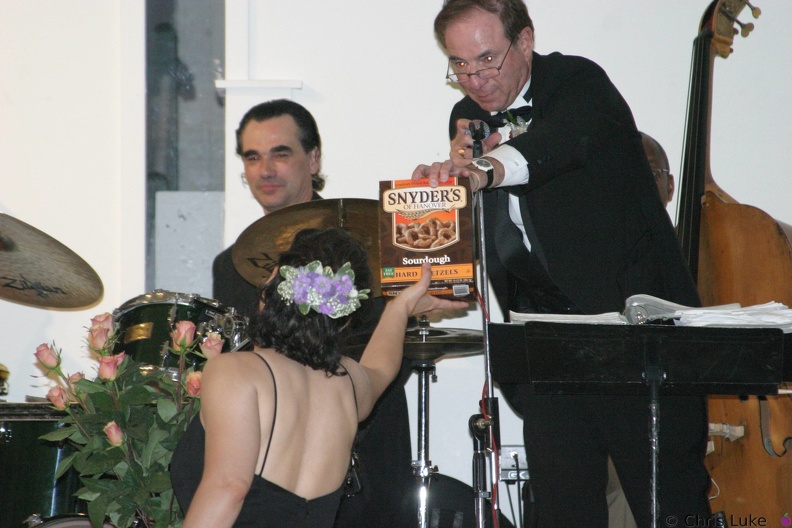 kt ruth wed 0288
 kt ruth wed 0289
 kt ruth wed 0290
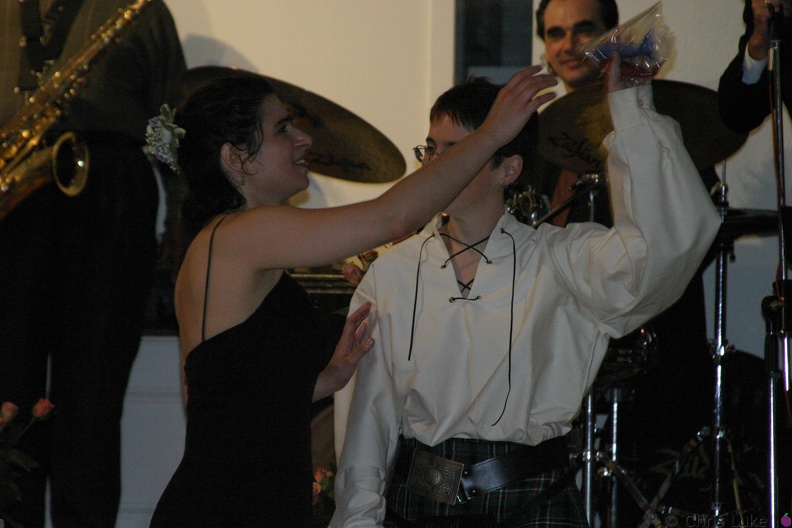 kt ruth wed 0291
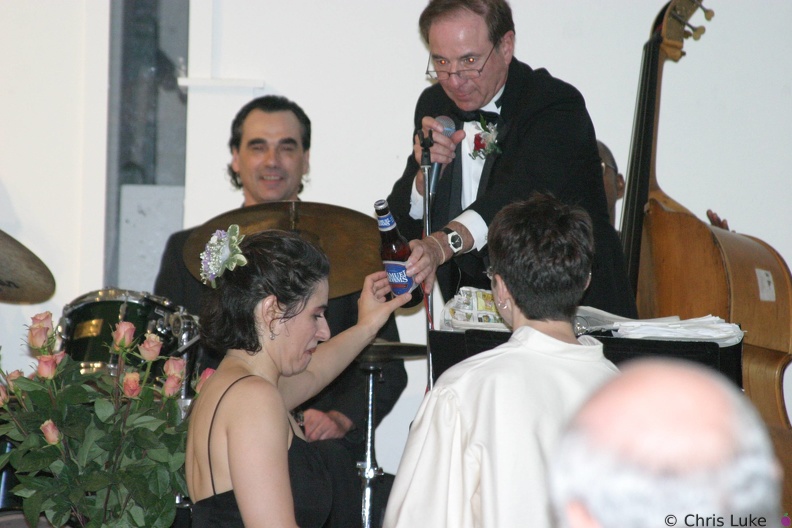 kt ruth wed 0292
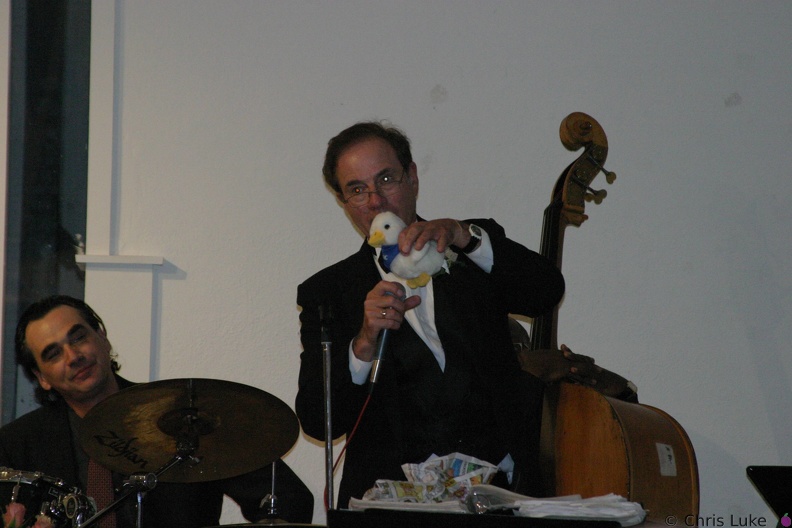 kt ruth wed 0293
 kt ruth wed 0294
 kt ruth wed 0295
 kt ruth wed 0296
 kt ruth wed 0297
 kt ruth wed 0298
 kt ruth wed 0299
 kt ruth wed 0300
 kt ruth wed 0301
 kt ruth wed 0302
 kt ruth wed 0303
 kt ruth wed 0304
 kt ruth wed 0305
 kt ruth wed 0306
 kt ruth wed 0307
 kt ruth wed 0308
 kt ruth wed 0309
 kt ruth wed 0310
 kt ruth wed 0311
 kt ruth wed 0312
 kt ruth wed 0313
 kt ruth wed 0314
 kt ruth wed 0315
 kt ruth wed 0316
 kt ruth wed 0317
 kt ruth wed 0318
 kt ruth wed 0319
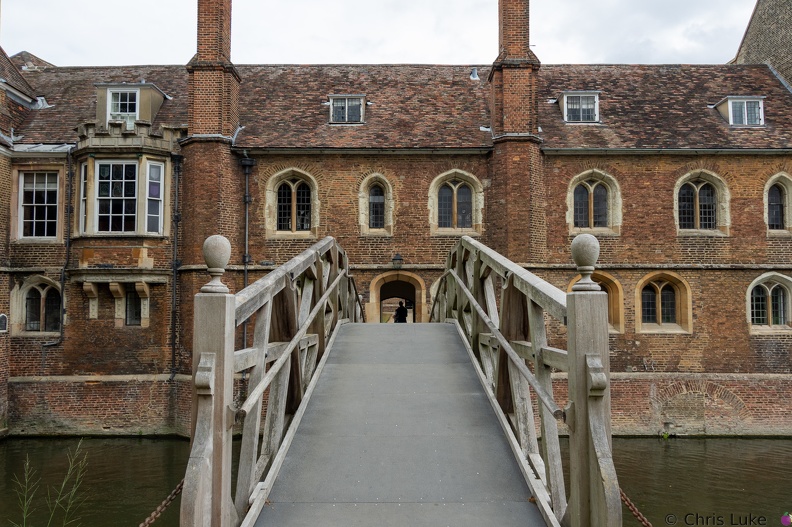 Mathematical Bridge
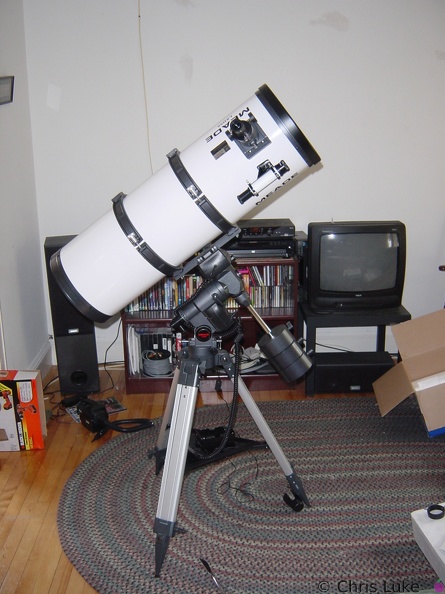 Meade LDX55 10inch Schidt-Newtonian
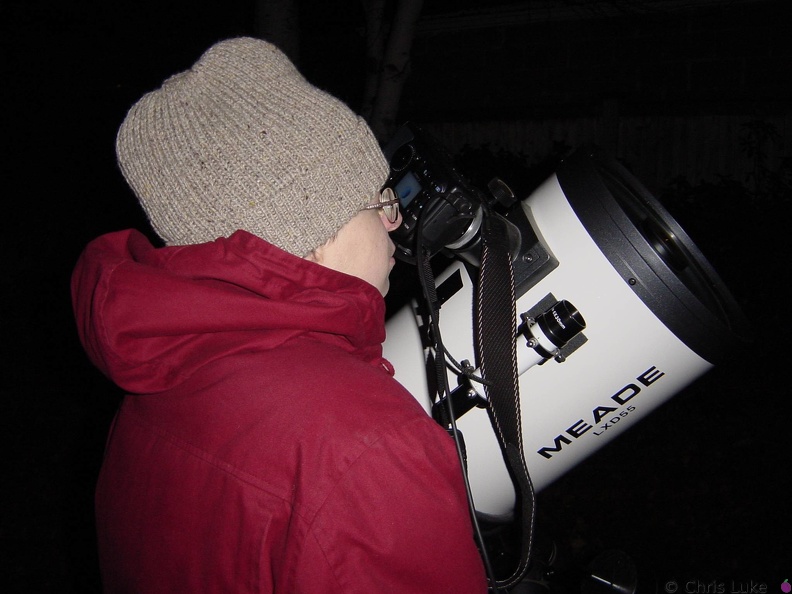
Meade LDX55 10" telescope The Meade LDX55 10" Schmidt-Newtonian reflecting telescope, setup in my living room (to make sure all the bits are there!)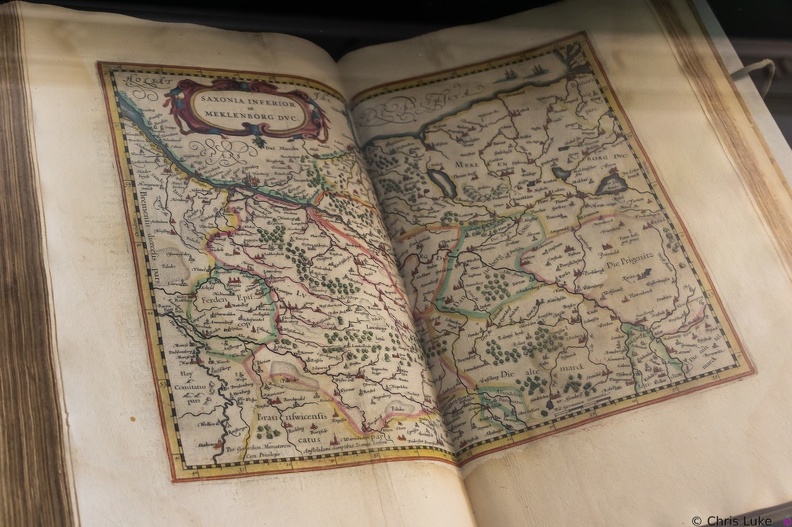 Mercator's Atlas
 Merlin
 Merlin's Cave
 Moon028
 Moon029
 Moon039
 Moon040
 MOV00230
 P0000001
 P0000002
 P0000003
 P0000004
 P0000005
 P0000006
 P0000007
 P0000008
 P0000009
 P0000010
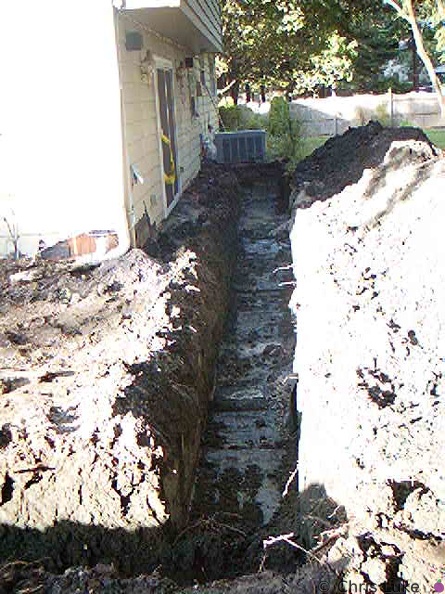 P0000011
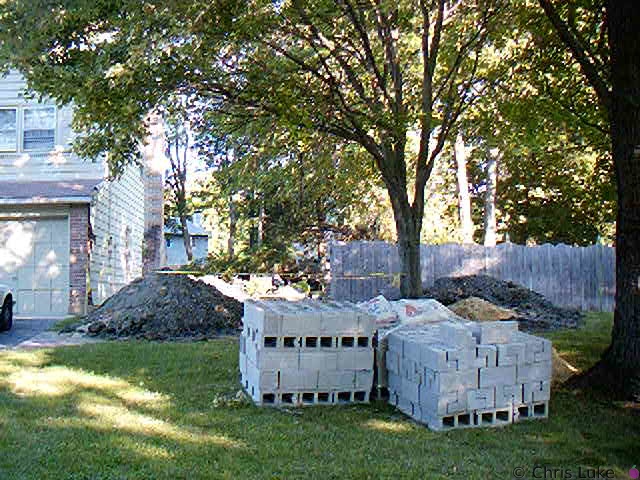 P0000012
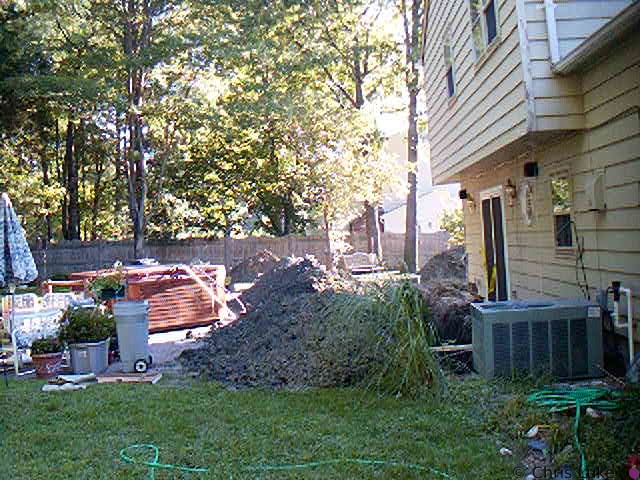 P0000013
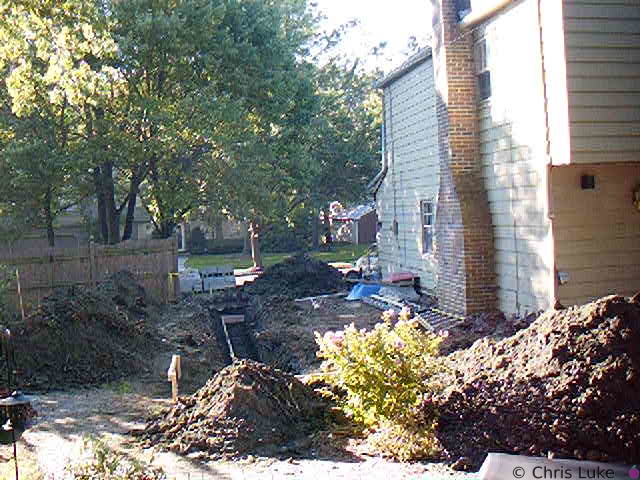 P0000014
 P0000015
 P0000016
 P0000017
 P0000018
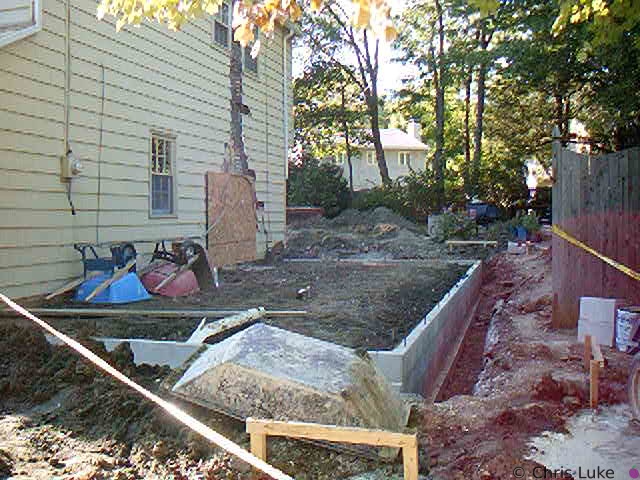 P0000019
 P0000020
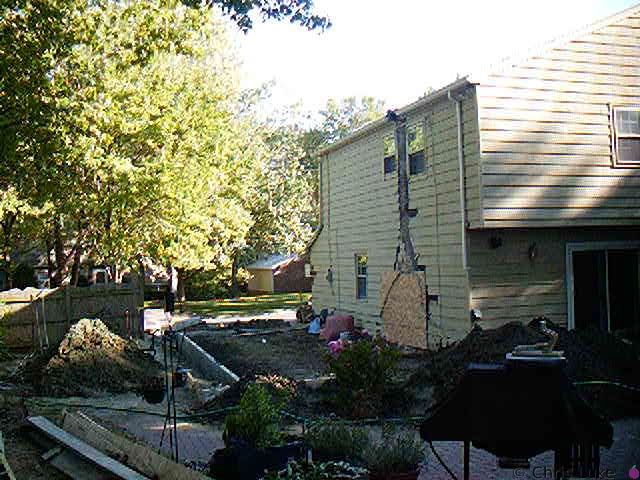 P0000021
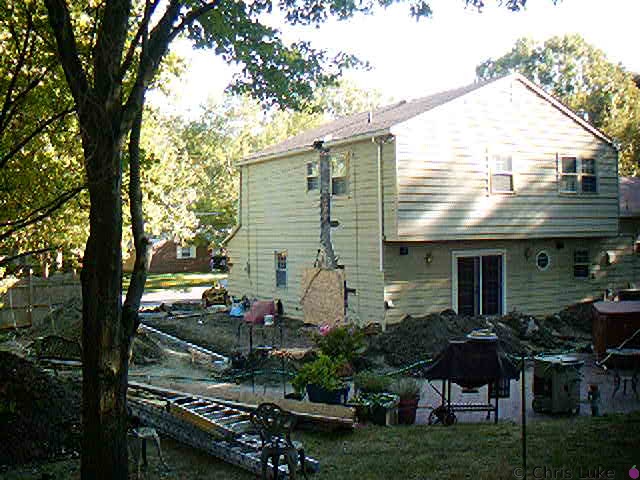 P0000022
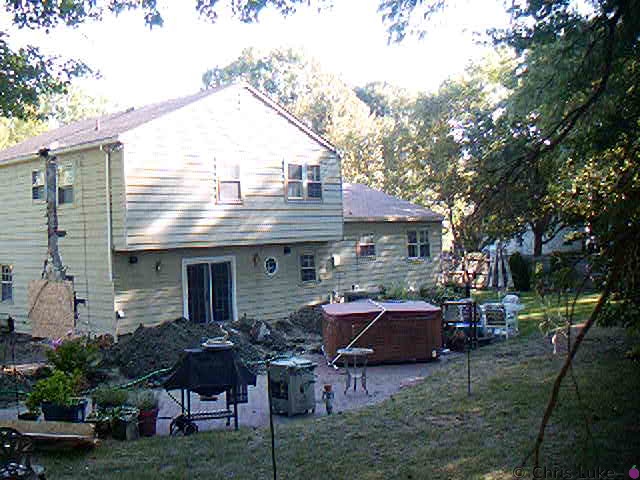 P0000023
 P0000024
 P0000025
 P0000026
 P0000027
 P0000028
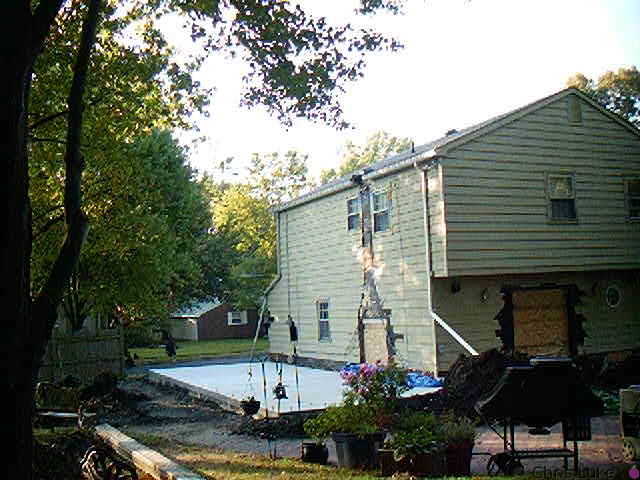 P0000029
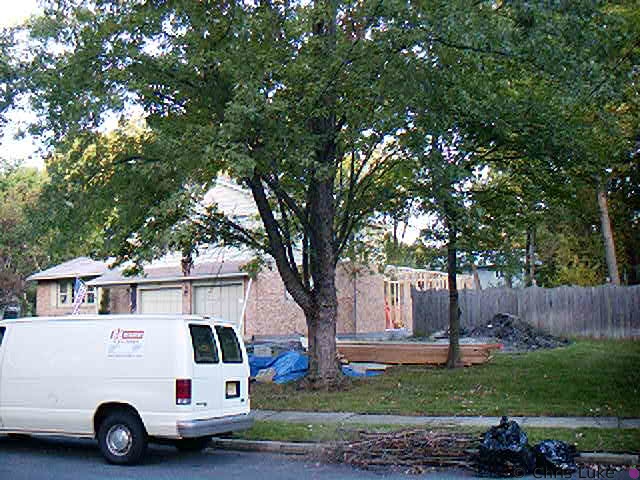 P0000030
 P0000031
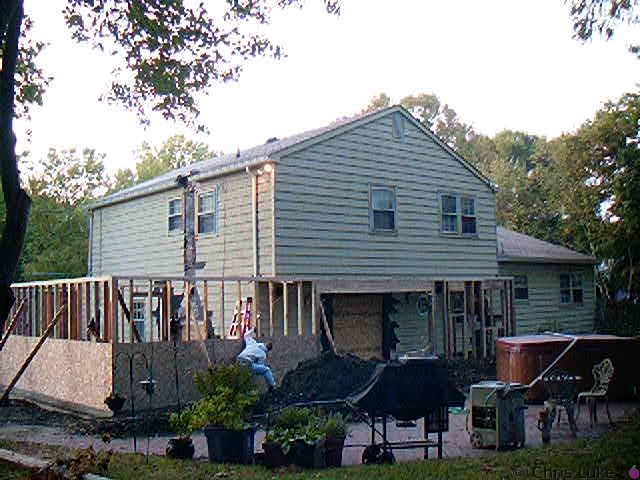 P0000032
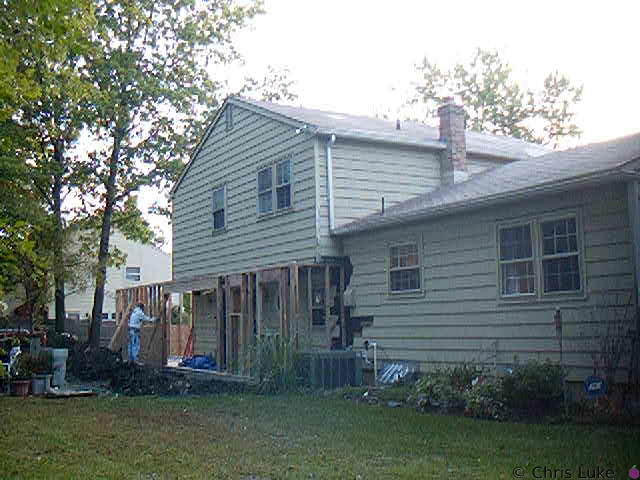 P0000033
 P0000034
 P0000035
 P0000036
 P0000037
 P0000038
 P0000039
 P0000040
 P0000041
 P0000042
 P0000043
 P0000044
 P0000045
 P0000046
 P0000047
 P0000048
 P0000049
 P0000050
 P0000051
 P0000052
 P0000053
 P0000054
 P0000055
 P0000056
 P0000057
 P0000058
 P0000059
 P0000060
 P0000061
 P0000062
 P0000063
 P0000064
 P0000065
 P0000066
 P0000067
 P0000068
 P0000069
 P0000070
 P0000071
 P0000072
 P0000073
 P0000074
 P0000075
 P0000076
 P0000077
 P0000078
 P0000079
 P0000080
 P0000081
 P0000082
 P0000083
 P0000084
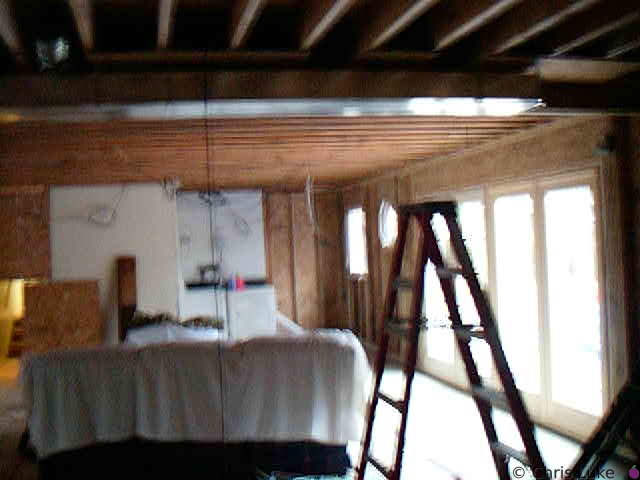 P0000085
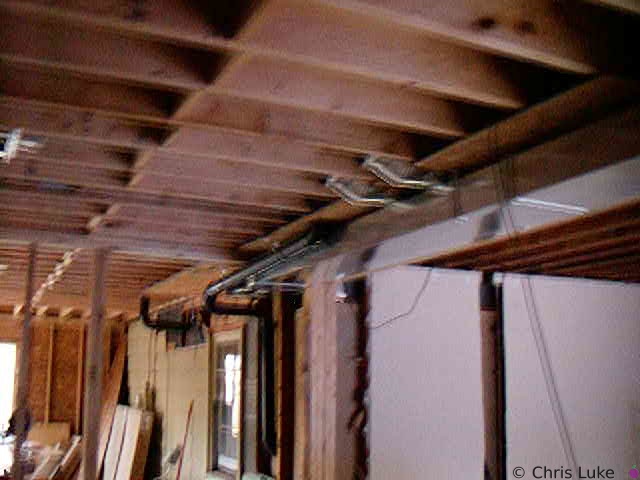 P0000086
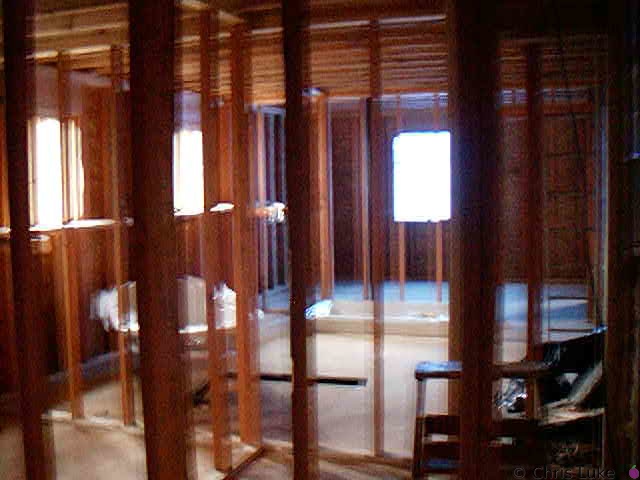 P0000087
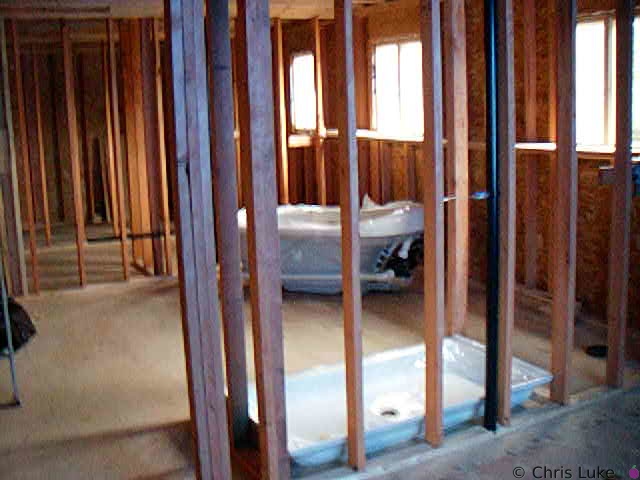 P0000088
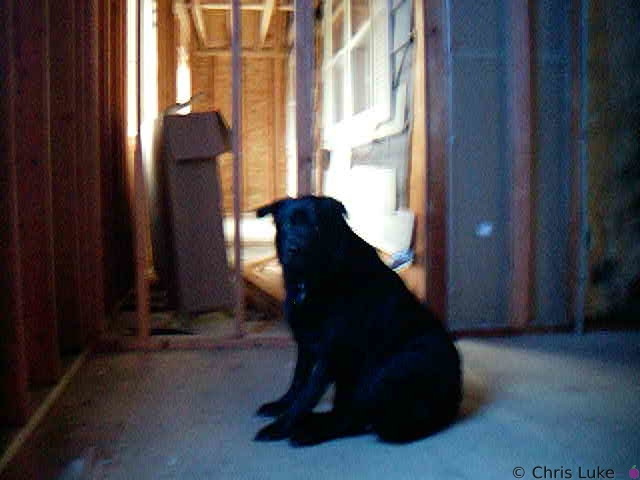 P0000089
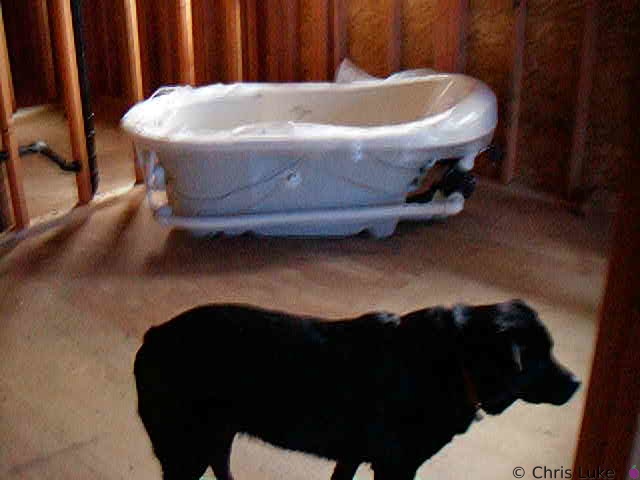 P0000090
 Piper vs. Apollo
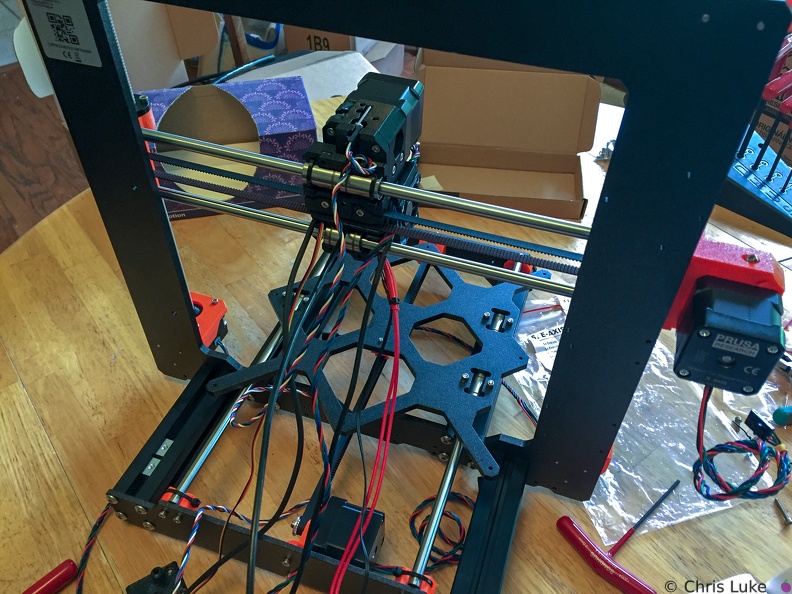 Print head cables
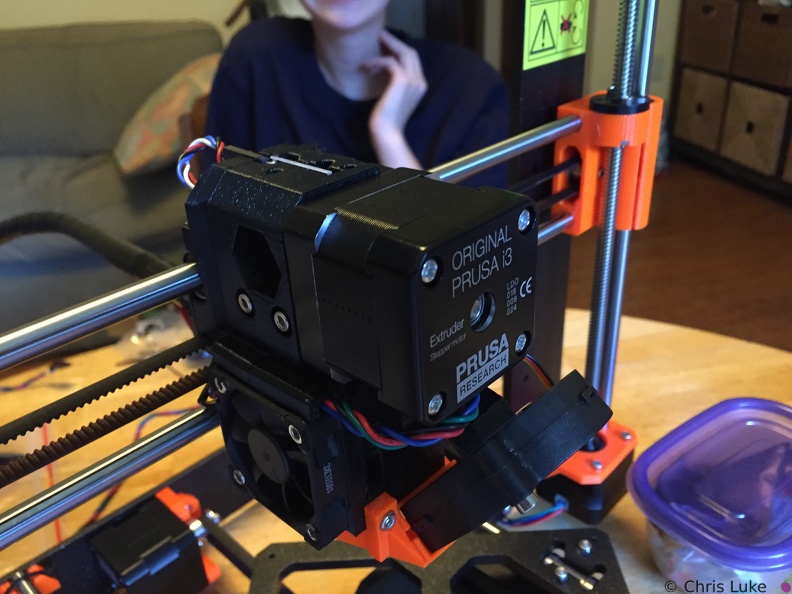 Printhead front
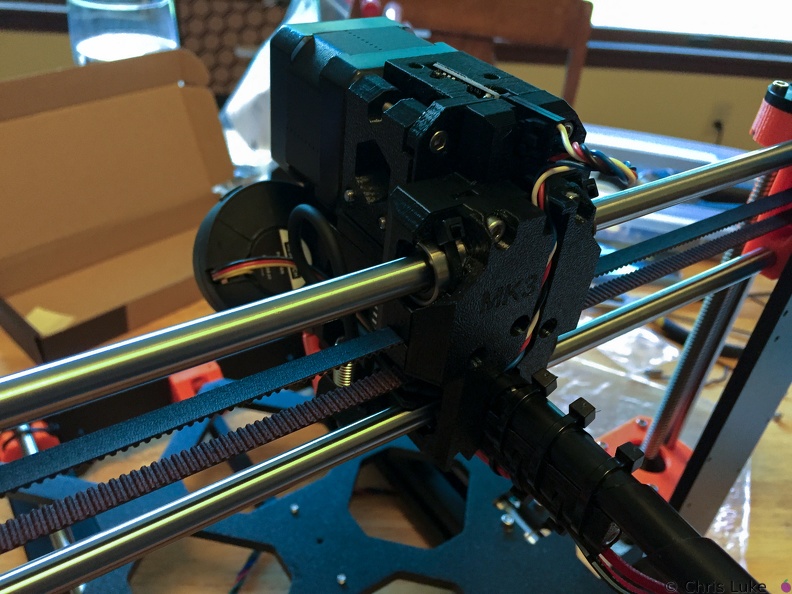 Printhead rear
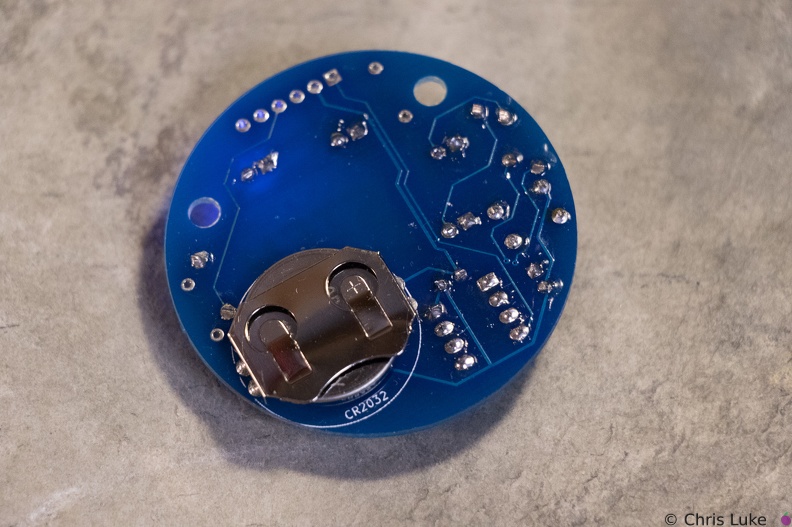 Stockton STEM Badge battery
The battery should sit snugly under the holder.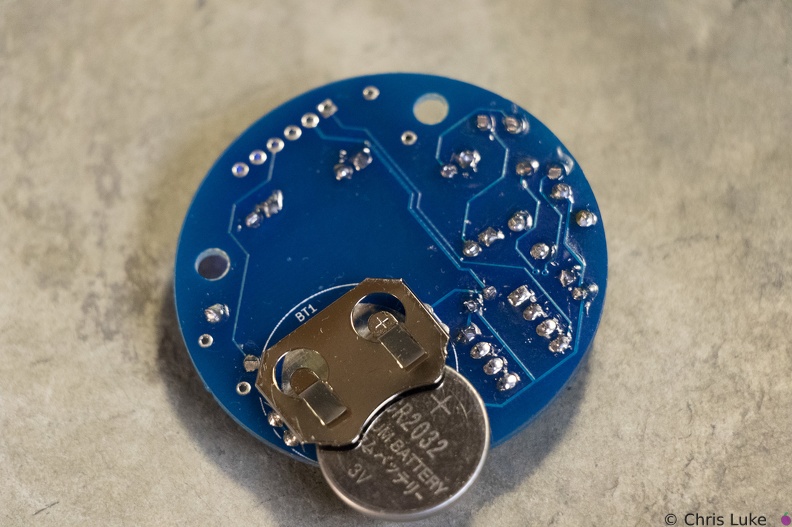 Stockton STEM Badge battery
Note the orientation of the battery. The "+" side contacts the battery holder.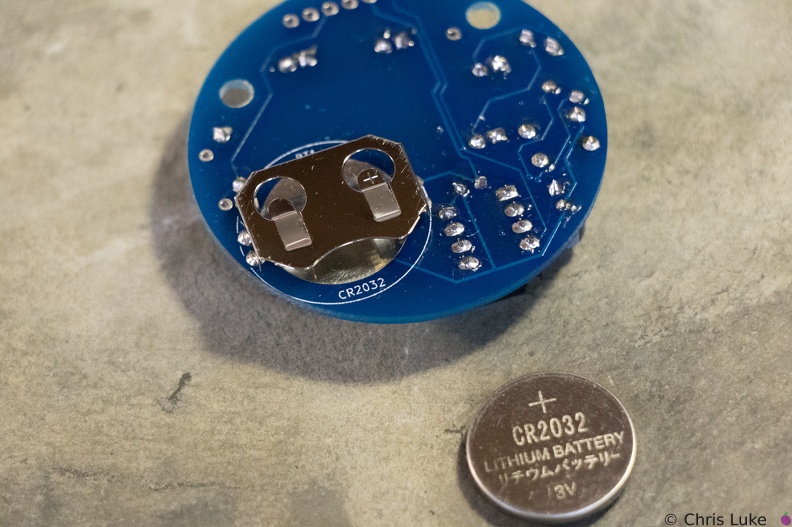 Stockton STEM Badge battery
The battery is a typical CR2032 button cell. Notice which side the "+" is on.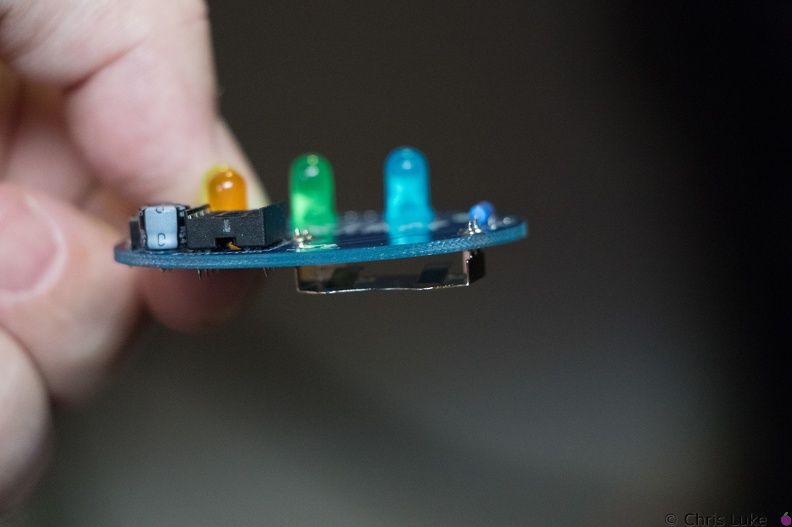 Stockton STEM Badge battery
It is possible for the holder to become hot during soldering; be careful when handling immediately after soldering.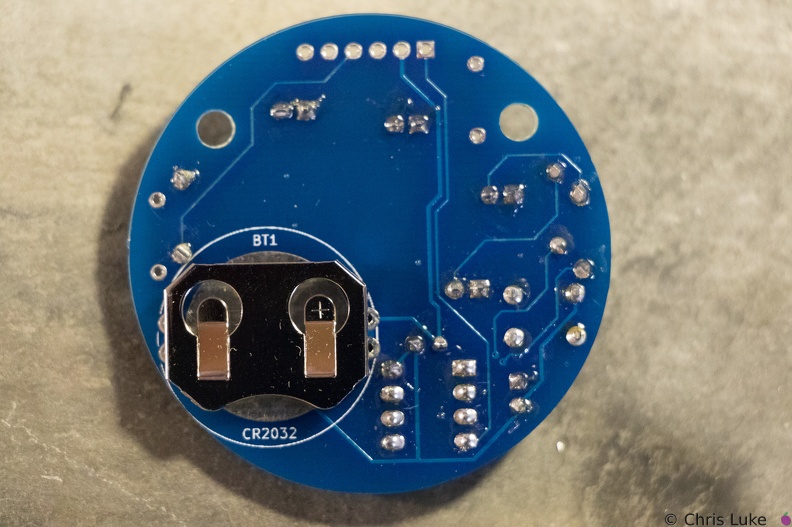 Stockton STEM Badge battery
Note the orientation of the holder; reversing it will make it difficult to insert the battery later.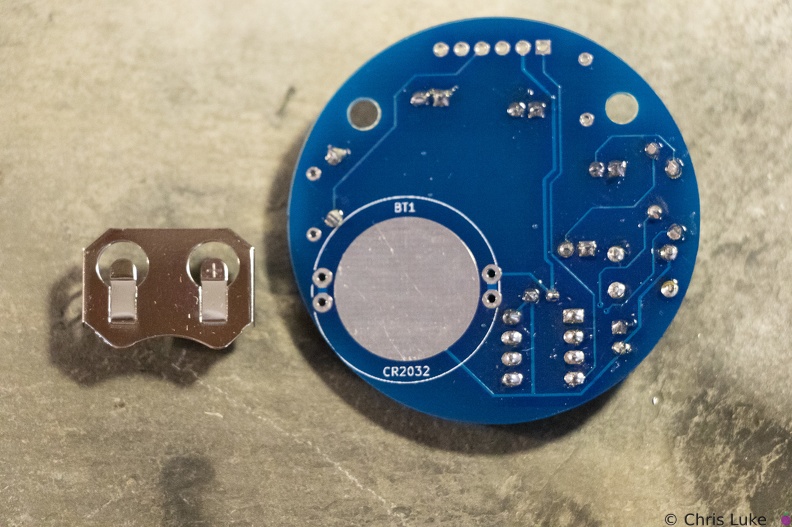 Stockton STEM Badge battery
The battery holder is a simple metal cage that solders to the underside of the board.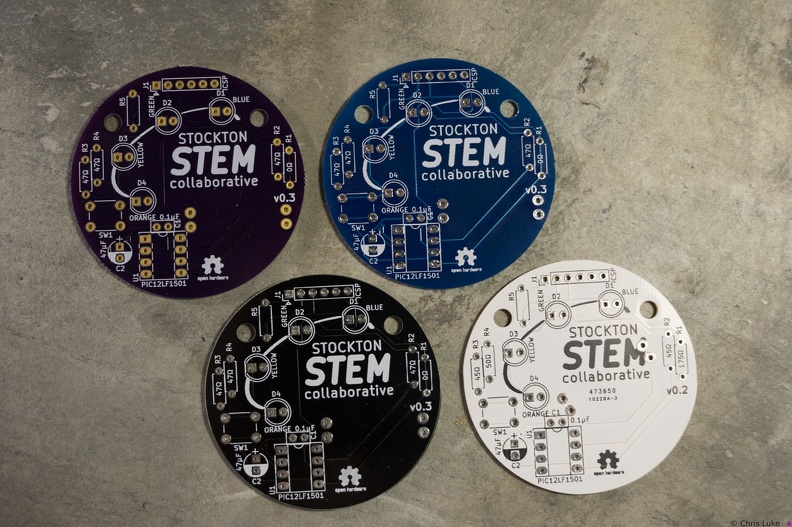 Stockton STEM Badge boards
The badge printed circuit board (PCB) comes in several colors.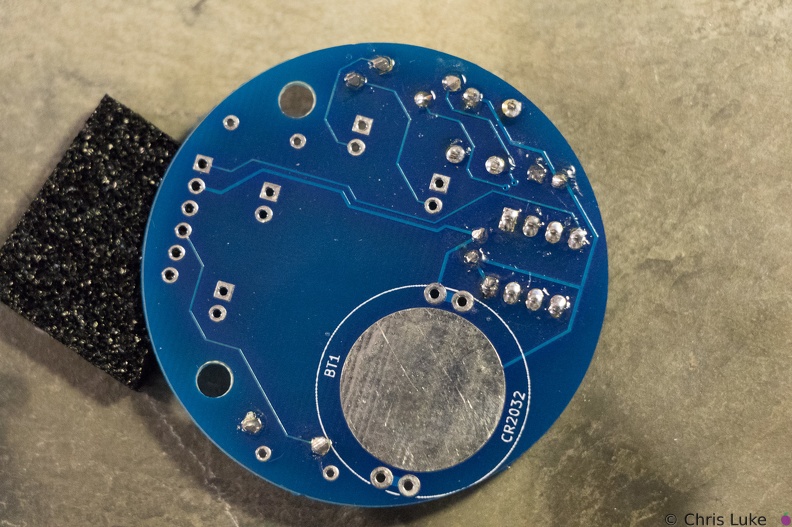 Stockton STEM Badge button
As with the IC socket, soldering one leg first and verifying component alignment will help prevent easy mistakes.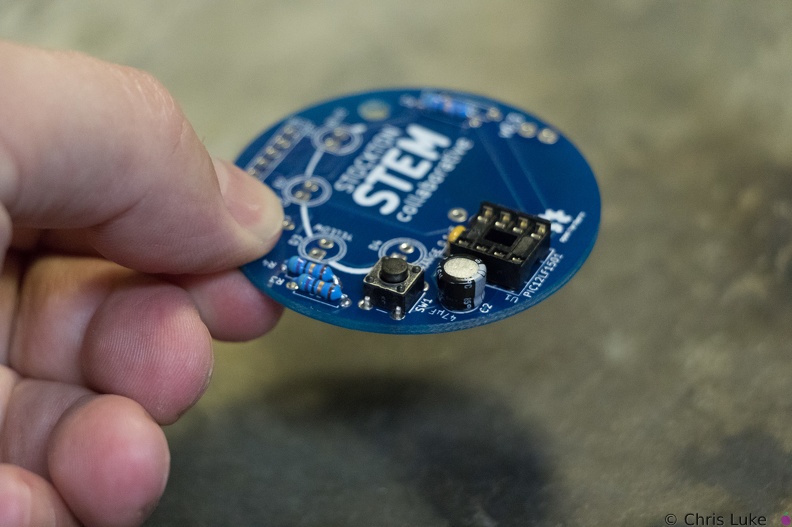 Stockton STEM Badge button
The push-button switch will fit two ways. Orientation does not matter.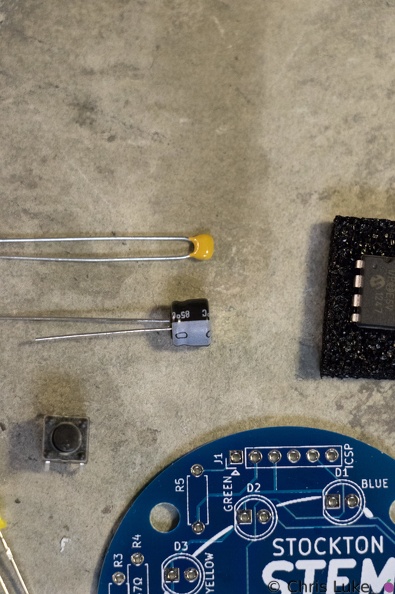 Stockton STEM Badge capacitors
The capacitors smooth the power on the badge. The top capacitor, is not polarity sensitive; that is, it can be used either way round. The other capacitor must be used only the correct way round; the case has a "-" symbol printed on it.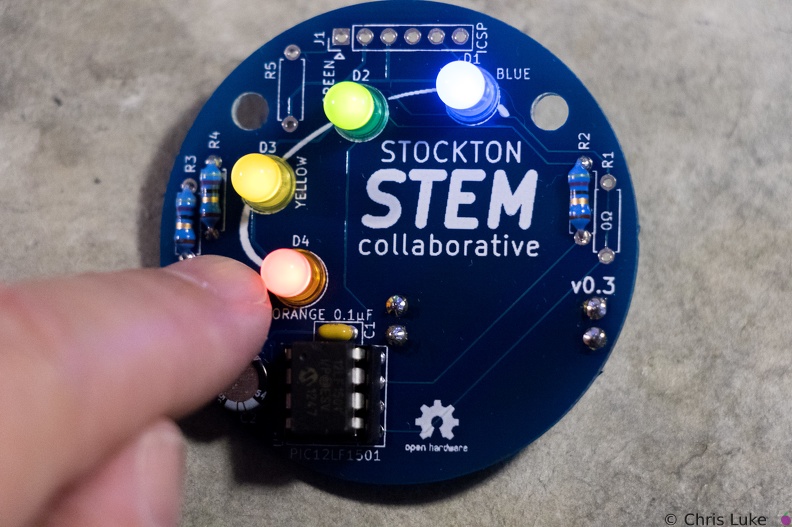 Stockton STEM Badge completed
Press the button to start the lights!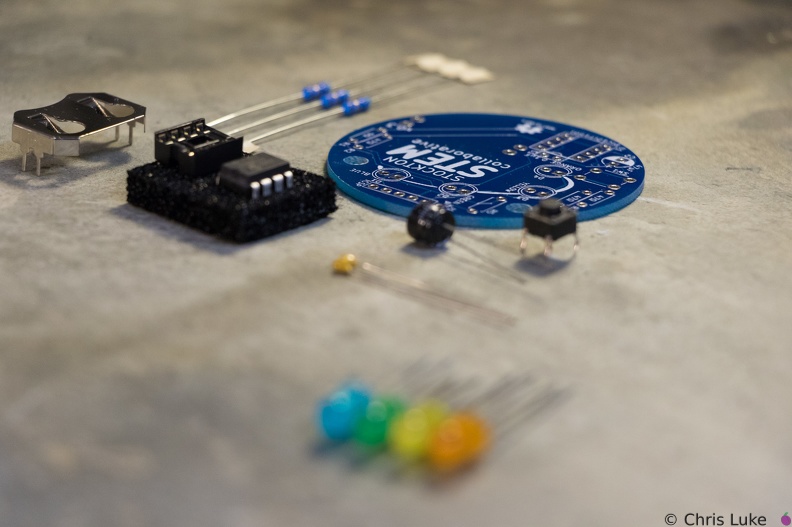 Stockton STEM Badge components
 Stockton STEM Badge components
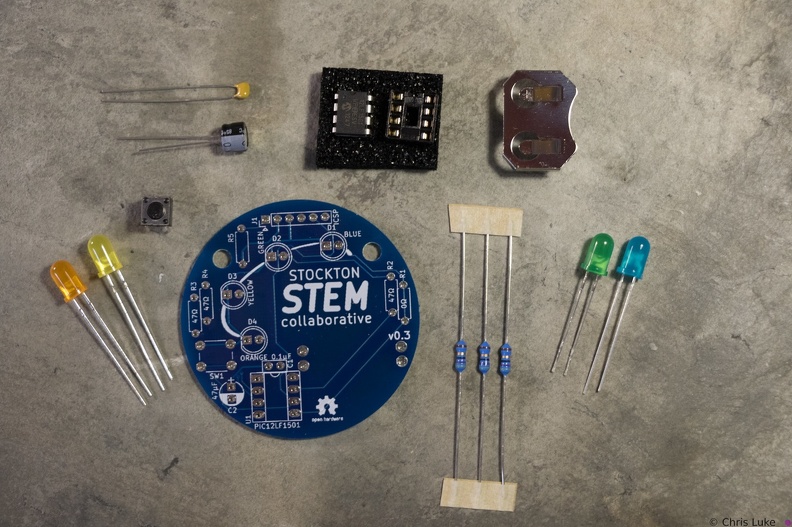
The badge consists of a handful of electronic components. Components R1, R5 and J1 are not normally populated.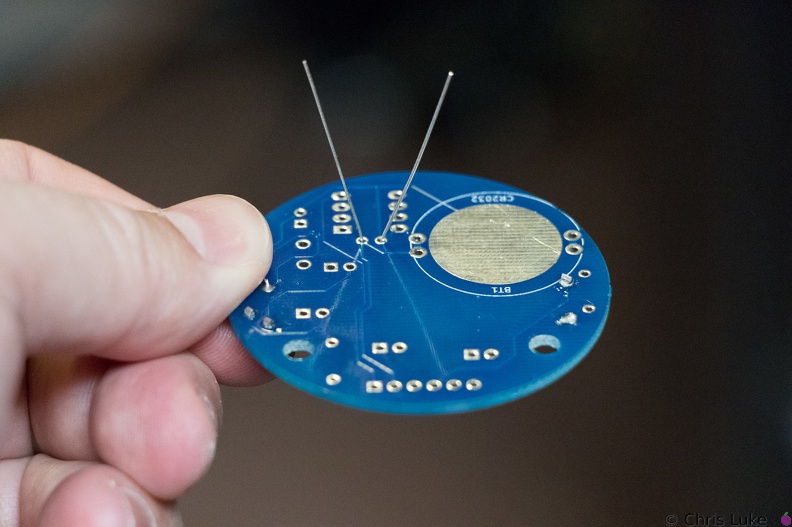 Stockton STEM Badge decoupling capacitor
As with the resistors, the legs should be splayed a little to help hold it in place for soldering.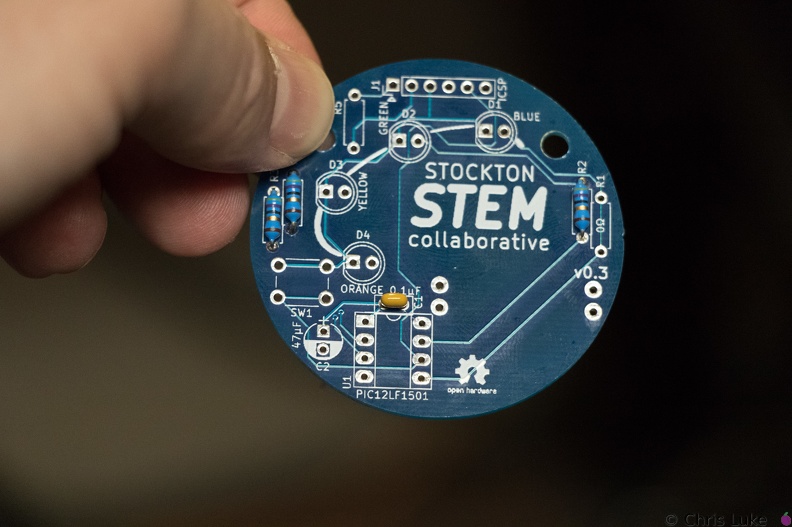 Stockton STEM Badge decoupling capacitor
The capacitor should sit flush with the board.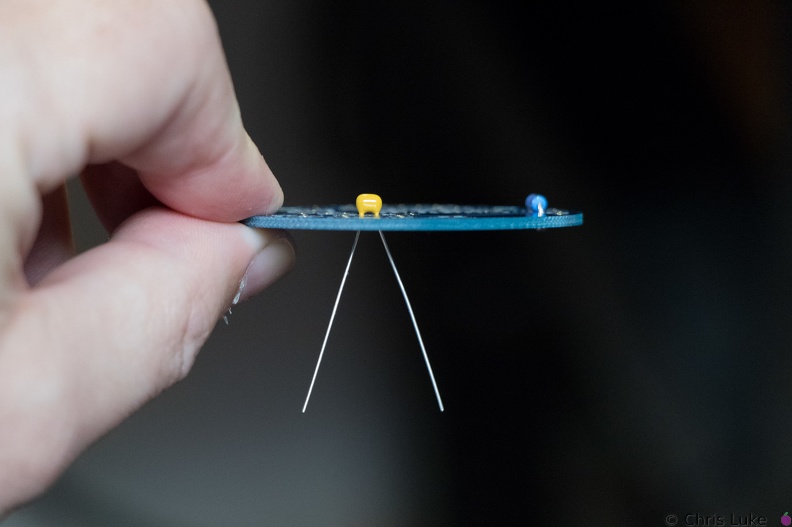 Stockton STEM Badge decoupling capacitor
This ceramic capacitor is not orientation sensitive. Decoupling means it absorbs electrical noise and is used to filter the power feeding the microcontroller.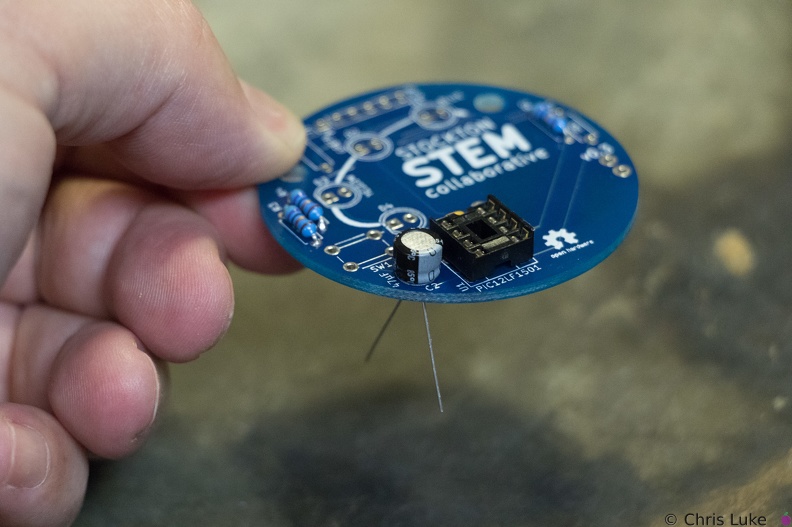 Stockton STEM Badge electrolytic capacitor
Orientation of this capacitor is important. There is a "+" symbol in the footprint of the component printed on the board; the "-" of the capacitor should be on the opposite side.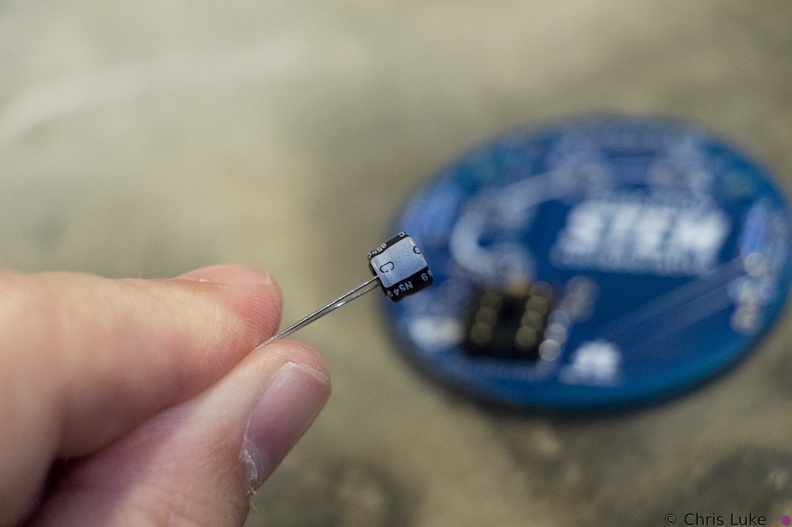 Stockton STEM Badge electrolytic capacitor
Electrolytic capacitors are polarity sensitive; note the "-" symbol on one side of the capacitor package. These capacitors typically have a larger capacity than their ceramic counterparts and are used for bulk storage; this one is used to assist the battery when the LEDs turn on. This is necessary because button cell batteries are not designed to provide as much power as the LEDs can demand.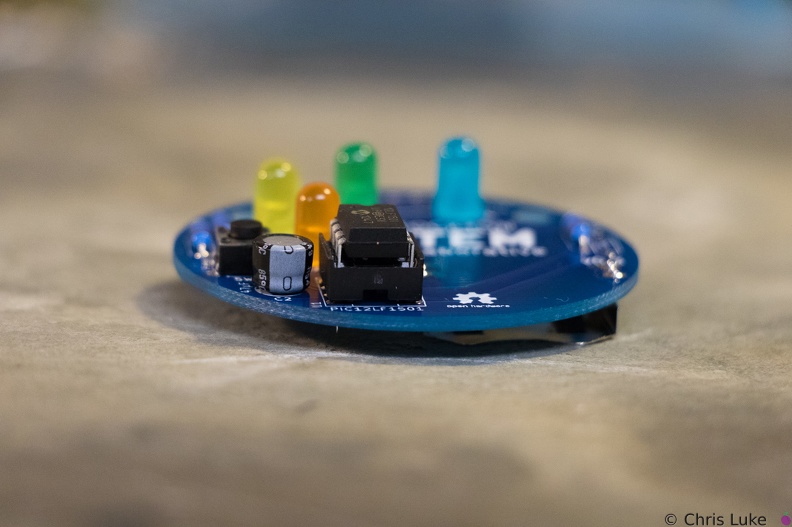 Stockton STEM Badge IC
Once pushed all the way in, the IC may sit above the socket, but it will be parallel to it.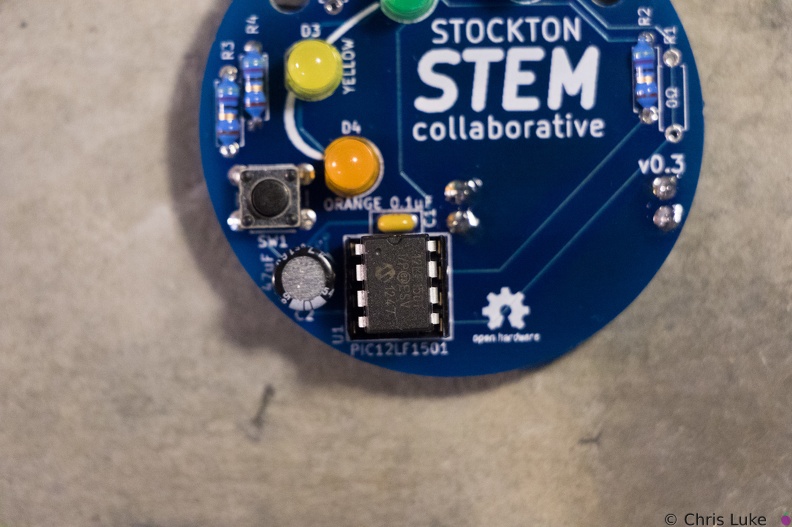 Stockton STEM Badge IC
Make sure the IC is correctly aligned before pushing it in.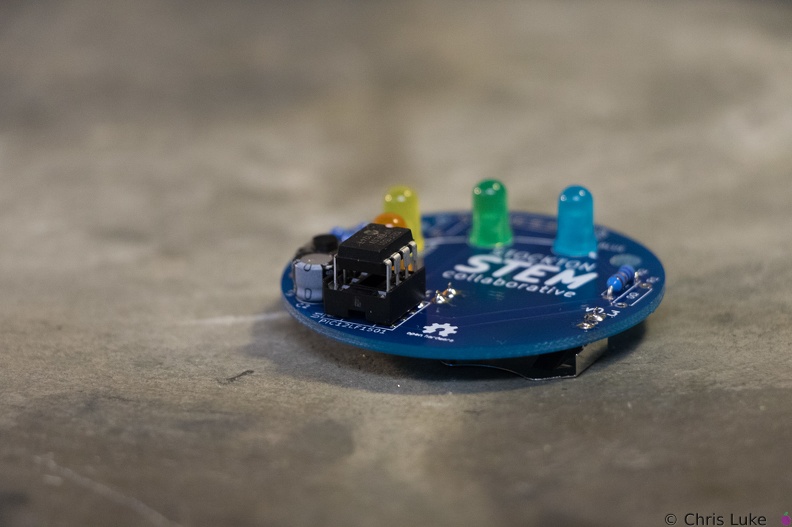 Stockton STEM Badge IC
When inserting the IC, firm but controlled pressure is needed to avoid bending the pins.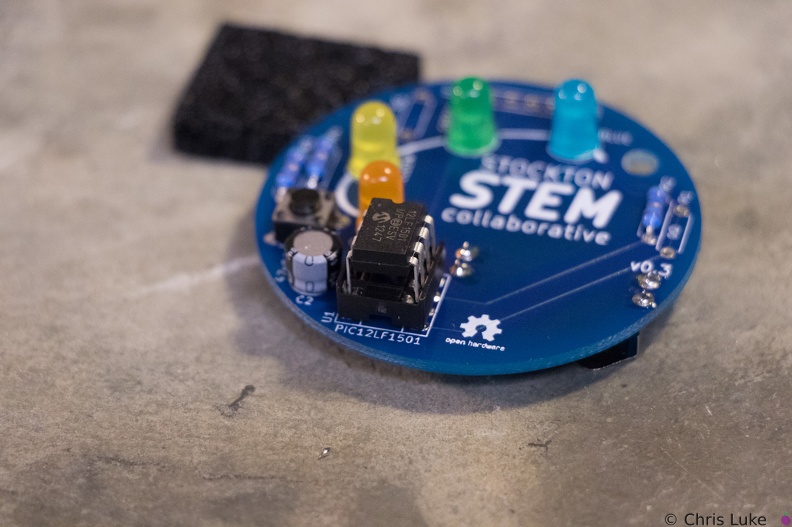 Stockton STEM Badge IC
The IC pins need to be straight and line up with their receptacles in the socket.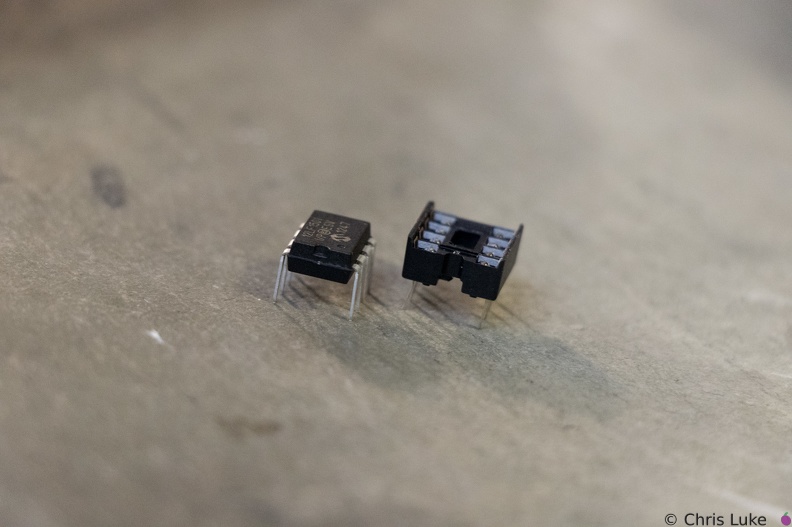 Stockton STEM Badge IC and socket
The legs of the chip need to be straight otherwise they will not properly insert into their positions in the socket. It is easy to bend or break the legs if care is not taken.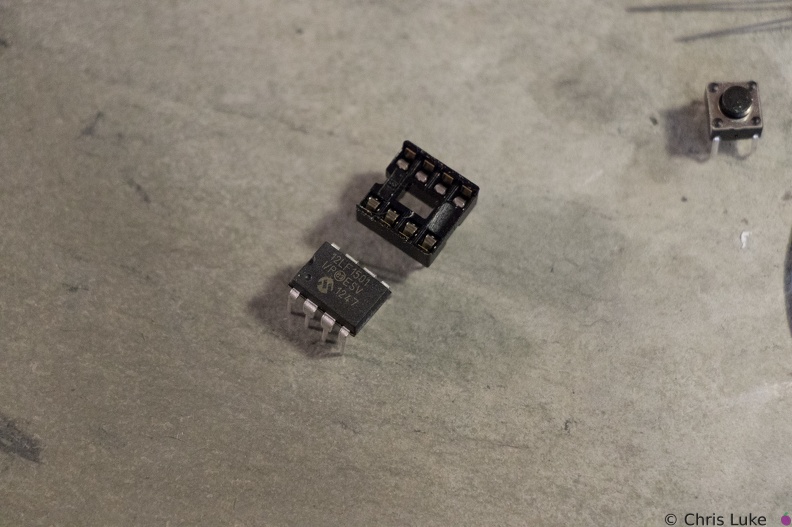 Stockton STEM Badge IC and socket
The chip, an integrated circuit, or IC, must also be used the correct way round. Both the chip and its socket have a notch at one end to identify its orientation.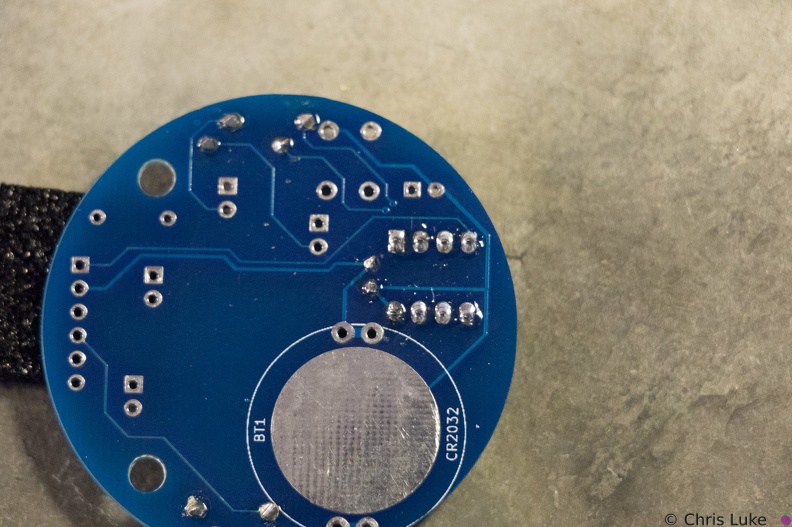 Stockton STEM Badge IC socket
Soldered legs.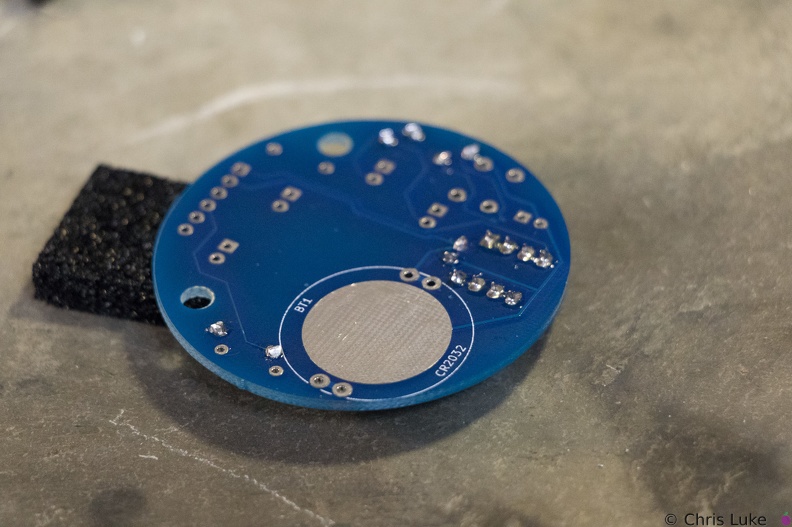 Stockton STEM Badge IC socket
Soldering one leg first and checking that the socket is flat against the board avoids a simple mistake. If it is not flat, or otherwise misaligned simply re-heating the leg will help correct the issue. Once orientation and alignment is verified, solder the remaining legs. Sometimes a small shim, such as the black foam here, can help keep the board level and simplifies the task.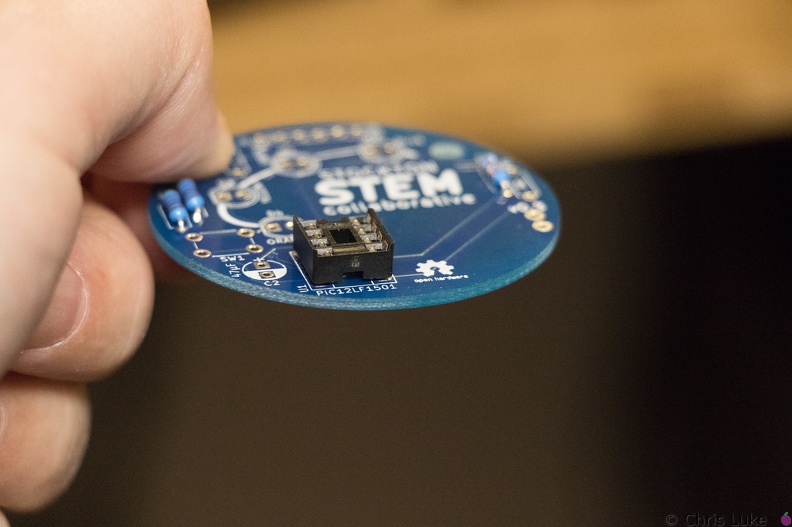 Stockton STEM Badge IC socket
The IC socket should lay flat against the board.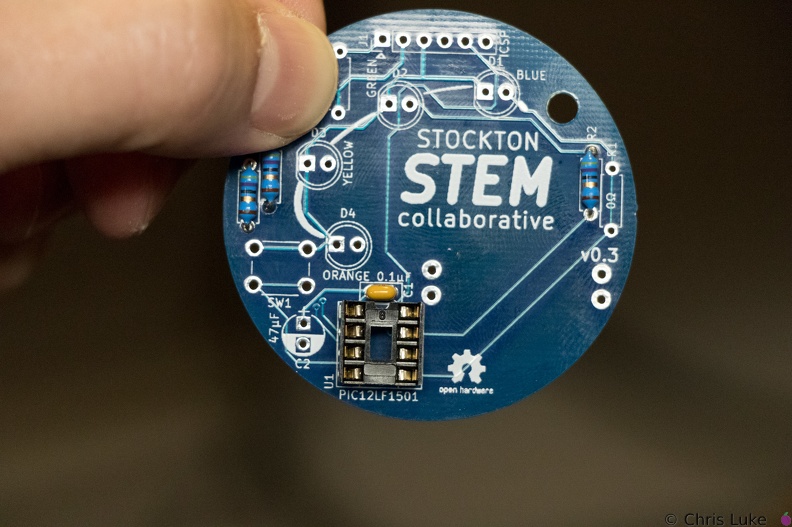 Stockton STEM Badge IC socket
Note the orientation of the indent at the upper edge of the IC socket.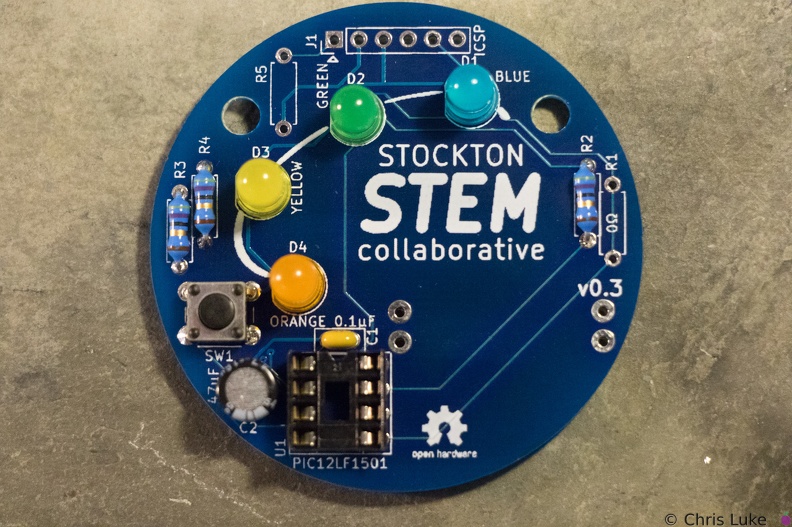 Stockton STEM Badge LEDs
All the LEDs have been soldered. Notice that they all have the same orientation; the flat edge is to the left.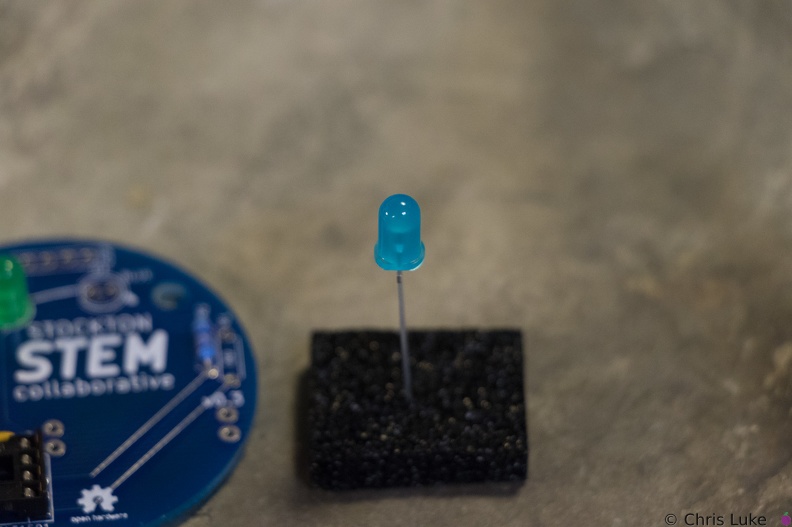 Stockton STEM Badge LEDs
The case of an LED can crack if the legs are bent too close to it; even after placing the LED on the board, only bend the legs slightly to hold it in place.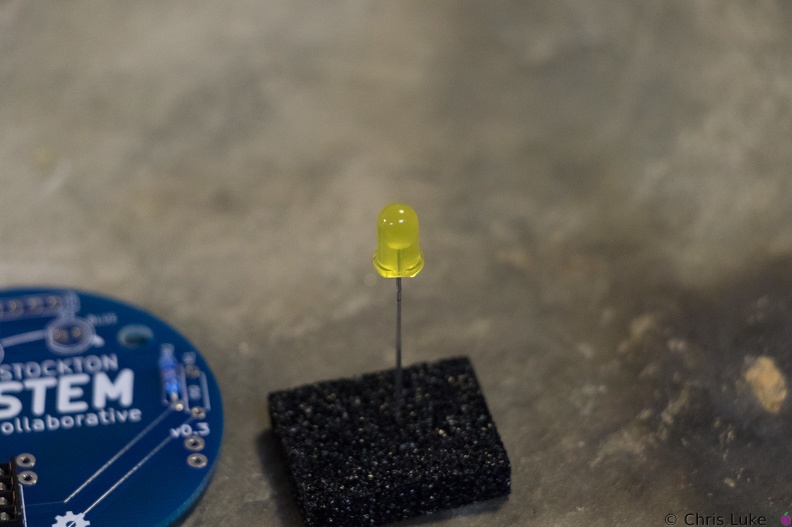 Stockton STEM Badge LEDs
While all components can be destroyed with an excess of heat during soldering, LEDs are especially susceptible to this.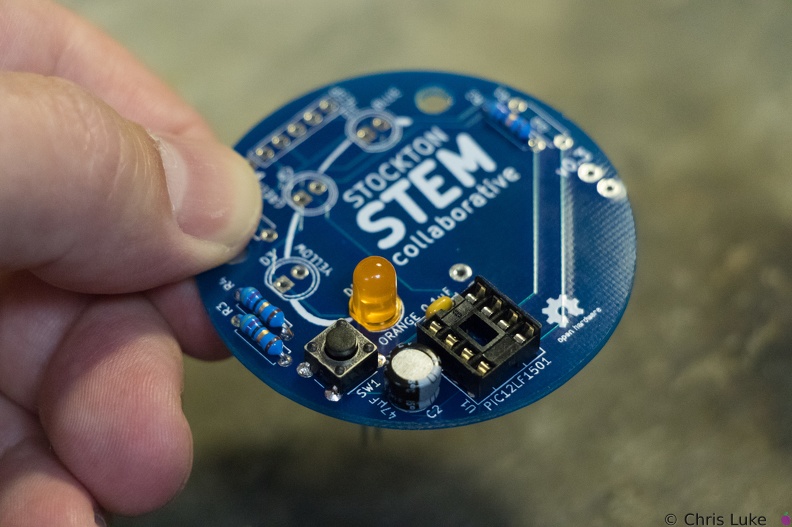 Stockton STEM Badge LEDs
The footprint for the LEDs also shows a flat edge; orientation of the LEDs needs to match that of the board.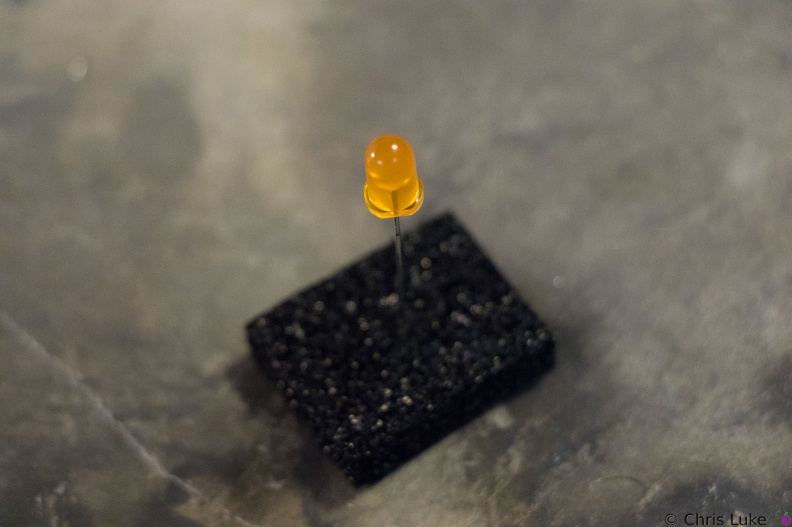 Stockton STEM Badge LEDs
LEDs have a flat edge on one side of their case.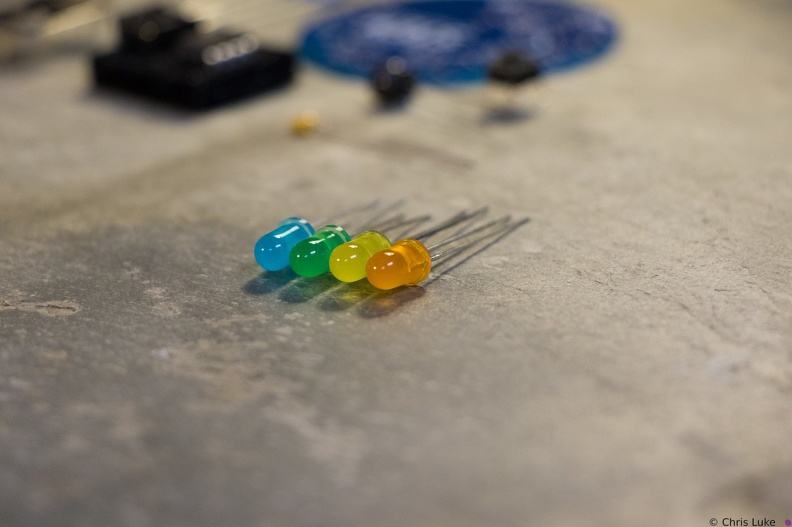 Stockton STEM Badge LEDs
 Stockton STEM Badge LEDs
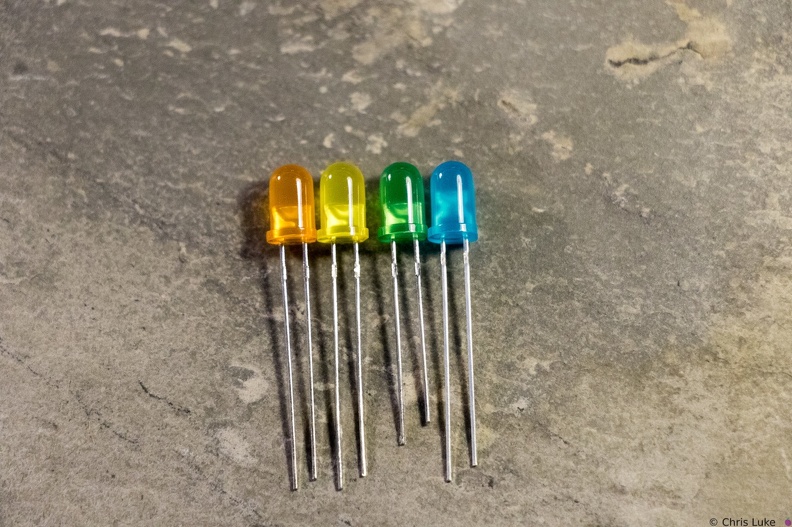 Stockton STEM Badge LEDs
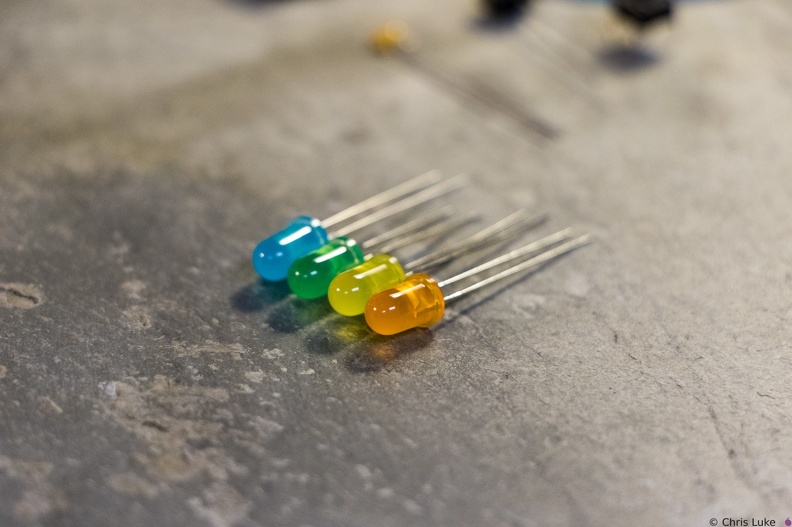
Notice how the LEDs typically have one leg longer than the other; this is called the "anode". The colored case also has one flat side, opposite the longer leg; the leg on this side is called the "cathode". Also, note the distinctive shape of what is inside the colored case; this can also be used to help determine its orientation. The gap at the top of the metal surface is always on the anode side. LEDs can only be used the right way round so determining orientation is important.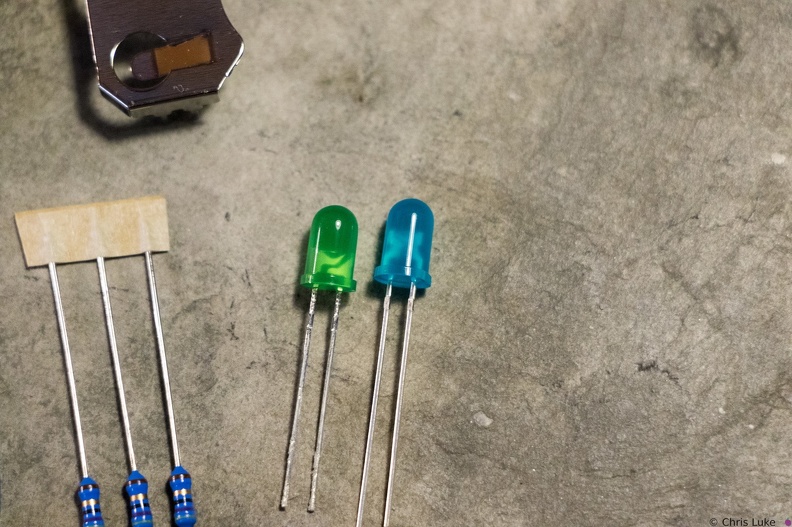 Stockton STEM Badge LEDs
Green and blue LEDs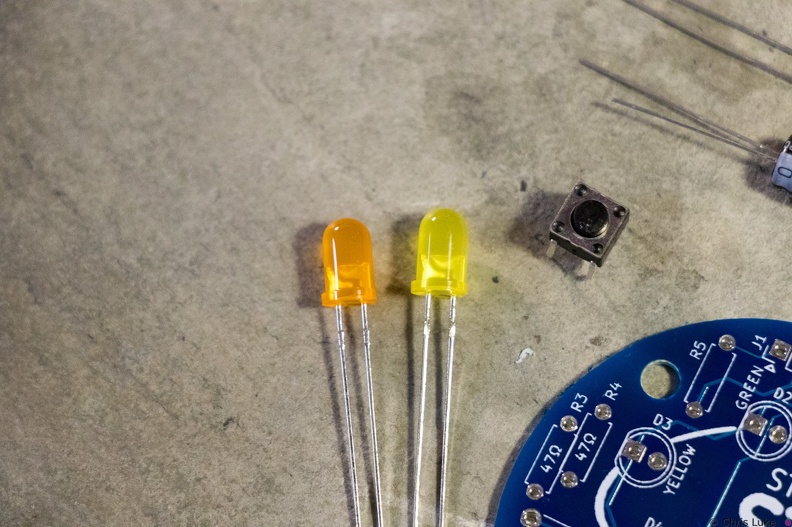 Stockton STEM Badge LEDs and button
Orange and yellow LEDS. The pushbutton switch allows a person to control the badge.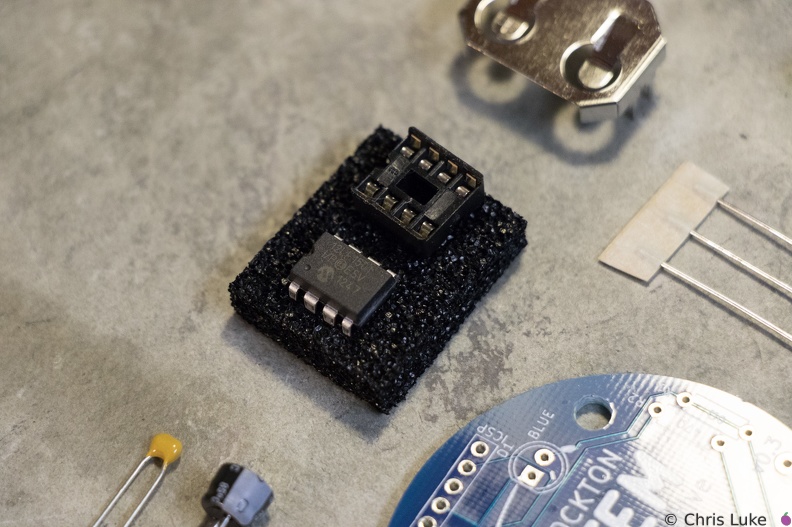 Stockton STEM Badge microcontroller
The chip is an inexpensive "PIC" microcontroller; this runs a program that controls the LEDs.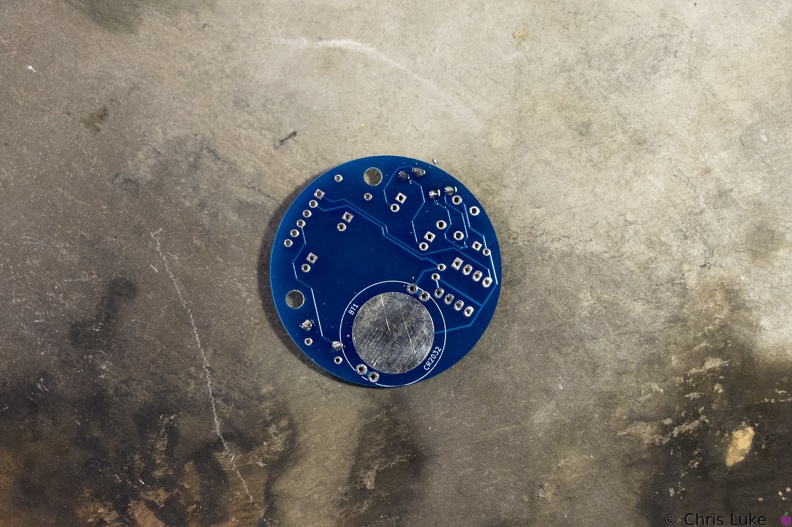 Stockton STEM Badge resistor legs
The legs are trimmed, the excess removed with side-cutters.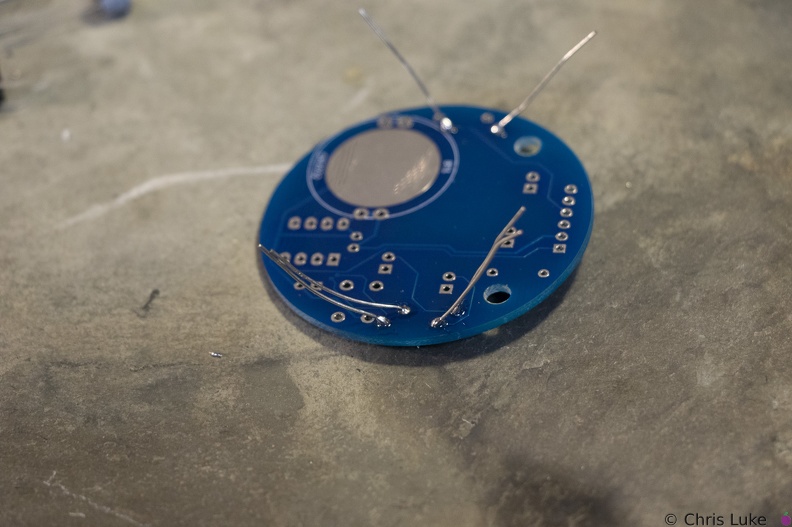 Stockton STEM Badge resistor legs
Soldered legs; only a small amount of solder is needed and it heat should be applied only briefly.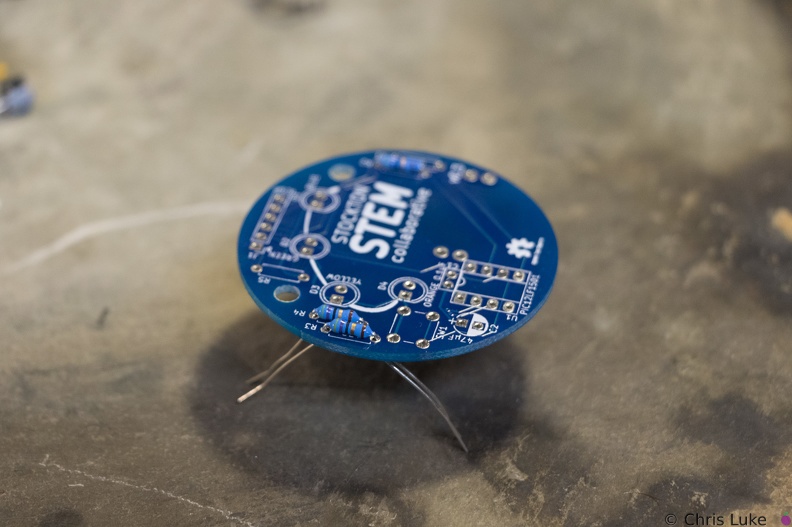 Stockton STEM Badge resistor legs
The legs are then carefully bent to about 45 degrees to hold the resistor in place for soldering.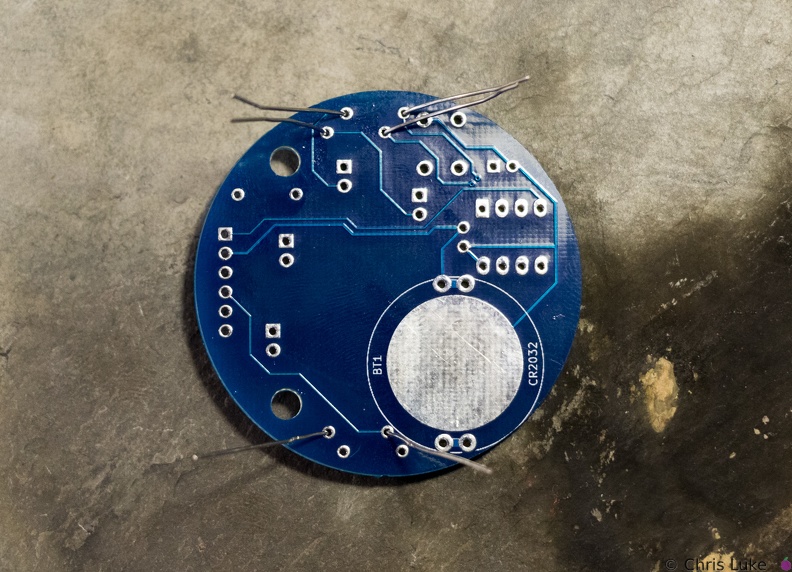 Stockton STEM Badge resistor legs
The legs are passed through the board holes; they may need pulling firmly, but not too firmly, with pliers to pull the resistor body flush with the board.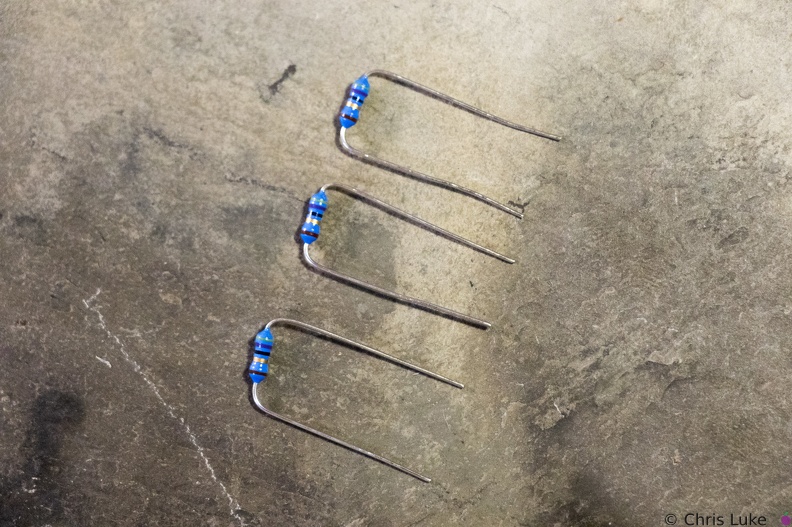 Stockton STEM Badge resistor legs
The resistor legs need to be bent in order to insert them into the board.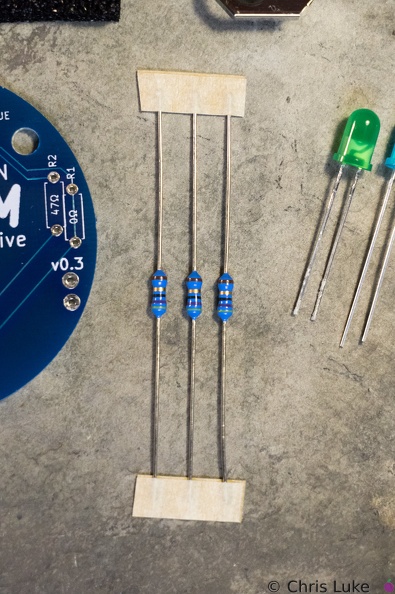 Stockton STEM Badge resistors
These are 47 ohm resistors; they limit the current supplied to the orange, yellow and green LEDs. The blue LED does not require one.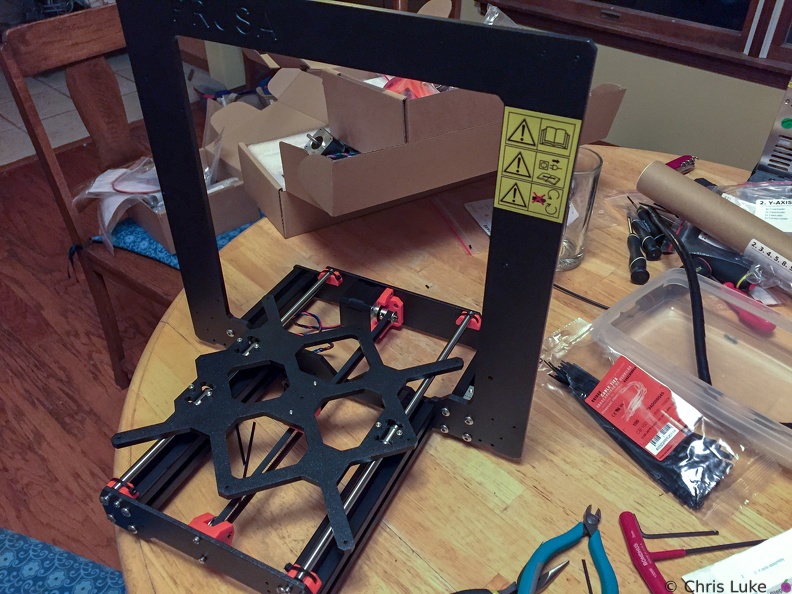 Taking shape
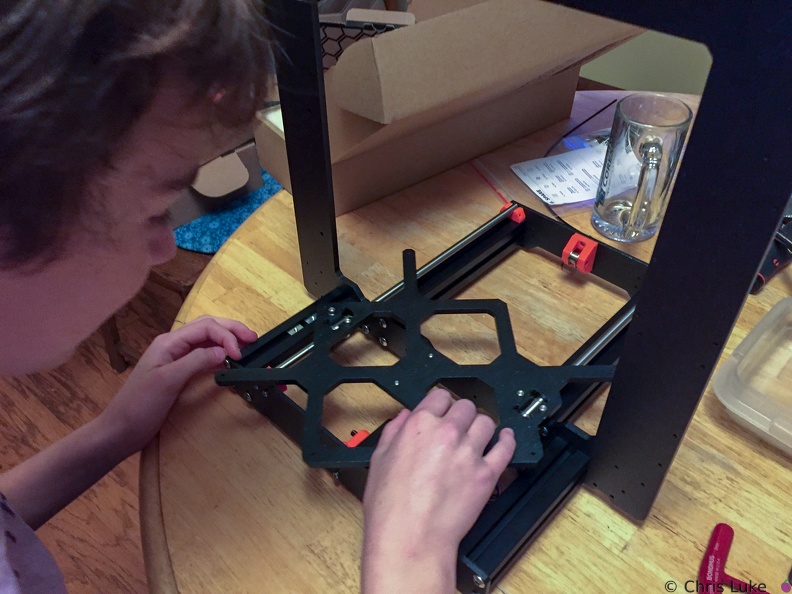 Testing the slide of the bed
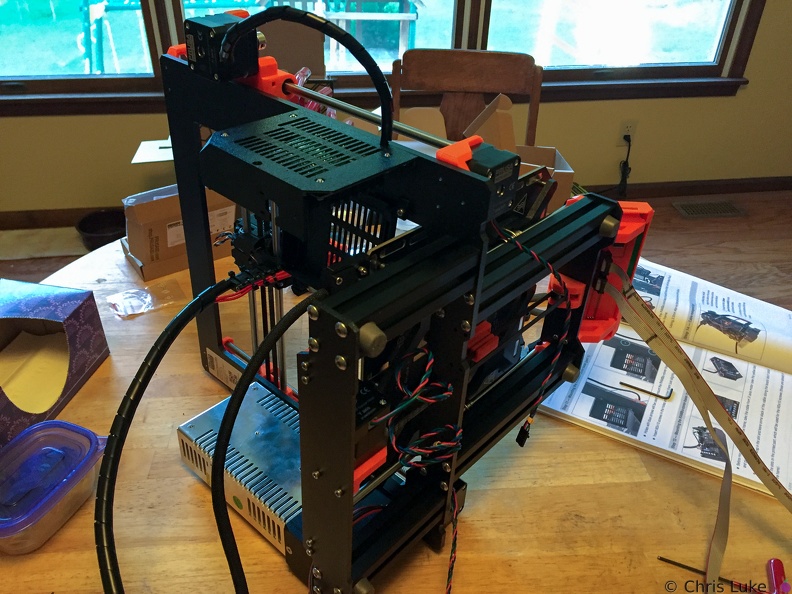 The cables have to go somewhere
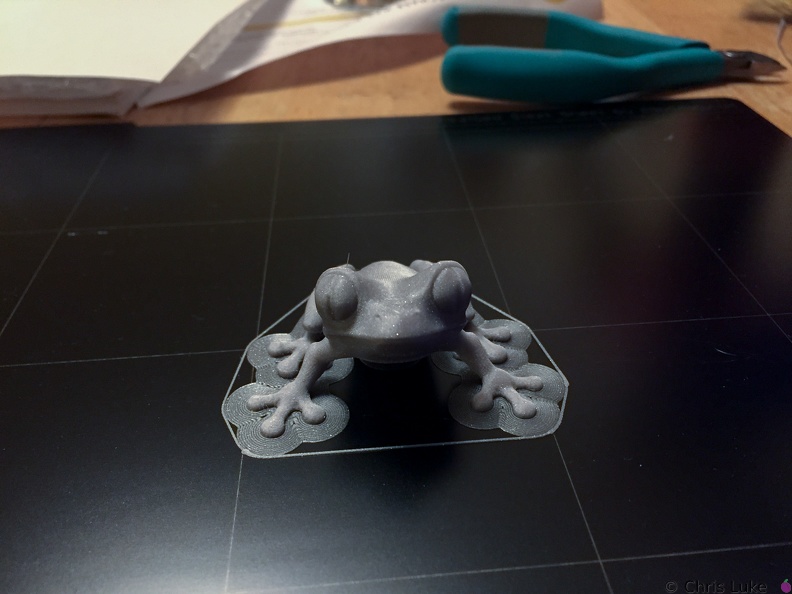 Treefrog
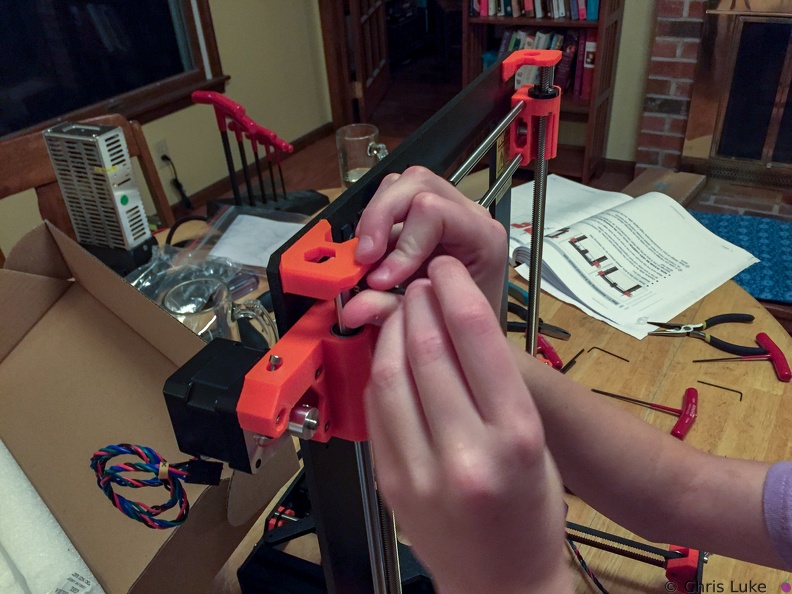 X and Z axis
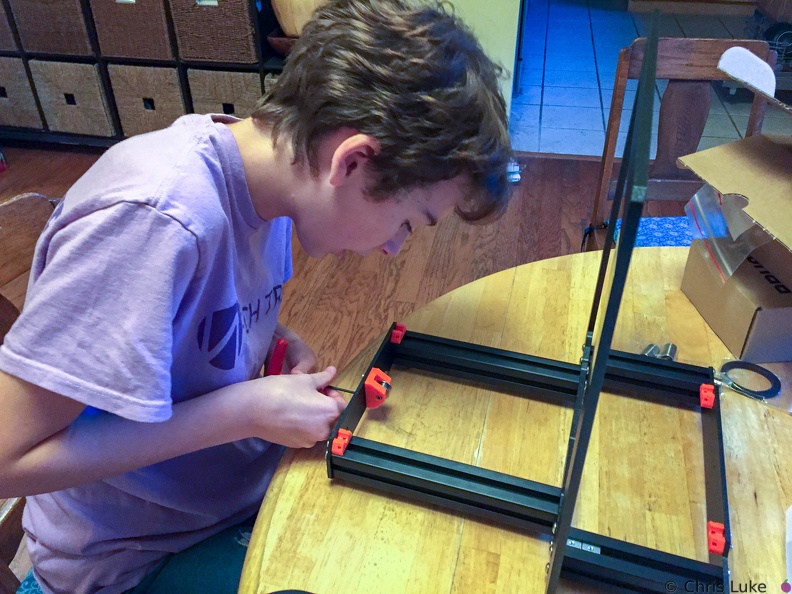 Y-axle idler pulley
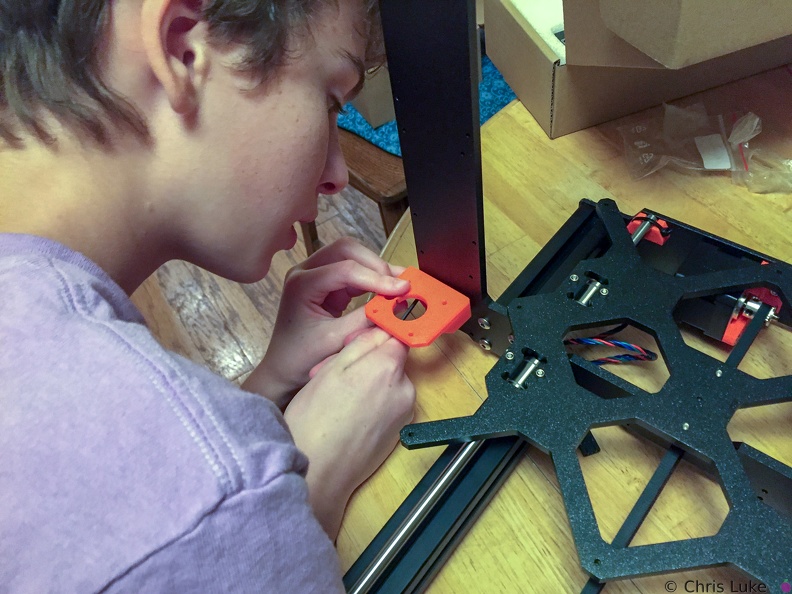 Z-axis motor mounts
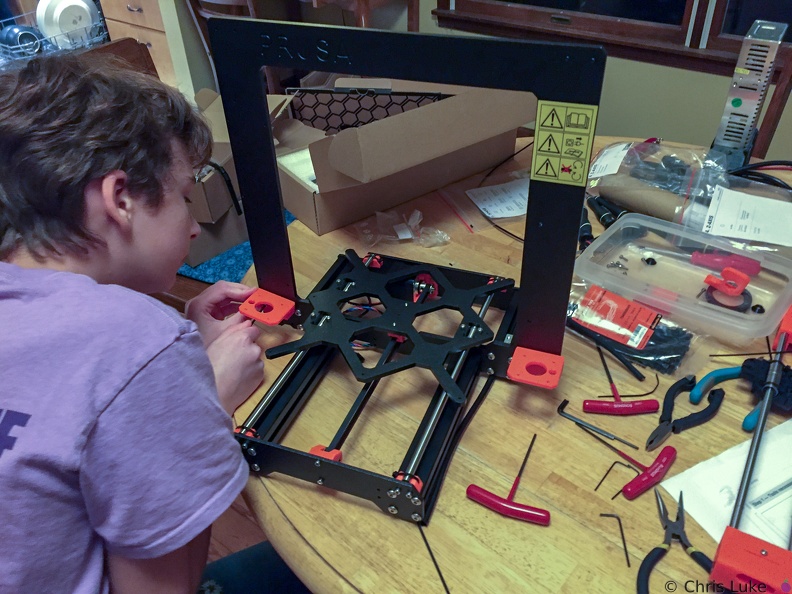 Z-axis motor mounts