
 IMG 4176
 IMG 5992
 2015-02-04 001
 IMG 4169
 142 4256
 IMG 5984
 IMG 4148
 IMG 0234
 2015-01-27 005
 IMG 5960
 3C2A3309
 3C2A3318
 IMG 4126
 2015-01-25 013
 3C2A3294
 IMG 5953
 115 1503
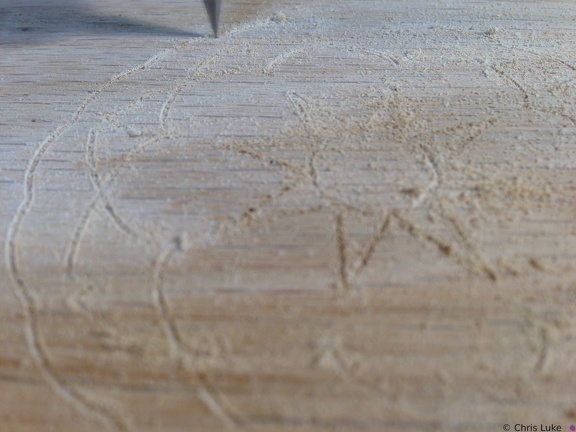 2015-01-25 004
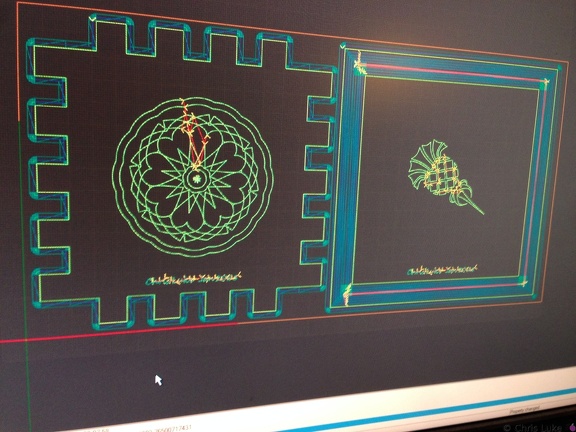 2015-01-25 001
 IMG 0236
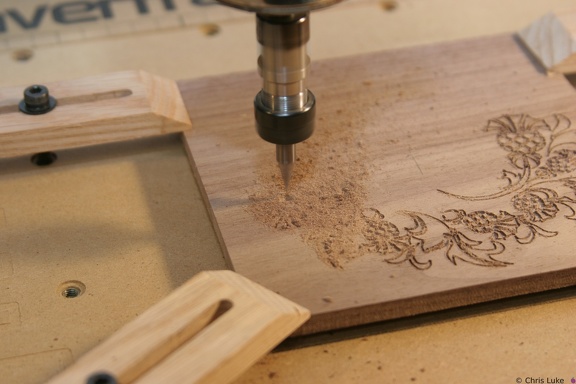 IMG 5956
 IMG 5952
 DSC00449
Who, me? IMG 4150
 IMG 5957
 IMG 5988
 IMG 4120
 2015-01-25 005
 IMG 5986
 3C2A3239
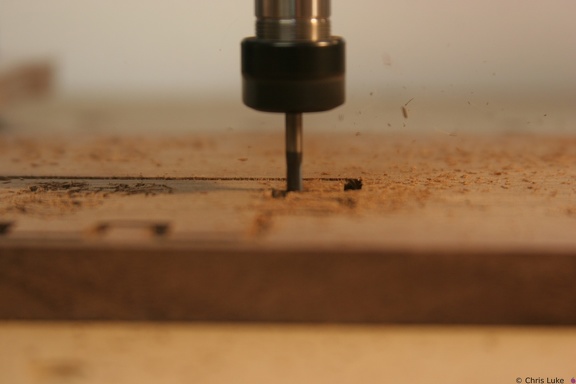 IMG 5978
 IMG 0231
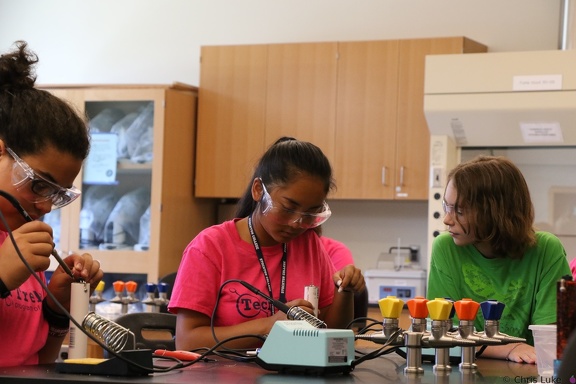 3C2A3306
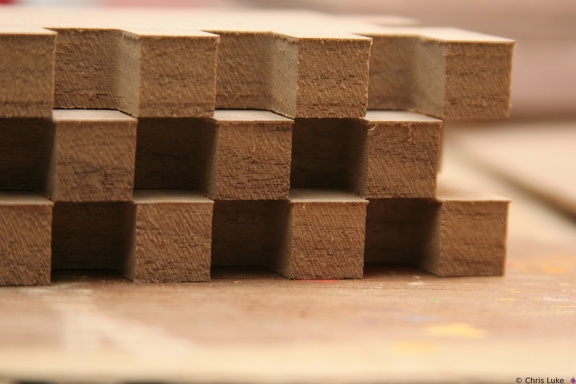 IMG 5997
 IMG 0240
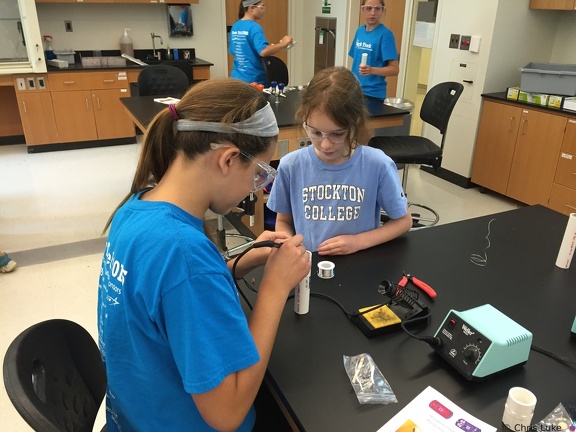 IMG 4141
 IMG 5941
 IMG 5951
 2015-01-25 007
 IMG 4142
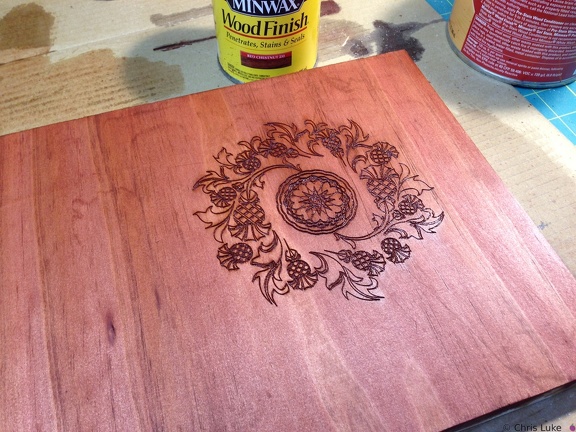 2015-02-01 007
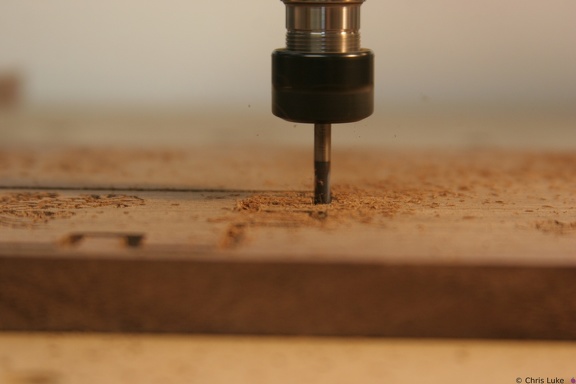 IMG 5979
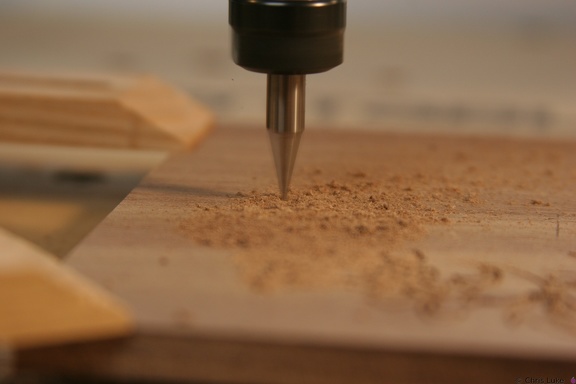 IMG 5960
 151 5107
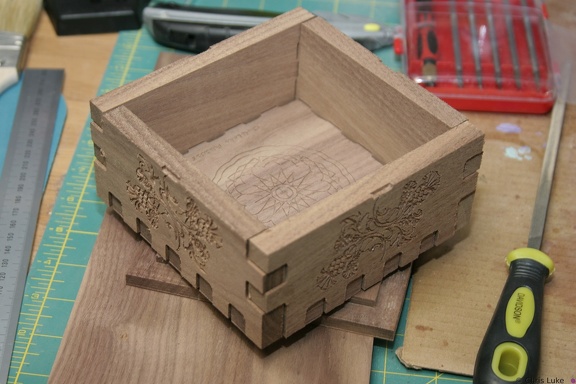 IMG 5993
 IMG 5994
 IMG 0242
 IMG 4147
 IMG 0235
 IMG 4132
 IMG 5980
 IMG 5948
 IMG 4146
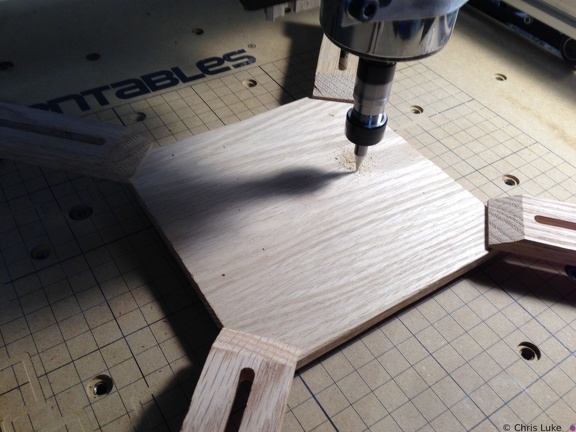 2015-01-27 001
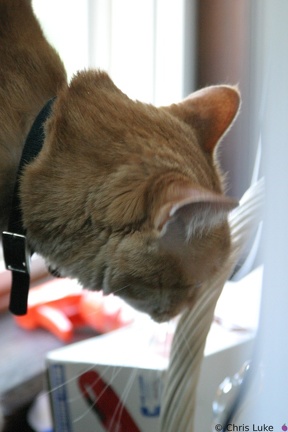 115 1502
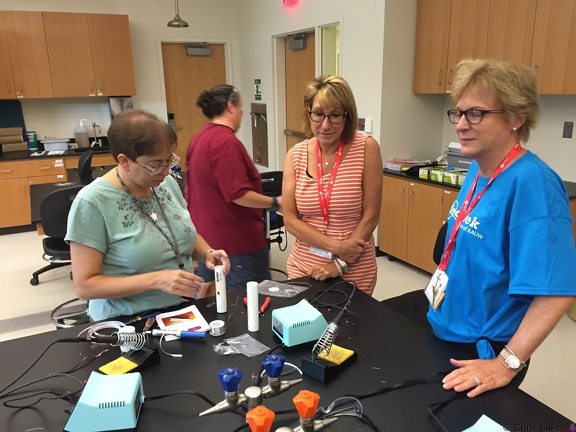 IMG 4117
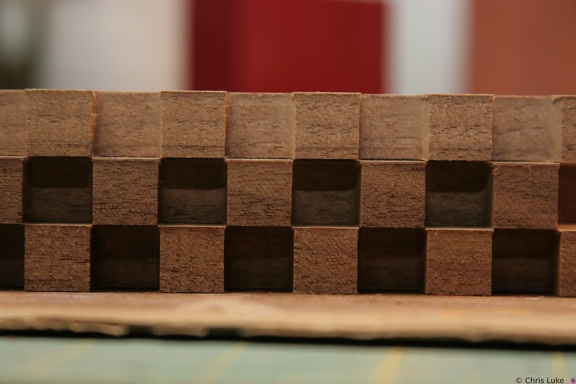 IMG 5996
 IMG 4143
 IMG 4140
 IMG 4174
 IMG 0241
 DSC00308
You're still doing it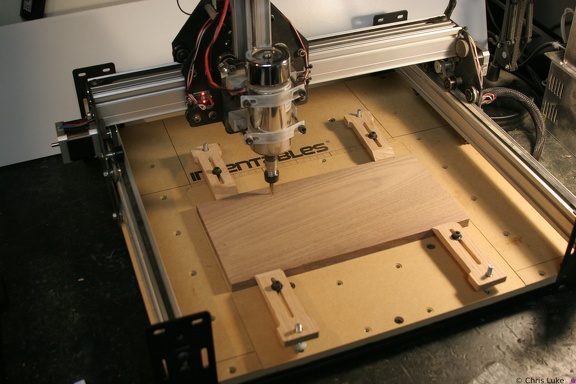 IMG 5964
 IMG 4119
 2015-01-25 009
 IMG 5954
 IMG 5985
 IMG 5950
 142 4228
 IMG 5963
 IMG 6859
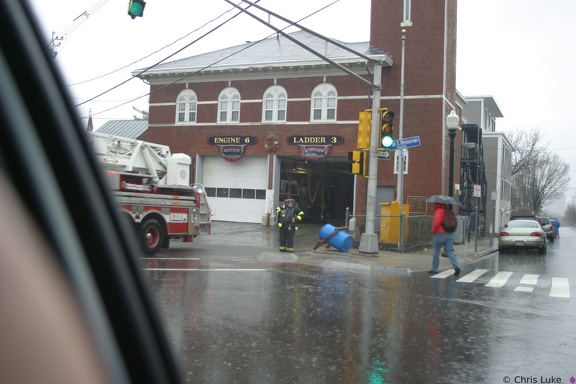
Tokina 19-35mm An exceptionally rainy day. Picture taken from inside the car! IMG 4121
 2015-02-01 009
 IMG 0238
 2015-02-02 002
 IMG 4118
 DSC00336
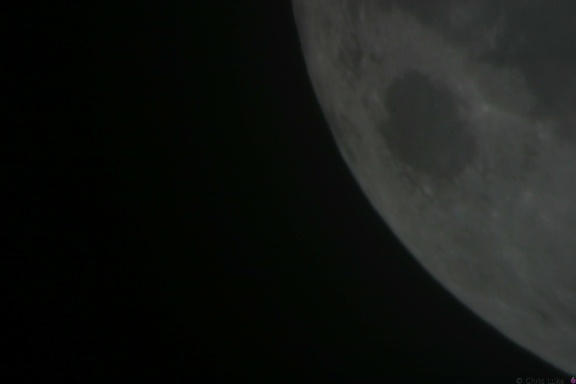
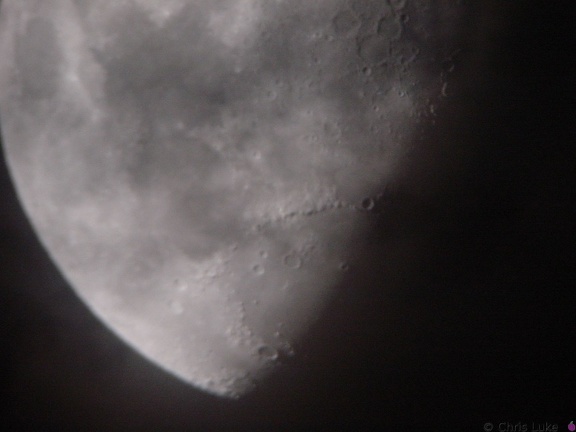
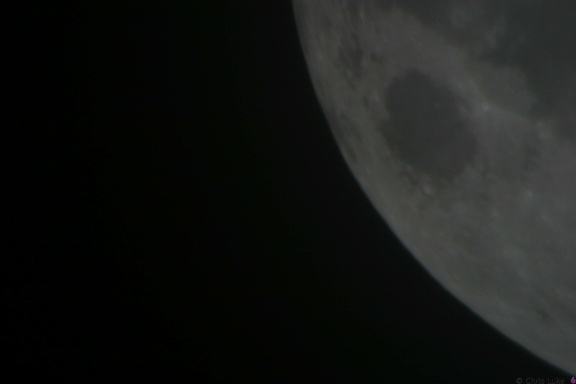
The Moon Meade 10" Newtonian, Sony DSC-P1, Meade Plossl 26mm IMG 5890
 2015-01-25 010
 IMG 5981
 2015-01-27 003
 IMG 4136
 IMG 0239
 2015-01-27 002
 119 1933
 IMG 5888
 IMG 6860
Tokina 19-35mm An exceptionally rainy day. Picture taken from inside the car! IMG 5912
 IMG 5940
 IMG 5973
 IMG 4110
 IMG 4109
 2015-01-25 012
 IMG 6863
Tokina 19-35mm An exceptionally rainy day. Picture taken from inside the car! 2015-01-25 011
 IMG 5917
 IMG 5884
 IMG 5908
 2015-02-02 001
 2015-02-01 010
 IMG 5865
 IMG 5881
 119 1937
 IMG 5969
 IMG 5974
 IMG 5962
 IMG 5970
 IMG 5947
 IMG 4144
 IMG 4122
 IMG 4107
 IMG 4108
 IMG 4116
 IMG 5945
 2015-01-27 004
 IMG 5943
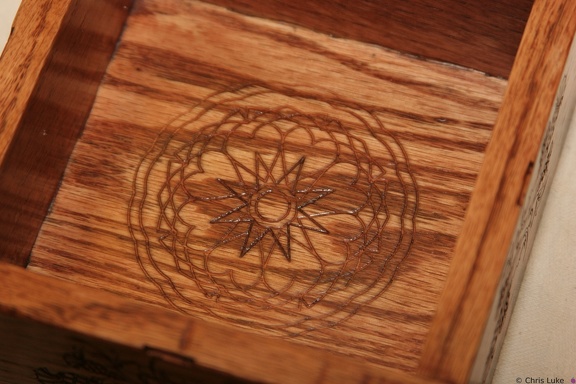 IMG 5892
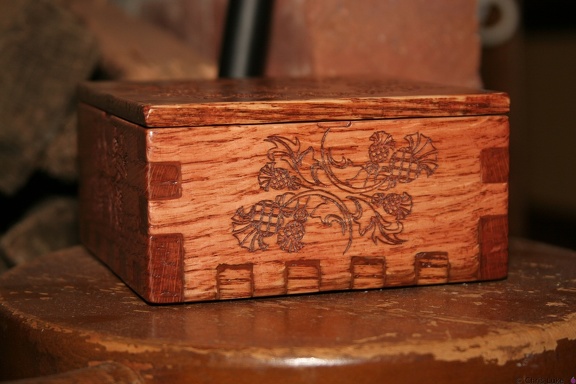 IMG 5874
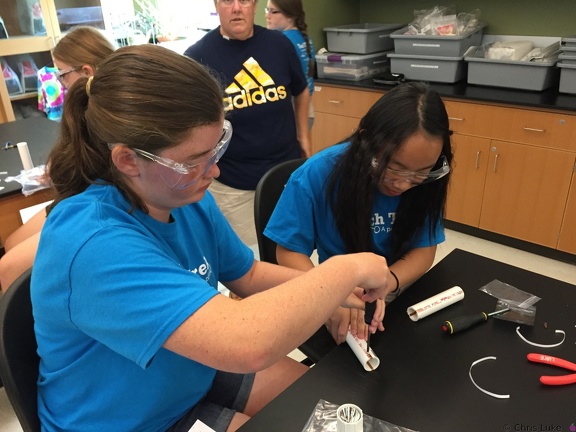 IMG 4139
 IMG 0229
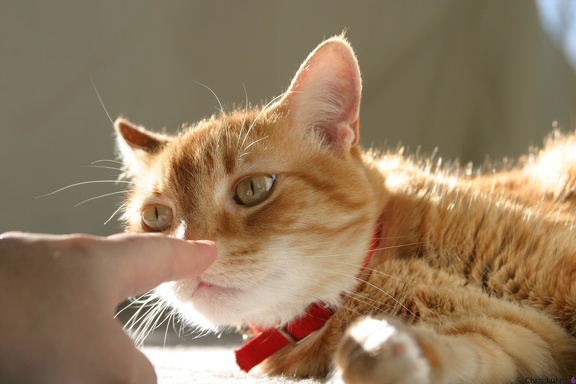 IMG 0237
 IMG 5923
 DSC00306
You're looking at me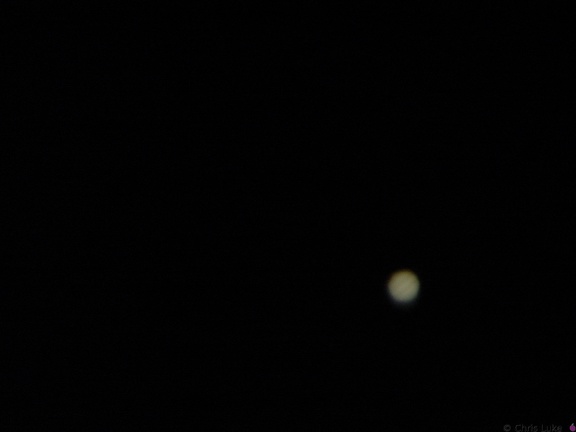 DSC00620
Jupiter Meade 10" Newtonian, Sony DSC-P1, TeleVue zoom @8mm.
Conditions were not good enough for my ordinary digital camera to see the satellites, though they were plainly visible with the human eye. IMG 5939
 IMG 5934
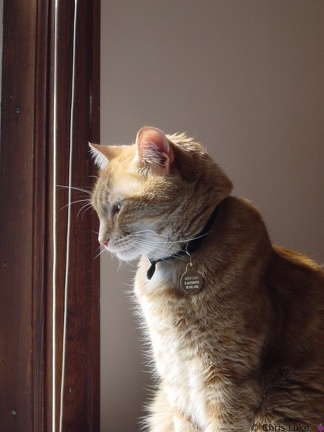 DSC00310
Merlin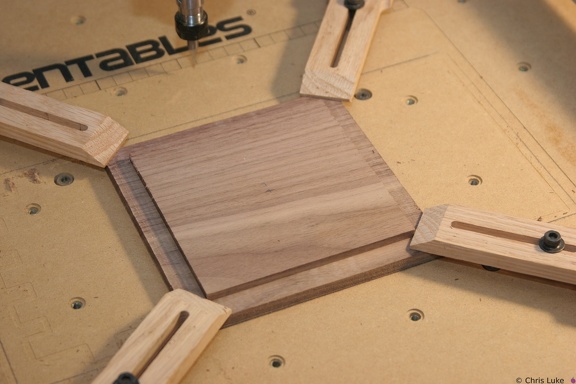 IMG 5946
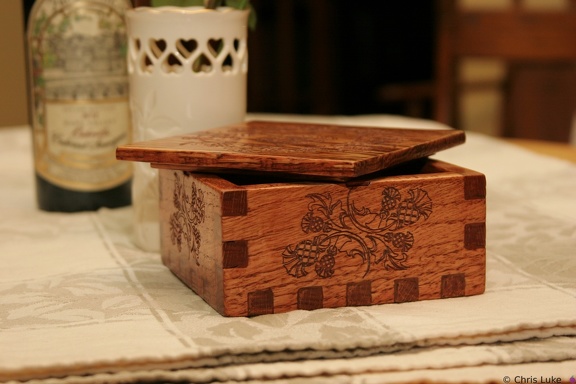 IMG 5882
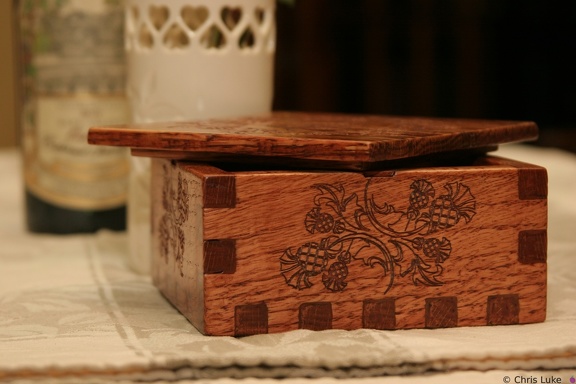 IMG 5883
 IMG 5910
 114 1496
 IMG 5976
 IMG 5919
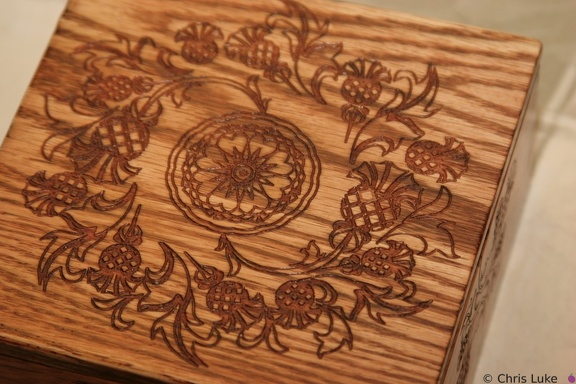 IMG 5891
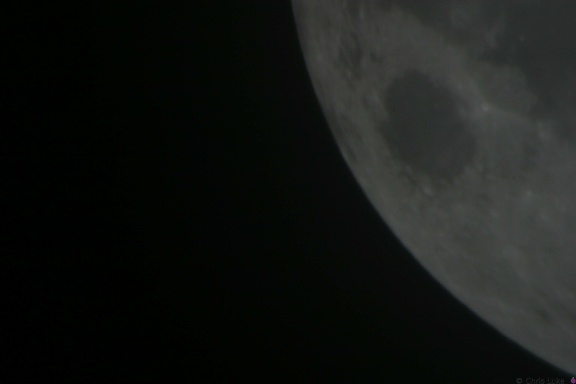 142 4227
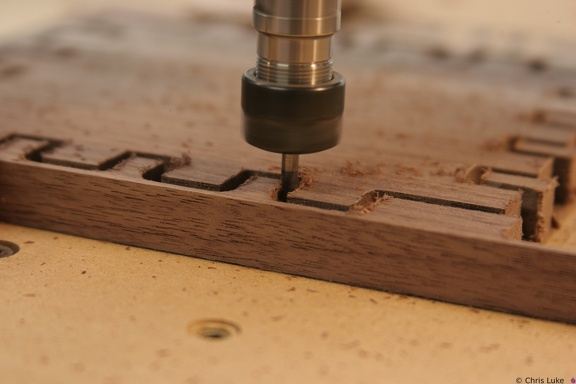 IMG 5944
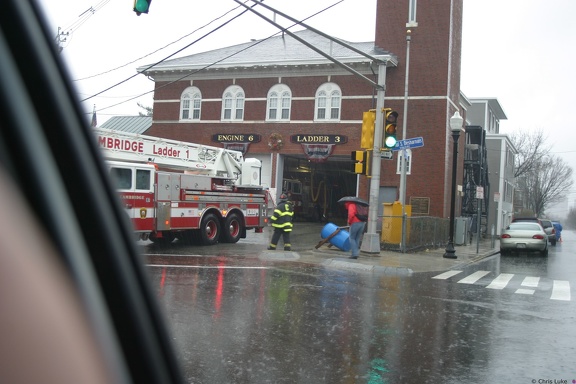 IMG 6862
Tokina 19-35mm An exceptionally rainy day. Picture taken from inside the car! IMG 5938
 114 1489
 IMG 5977
 142 4226
 IMG 5880
 IMG 5914
 IMG 4115
 IMG 5935
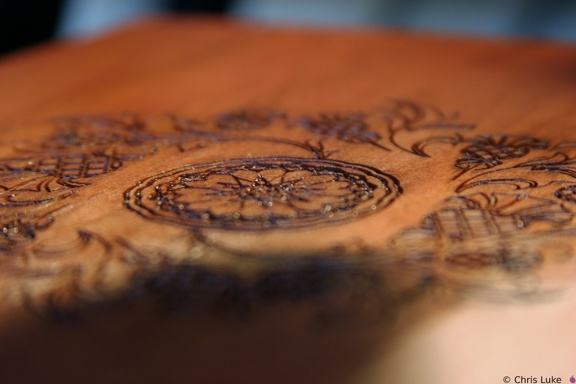 IMG 5869
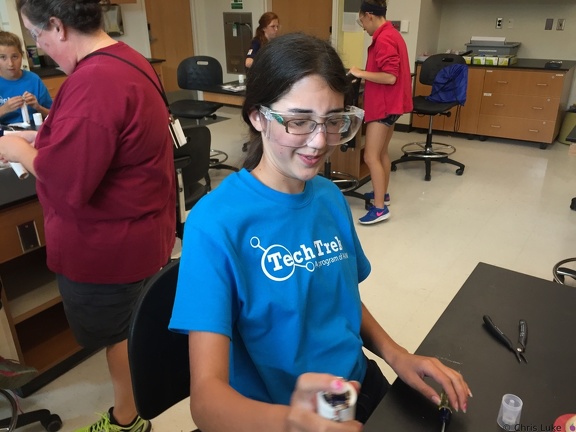 IMG 4113
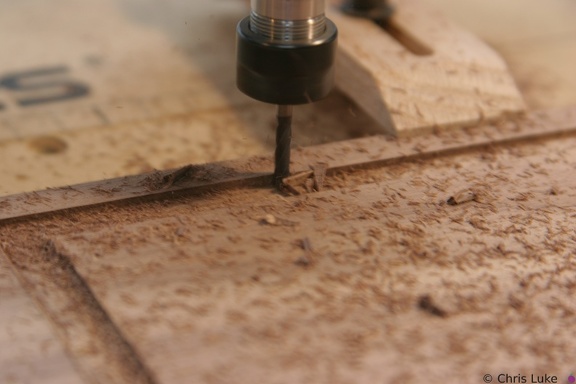 IMG 5924
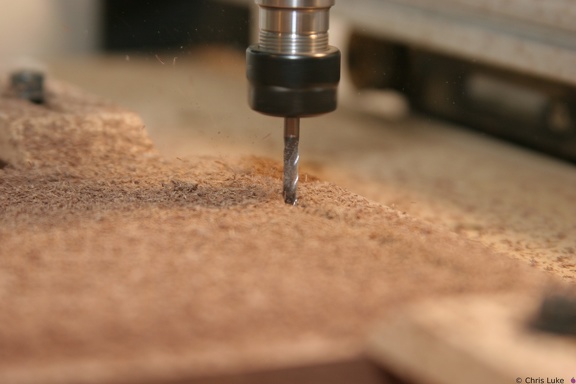 IMG 5909
 DSC00307
Stop looking at me IMG 5921
 IMG 4111
 IMG 4112
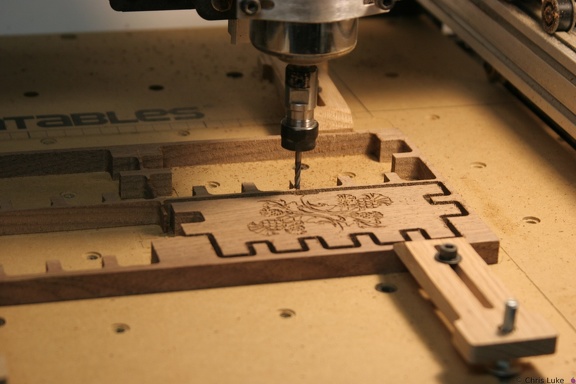
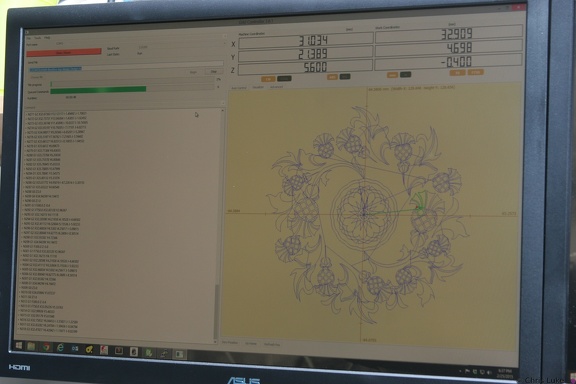
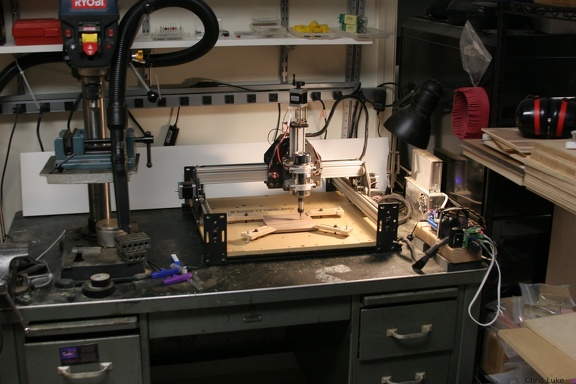
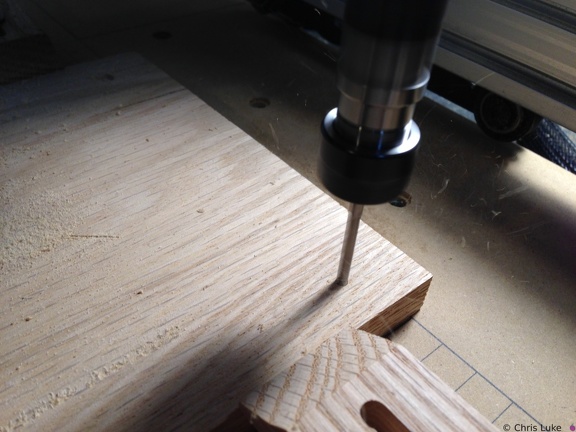
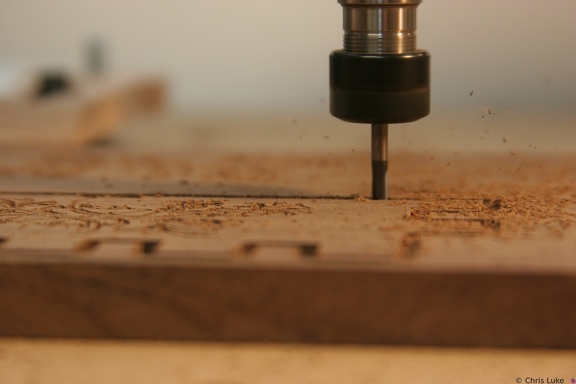
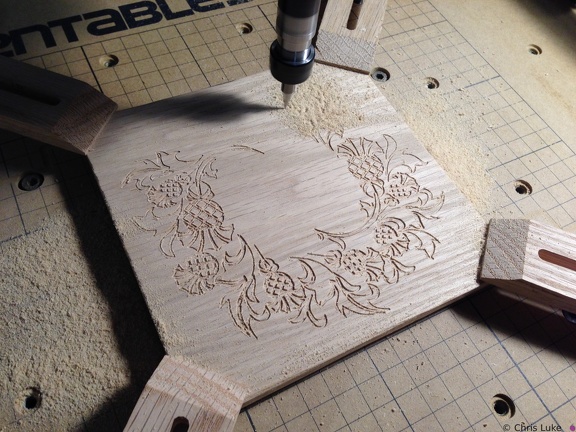
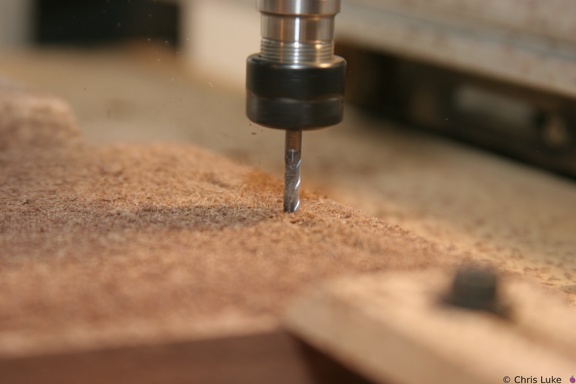
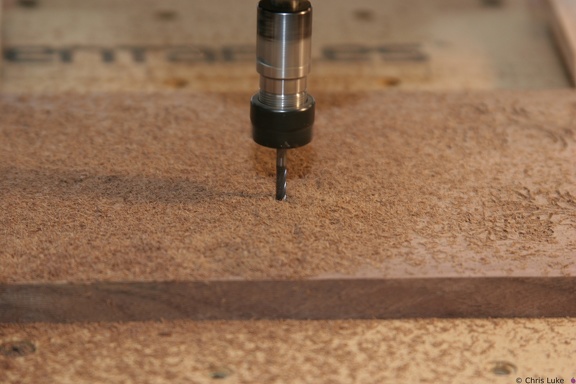
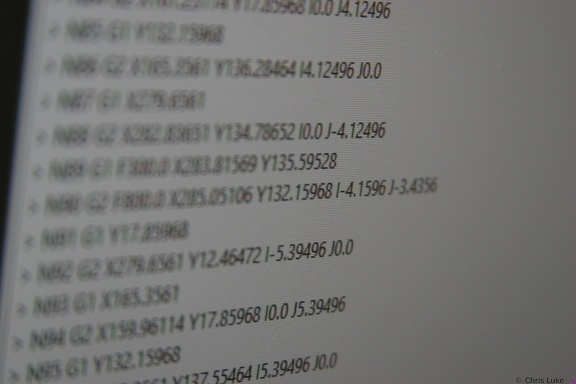
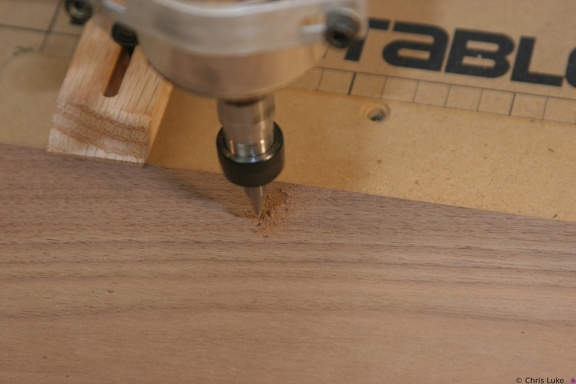
 grbl
grbl
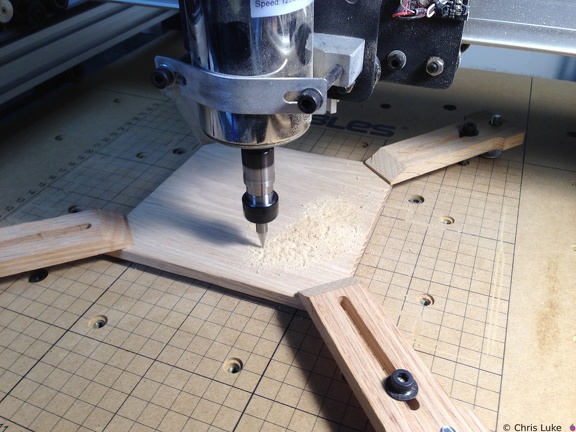
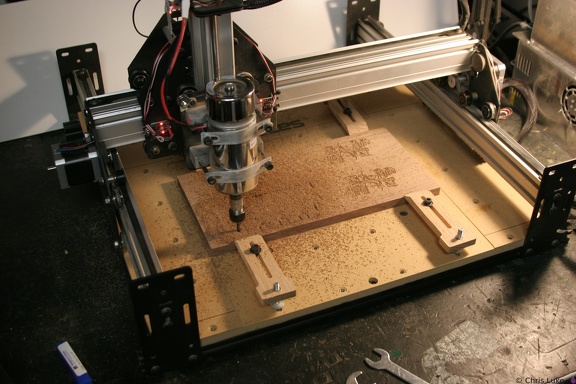
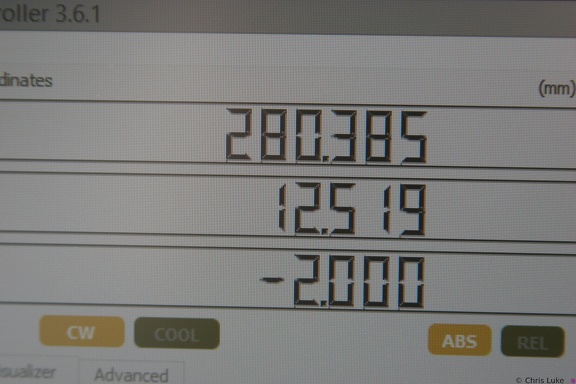
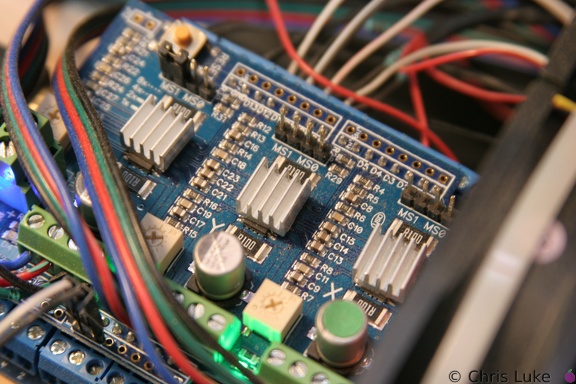
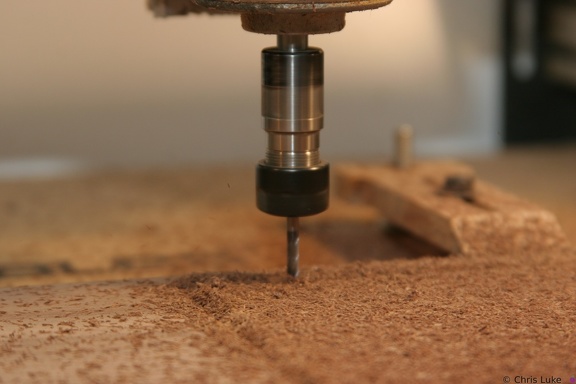
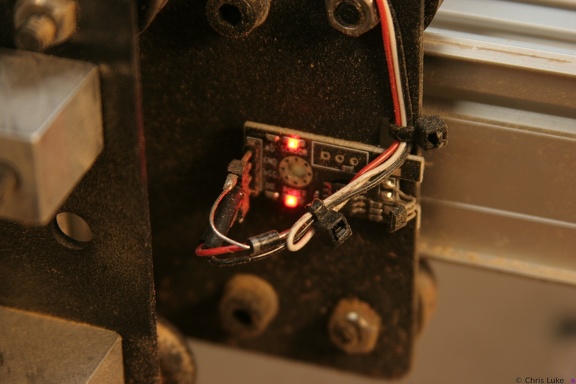
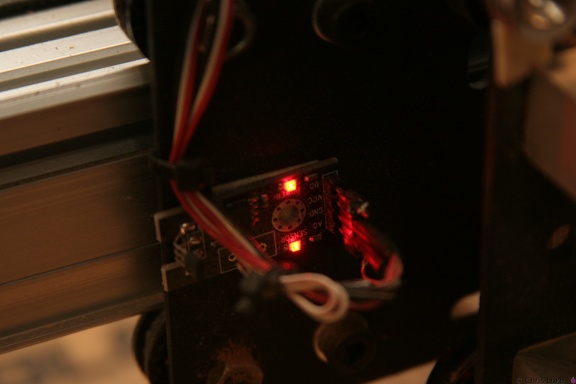
The grbl controller; underneath this stepper driver is an Arduino Uno and a breakout board. IMG 5871
 IMG 5860
 DSC00309
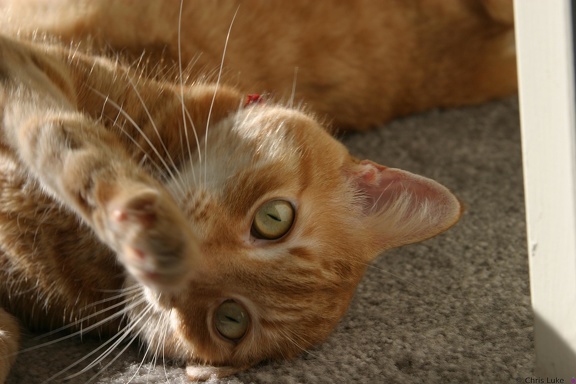
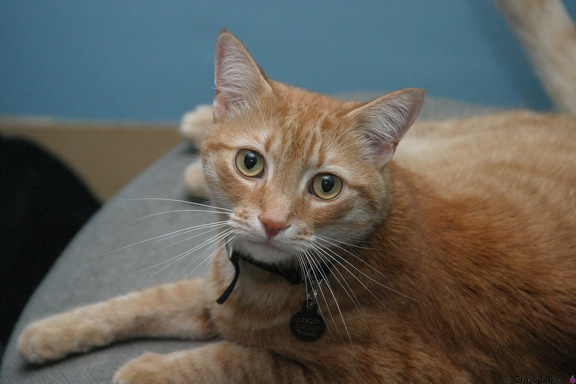
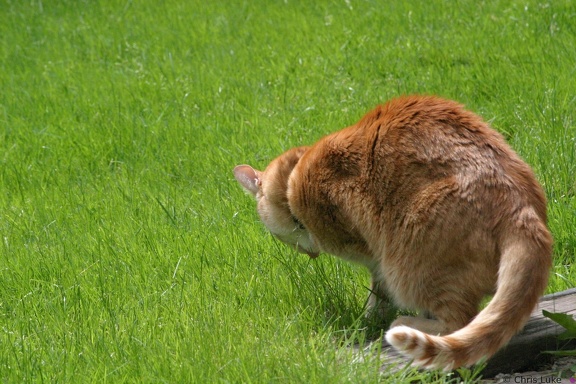
Sigh, it's tough, being a Cat IMG 5875
 IMG 5925
 IMG 5966
 119 1939
 IMG 5854
 IMG 5862
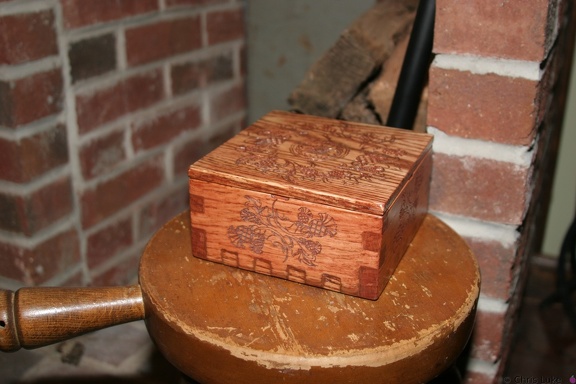 IMG 5876
 114 1490
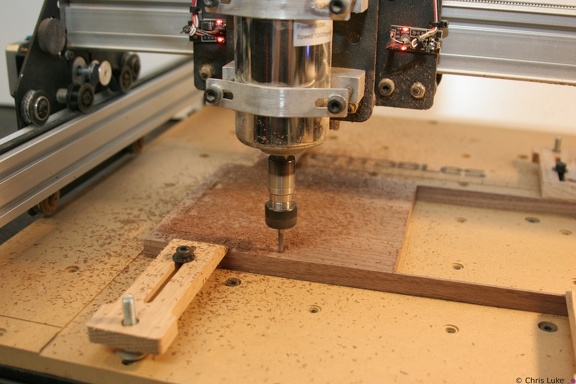 IMG 5936
 DSC00305
What do you want?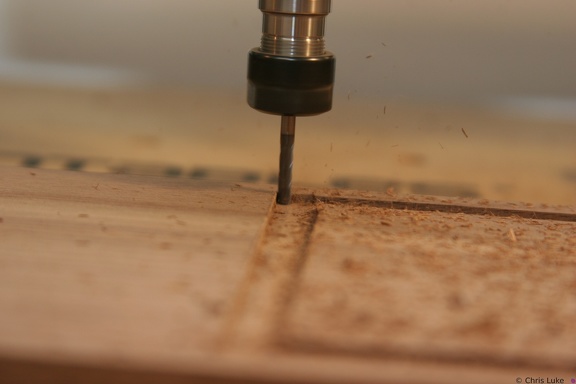 IMG 5922
 IMG 5915
 IMG 5873
 114 1495
 IMG 5853
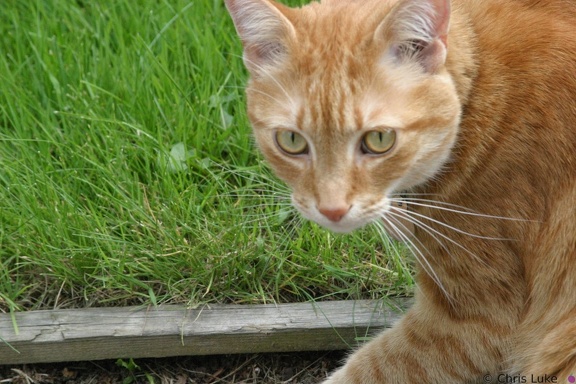 114 1488
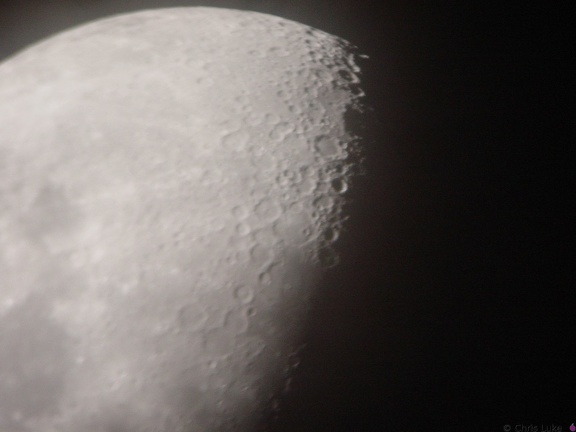 DSC00335
The Moon Meade 10" Newtonian, Sony DSC-P1, Meade Plossl 26mm IMG 4114
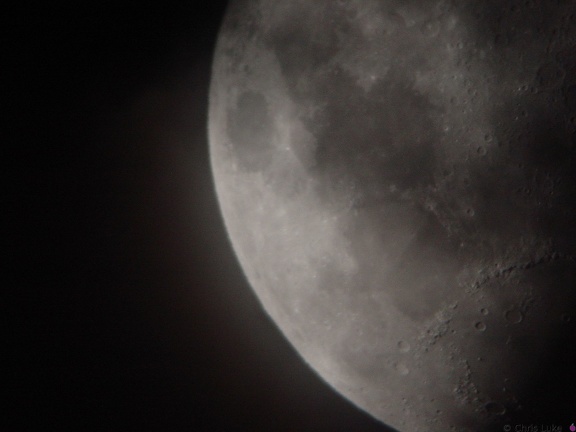 DSC00337
The Moon Meade 10" Newtonian, Sony DSC-P1, Meade Plossl 26mm IMG 5907
 IMG 5967
 IMG 6861
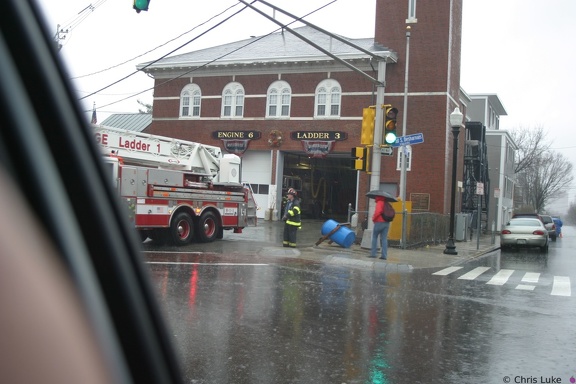
Tokina 19-35mm An exceptionally rainy day. Picture taken from inside the car! 114 1500
 114 1499
 114 1487
 IMG 5928
 IMG 5879
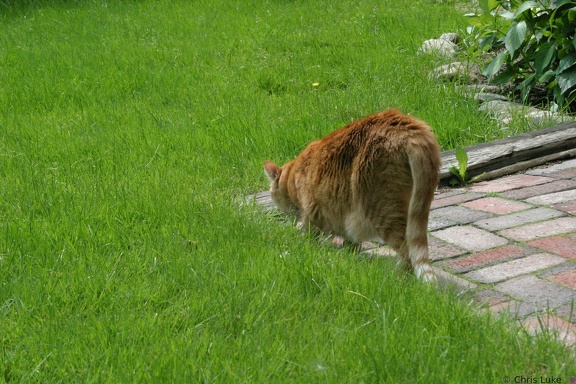 114 1494
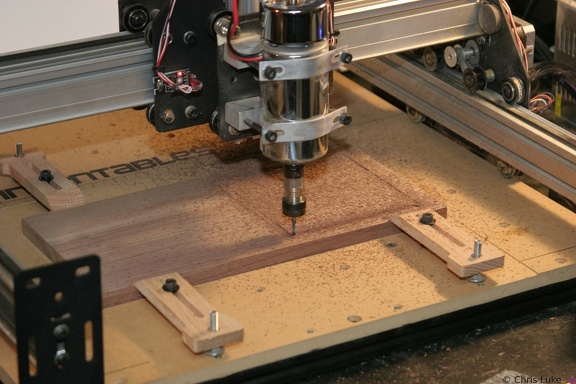 IMG 5904
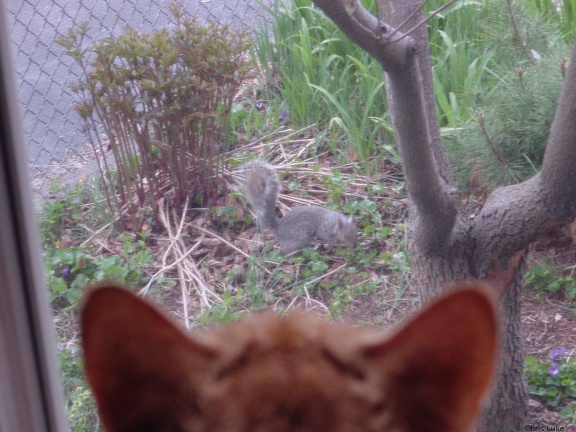 DSC00199
Merlin and the Squirrels again #2 2002-04-28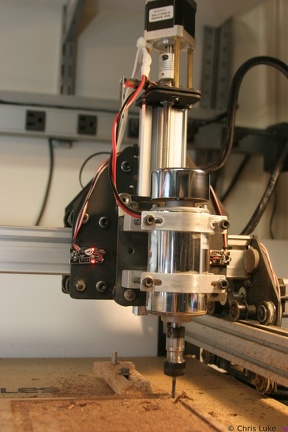 IMG 5933
 IMG 5859
 114 1491
 IMG 5931
 IMG 5937
 IMG 5926
 114 1493
 IMG 5927
 114 1492
 114 1486
 IMG 5932
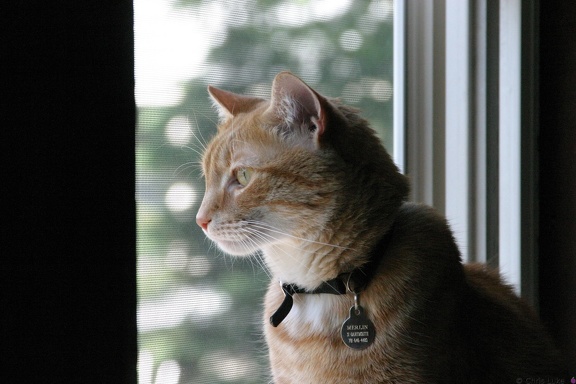
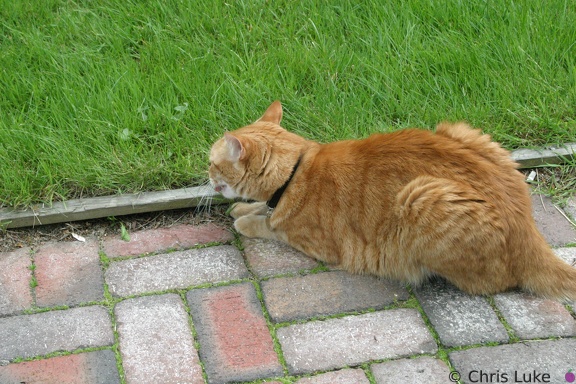
 Merlin
 IMG 4161
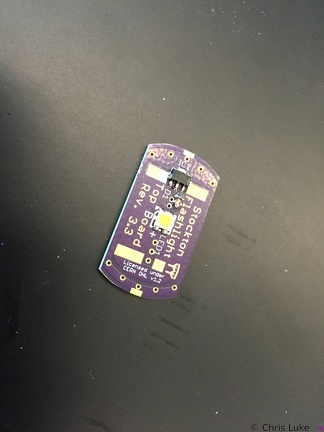
Spot the OSH Park board!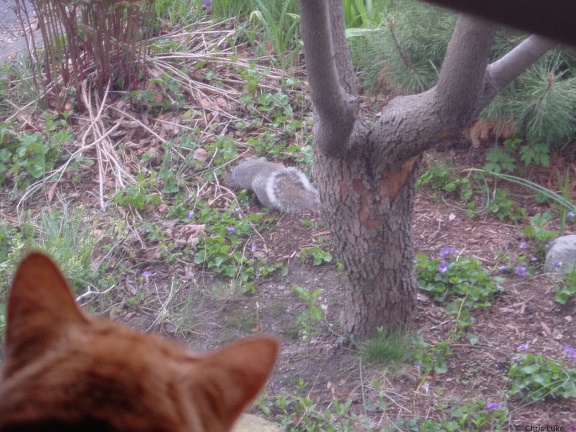 DSC00198
Merlin and the Squirrels again 2002-04-28 IMG 4168
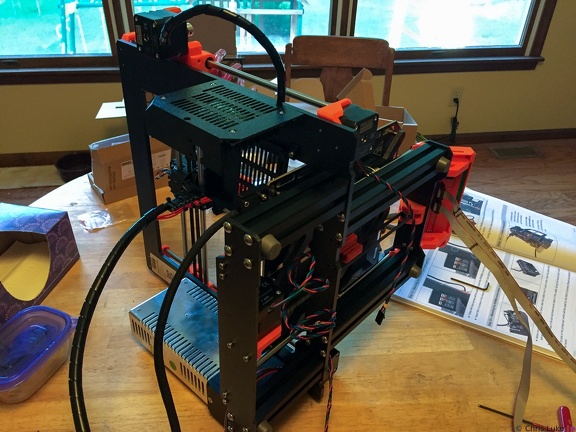 The cables have to go somewhere
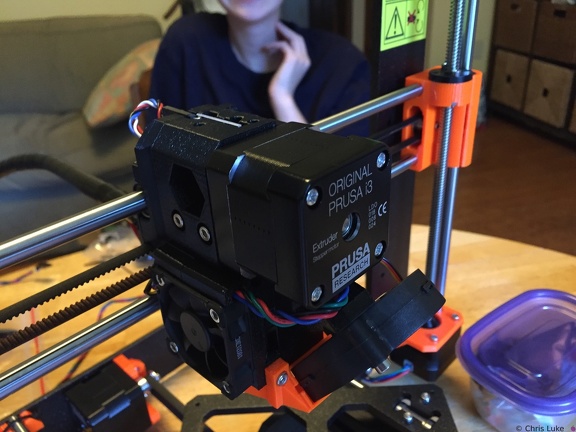 Printhead front
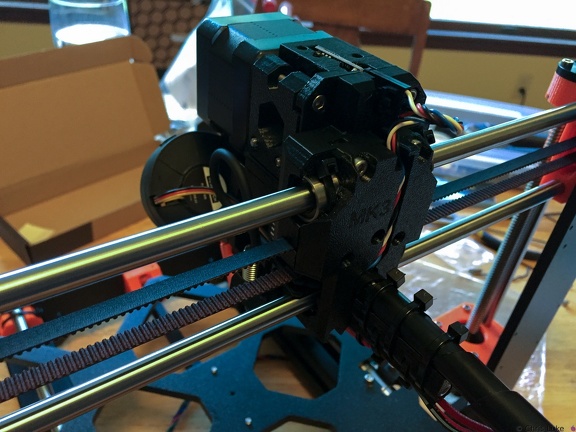 Printhead rear
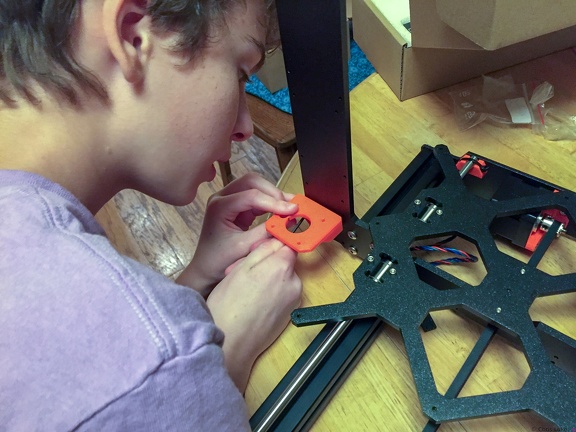 Z-axis motor mounts
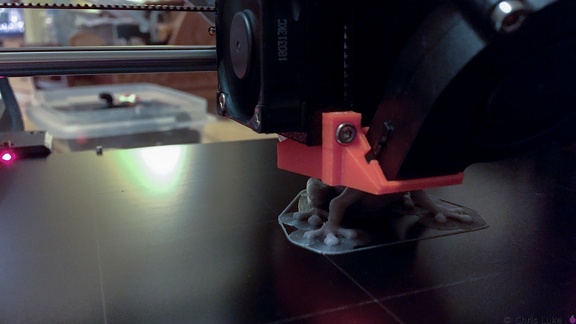 First print in progress
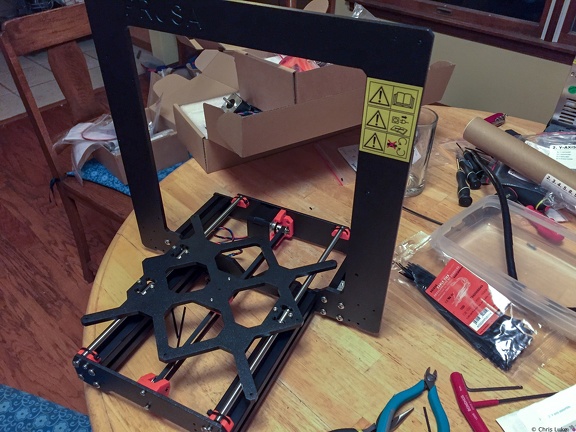 Taking shape
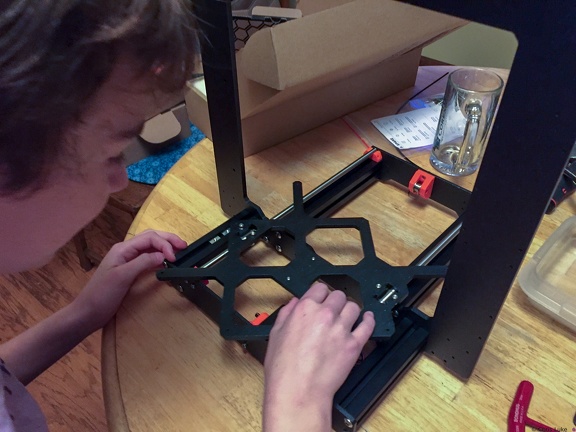 Testing the slide of the bed
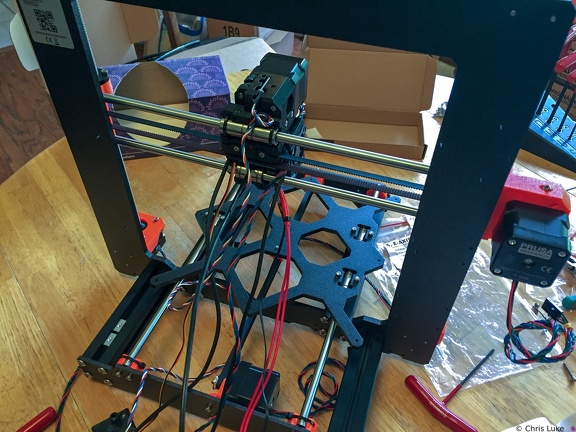 Print head cables
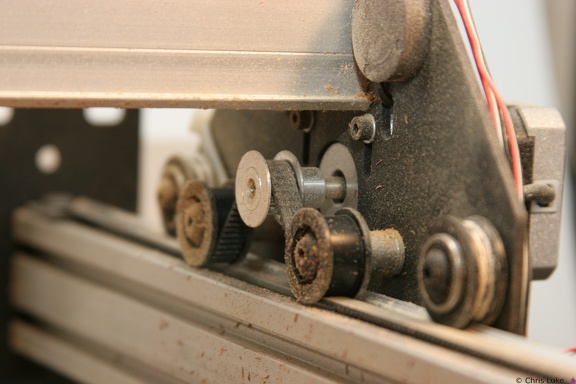
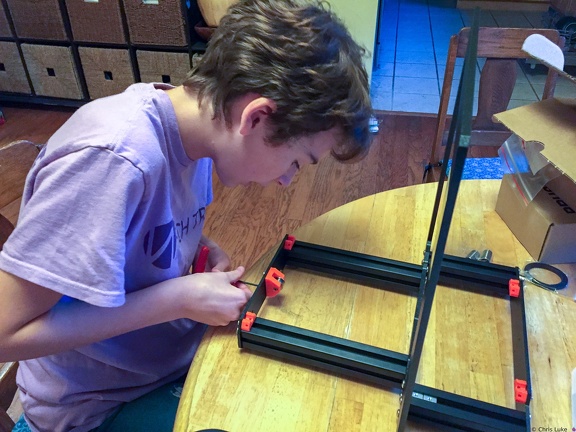 Y-axle idler pulley
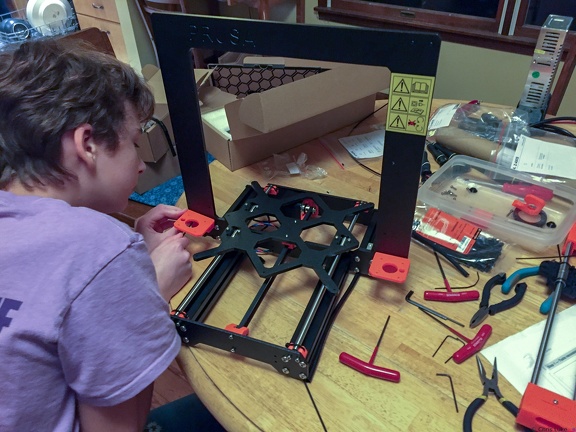 Z-axis motor mounts
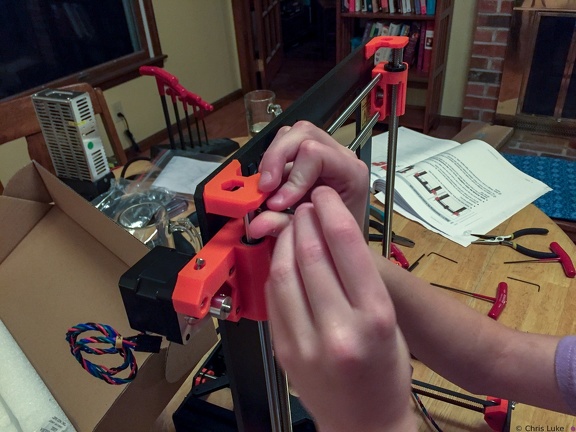 X and Z axis
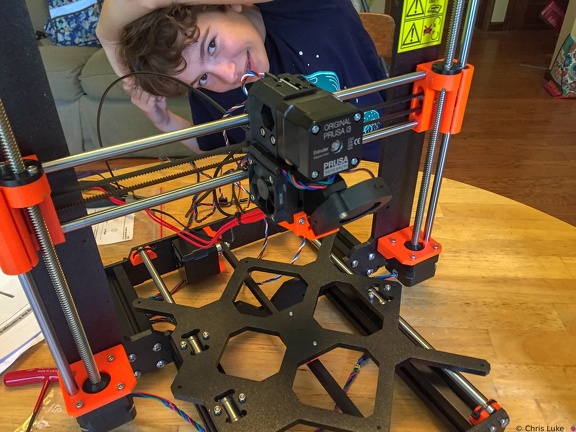 Cables everywhere
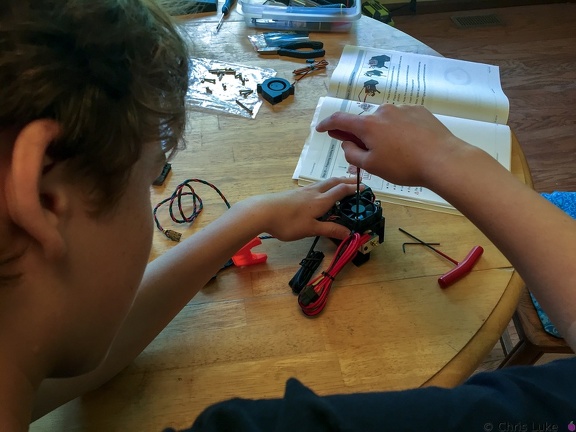 Hotend fan
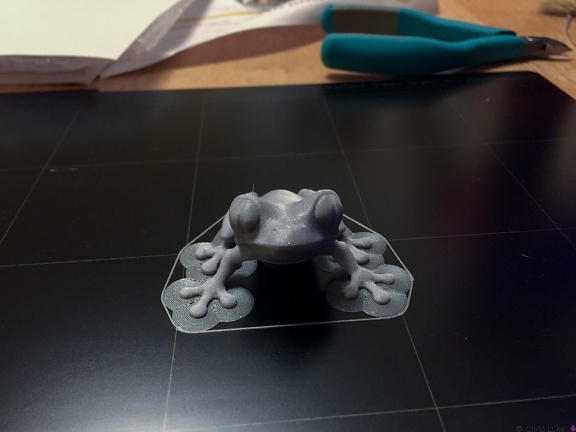 Treefrog
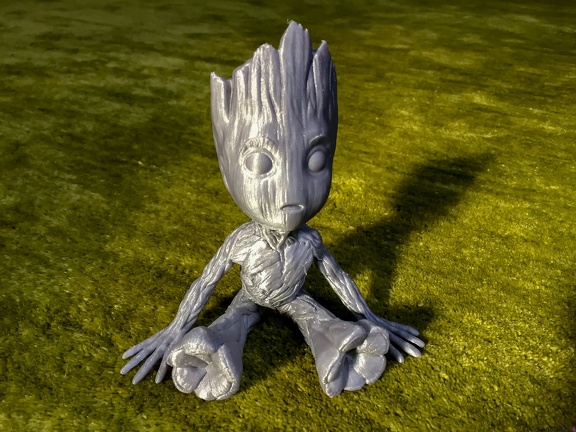 Baby Groot
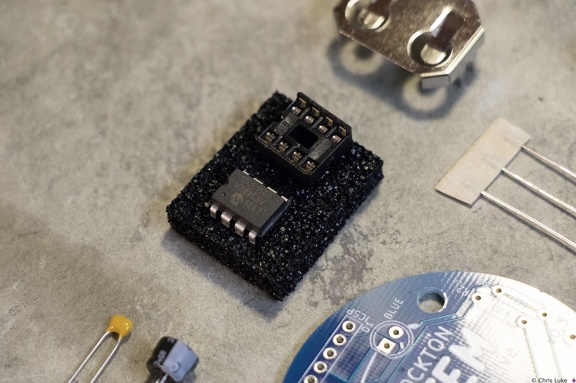 Stockton STEM Badge microcontroller
The chip is an inexpensive "PIC" microcontroller; this runs a program that controls the LEDs.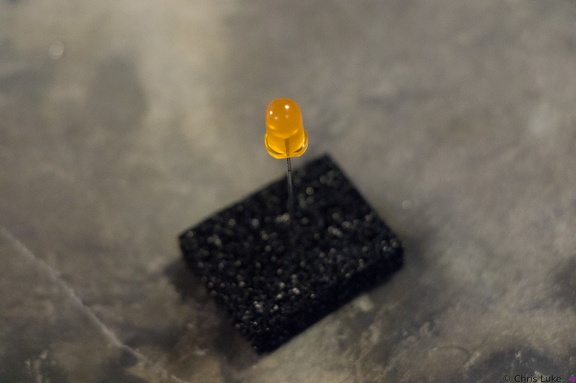 Stockton STEM Badge LEDs
LEDs have a flat edge on one side of their case.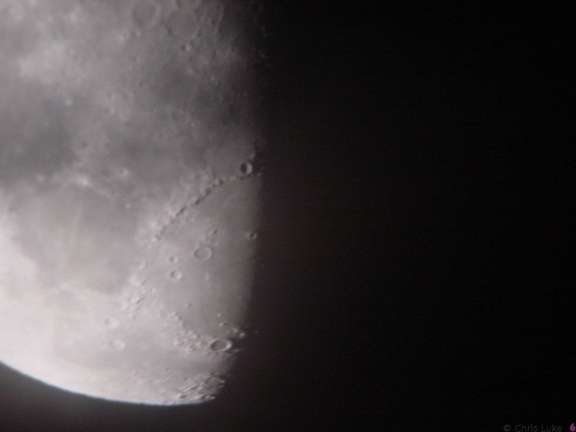 DSC00327
The Moon Meade 10" Newtonian, Sony DSC-P1, Meade Plossl 26mm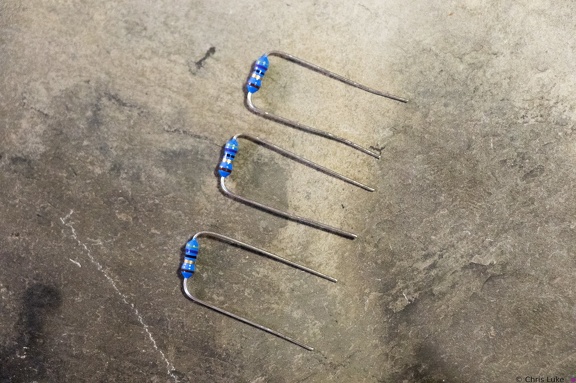 Stockton STEM Badge resistor legs
The resistor legs need to be bent in order to insert them into the board.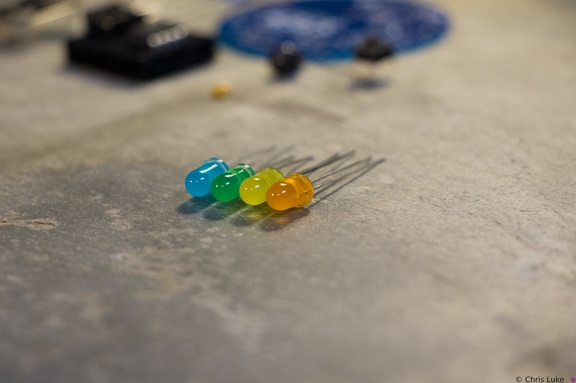 Stockton STEM Badge LEDs
 Stockton STEM Badge button
As with the IC socket, soldering one leg first and verifying component alignment will help prevent easy mistakes.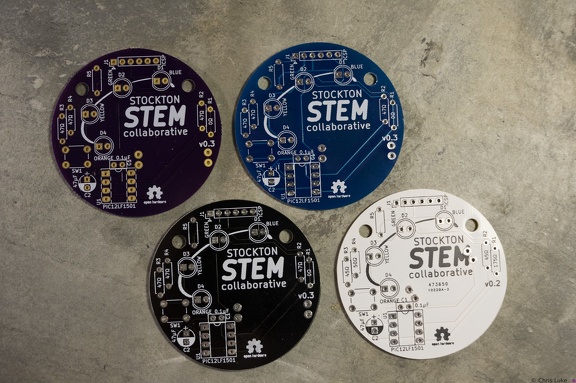 Stockton STEM Badge boards
The badge printed circuit board (PCB) comes in several colors.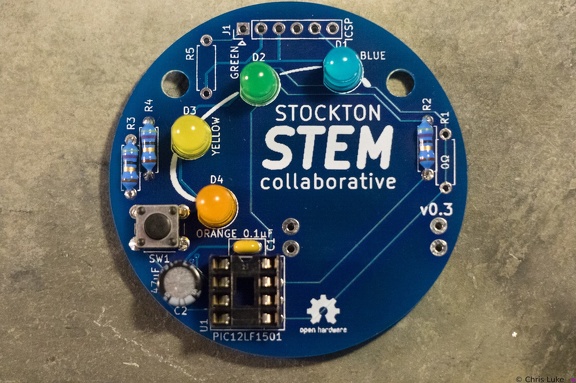 Stockton STEM Badge LEDs
All the LEDs have been soldered. Notice that they all have the same orientation; the flat edge is to the left.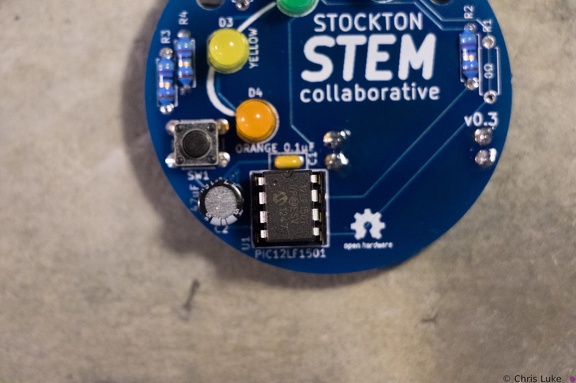 Stockton STEM Badge IC
Make sure the IC is correctly aligned before pushing it in.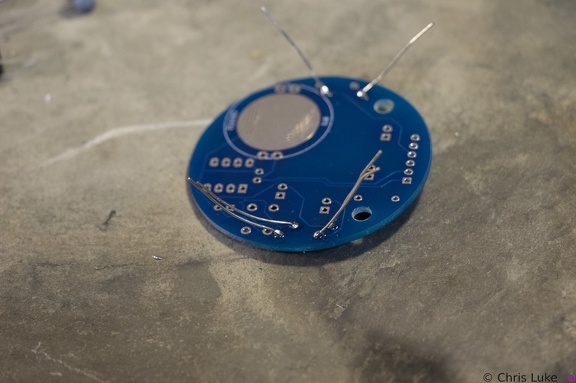 Stockton STEM Badge resistor legs
Soldered legs; only a small amount of solder is needed and it heat should be applied only briefly.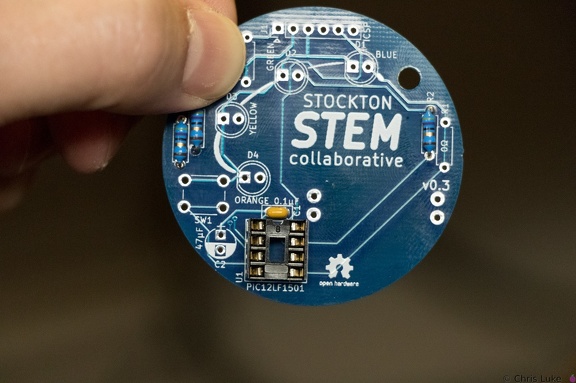 Stockton STEM Badge IC socket
Note the orientation of the indent at the upper edge of the IC socket.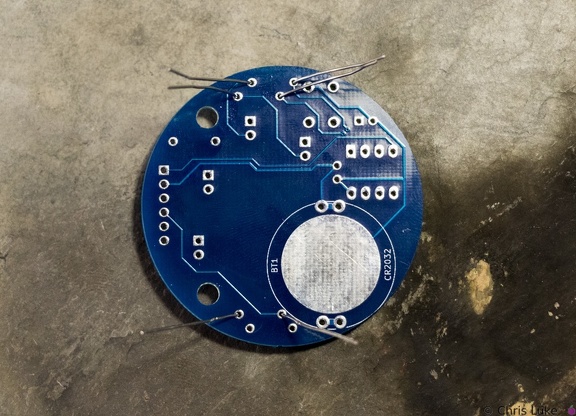 Stockton STEM Badge resistor legs
The legs are passed through the board holes; they may need pulling firmly, but not too firmly, with pliers to pull the resistor body flush with the board.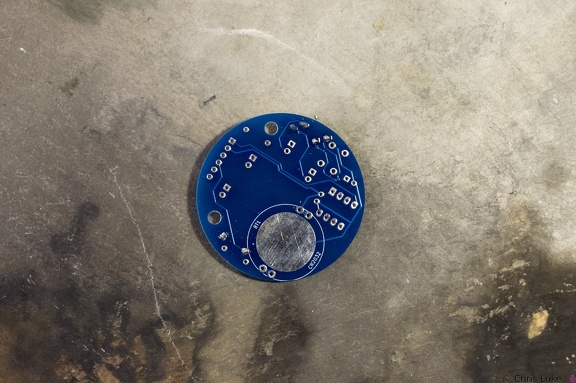 Stockton STEM Badge resistor legs
The legs are trimmed, the excess removed with side-cutters.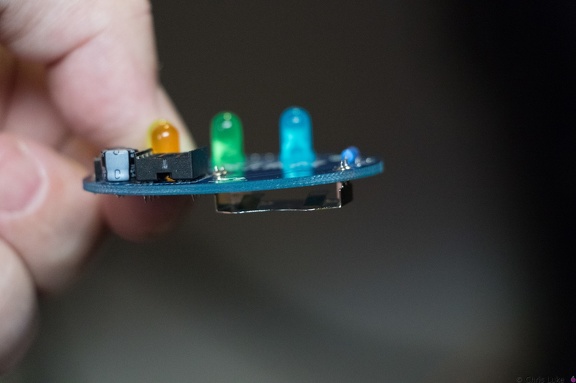 Stockton STEM Badge battery
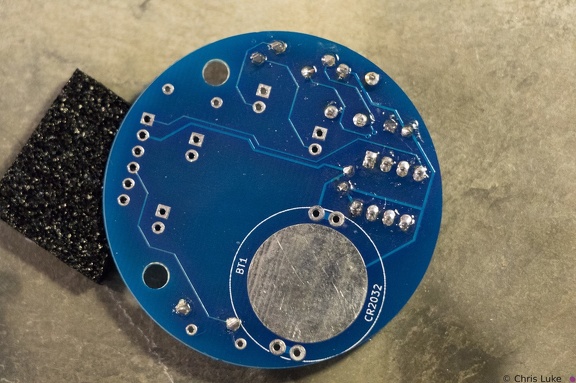
It is possible for the holder to become hot during soldering; be careful when handling immediately after soldering.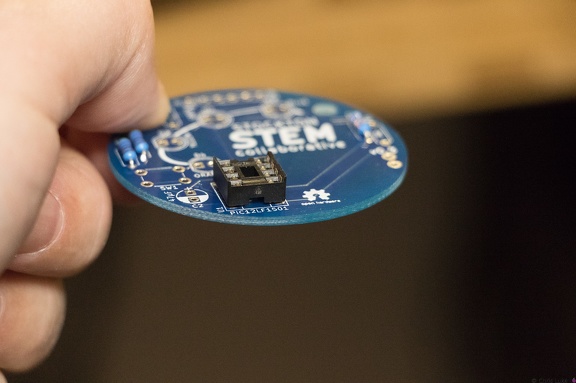 Stockton STEM Badge IC socket
The IC socket should lay flat against the board.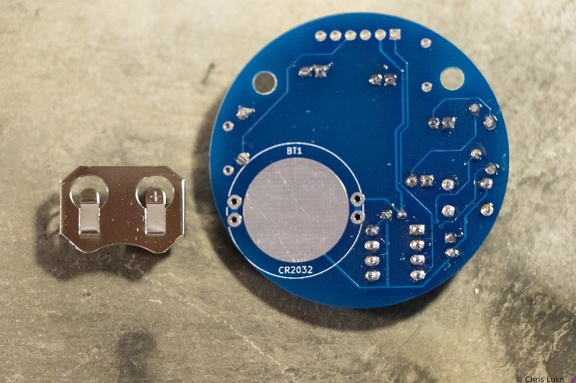 Stockton STEM Badge battery
The battery holder is a simple metal cage that solders to the underside of the board.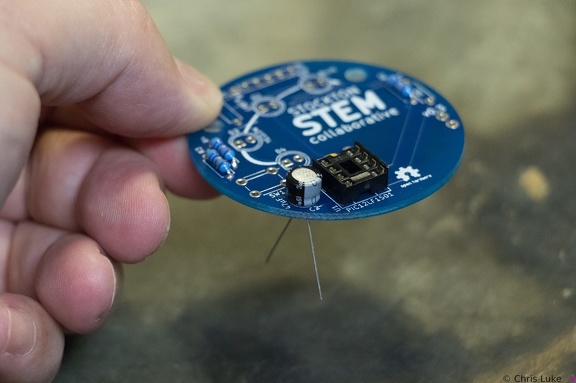 Stockton STEM Badge electrolytic capacitor
Orientation of this capacitor is important. There is a "+" symbol in the footprint of the component printed on the board; the "-" of the capacitor should be on the opposite side.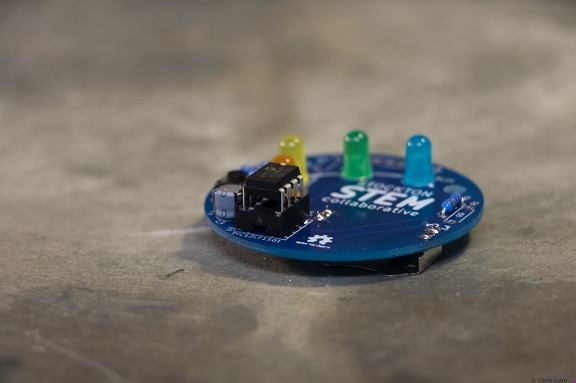 Stockton STEM Badge IC
When inserting the IC, firm but controlled pressure is needed to avoid bending the pins.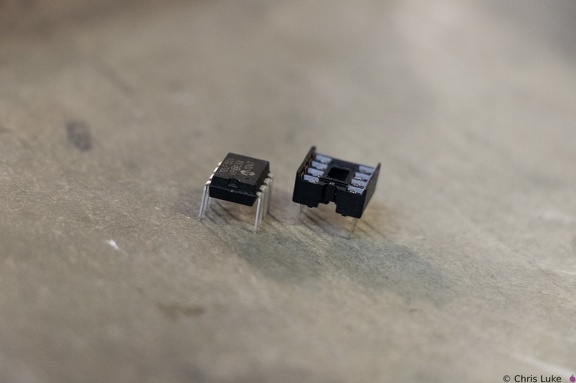 Stockton STEM Badge IC and socket
The legs of the chip need to be straight otherwise they will not properly insert into their positions in the socket. It is easy to bend or break the legs if care is not taken.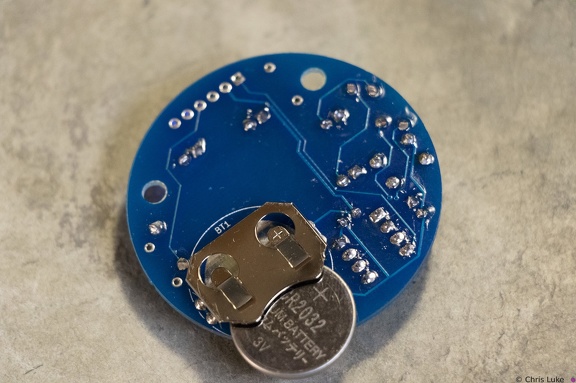 Stockton STEM Badge battery
Note the orientation of the battery. The "+" side contacts the battery holder.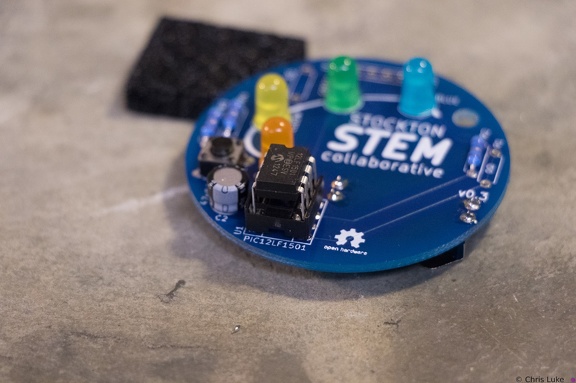 Stockton STEM Badge IC
The IC pins need to be straight and line up with their receptacles in the socket.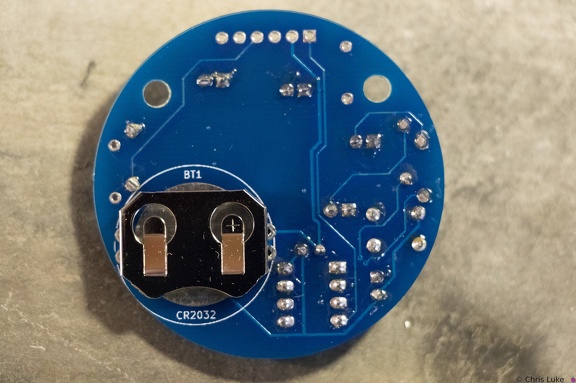 Stockton STEM Badge battery
Note the orientation of the holder; reversing it will make it difficult to insert the battery later.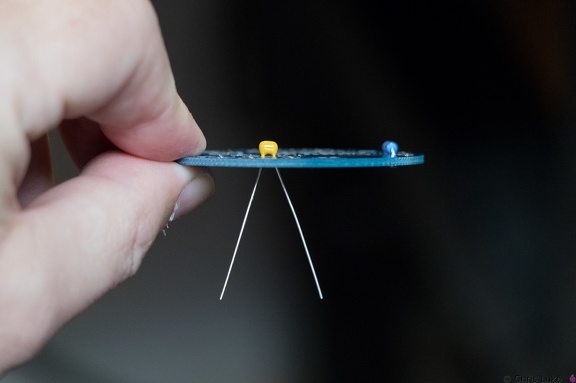 Stockton STEM Badge decoupling capacitor
This ceramic capacitor is not orientation sensitive. Decoupling means it absorbs electrical noise and is used to filter the power feeding the microcontroller.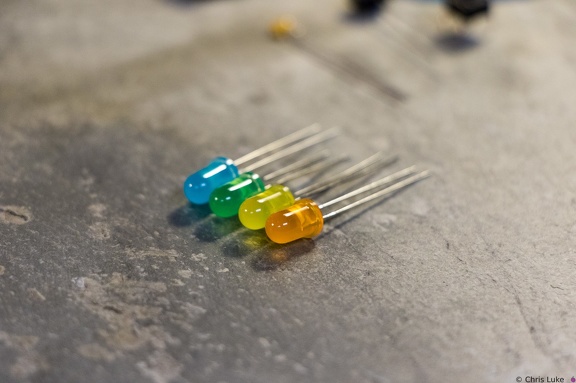 Stockton STEM Badge LEDs
 Stockton STEM Badge button
The push-button switch will fit two ways. Orientation does not matter.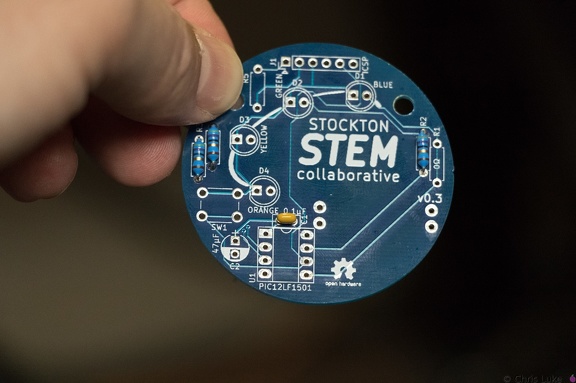 Stockton STEM Badge decoupling capacitor
The capacitor should sit flush with the board.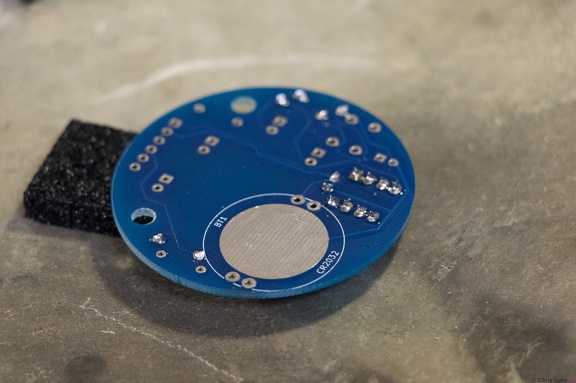 Stockton STEM Badge IC socket
Soldering one leg first and checking that the socket is flat against the board avoids a simple mistake. If it is not flat, or otherwise misaligned simply re-heating the leg will help correct the issue. Once orientation and alignment is verified, solder the remaining legs. Sometimes a small shim, such as the black foam here, can help keep the board level and simplifies the task.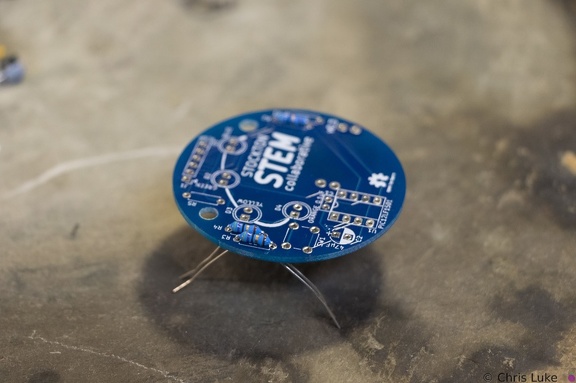 Stockton STEM Badge resistor legs
The legs are then carefully bent to about 45 degrees to hold the resistor in place for soldering.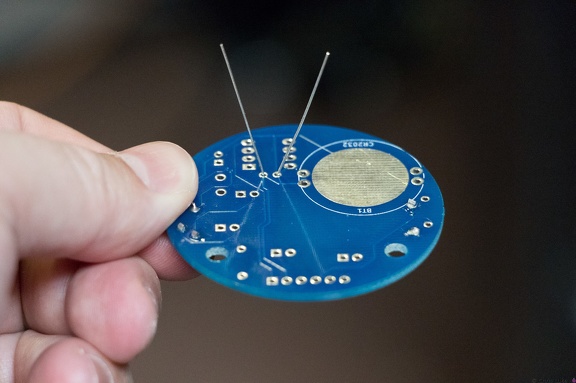 Stockton STEM Badge decoupling capacitor
As with the resistors, the legs should be splayed a little to help hold it in place for soldering.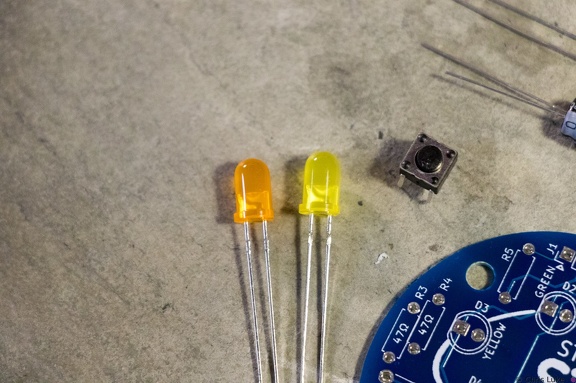 Stockton STEM Badge LEDs and button
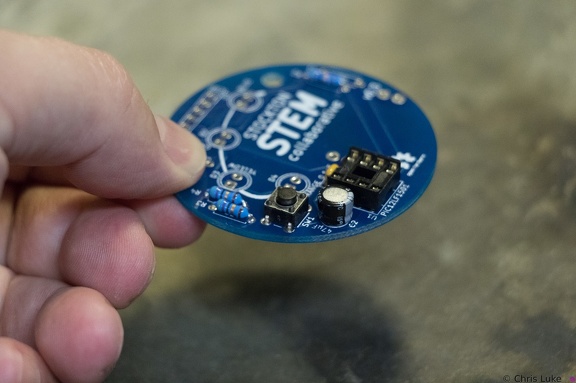
Orange and yellow LEDS. The pushbutton switch allows a person to control the badge.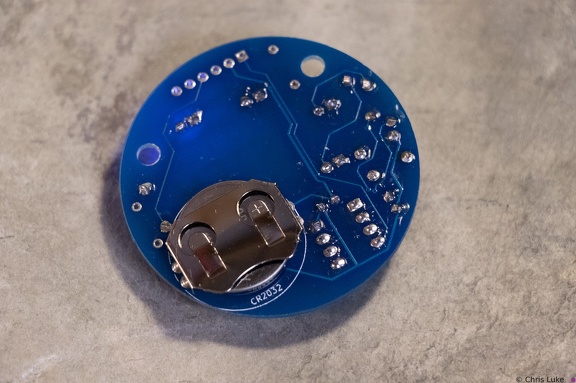 Stockton STEM Badge battery
The battery should sit snugly under the holder.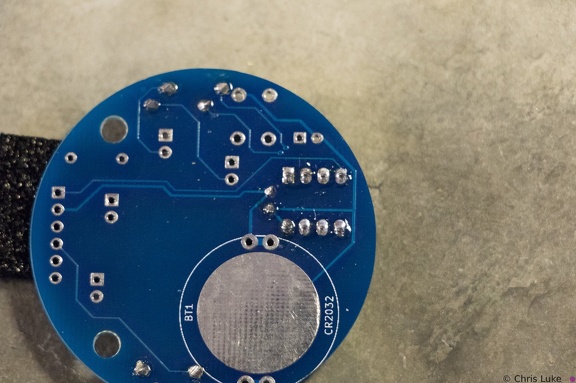 Stockton STEM Badge IC socket
Soldered legs.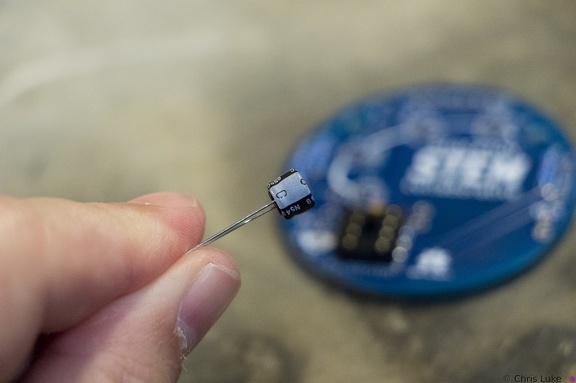 Stockton STEM Badge electrolytic capacitor
Electrolytic capacitors are polarity sensitive; note the "-" symbol on one side of the capacitor package. These capacitors typically have a larger capacity than their ceramic counterparts and are used for bulk storage; this one is used to assist the battery when the LEDs turn on. This is necessary because button cell batteries are not designed to provide as much power as the LEDs can demand.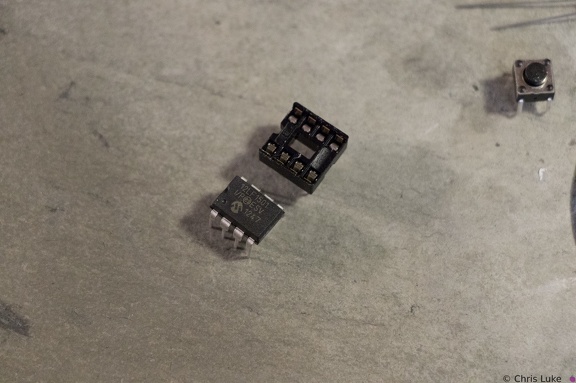 Stockton STEM Badge IC and socket
The chip, an integrated circuit, or IC, must also be used the correct way round. Both the chip and its socket have a notch at one end to identify its orientation.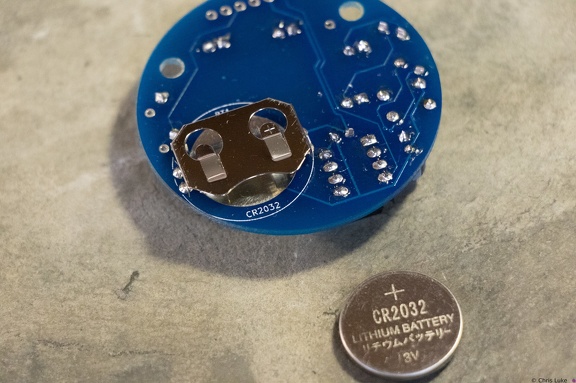 Stockton STEM Badge battery
The battery is a typical CR2032 button cell. Notice which side the "+" is on.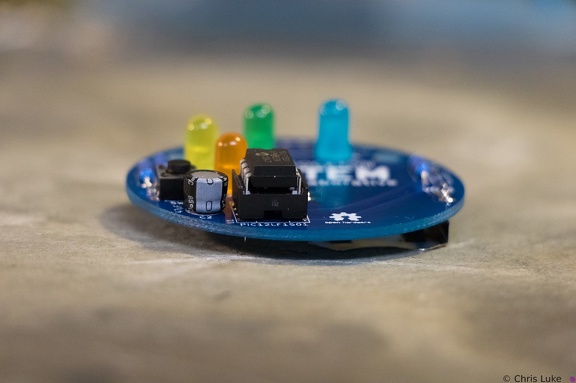 Stockton STEM Badge IC
Once pushed all the way in, the IC may sit above the socket, but it will be parallel to it.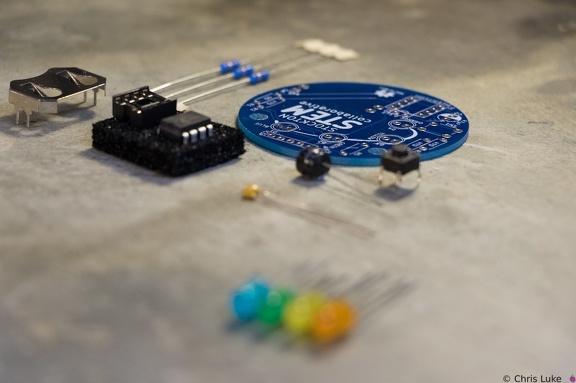 Stockton STEM Badge components
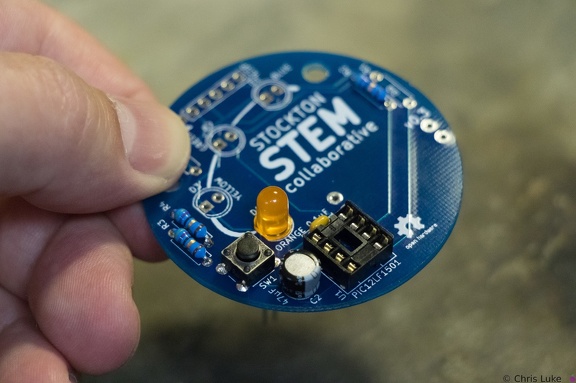 Stockton STEM Badge LEDs
The footprint for the LEDs also shows a flat edge; orientation of the LEDs needs to match that of the board.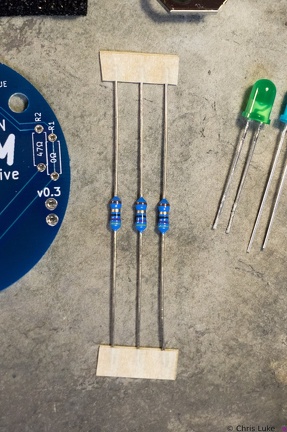 Stockton STEM Badge resistors
These are 47 ohm resistors; they limit the current supplied to the orange, yellow and green LEDs. The blue LED does not require one.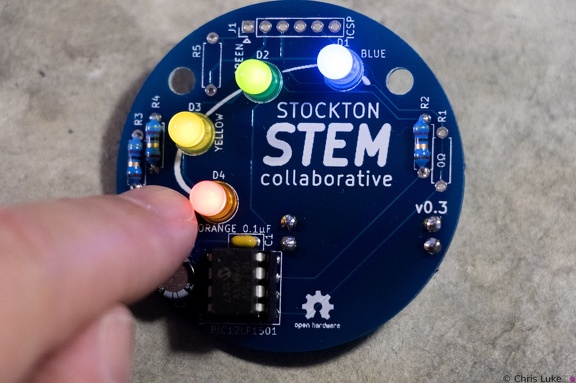 Stockton STEM Badge completed
Press the button to start the lights!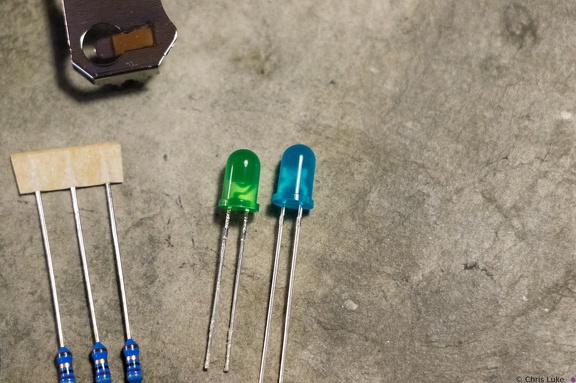 Stockton STEM Badge LEDs
Green and blue LEDs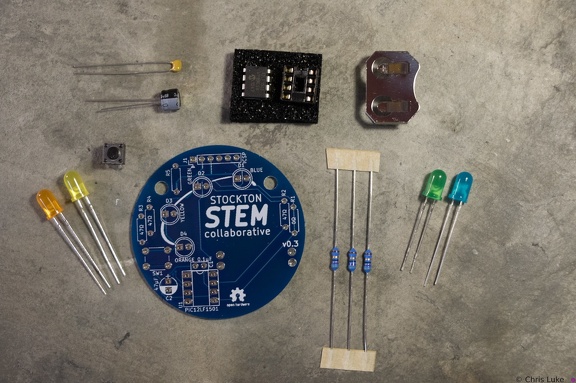 Stockton STEM Badge components
The badge consists of a handful of electronic components. Components R1, R5 and J1 are not normally populated.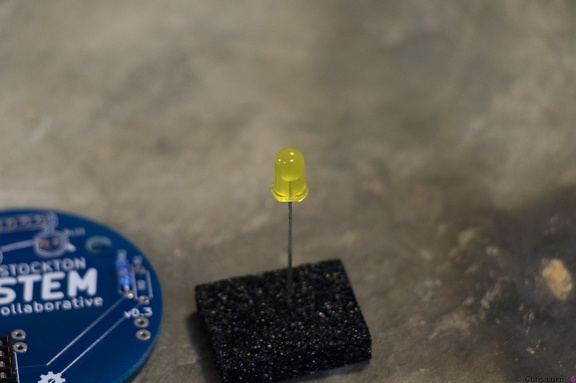 Stockton STEM Badge LEDs
While all components can be destroyed with an excess of heat during soldering, LEDs are especially susceptible to this.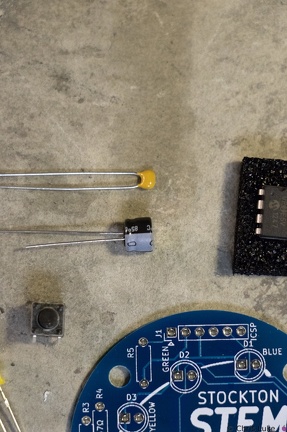 Stockton STEM Badge capacitors
The capacitors smooth the power on the badge. The top capacitor, is not polarity sensitive; that is, it can be used either way round. The other capacitor must be used only the correct way round; the case has a "-" symbol printed on it.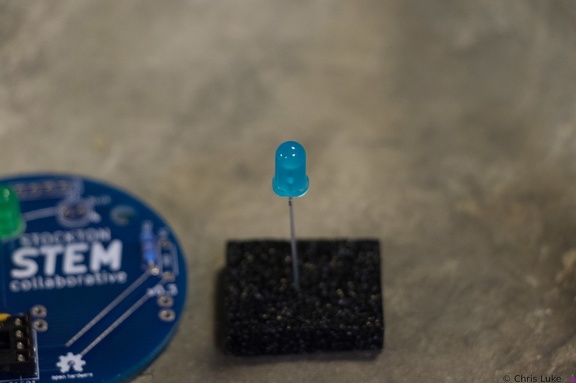 Stockton STEM Badge LEDs
The case of an LED can crack if the legs are bent too close to it; even after placing the LED on the board, only bend the legs slightly to hold it in place.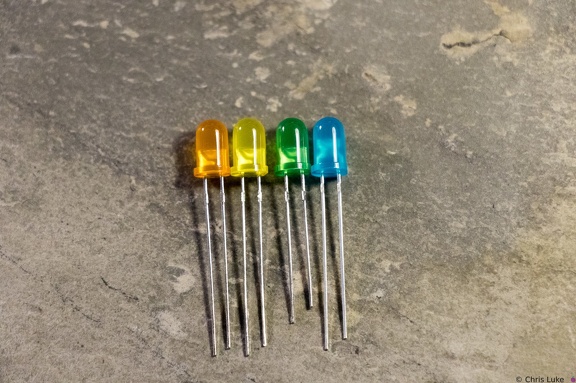 Stockton STEM Badge LEDs
Notice how the LEDs typically have one leg longer than the other; this is called the "anode". The colored case also has one flat side, opposite the longer leg; the leg on this side is called the "cathode". Also, note the distinctive shape of what is inside the colored case; this can also be used to help determine its orientation. The gap at the top of the metal surface is always on the anode side. LEDs can only be used the right way round so determining orientation is important.