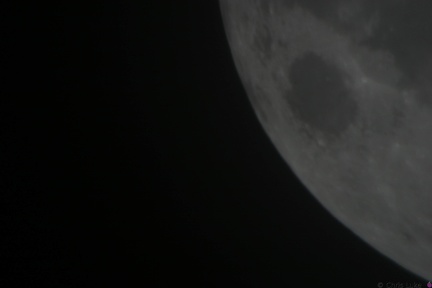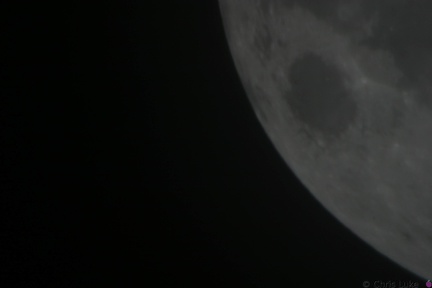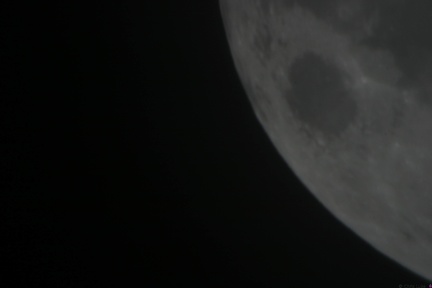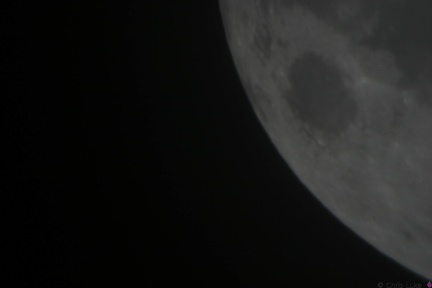

- IMG 7314
- IMG 7315
- IMG 7316
- IMG 7317
- IMG 7318
- IMG 7319
- IMG 7320
- IMG 7321
- IMG 7322
- IMG 7323
- IMG 7324
- IMG 7326
- IMG 7327
- IMG 7328
- IMG 7329
- IMG 7330
- IMG 7331
- IMG 7332
- IMG 7334
- IMG 7344
- IMG 7345
- IMG 7346
- IMG 7347
- IMG 7348
- IMG 7349
- IMG 7350
- IMG 7351
- IMG 7352
- IMG 7353
- IMG 7354
- IMG 7355
- IMG 7356
- IMG 7357
- IMG 7358
- IMG 7359
- IMG 7360
- IMG 7361
- IMG 7362
- IMG 7363
- IMG 7364
- IMG 7365
- IMG 7366
- IMG 7367
- IMG 7368
- IMG 7369
- IMG 7370
- IMG 7371
- IMG 7372
- IMG 7373
- IMG 7374
- IMG 7375
- IMG 7376
- IMG 7377
- IMG 7378
- IMG 7379
- IMG 7380
- IMG 7381
- IMG 7382
- IMG 7383
- IMG 7384
- IMG 7385
- IMG 7386
- IMG 7387
- IMG 7388
- IMG 7389
- IMG 7390
- IMG 7391
- IMG 7392
- IMG 7393
- IMG 7394
- IMG 7395
- IMG 7396
- IMG 7397
- IMG 7398
- IMG 7399
- IMG 7400
- IMG 7401
- IMG 7402
- IMG 7403
- IMG 7404
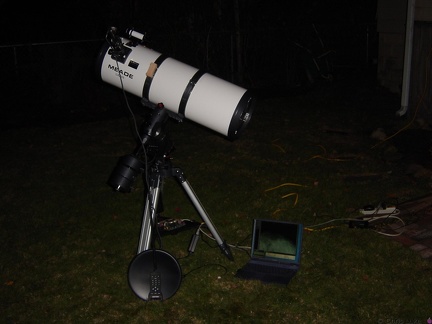
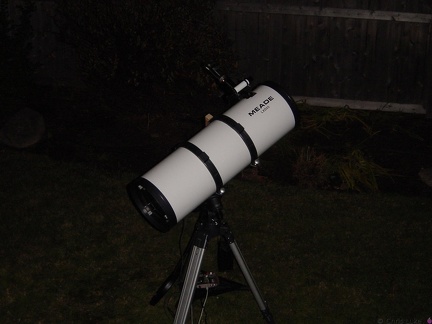
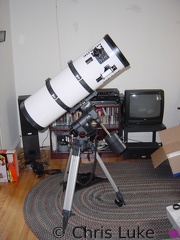
Meade LDX55 10inch Schidt-Newtonian
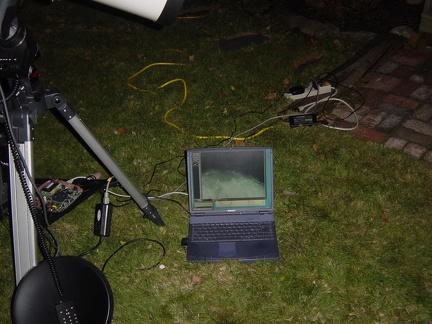
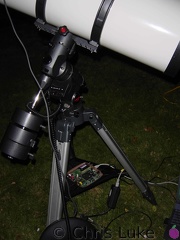
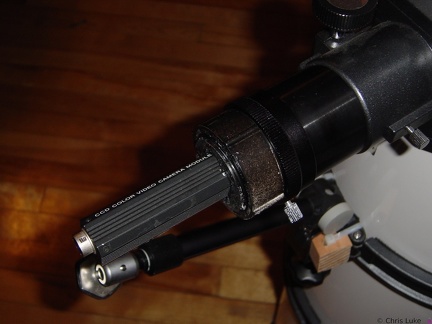
Meade LDX55 10" telescope The Meade LDX55 10" Schmidt-Newtonian reflecting telescope, setup in my living room (to make sure all the bits are there!)
Merlin
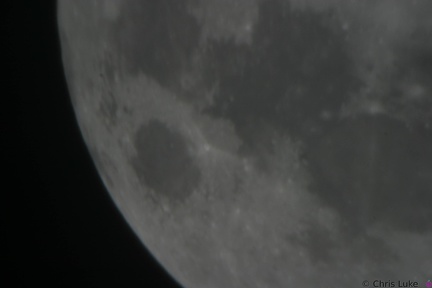
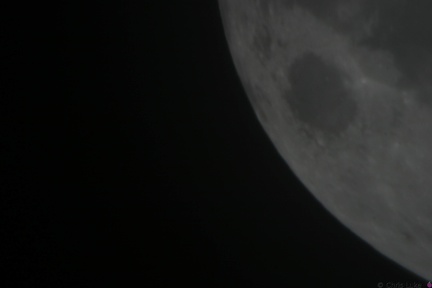
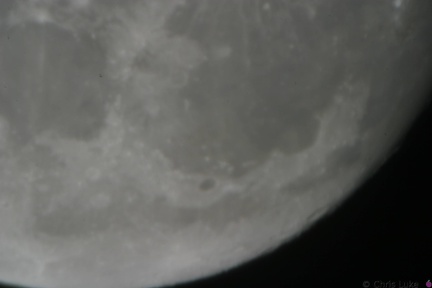
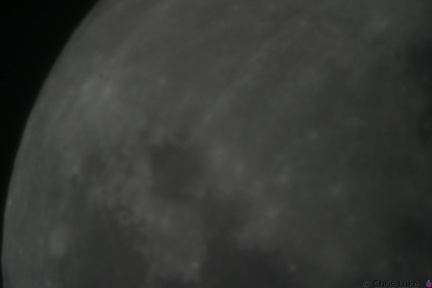
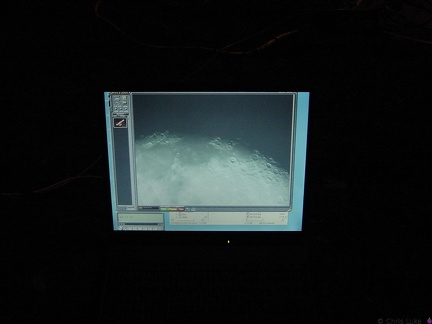
Moon028
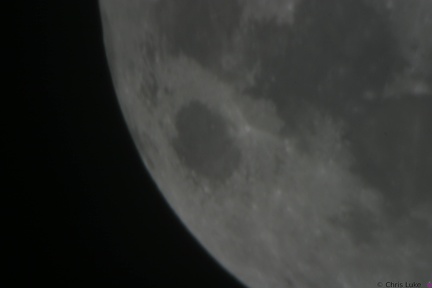
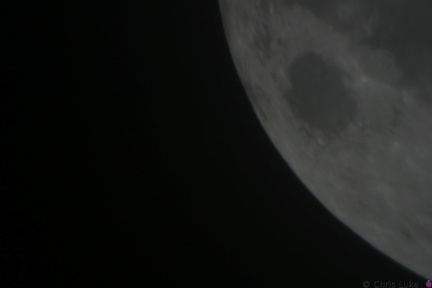
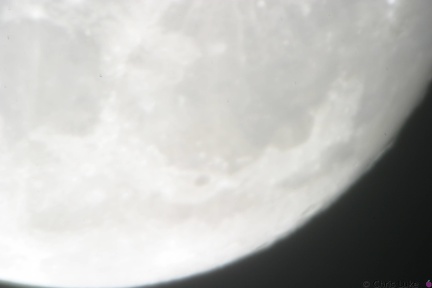
Moon029
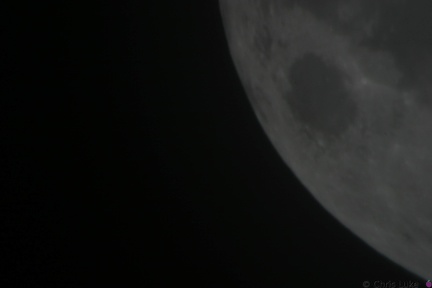
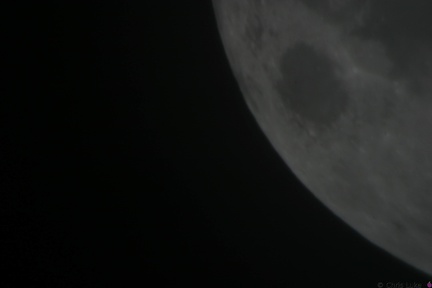
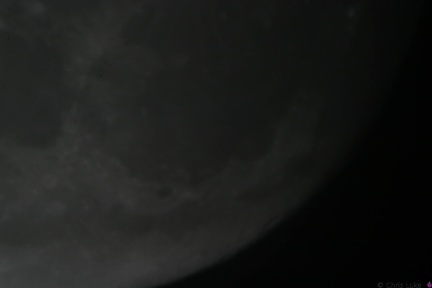
Moon039
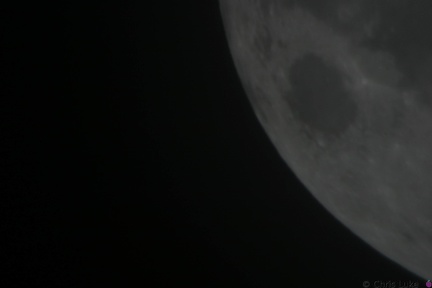
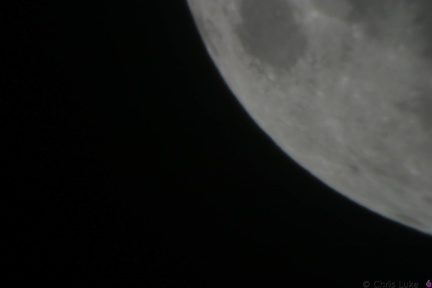
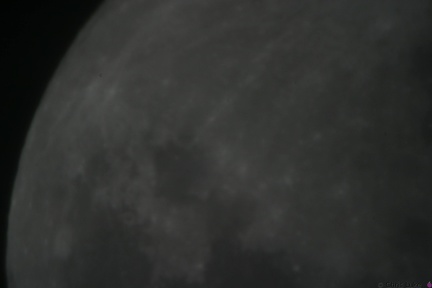
Moon040
Print head cables
Printhead front
Printhead rear
Stockton STEM Badge battery
The battery should sit snugly under the holder.
Stockton STEM Badge battery
Note the orientation of the battery. The "+" side contacts the battery holder.
Stockton STEM Badge battery
The battery is a typical CR2032 button cell. Notice which side the "+" is on.
Stockton STEM Badge battery
It is possible for the holder to become hot during soldering; be careful when handling immediately after soldering.
Stockton STEM Badge battery
Note the orientation of the holder; reversing it will make it difficult to insert the battery later.
Stockton STEM Badge battery
The battery holder is a simple metal cage that solders to the underside of the board.
Stockton STEM Badge boards
The badge printed circuit board (PCB) comes in several colors.
Stockton STEM Badge button
As with the IC socket, soldering one leg first and verifying component alignment will help prevent easy mistakes.
Stockton STEM Badge button
The push-button switch will fit two ways. Orientation does not matter.
Stockton STEM Badge capacitors
The capacitors smooth the power on the badge. The top capacitor, is not polarity sensitive; that is, it can be used either way round. The other capacitor must be used only the correct way round; the case has a "-" symbol printed on it.
Stockton STEM Badge completed
Press the button to start the lights!
Stockton STEM Badge components
The badge consists of a handful of electronic components. Components R1, R5 and J1 are not normally populated.
Stockton STEM Badge decoupling capacitor
As with the resistors, the legs should be splayed a little to help hold it in place for soldering.
Stockton STEM Badge decoupling capacitor
The capacitor should sit flush with the board.
Stockton STEM Badge decoupling capacitor
This ceramic capacitor is not orientation sensitive. Decoupling means it absorbs electrical noise and is used to filter the power feeding the microcontroller.
Stockton STEM Badge electrolytic capacitor
Orientation of this capacitor is important. There is a "+" symbol in the footprint of the component printed on the board; the "-" of the capacitor should be on the opposite side.
Stockton STEM Badge electrolytic capacitor
Electrolytic capacitors are polarity sensitive; note the "-" symbol on one side of the capacitor package. These capacitors typically have a larger capacity than their ceramic counterparts and are used for bulk storage; this one is used to assist the battery when the LEDs turn on. This is necessary because button cell batteries are not designed to provide as much power as the LEDs can demand.
Stockton STEM Badge IC
Once pushed all the way in, the IC may sit above the socket, but it will be parallel to it.
Stockton STEM Badge IC
Make sure the IC is correctly aligned before pushing it in.
Stockton STEM Badge IC
When inserting the IC, firm but controlled pressure is needed to avoid bending the pins.
Stockton STEM Badge IC
The IC pins need to be straight and line up with their receptacles in the socket.
Stockton STEM Badge IC and socket
The legs of the chip need to be straight otherwise they will not properly insert into their positions in the socket. It is easy to bend or break the legs if care is not taken.
Stockton STEM Badge IC and socket
The chip, an integrated circuit, or IC, must also be used the correct way round. Both the chip and its socket have a notch at one end to identify its orientation.
Stockton STEM Badge IC socket
Soldered legs.
Stockton STEM Badge IC socket
Soldering one leg first and checking that the socket is flat against the board avoids a simple mistake. If it is not flat, or otherwise misaligned simply re-heating the leg will help correct the issue. Once orientation and alignment is verified, solder the remaining legs. Sometimes a small shim, such as the black foam here, can help keep the board level and simplifies the task.
Stockton STEM Badge IC socket
The IC socket should lay flat against the board.
Stockton STEM Badge IC socket
Note the orientation of the indent at the upper edge of the IC socket.
Stockton STEM Badge LEDs
All the LEDs have been soldered. Notice that they all have the same orientation; the flat edge is to the left.
Stockton STEM Badge LEDs
The case of an LED can crack if the legs are bent too close to it; even after placing the LED on the board, only bend the legs slightly to hold it in place.
Stockton STEM Badge LEDs
While all components can be destroyed with an excess of heat during soldering, LEDs are especially susceptible to this.
Stockton STEM Badge LEDs
The footprint for the LEDs also shows a flat edge; orientation of the LEDs needs to match that of the board.
Stockton STEM Badge LEDs
LEDs have a flat edge on one side of their case.
Stockton STEM Badge LEDs
Notice how the LEDs typically have one leg longer than the other; this is called the "anode". The colored case also has one flat side, opposite the longer leg; the leg on this side is called the "cathode". Also, note the distinctive shape of what is inside the colored case; this can also be used to help determine its orientation. The gap at the top of the metal surface is always on the anode side. LEDs can only be used the right way round so determining orientation is important.
Stockton STEM Badge LEDs
Green and blue LEDs
Stockton STEM Badge LEDs and button
Orange and yellow LEDS. The pushbutton switch allows a person to control the badge.
Stockton STEM Badge microcontroller
The chip is an inexpensive "PIC" microcontroller; this runs a program that controls the LEDs.
Stockton STEM Badge resistor legs
The legs are trimmed, the excess removed with side-cutters.
Stockton STEM Badge resistor legs
Soldered legs; only a small amount of solder is needed and it heat should be applied only briefly.
Stockton STEM Badge resistor legs
The legs are then carefully bent to about 45 degrees to hold the resistor in place for soldering.
Stockton STEM Badge resistor legs
The legs are passed through the board holes; they may need pulling firmly, but not too firmly, with pliers to pull the resistor body flush with the board.
Stockton STEM Badge resistor legs
The resistor legs need to be bent in order to insert them into the board.
Stockton STEM Badge resistors
These are 47 ohm resistors; they limit the current supplied to the orange, yellow and green LEDs. The blue LED does not require one.
Taking shape
Testing the slide of the bed
The cables have to go somewhere
Treefrog
X and Z axis
Y-axle idler pulley
Z-axis motor mounts
Z-axis motor mounts